Inquire: Call 0086-755-23203480, or reach out via the form below/your sales contact to discuss our design, manufacturing, and assembly capabilities.
Quote: Email your PCB files to Sales@pcbsync.com (Preferred for large files) or submit online. We will contact you promptly. Please ensure your email is correct.
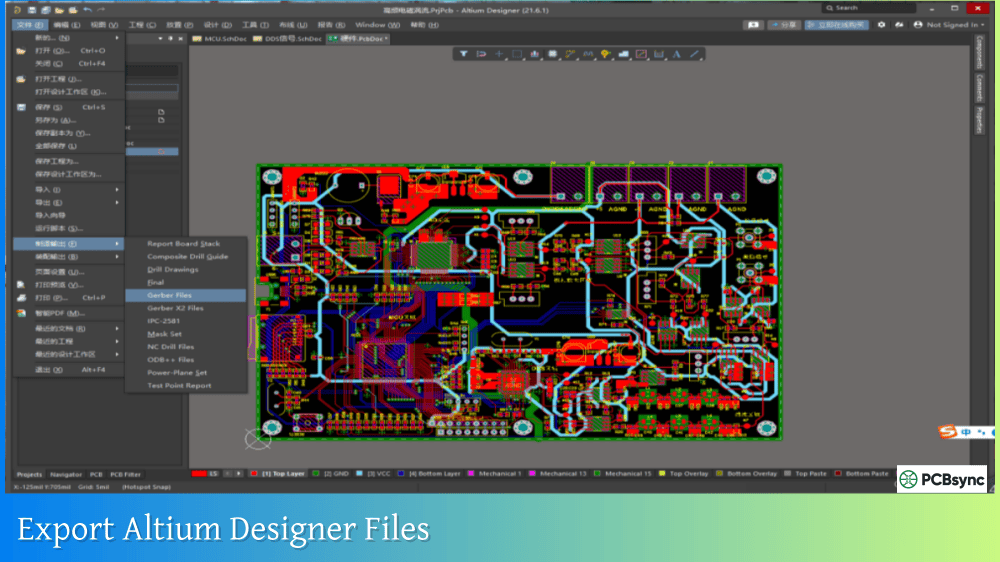
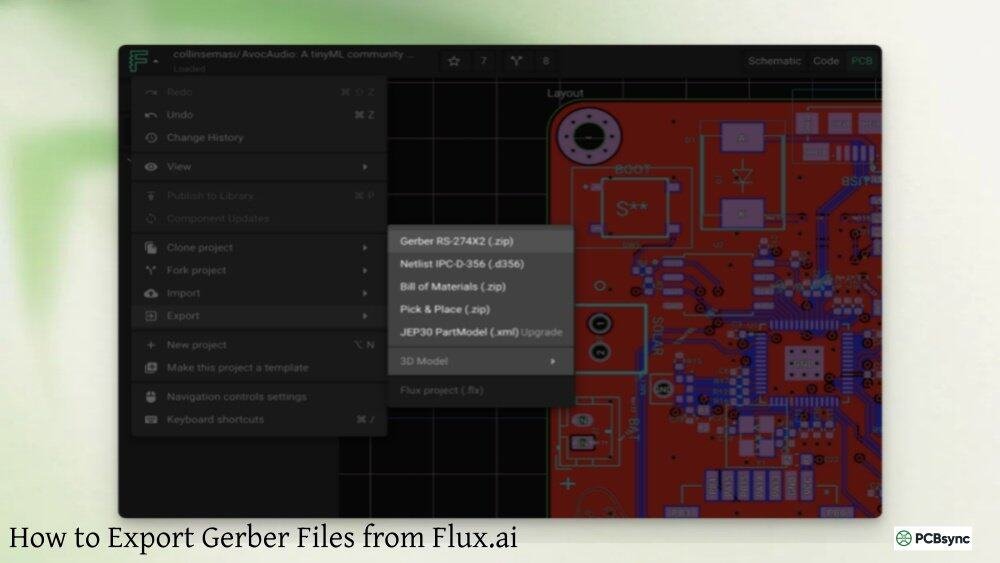
Notes: For PCB fabrication, we require PCB design file in Gerber RS-274X format (most preferred), *.PCB/DDB (Protel, inform your program version) format or *.BRD (Eagle) format. For PCB assembly, we require PCB design file in above mentioned format, drilling file and BOM. Click to download BOM template To avoid file missing, please include all files into one folder and compress it into .zip or .rar format.
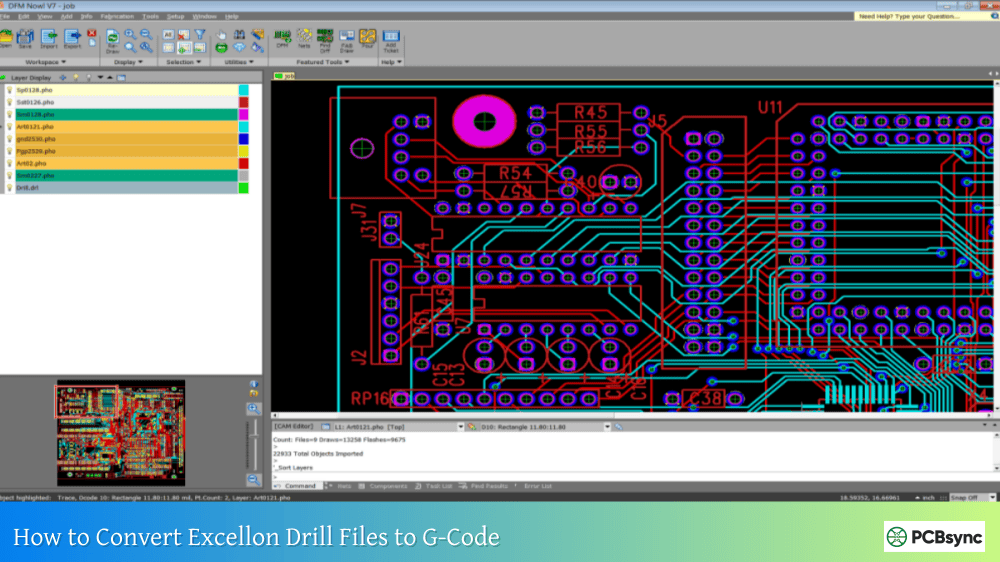
The Excellon drill file format remains the de facto industry standard for PCB drilling data despite being developed in the 1980s. Every PCB designer eventually encounters these files, yet many struggle to understand what the cryptic commands and coordinate strings actually mean. After years of debugging drill file issues across dozens of projects, I have found that understanding the format structure saves countless hours of troubleshooting alignment problems, missing holes, and manufacturer rejections.
This guide breaks down the Excellon format in practical terms that working engineers can apply immediately when reviewing, editing, or troubleshooting drill files.
Excellon format is a text-based file format designed to drive CNC drilling and routing machines. The format originated from Excellon Automation, which dominated the PCB drilling equipment market during the 1980s. Their proprietary format became so widely adopted that it evolved into an industry standard used by virtually every PCB design tool and manufacturer today.
The format is technically a subset of RS-274D, the same specification family that Gerber format derives from. This shared heritage explains why drill files and Gerber files work together seamlessly in most CAM software.
Why Excellon Format Persists
Advantage
Description
Universal Support
Works on almost any PCB drilling machine
Proven Reliability
Decades of refinement and widespread use
Simplicity
Plain text format readable by humans
Open Standard
No licensing fees or proprietary restrictions
Software Support
Generated by all major PCB design tools
Despite newer formats like IPC-2581 and ODB++ offering richer data, Excellon remains dominant because it does one job exceptionally well and enjoys universal equipment support.
Excellon File Structure Overview
An Excellon drill file consists of ASCII text organized into distinct sections. Understanding this structure makes reading and editing files straightforward.
Basic File Organization
Section
Purpose
Required
Header
Global parameters and metadata
Recommended
Tool Definitions
Drill bit sizes and assignments
Essential
Drilling Commands
Hole coordinates and operations
Essential
Footer
Program termination
Required
The file reads top to bottom, with each command on its own line. The drilling machine processes commands sequentially, executing each instruction in order.
Sample Excellon File
A minimal but complete Excellon file looks like this:
This file defines three tools, selects each tool in sequence, drills holes at specified coordinates, and terminates the program.
Header Section Commands
The header section begins with M48 and ends with either M95 or the percent sign (%). This section establishes global parameters that apply throughout the drilling operation.
Essential Header Commands
Command
Function
Example
M48
Start of header
M48
METRIC
Set metric units (mm)
METRIC
INCH
Set imperial units
INCH
M71
Set metric units (alternate)
M71
M72
Set imperial units (alternate)
M72
FMAT,1
Excellon Format 1 (drill only)
FMAT,1
FMAT,2
Excellon Format 2 (drill + route)
FMAT,2
M95
End of header
M95
%
End of header (alternate)
%
The unit declaration is critical because it affects how all subsequent coordinates are interpreted. Mismatched units between the header declaration and the actual coordinate data cause scaling errors by a factor of 25.4.
Zero Suppression Commands
Command
Meaning
Effect on Coordinates
LZ
Leading zeros
Leading zeros present, trailing suppressed
TZ
Trailing zeros
Trailing zeros present, leading suppressed
INCH,LZ
Inches with leading zeros
X001234 means X=1.234
METRIC,TZ
Metric with trailing zeros
X001234 means X=12.34
Zero suppression determines how the machine interprets coordinate values that lack explicit decimal points. This single setting causes more compatibility problems than any other aspect of the Excellon format.
Tool Definition Section
Tool definitions specify the drill bit diameters associated with each tool number. These definitions appear in the header section and must precede any drilling commands.
Tool Definition Syntax
The basic tool definition format is:
TnnCx.xxx
Where:
T indicates a tool definition
nn is the tool number (01-99)
C indicates diameter follows
x.xxx is the drill diameter in current units
Tool Definition Examples
Definition
Meaning
T01C0.80
Tool 1 = 0.80mm drill
T02C1.00
Tool 2 = 1.00mm drill
T03C0.0315
Tool 3 = 0.0315 inch (0.8mm) drill
T1C.04F300S55
Tool 1 = 0.04 inch, 300 IPM feed, 55000 RPM
Extended tool definitions may include feed rate (F) and spindle speed (S) parameters. These machine control parameters are important for CNC operators but do not affect the drill data itself.
Missing Tool Definitions Problem
Some older PCB design tools export drill files without embedded tool definitions:
M48T01F00S00T02F00S00T03F00S00%T01X01474Y02177
This file lacks the critical C parameter specifying drill diameters. Without tool sizes, manufacturers must guess or request additional information. Always verify your drill files include complete tool definitions before submitting for manufacturing.
Coordinate Format and Interpretation
Coordinate interpretation is the most confusing aspect of Excellon format. The format specification allows considerable flexibility, which creates ambiguity when reading files from different sources.
Coordinate Format Notation
Coordinate format is expressed as n:m where:
n = digits before decimal point (integer portion)
m = digits after decimal point (decimal portion)
Format
Units
Resolution
Max Value
2:3
Inches
0.001 inch
99.999 inches
2:4
Inches
0.0001 inch
99.9999 inches
2:5
Inches
0.00001 inch
99.99999 inches
3:3
Metric
0.001 mm
999.999 mm
4:2
Metric
0.01 mm
9999.99 mm
The 2:4 format is standard for inch units, while 3:3 is common for metric. Your PCB design software typically selects appropriate formats automatically.
Interpreting Coordinates with Zero Suppression
The interaction between coordinate format and zero suppression determines actual hole positions:
Raw Coordinate
Format
Zero Suppression
Actual Position
X1234Y5678
2:4
Leading (LZ)
X=0.1234, Y=0.5678
X1234Y5678
2:4
Trailing (TZ)
X=12.34, Y=56.78
X001234Y005678
2:4
None
X=0.1234, Y=0.5678
X123400Y567800
2:4
None
X=12.34, Y=56.78
The same raw coordinate string produces vastly different results depending on zero suppression settings. This ambiguity explains why Gerber viewers sometimes display drill holes in wrong positions.
Explicit Decimal Points
Modern Excellon files often include explicit decimal points, eliminating ambiguity:
X1.234Y5.678
When coordinates include decimal points, the values are interpreted literally regardless of zero suppression settings. This approach is more reliable but increases file size slightly.
Drilling Commands
After the header and tool definitions, the body section contains the actual drilling instructions.
Basic Drilling Operations
Command
Function
Tnn
Select tool number nn
XnnnYnnn
Drill hole at coordinates
G00XnnnYnnn
Rapid move to coordinates (no drill)
G05
Enable drill mode
M30
End of program
Tool selection (Tnn) tells the machine which drill bit to use. All subsequent XY coordinates use that tool until another tool selection appears.
Coordinate Commands
The most common command is simply XY coordinates without any prefix:
T01X5250Y3100X5250Y4100X6750Y3100
This sequence selects tool 1, then drills three holes at the specified locations. The machine assumes drill mode unless routing commands appear.
Routing Commands
Excellon Format 2 (FMAT,2) supports routing operations for creating slots and cutouts:
Two major Excellon format versions exist, reflecting the evolution of drilling equipment capabilities.
Format Comparison
Feature
Format 1 (FMAT,1)
Format 2 (FMAT,2)
Drilling
Supported
Supported
Routing
Not supported
Supported
Slot commands
Limited
Full G85 support
Arc interpolation
Not supported
G02/G03 supported
Typical use
Legacy systems
Modern systems
Format 1 handles drilling operations only and remains compatible with older equipment. Format 2 adds routing capabilities required for slot holes and complex board outlines.
Most modern PCB design software defaults to Format 2, but many manufacturers accept either format for simple drilling applications.
Common Excellon File Problems
Understanding common problems helps you identify and fix issues quickly.
Missing or Incomplete Headers
Problem
Symptom
Solution
No M48
Parser confusion
Add M48 at file start
No unit declaration
Scale errors
Add METRIC or INCH
No tool sizes
Unknown hole diameters
Add TnnCx.xxx definitions
No header terminator
Parser errors
Add % or M95
Files missing critical header information force manufacturers to guess parameters, introducing errors.
Zero Suppression Mismatches
When a viewer or CAM system interprets zero suppression differently than intended:
Symptom
Likely Cause
Holes clustered in corner
Wrong zero suppression
Holes scaled 10x or 0.1x
Unit mismatch
Holes offset from pads
Format digits wrong
Adjusting the viewer’s import settings usually resolves these display issues without modifying the actual file.
Tool Definition Errors
Error Type
Example
Problem
Missing diameter
T01F00S00
No C parameter
Wrong units
T01C0.80 with INCH
0.80 inch vs 0.80mm
Duplicate tools
T01C0.80 and T01C1.00
Conflicting definitions
Verifying Excellon Files
Always verify drill files before submitting for manufacturing.
Verification Methods
Method
Tools
What to Check
Visual overlay
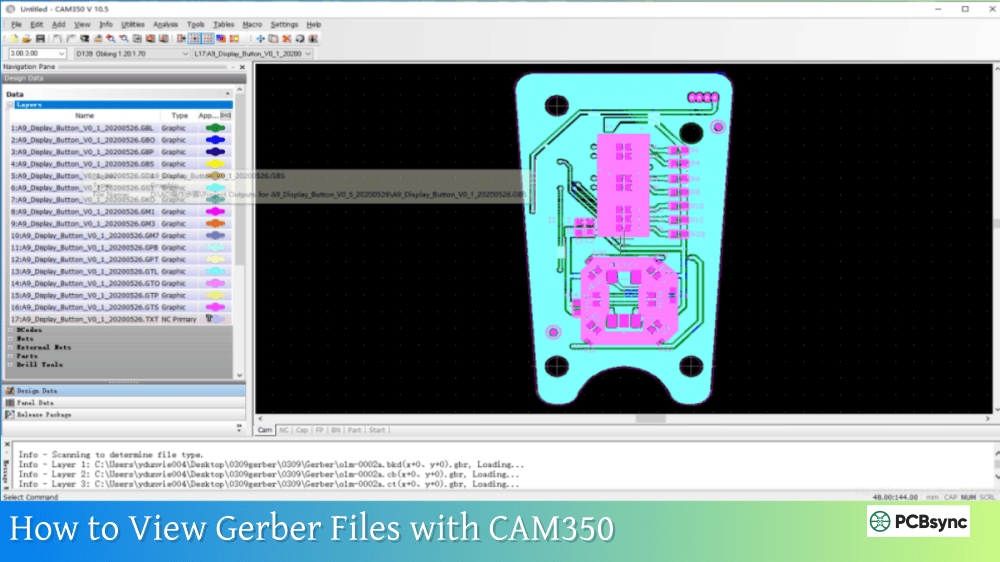
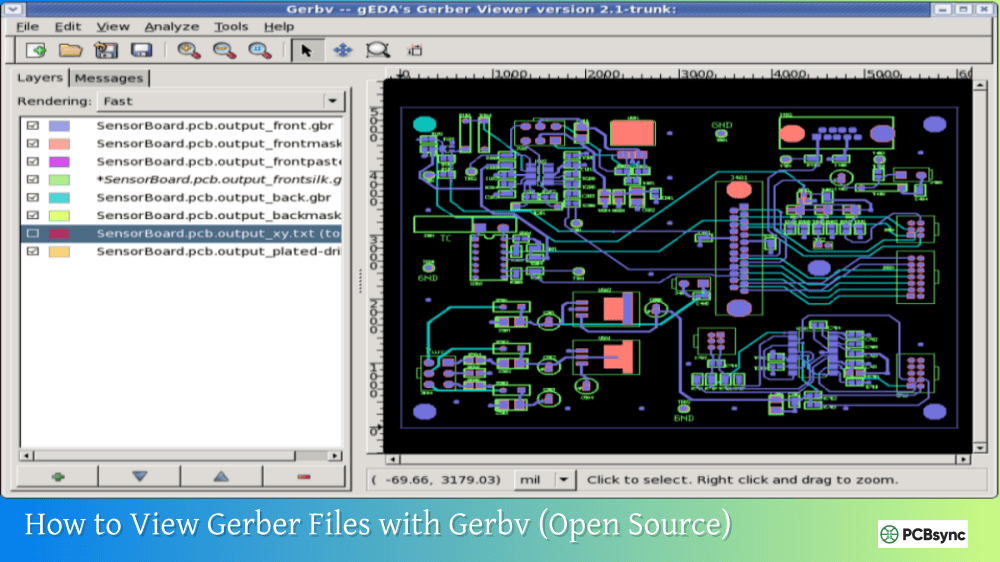
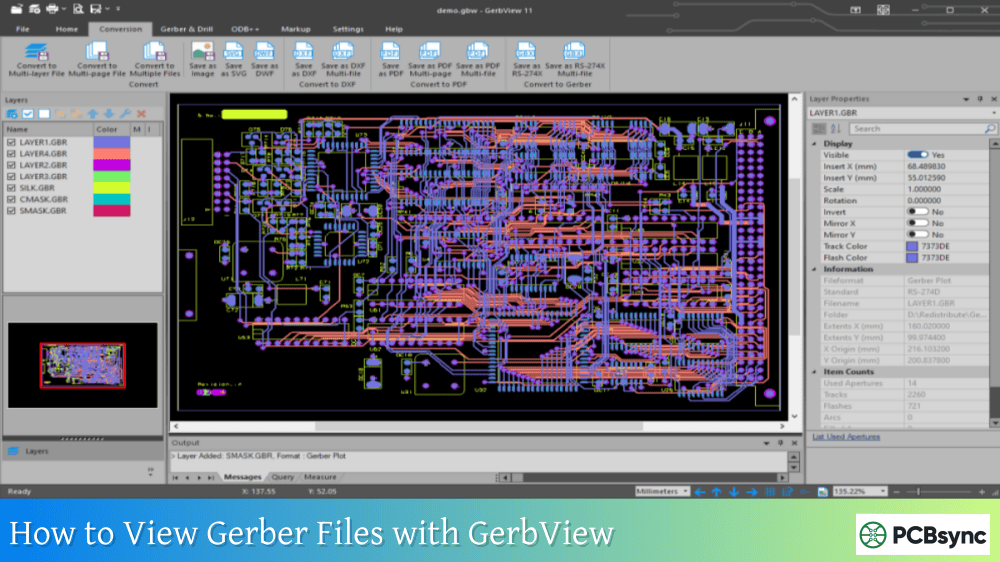
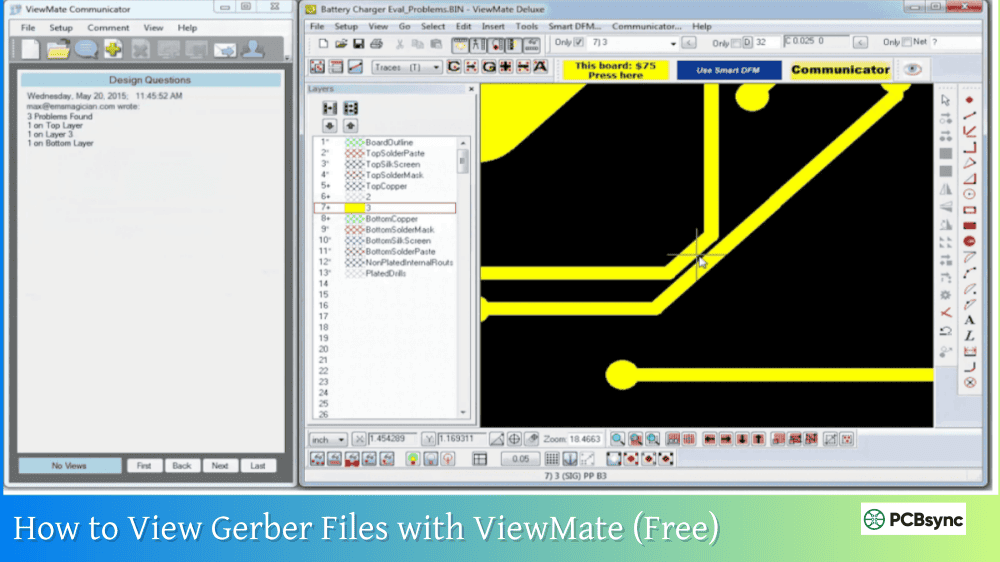
Gerbv, CAM350, ViewMate
Drill alignment with pads
Text inspection
Any text editor
Tool definitions present
Hole count
CAM software
Total matches design
Tool report
Gerber viewer
Sizes match requirements
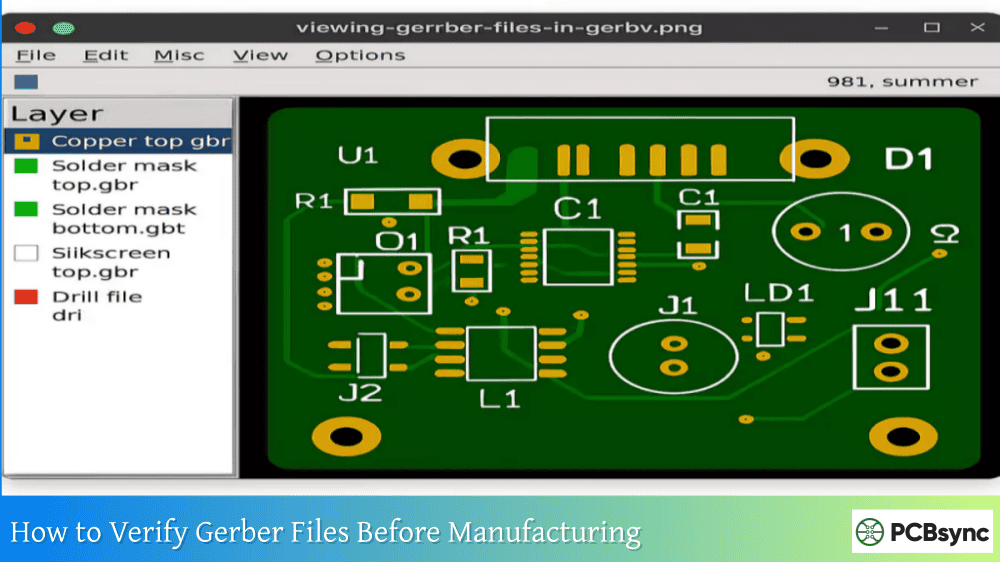
Opening the file in a text editor provides quick verification that essential elements exist. Visual overlay with copper layers confirms alignment.
Recommended Viewers
Viewer
Platform
Features
Gerbv
Cross-platform
Free, open source
FlatCAM
Cross-platform
CNC output capability
CAM350
Windows
Industry standard
ViewMate
Windows
Professional features
GerberLogix
Windows
Quick verification
Useful Resources
Specifications and Documentation
Resource
Description
XNC Specification (Ucamco)
Free, unambiguous subset specification
IPC-NC-349
Official IPC drill format standard
Wikipedia PCB NC Formats
Overview of NC format variants
Software Tools
Tool
URL
Purpose
Gerbv
gerbv.github.io
Free Gerber/drill viewer
FlatCAM
flatcam.org
CAD/CAM for CNC milling
Online Gerber Viewer
gerber-viewer.easyeda.com
Quick web-based verification
Manufacturer Guidelines
Manufacturer
Resource
JLCPCB
jlcpcb.com/help (drill file troubleshooting)
Eurocircuits
eurocircuits.com (format documentation)
PCB Prime
pcbprime.com/pcb-tips/drill-file
Frequently Asked Questions
What is the difference between Excellon 1 and Excellon 2 format?
Excellon 1 (FMAT,1) supports drilling operations only and was designed for early CNC drilling machines. Excellon 2 (FMAT,2) adds routing capabilities including linear interpolation, arc commands, and slot drilling. Format 2 enables creation of complex slots and cutouts that simple drilling cannot achieve. Most modern equipment supports both formats, but Format 2 is standard for new designs. If your file contains routing commands (G01, G02, G03, G85), you need Format 2 compatibility.
Why do my drill holes appear offset from the copper pads?
Offset drill holes typically result from zero suppression mismatch between the drill file settings and your viewer’s interpretation. If the file specifies leading zero suppression but the viewer assumes trailing zeros (or vice versa), coordinates are interpreted incorrectly. Check the file header for LZ or TZ declarations and configure your viewer to match. Also verify that both Gerber and drill files use the same unit system (INCH or METRIC) and coordinate format.
How do I add missing tool definitions to an Excellon file?
Open both the drill file and the tool report (if separate) in a text editor. For each tool, create a definition line in the format TnnCx.xxx where nn is the tool number and x.xxx is the diameter. Insert these definitions between M48 and the percent sign (%). Ensure the diameter units match the file’s unit declaration. For example, if the file uses METRIC, a 0.8mm drill becomes T01C0.80. Save the file and verify in a Gerber viewer.
What coordinate format should I use for manufacturing?
Most manufacturers accept either 2:4 format for inches or 3:3 format for metric units. These provide sufficient precision for standard PCB manufacturing. The 2:4 format offers 0.0001 inch (0.1 mil) resolution, while 3:3 provides 0.001mm resolution. Always match your drill file format to your Gerber file format to ensure alignment. When in doubt, check your manufacturer’s documentation or use explicit decimal points in coordinates to eliminate ambiguity.
Can I convert between Excellon and Gerber formats?
Yes, several CAM tools can convert Excellon drill files to Gerber format and vice versa. FlatCAM, CAM350, and various online converters support this conversion. However, conversion may lose some information since Gerber and Excellon serve different purposes. Gerber describes images while Excellon describes drilling operations. For manufacturing, keeping files in their native formats typically produces better results than conversion.
Best Practices for Reliable Drill Files
Following consistent practices prevents the most common problems.
During Design
Configure your PCB design software to embed complete tool definitions in the header. Enable explicit unit declarations (METRIC or INCH) rather than relying on defaults. Use coordinate formats appropriate for your board size and precision requirements.
During Export
Verify export settings match your manufacturer’s requirements before generating files. Export drill and Gerber files together using the same origin point and unit system. Include clear file naming that identifies the file contents.
Before Submission
Open drill files in a text editor to verify headers contain unit declarations and tool definitions. Load both Gerber and drill files in a viewer to confirm visual alignment. Count total holes and verify against your design. Package all files in a single archive for submission.
Understanding Excellon drill file format transforms mysterious manufacturing problems into straightforward debugging tasks. The format’s simplicity, once understood, makes it reliable and predictable across virtually any PCB manufacturing workflow.
Inquire: Call 0086-755-23203480, or reach out via the form below/your sales contact to discuss our design, manufacturing, and assembly capabilities.
Quote: Email your PCB files to Sales@pcbsync.com (Preferred for large files) or submit online. We will contact you promptly. Please ensure your email is correct.
Notes: For PCB fabrication, we require PCB design file in Gerber RS-274X format (most preferred), *.PCB/DDB (Protel, inform your program version) format or *.BRD (Eagle) format. For PCB assembly, we require PCB design file in above mentioned format, drilling file and BOM. Click to download BOM template To avoid file missing, please include all files into one folder and compress it into .zip or .rar format.