Inquire: Call 0086-755-23203480, or reach out via the form below/your sales contact to discuss our design, manufacturing, and assembly capabilities.
Quote: Email your PCB files to Sales@pcbsync.com (Preferred for large files) or submit online. We will contact you promptly. Please ensure your email is correct.
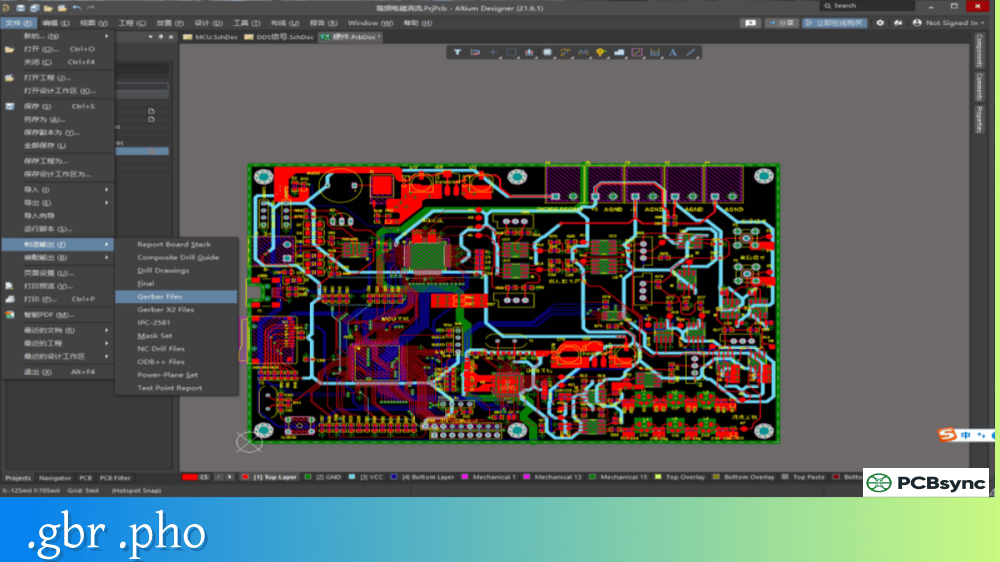
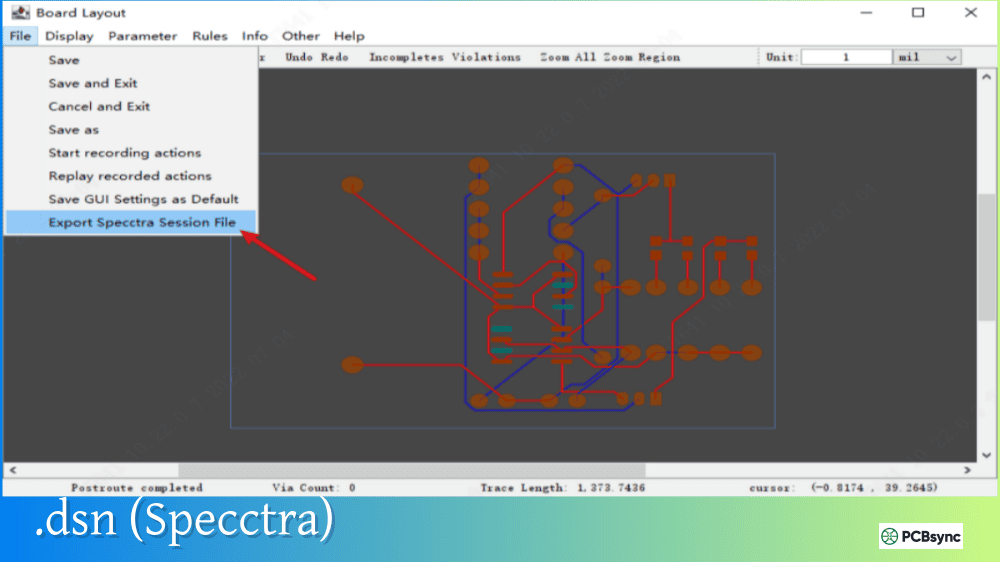
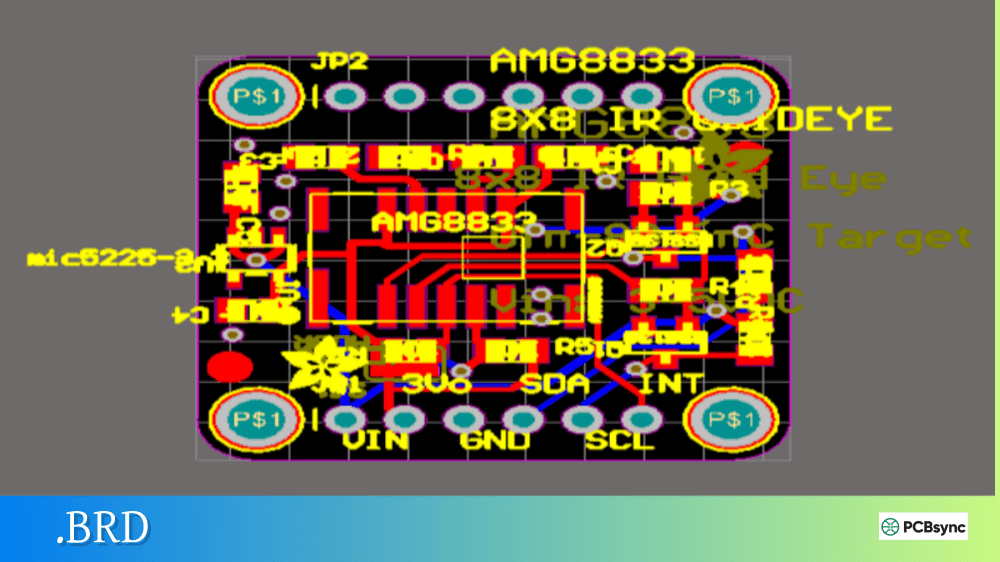
Notes: For PCB fabrication, we require PCB design file in Gerber RS-274X format (most preferred), *.PCB/DDB (Protel, inform your program version) format or *.BRD (Eagle) format. For PCB assembly, we require PCB design file in above mentioned format, drilling file and BOM. Click to download BOM template To avoid file missing, please include all files into one folder and compress it into .zip or .rar format.
What is PDF/A for PCB? Documentation Standards Guide
A few years ago, I had to retrieve fabrication drawings for a legacy product that was originally designed in 2008. The customer needed an exact reproduction of boards we hadn’t built in over a decade. When I opened the archived PDF files, half the fonts were missing, the layer information was scrambled, and several annotation symbols had been substituted with question marks. That experience taught me an expensive lesson about archival document formats—and why PDF/A matters for PCB documentation.
This guide explains what PDF/A is, how it applies to PCB design documentation, and why you should consider it for long-term archiving of your engineering files.
PDF/A is an ISO-standardized version of the Portable Document Format specifically designed for long-term archiving and preservation of electronic documents. The “A” stands for “Archival,” and the format ensures that documents remain accessible and visually identical decades into the future, regardless of which software or operating system opens them.
Published as ISO 19005, PDF/A differs from standard PDF by prohibiting features that could compromise long-term preservation. Encryption is forbidden because future systems might not support specific encryption algorithms. Font linking is replaced by mandatory font embedding so text renders correctly even if the original fonts aren’t installed. External dependencies like linked images or referenced files are eliminated—everything must be self-contained within the document.
For PCB engineers, PDF/A provides a reliable way to archive fabrication drawings, assembly documentation, schematics, and design specifications that must remain readable for product lifecycles spanning 10, 20, or even 50+ years.
PDF/A Versions and Conformance Levels
PDF/A has evolved through several versions, each adding capabilities while maintaining backward compatibility. Understanding these versions helps you choose the right one for your PCB documentation needs.
PDF/A Version Comparison
Version
ISO Standard
Based On
Key Features
PDF/A-1
ISO 19005-1:2005
PDF 1.4
Basic archival, embedded fonts, no encryption
PDF/A-2
ISO 19005-2:2011
PDF 1.7
JPEG 2000 compression, transparency, layers
PDF/A-3
ISO 19005-3:2012
PDF 1.7
Embed any file type (XML, CAD, spreadsheets)
PDF/A-4
ISO 19005-4:2020
PDF 2.0
Modern features, engineering variant (4e)
Conformance Levels Explained
Each PDF/A version supports multiple conformance levels that specify accessibility and feature requirements:
Level
Name
Requirements
Level A
Accessible
Full compliance including tagged structure for accessibility
Level B
Basic
Visual appearance preservation only
Level U
Unicode
Level B plus all text mapped to Unicode
For PCB documentation, Level B (basic) conformance is usually sufficient—you need the drawings to look correct, but accessibility tagging for screen readers isn’t typically required for engineering documents.
Why PDF/A Matters for PCB Documentation
PCB designs have surprisingly long lifecycles. Medical devices, aerospace systems, automotive electronics, and industrial equipment often remain in production for decades. When you need to manufacture replacement boards or troubleshoot field failures 15 years later, your documentation must still be readable.
Common Problems with Standard PDF Archives
Standard PDF files can fail in several ways that PDF/A prevents:
Missing Fonts: Regular PDFs can reference fonts without embedding them. When opened on a system without those fonts, text may substitute incorrectly or display as symbols. Engineering drawings often use specialized fonts for schematic symbols, reference designators, and dimension text—losing these makes documents unusable.
Broken Links: Standard PDFs can link to external files, images, or web resources. When those external resources disappear (and they will, eventually), the document loses information.
Encryption Obsolescence: Encrypted PDFs may become inaccessible if future software doesn’t support the encryption algorithm used when the file was created.
Color Space Issues: Without embedded color profiles, colors may render differently across systems and time periods. While less critical for black-and-white schematics, this matters for assembly drawings with color-coded information.
PCB Documents Suited for PDF/A Archiving
Document Type
PDF/A Benefit
Fabrication drawings
Dimensions, notes, and specifications preserved exactly
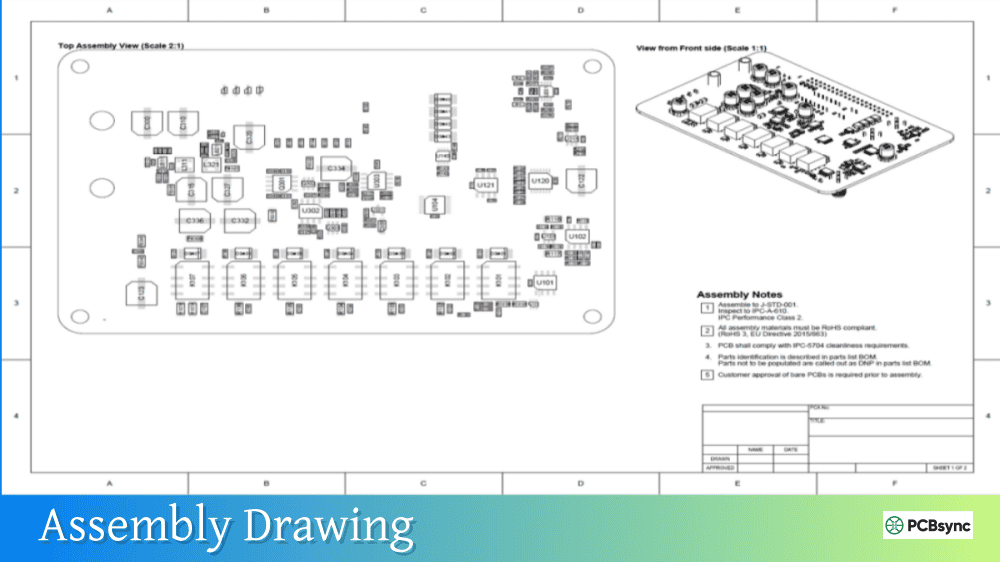
Assembly drawings
Component placement and polarity markings remain accurate
Schematics
Symbol libraries and text render correctly
Bill of materials
Tabular data and formatting maintained
Test procedures
Step-by-step instructions with embedded images
Design specifications
Technical requirements documented for future reference
ECO/revision history
Change documentation preserved for traceability
PDF/A-3 and PDF/A-4e for Engineering Documents
Two PDF/A variants deserve special attention for PCB documentation: PDF/A-3 and PDF/A-4e.
PDF/A-3: Embedding Source Files
PDF/A-3 allows embedding arbitrary file types within a PDF/A document. For PCB work, this means you can create a single archive file containing:
The viewable fabrication drawing (PDF/A content)
Original CAD source files as attachments
Gerber files for reference
BOM spreadsheets
Test data in CSV or XML format
This creates a complete documentation package in one self-contained file. The PDF viewer displays the human-readable drawing, while the embedded files preserve the original machine-readable data for future use.
PDF/A-4e: Engineering Conformance
PDF/A-4e (the “e” stands for engineering) is specifically designed for technical documentation. It supersedes the earlier PDF/E standard (ISO 24517) and adds support for:
3D model annotations
Rich media content
Interactive features appropriate for engineering review
Embedded files like PDF/A-3
For PCB documentation that includes 3D board renderings or interactive layer views, PDF/A-4e provides the appropriate archival format.
Creating PDF/A Files from PCB Design Software
Most PCB design tools can export PDF files, but not all support direct PDF/A output. Here’s how to create PDF/A-compliant documentation.
Software Export Capabilities
Design Tool
Native PDF/A
Method
Altium Designer
Yes
Draftsman output settings
Cadence Allegro
Via print driver
Use PDF/A printer driver
KiCad
No
Export PDF, convert with Acrobat
OrCAD
Via print driver
Use PDF/A printer driver
Eagle
No
Export PDF, convert with Acrobat
Mentor PADS
Via print driver
Use PDF/A printer driver
Conversion Methods
If your design tool doesn’t support native PDF/A export, you have several options:
Adobe Acrobat Pro: Open your PDF and use Tools > PDF Standards > Save as PDF/A. Select your desired conformance level and convert.
PDF Printer Drivers: Install a PDF/A-capable virtual printer (like PDFCreator or novaPDF) and print your drawings to PDF/A format directly.
Command-Line Tools: Ghostscript can convert PDF to PDF/A in batch processing workflows using the PDFA_def.ps configuration.
Online Converters: For occasional use, web-based converters work, though they’re not recommended for confidential designs.
Best Practices for PDF/A Creation
When generating PDF/A files for PCB documentation:
Embed All Fonts: Verify that all fonts used in your drawings are embedded, not referenced. This includes schematic symbol fonts, dimension text, and title block fonts.
Flatten Transparency: If your design uses transparency effects, flatten them before conversion to ensure compatibility with PDF/A-1.
Use Standard Color Spaces: Stick to sRGB or device-independent color profiles for consistent rendering.
Include Metadata: Add descriptive metadata (title, author, creation date, revision) to support document management.
Validate Compliance: Use a PDF/A validation tool to verify your output actually meets the standard. Files may fail validation due to subtle issues you won’t notice visually.
Validating PDF/A compliance catches problems before they become archive failures.
Validation Software Options
Tool
Type
Cost
Features
veraPDF
Open source
Free
Industry-standard validator
Adobe Acrobat Pro
Commercial
Subscription
Built-in preflight and validation
PDF-Tools
Commercial
License
Batch validation capability
PDFBox
Open source
Free
Java library for integration
3-Heights PDF Validator
Commercial
License
Enterprise validation
The veraPDF validator is particularly valuable because it’s the reference implementation used by many archives and institutions. If your file passes veraPDF validation, you can be confident it meets the standard.
Useful Resources for PDF/A
Standards Documentation
Resource
Description
ISO 19005 Series
Official PDF/A standards (purchase required)
PDF Association
Technical working group and guidelines
Library of Congress
Format description and preservation guidance
NARA Format Guidance
US National Archives recommendations
Software and Tools
Tool
Purpose
Link
veraPDF
Open-source PDF/A validator
verapdf.org
PDFCreator
Free PDF/A printer driver
pdfforge.org
Ghostscript
Command-line PDF processing
ghostscript.com
Apache PDFBox
Java PDF library
pdfbox.apache.org
Apryse (PDFTron)
Commercial PDF/A SDK
apryse.com
Learning Resources
Resource
Type
PDF Association website
Technical notes and best practices
Adobe PDF/A documentation
Creation guides and specifications
AIIM PDF standards information
Industry guidance and white papers
Frequently Asked Questions About PDF/A for PCB
What’s the difference between PDF/A and PDF/E for engineering documents?
PDF/E (ISO 24517) was specifically designed for engineering document exchange, supporting features like 3D models and interactive annotations. PDF/A was designed for archival preservation. With PDF/A-4e, the distinction has largely merged—PDF/A-4e provides both archival compliance and engineering document features. For new archives, PDF/A-4e is the recommended format for technical documentation. For simpler 2D drawings without 3D content, PDF/A-2b works well.
Should I archive Gerber files or PDF/A fabrication drawings?
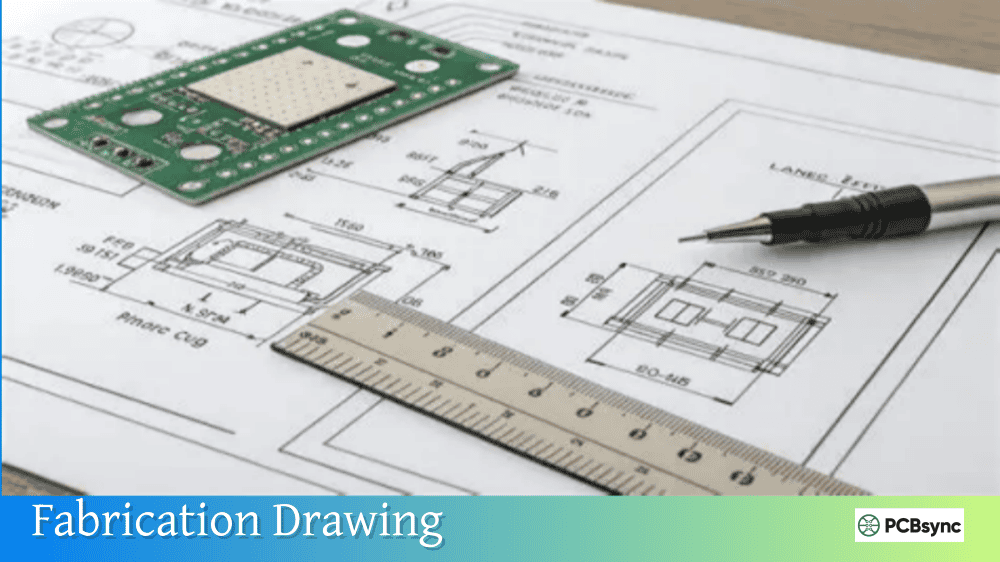
Both serve different purposes. Gerber files are machine-readable manufacturing data—essential for reproducing the board. PDF/A fabrication drawings are human-readable documentation showing dimensions, tolerances, notes, and specifications. For complete archives, include both: Gerber/ODB++ for manufacturing and PDF/A for documentation. PDF/A-3 allows embedding Gerber files within the PDF/A document, creating a single comprehensive archive package.
Can I convert old PDF files to PDF/A for archiving?
Yes, but with caveats. Converting standard PDF to PDF/A works if the original PDF has all necessary elements (embedded fonts, no external dependencies). However, if the original PDF has missing fonts or broken links, conversion won’t magically fix those problems—you’ll get a PDF/A file with the same defects. Always validate converted files and visually inspect them for issues. The best approach is creating PDF/A from the source design files when possible.
How long will PDF/A remain a valid archive format?
PDF/A is designed for indefinite preservation and has strong institutional backing. ISO actively maintains the standard, major governments and archives require it, and backward compatibility is a core design principle. New PDF/A versions (like PDF/A-4) don’t obsolete older versions—PDF/A-1 files created in 2005 remain valid today. While no one can guarantee any format’s eternal survival, PDF/A has the strongest long-term prospects of any document format currently available.
Do PCB manufacturers accept PDF/A files instead of standard PDF?
Manufacturers use Gerber files, ODB++, or IPC-2581 for actual fabrication—not PDF of any type. PDF and PDF/A serve as supporting documentation (fab drawings, assembly drawings, specifications). Manufacturers will accept PDF/A wherever they accept standard PDF. Some actually prefer PDF/A because it guarantees consistent rendering across their document management systems. There’s no disadvantage to submitting PDF/A documentation to manufacturers.
Conclusion
PDF/A provides a robust solution for archiving PCB documentation that must remain accessible across product lifecycles measured in decades. By embedding fonts, eliminating external dependencies, and following ISO standardization, PDF/A ensures your fabrication drawings, schematics, and specifications will render correctly far into the future.
For most PCB documentation, PDF/A-2b offers an excellent balance of features and compatibility. If you need to embed source files or manufacturing data, PDF/A-3 allows arbitrary attachments. For documentation including 3D renderings or interactive content, PDF/A-4e provides the engineering-specific features you need.
The extra effort to create PDF/A instead of standard PDF is minimal, but the long-term preservation benefits are substantial. When that customer calls in 2040 asking about a board you designed today, you’ll be glad your documentation still opens correctly.
Inquire: Call 0086-755-23203480, or reach out via the form below/your sales contact to discuss our design, manufacturing, and assembly capabilities.
Quote: Email your PCB files to Sales@pcbsync.com (Preferred for large files) or submit online. We will contact you promptly. Please ensure your email is correct.
Notes: For PCB fabrication, we require PCB design file in Gerber RS-274X format (most preferred), *.PCB/DDB (Protel, inform your program version) format or *.BRD (Eagle) format. For PCB assembly, we require PCB design file in above mentioned format, drilling file and BOM. Click to download BOM template To avoid file missing, please include all files into one folder and compress it into .zip or .rar format.