Inquire: Call 0086-755-23203480, or reach out via the form below/your sales contact to discuss our design, manufacturing, and assembly capabilities.
Quote: Email your PCB files to Sales@pcbsync.com (Preferred for large files) or submit online. We will contact you promptly. Please ensure your email is correct.
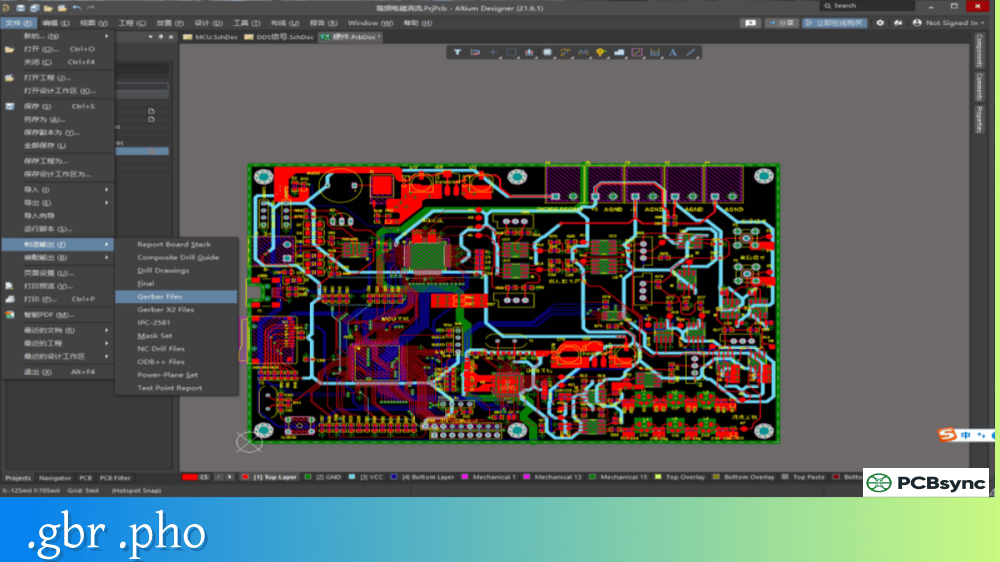
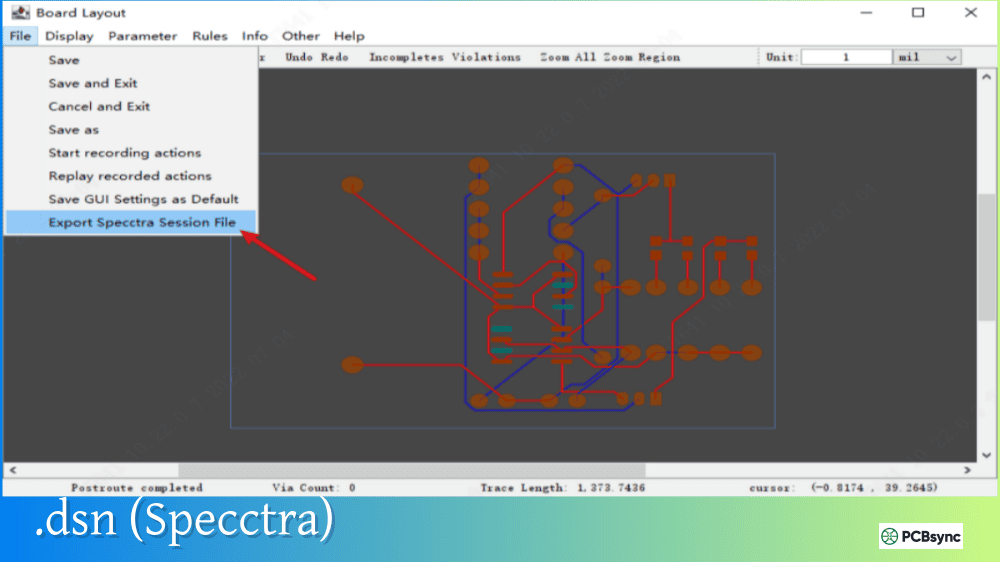
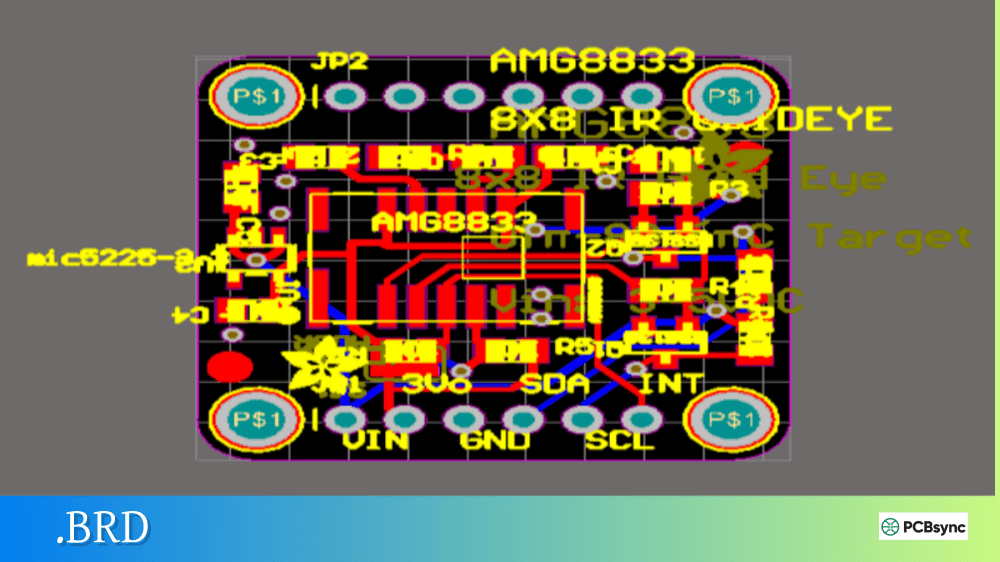
Notes: For PCB fabrication, we require PCB design file in Gerber RS-274X format (most preferred), *.PCB/DDB (Protel, inform your program version) format or *.BRD (Eagle) format. For PCB assembly, we require PCB design file in above mentioned format, drilling file and BOM. Click to download BOM template To avoid file missing, please include all files into one folder and compress it into .zip or .rar format.
Back when I started in PCB design, pen plotters were still common in many engineering departments. I remember feeding large sheets of vellum through an HP plotter and watching the pen carriage dance across the paper, drawing component outlines and board borders with mechanical precision. The language driving that plotter was HPGL, and while pen plotters have largely disappeared from modern production floors, HPGL files remain surprisingly relevant in PCB manufacturing—especially for CNC milling and certain legacy workflows.
This guide explains what HPGL is, how it works, and where you might encounter it in PCB design and fabrication.
HPGL, short for Hewlett-Packard Graphics Language, is a printer control language originally developed by HP for controlling pen plotters. Introduced in 1977 with the HP-9872 plotter, HPGL became the de facto standard for vector plotting across virtually all plotter manufacturers.
The language consists of simple two-letter mnemonic commands followed by optional parameters. These commands instruct the plotter to perform actions like raising the pen, lowering the pen, moving to specific coordinates, and drawing arcs or circles. Because HPGL files are plain ASCII text, you can open them in any text editor to inspect or modify the plotting instructions directly.
HPGL’s simplicity made it universally supported. Nearly every CAD program from the 1980s onward could export HPGL files, and this ubiquity kept the format alive long after pen plotters became obsolete. Today, HPGL finds application in CNC milling machines, laser engravers, vinyl cutters, and certain PCB isolation routing systems.
HPGL vs. HP-GL/2: Understanding the Versions
HP released an updated version called HP-GL/2 (often written as HPGL/2) to address limitations in the original specification.
The original HPGL couldn’t specify line width because physical pen thickness determined the line weight. When inkjet and laser plotters emerged, this limitation became problematic. HPGL/2 introduced programmable line width, polygon fills, and a binary format option for faster transmission and smaller file sizes.
For PCB applications, both versions remain in use depending on the target equipment and software capabilities.
HPGL File Structure and Commands
HPGL files follow a straightforward structure: initialization commands, followed by plotting commands, followed by termination. The ASCII format makes these files human-readable—a significant advantage for debugging and manual editing.
Common HPGL Commands
Command
Name
Function
IN
Initialize
Resets plotter to default state
SP
Select Pen
Chooses pen number (1-8 typically)
PU
Pen Up
Raises pen, optionally moves to coordinates
PD
Pen Down
Lowers pen, optionally moves while drawing
PA
Plot Absolute
Moves to absolute coordinates
PR
Plot Relative
Moves relative to current position
CI
Circle
Draws circle with specified radius
AA
Arc Absolute
Draws arc at absolute coordinates
AR
Arc Relative
Draws arc relative to current position
LT
Line Type
Sets line pattern (solid, dashed, etc.)
VS
Velocity Select
Sets pen speed
SC
Scale
Sets user coordinate scaling
Sample HPGL File Structure
A simple HPGL file drawing a square might look like this:
Subsequent PD commands continue drawing the square
PU; raises pen after drawing
SP0; returns pen to holder
HPGL Coordinate System
HPGL uses a coordinate system measured in “plotter units” (plu). The standard resolution is:
40 plotter units per millimeter
1016 plotter units per inch
Minimum resolution of 25 µm (0.025 mm)
This resolution is adequate for most mechanical plotting but falls short of modern PCB fabrication requirements. Gerber RS-274X, by comparison, typically uses resolutions of 2.4 or 2.5 format (0.0001 inch or 0.00001 inch precision).
HPGL in PCB Design Applications
While Gerber files dominate PCB fabrication, HPGL serves specific purposes in the PCB design workflow.
CNC Milling and Isolation Routing
One of the most common modern uses for HPGL in PCB work is driving CNC milling machines for prototype board production. Programs like Sprint-Layout export HPGL files (.plt) that contain:
Isolation routing paths
Drilling coordinates
Board outline cuts
The CNC controller interprets HPGL pen-up/pen-down commands as tool-up/tool-down motions, making the format surprisingly well-suited for routing operations. Some users convert HPGL to G-code for more advanced CNC machines, but many desktop PCB mills accept HPGL directly.
PCB Software Export Capabilities
Design Tool
HPGL Export
Notes
KiCad
Yes
File > Plot > HPGL format
Eagle
Via ULP scripts
User Language Programs available
Altium Designer
Yes
Fabrication Outputs menu
Sprint-Layout
Yes
Primary format for isolation milling
OrCAD
Yes
Plot to HPGL driver
Protel
Yes
Legacy support
Easy-PC
Yes
Output menu option
Schematic Documentation
Some design tools export schematics to HPGL for archival or plotting purposes. KiCad, for example, includes an HPGL export option for schematic sheets through its command-line interface. This creates plotter-ready documentation that can be printed on large-format plotters or converted to other vector formats.
Legacy Manufacturing Systems
Older manufacturing equipment—particularly automated test fixtures and legacy CAM systems—may still require HPGL input. Companies with long product lifecycles sometimes maintain HPGL workflows because replacing validated equipment isn’t cost-effective.
HPGL Compared to Other PCB File Formats
Understanding where HPGL fits among PCB file formats helps you choose the right output for your application.
PCB File Format Comparison
Format
Type
Primary Use
Intelligence Level
HPGL
Vector plotting
CNC milling, documentation
Low (graphics only)
Gerber RS-274X
Photoplotting
PCB fabrication
Low-Medium
Gerber X2
Photoplotting
PCB fabrication
Medium (attributes)
Excellon
NC drill
Hole drilling
Low
ODB++
Manufacturing database
Complete fabrication
High
IPC-2581
Manufacturing database
Complete fabrication
High
HPGL is what engineers call a “dumb” format—it contains only graphical instructions without electrical intelligence. Unlike Gerber files (which at least define aperture shapes), HPGL simply describes pen movements. There’s no netlist information, no layer definition beyond pen selection, and no component data.
This limitation is fine for plotting documentation or driving simple CNC operations, but it makes HPGL unsuitable for modern PCB fabrication where intelligent data exchange prevents manufacturing errors.
Working with HPGL Files
Viewing HPGL Files
Several tools can open and display HPGL files:
Tool
Platform
Cost
Features
HPGL Viewer
Windows
Free
View, rotate, convert to image formats
GC-Prevue
Windows
Free
PCB file viewer including HPGL
XnView
Cross-platform
Free
Multi-format viewer
ABViewer
Windows
Commercial
Full editing capabilities
CorelDRAW
Windows/Mac
Commercial
Import and edit as vectors
Inkscape
Cross-platform
Free
Import via extensions
Converting HPGL to Other Formats
Common conversion scenarios include:
HPGL to G-code: For CNC machines that don’t accept HPGL directly, converters translate pen commands to tool movement instructions. Tools like HPGL-to-GCODE handle basic conversion.
HPGL to PDF/Image: HPGL viewers typically offer export to PDF, PNG, JPEG, or other standard formats for documentation purposes.
HPGL to DXF: CAD programs can often import HPGL and export to DXF for further editing or integration with mechanical designs.
When exporting HPGL from your PCB design tool, consider these settings:
Coordinate Origin: Establish whether your origin is at the board corner or center. Mismatched origins cause alignment problems on CNC machines.
Scale Factor: HPGL uses 1016 units per inch by default. Verify your export settings match your target equipment’s expectations.
Pen Selection: Map your PCB layers to specific pen numbers if you’re plotting multiple layers or need different line weights.
Mirror Option: For bottom-side artwork, you may need to mirror the output depending on your manufacturing process.
Useful Resources for HPGL
Software Tools
Tool
Purpose
Link
HPGL Viewer
Free file viewer
hpglviewer.com
hp2xx
HPGL converter (Linux/Unix)
GNU project
Chiplotle
Python HPGL library
Columbia University
GC-Prevue
PCB file viewer
graphicode.com
Inkscape
Vector editing with HPGL import
inkscape.org
Documentation and References
Resource
Description
HP-GL/2 Reference Guide
Official HP documentation
Wikipedia HP-GL Article
Format history and command reference
FileFormat.com HPGL
Technical format specification
PTC IsoDraw Help
HPGL import/export documentation
Online Converters
CloudConvert: Converts HPGL to various formats online
Convertio: Browser-based HPGL conversion
AnyConv: Free HPGL file converter
Frequently Asked Questions About HPGL
Can HPGL files be used for professional PCB fabrication?
Not for modern fabrication. Professional PCB manufacturers require Gerber RS-274X or intelligent formats like ODB++ or IPC-2581. HPGL lacks the precision, layer information, and aperture definitions needed for photolithographic imaging. However, HPGL works well for prototype isolation milling on CNC machines, documentation plotting, and driving legacy equipment.
What’s the difference between .plt and .hpgl file extensions?
Both extensions indicate HPGL files—they’re functionally identical. The .plt extension (for “plot”) is more common in CAD applications, while .hpgl is sometimes used for clarity. Some systems also use .hp, .hpg, or .hgl. The file contents and structure are the same regardless of extension.
Why do some CNC milling programs prefer HPGL over G-code?
HPGL’s pen-up/pen-down logic maps naturally to tool-up/tool-down operations in milling. The format is simpler than G-code, with fewer commands to implement. For 2D routing operations where you’re essentially “drawing” isolation channels, HPGL provides everything needed without G-code’s complexity. Many hobbyist and semi-professional PCB mills were designed around HPGL input from the start.
How do I view an HPGL file to verify it before milling?
The free HPGL Viewer application handles most HPGL files and lets you zoom, rotate, and inspect the plot before sending it to your machine. GC-Prevue is another free option that’s particularly good for PCB-related files. For quick checks, you can open the ASCII file in a text editor and review the coordinates, though visual verification is more practical for complex plots.
Is HPGL still being developed or updated?
No, HPGL development effectively ended with HP-GL/2 in the 1990s. HP has moved on to other printing technologies and formats. However, the format’s simplicity and universal support mean it continues serving niche applications where pen-plotter-style output makes sense. The specification is stable and well-documented, which actually helps long-term compatibility.
Conclusion
HPGL may seem like a relic from the pen-plotter era, but its simplicity keeps it useful for specific PCB applications. Whether you’re milling prototype boards on a desktop CNC, plotting large-format documentation, or interfacing with legacy manufacturing equipment, understanding HPGL helps you work effectively with these systems.
For modern PCB fabrication, stick with Gerber RS-274X or intelligent formats like ODB++ and IPC-2581. But when you need to drive a CNC mill, create plotter documentation, or convert files for legacy systems, HPGL remains a practical format that every PCB designer should understand.
The next time you see a .plt file in your output directory, you’ll know exactly what you’re dealing with—and how to use it.
Inquire: Call 0086-755-23203480, or reach out via the form below/your sales contact to discuss our design, manufacturing, and assembly capabilities.
Quote: Email your PCB files to Sales@pcbsync.com (Preferred for large files) or submit online. We will contact you promptly. Please ensure your email is correct.
Notes: For PCB fabrication, we require PCB design file in Gerber RS-274X format (most preferred), *.PCB/DDB (Protel, inform your program version) format or *.BRD (Eagle) format. For PCB assembly, we require PCB design file in above mentioned format, drilling file and BOM. Click to download BOM template To avoid file missing, please include all files into one folder and compress it into .zip or .rar format.