Inquire: Call 0086-755-23203480, or reach out via the form below/your sales contact to discuss our design, manufacturing, and assembly capabilities.
Quote: Email your PCB files to Sales@pcbsync.com (Preferred for large files) or submit online. We will contact you promptly. Please ensure your email is correct.
Notes: For PCB fabrication, we require PCB design file in Gerber RS-274X format (most preferred), *.PCB/DDB (Protel, inform your program version) format or *.BRD (Eagle) format. For PCB assembly, we require PCB design file in above mentioned format, drilling file and BOM. Click to download BOM template To avoid file missing, please include all files into one folder and compress it into .zip or .rar format.
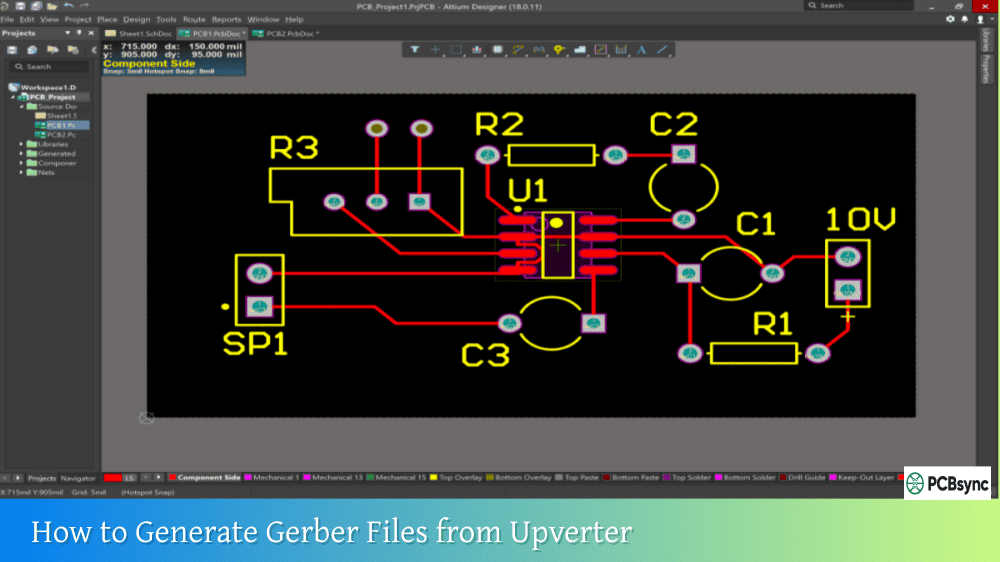
How to Generate Gerber Files from Upverter: Complete Manufacturing Guide
When Altium acquired Upverter back in 2017, they brought browser-based PCB design into their professional ecosystem. Having used Upverter on several collaborative projects, I can tell you that its cloud-native approach to electronic design makes generating manufacturing files remarkably straightforward. You don’t need to install anything, sync libraries, or worry about version conflicts between team members.
Upverter is a web-based electronic design automation platform that runs entirely in your browser. You can create schematics, lay out PCBs, collaborate with team members in real-time, and most importantly for this guide, generate all the manufacturing files you need to get your boards fabricated. The platform exports industry-standard RS-274X Gerber files that any PCB manufacturer will accept.
Understanding Upverter as a Browser-Based EDA Platform
Before we dive into the Gerber generation process, it’s worth understanding what makes Upverter different from traditional desktop EDA tools. This context helps explain why the export process works the way it does.
Upverter started in 2011 through Y Combinator’s startup program, with a focus on making PCB design accessible and collaborative. The platform was designed from the ground up as a cloud application, meaning your designs are stored online and accessible from any computer with a web browser. By August 2014, the platform had over 20,000 registered users, and SparkFun Electronics had already released their open-source design library on the platform.
Key Upverter Features for PCB Manufacturing
Feature
Description
Manufacturing Benefit
Browser-Based Design
No software installation required
Access designs from anywhere
Real-Time Collaboration
Multiple users can work simultaneously
Faster design reviews
Verified Parts Library
Pre-verified component footprints
Reduced footprint errors
RS-274X Gerber Export
Industry-standard format
Universal manufacturer compatibility
Excellon Drill Files
Standard drill format
Works with all fabricators
BOM Generation
Bill of materials export
Complete procurement data
Pick & Place Files
Assembly position data
SMT assembly support
3D STEP Export
Mechanical CAD models
Enclosure design integration
What Are Gerber Files and Why Are They Essential?
Gerber files serve as the universal language between PCB designers and manufacturers. Developed originally by Gerber Scientific Instrument Company in the 1960s, these files contain precise 2D vector data describing each layer of your circuit board.
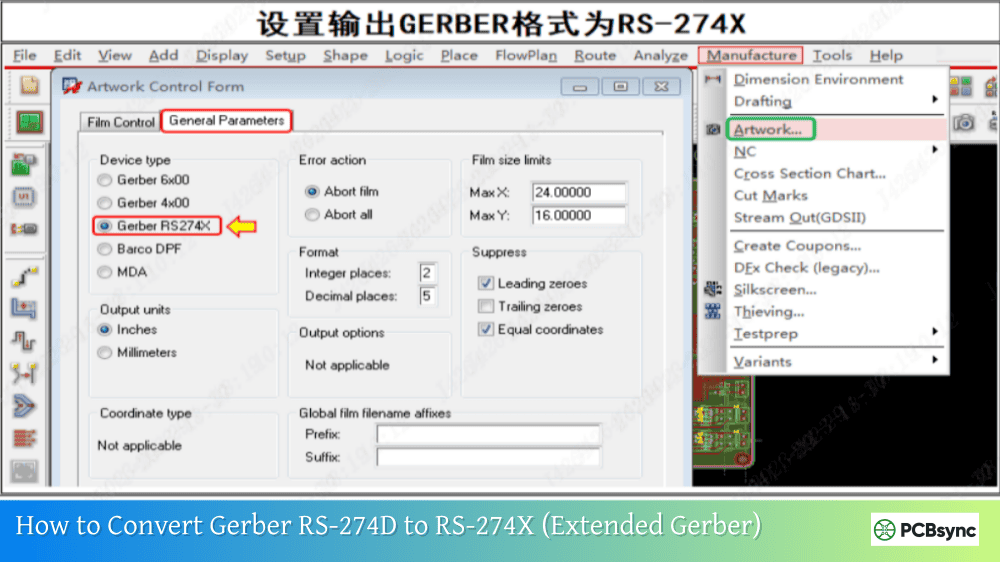
When you generate Gerber files from Upverter, the software produces RS-274X format files, also known as Extended Gerber. This modern format includes all aperture definitions within each file, making them self-contained and eliminating the compatibility issues that plagued older Gerber formats like RS-274D.
Manufacturing Files Generated by Upverter
A complete manufacturing package from Upverter includes several file types:
File Type
Format
Purpose
Top Copper Layer
RS-274X Gerber
Component side traces and pads
Bottom Copper Layer
RS-274X Gerber
Solder side traces and pads
Top Solder Mask
RS-274X Gerber
Mask openings on component side
Bottom Solder Mask
RS-274X Gerber
Mask openings on solder side
Top Silkscreen
RS-274X Gerber
Component labels and markings
Bottom Silkscreen
RS-274X Gerber
Bottom side markings
Board Outline
RS-274X Gerber
Physical board dimensions
Drill File
Excellon (.xln)
Hole locations and sizes
Inner Copper Layers
RS-274X Gerber
For multilayer boards
Paste Mask
RS-274X Gerber
Stencil openings for SMT
Preparing Your Upverter Design for Gerber Export
Getting clean manufacturing output starts with proper design preparation. In Upverter’s browser-based environment, several steps ensure your design is ready for fabrication.
Running Design Rule Checks
Before generating any manufacturing files, verify your design meets fabrication requirements. Upverter includes design rule checking that validates trace widths, clearances, drill sizes, and other critical parameters against your specified constraints.
To configure design rules in Upverter, access the constraint settings where you can define:
Rule Type
What It Controls
Trace Width
Minimum conductor width
Clearance
Spacing between copper objects
Drill Size
Minimum hole diameters
Annular Ring
Pad-to-hole ratios
Via Size
Via dimensions and drill
Setting Units and Board Parameters
Upverter allows you to work in either metric (millimeters) or imperial (inches) units. Before exporting, verify your unit settings match your manufacturer’s expectations. Most manufacturers accept either system, but consistency helps prevent errors.
To change units in Upverter, click on the units indicator (typically showing “mm” or “in”) and select your preferred measurement system. Ensure you save this setting before proceeding with export.
Completing Your PCB Layout
Your layout must be complete before generating manufacturing files. This includes:
All components placed within the board outline, all traces routed with no remaining ratsnest connections, copper pours defined and filled, silkscreen elements positioned correctly (not overlapping pads), and board outline properly defined on the mechanical details layer.
Step-by-Step Guide to Generate Gerber Files from Upverter
Now let’s walk through the actual process of generating Gerber files from Upverter. The workflow is designed to be straightforward, with all export options accessible from the project interface.
Step 1: Open Your Project in Upverter
Log into Upverter through your web browser at upverter.com. Navigate to your project and ensure you’re viewing the completed PCB layout. Verify that all design elements are finalized, as the exported files will reflect exactly what’s shown in the editor.
Step 2: Access the Export Files Menu
From the PCB Layout screen, click on “Project” in the top menu bar. This opens a dropdown menu with various project options. Look for “Export Files” which contains all the manufacturing output options.
Alternatively, you can access export options from the project page itself. Below the main project view, you’ll find a downloads section with options for various file formats.
Step 3: Select Gerber Format (RS-274X Extended)
Under the Export Design Data section, click on “Gerber Format (RS-274X Extended)”. This is the industry-standard format that virtually all PCB manufacturers accept.
Upverter generates a ZIP file containing all necessary Gerber files in one download. The ZIP archive includes copper layers, solder mask layers, silkscreen layers, board outline, and drill files.
Step 4: Download the Gerber Package
Click the export button to generate and download your Gerber files. Upverter will process your design and create a compressed ZIP archive. The download should begin automatically once processing is complete.
The generated ZIP file contains everything your manufacturer needs, including the drill file. The naming convention Upverter uses is compatible with most automated ordering systems.
Step 5: Verify Downloaded Files
After downloading, extract the ZIP file and verify all expected files are present. A typical two-layer board should include files for top copper, bottom copper, top solder mask, bottom solder mask, top silkscreen, bottom silkscreen, board outline, and drill data.
Upverter exports Gerber files with a specific naming scheme designed to work with automated systems at PCB manufacturers. Understanding this convention helps when troubleshooting or when a manufacturer requests specific files.
Typical Upverter Gerber File Names
File Extension
Layer Description
.gtl
Top Copper Layer
.gbl
Bottom Copper Layer
.gts
Top Solder Mask
.gbs
Bottom Solder Mask
.gto
Top Silkscreen
.gbo
Bottom Silkscreen
.gko
Board Outline
.xln
Drill File (Excellon)
.gtp
Top Paste Mask
.gbp
Bottom Paste Mask
This naming scheme follows the Protel/Altium convention, which makes sense given Altium’s ownership of Upverter. Most manufacturers recognize these extensions automatically.
Read more How to convert PCB Files in different Design software:
One common issue when working with Upverter Gerber files involves the drill file format. Upverter exports drill files with a .xln extension (Excellon format), but some manufacturers expect different extensions.
Drill File Compatibility
Some fabrication services, particularly Seeed Studio’s Fusion PCB service, expect drill files to have a .txt extension rather than .xln. If your manufacturer reports missing drill data, try renaming the .xln file to .txt before uploading.
The steps to fix this:
Extract the ZIP file downloaded from Upverter. Locate the drill file (ending in .xln). Rename the file, changing the extension from .xln to .txt. Recompress all files into a new ZIP archive. Upload the modified archive to your manufacturer.
The file contents remain identical; only the extension changes to match the manufacturer’s expected format.
Exporting Additional Manufacturing Files from Upverter
Beyond Gerber files, Upverter provides a comprehensive suite of manufacturing outputs for complete production packages.
Bill of Materials (BOM)
The BOM export provides a complete list of components in your design with their values, footprints, and reference designators. This file is essential for procurement and assembly.
Pick and Place Data
Pick and place files contain the X/Y coordinates, rotation, and layer (top or bottom) for each component. Assembly houses use this data to program automated placement machines.
3D Model Export (STEP Format)
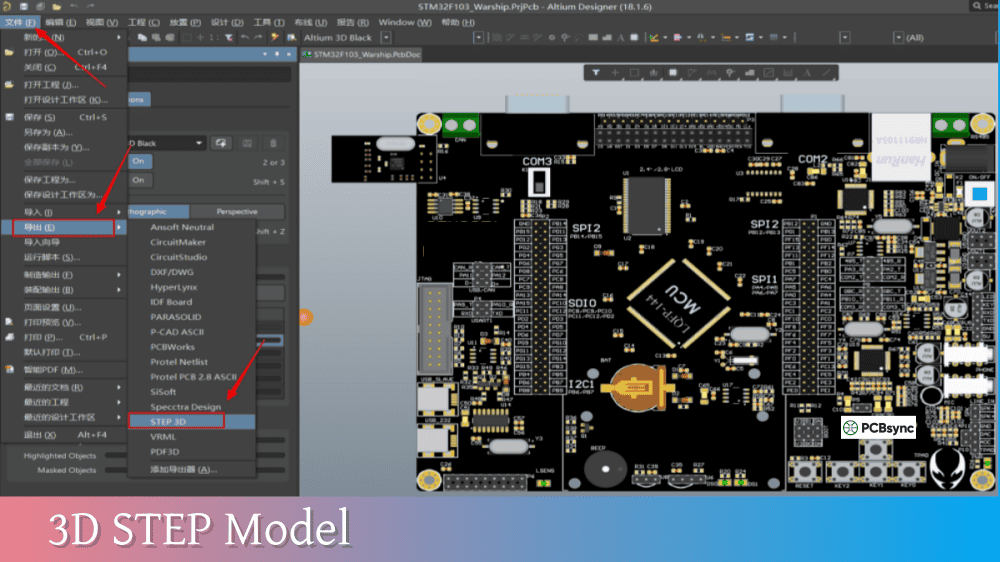
Upverter can export your design as a 3D STEP file, which is invaluable for mechanical integration. This allows enclosure designers to verify component clearances and connector positions.
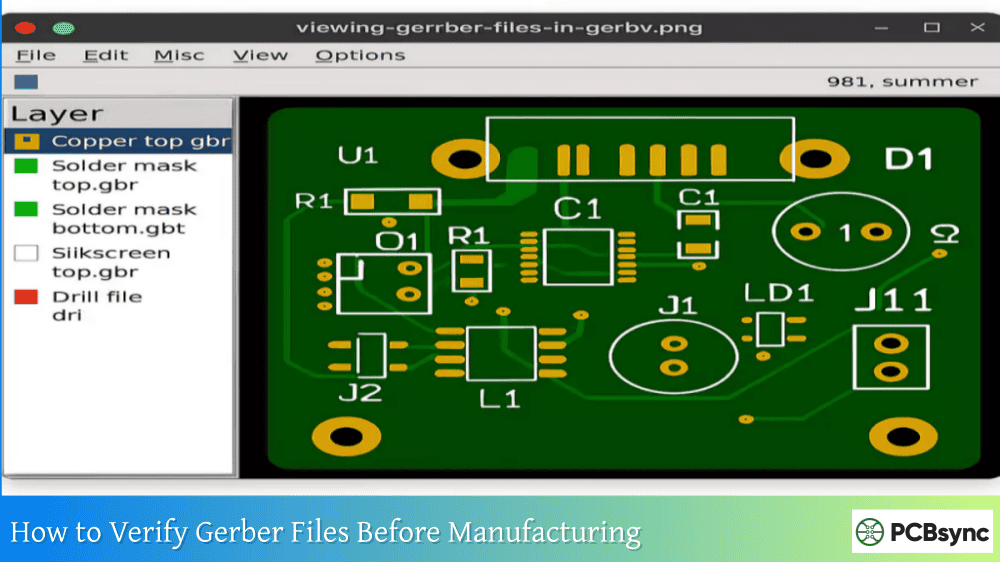
Never send Gerber files to a manufacturer without verification. A few minutes checking your files can prevent costly mistakes.
Recommended Gerber Viewers
Viewer
Platform
Key Features
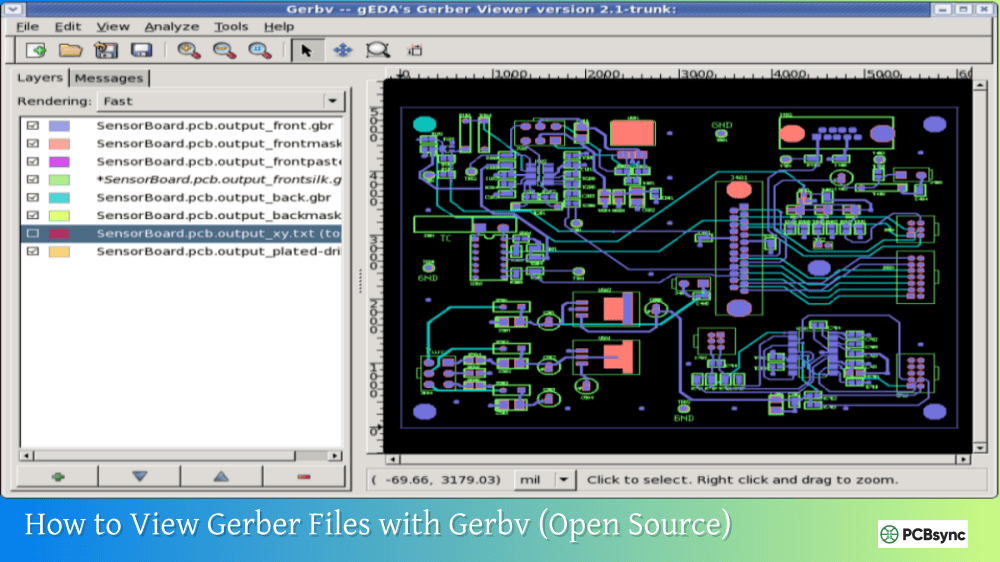
Gerbv
Windows, Linux
Open-source, reliable
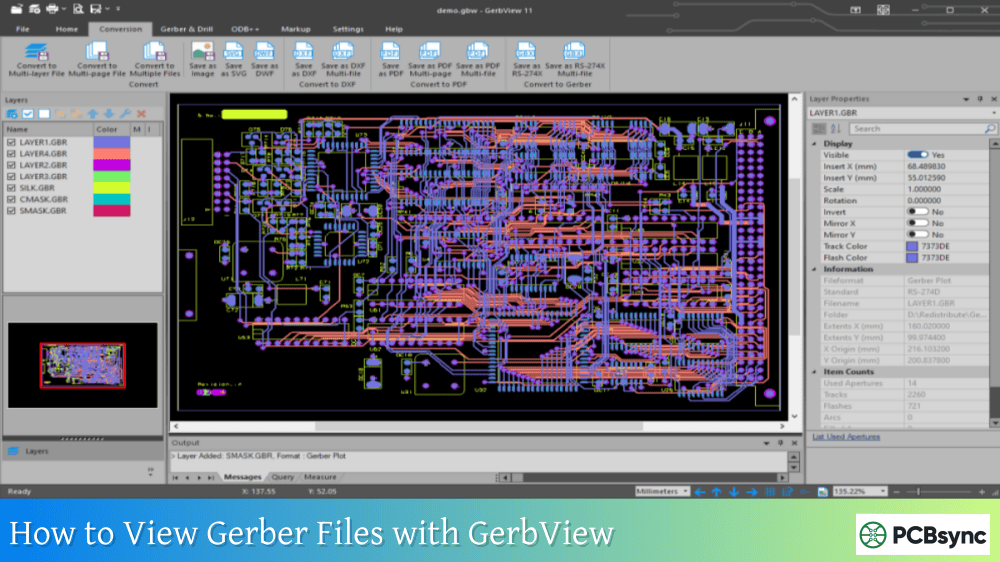
KiCad GerbView
Cross-platform
Part of KiCad suite
Ucamco Reference Viewer
Online
Official Gerber standard
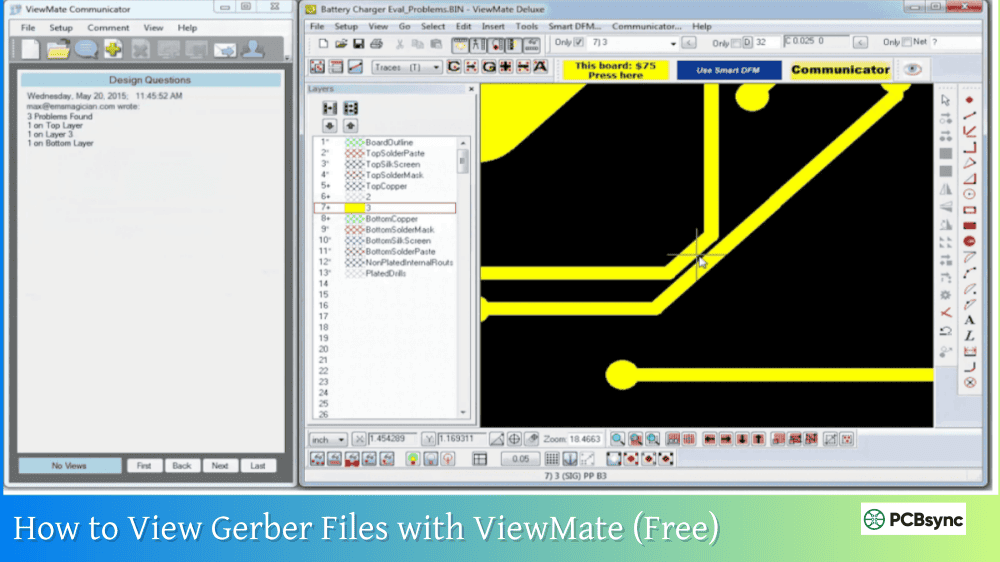
ViewMate
Windows
Industry standard
FlatCAM
Cross-platform
CAM preparation capable
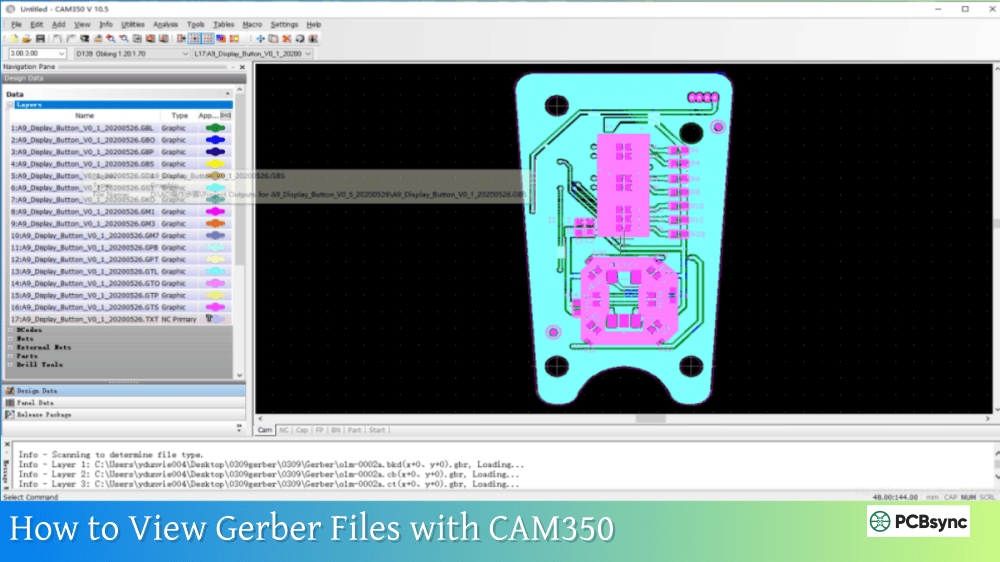
CAM350
Windows
Professional CAM tool
Verification Checklist
When reviewing your Upverter-generated Gerber files, verify:
Check Item
What to Look For
Layer Count
All copper layers present
Board Outline
Closed shape, correct size
Drill Alignment
Holes centered on pads
Solder Mask
Correct openings on pads
Silkscreen
Readable, no pad overlap
Copper Pours
Properly filled areas
Via Tenting
Covered or exposed as intended
Working with OSH Park and Other Manufacturers
One advantage of Upverter’s Gerber output is its compatibility with popular prototype PCB services. The files work directly with services like OSH Park without modification.
OSH Park Compatibility
OSH Park documentation specifically mentions Upverter as a supported design tool. The ZIP file generated by Upverter can be uploaded directly to oshpark.com, where their system automatically identifies each layer.
The naming scheme Upverter uses matches OSH Park’s expectations, so you shouldn’t need to rename or reorganize any files.
Other Manufacturer Compatibility
For other manufacturers like JLCPCB, PCBWay, or Seeed Studio Fusion, the Upverter Gerber files generally work without issues. However, as noted earlier, some may require renaming the drill file extension.
Collaborative Features for Design Review
Before generating final manufacturing files, Upverter’s collaborative features allow team members to review designs together. Multiple users can view and edit the same schematic and layout simultaneously, similar to Google Docs.
This real-time collaboration is particularly valuable during the design review phase. Engineers, layout specialists, and manufacturing contacts can all examine the design and catch potential issues before committing to fabrication.
Sharing Designs for Review
Upverter allows you to share project links with collaborators. Depending on your account settings, you can control whether reviewers have view-only access or can make edits. For open-source projects, designs can be made publicly visible.
Common Issues and Solutions When Exporting from Upverter
Based on community forum discussions and my own experience, here are common issues encountered during Gerber export and their solutions.
Export Spinning or Hanging
If the export process seems stuck with a spinning indicator, try refreshing your browser and attempting the export again. Large or complex designs may take longer to process. If the issue persists, check Upverter’s status page for any service disruptions.
Missing Layers in Export
If layers appear missing from your exported files, verify they contain actual content in your design. Empty layers may not generate output files. Also check that all layers are visible and not hidden in the editor.
Drill-to-Pad Misalignment
If drill holes don’t align with pads when viewed in a Gerber viewer, first verify the issue is real and not a viewer configuration problem. Try viewing the files in a different Gerber viewer to confirm.
Useful Resources for Upverter Users
Here are essential resources for working with Upverter and generating manufacturing files:
Official Upverter Resources
Resource
URL
Description
Upverter Main Site
upverter.com
Design platform access
Upverter Learn
upverter.com/learn
Tutorials and guides
Upverter Blog
blog.upverter.com
Updates and tips
Upverter Community
forum.upverter.com
User discussions
Altium Resources
resources.altium.com/upverter
Additional documentation
Manufacturer Resources
Manufacturer
Gerber Guide URL
Notes
OSH Park
docs.oshpark.com/design-tools/upverter
Upverter-specific guide
JLCPCB
jlcpcb.com/help
General Gerber requirements
PCBWay
pcbway.com/helpcenter
Upload requirements
Seeed Fusion
seeedstudio.com/fusion
May need drill file rename
Free Gerber Viewers
Viewer
Download Location
Gerbv
gerbv.geda-project.org
KiCad GerbView
kicad.org
FlatCAM
flatcam.org
Reference Viewer
gerber-viewer.ucamco.com
Frequently Asked Questions
What Gerber format does Upverter export?
Upverter exports RS-274X Extended Gerber format, which is the current industry standard accepted by virtually all PCB manufacturers worldwide. This format includes embedded aperture definitions, making the files self-contained and eliminating compatibility issues that plagued older Gerber formats. Drill files are exported in Excellon format with a .xln extension.
Can I use Upverter Gerber files with any PCB manufacturer?
Yes, the RS-274X Gerber files and Excellon drill files generated by Upverter are industry-standard formats compatible with essentially any PCB manufacturer. Some manufacturers like OSH Park have specifically documented compatibility with Upverter exports. For certain services like Seeed Studio Fusion, you may need to rename the drill file extension from .xln to .txt, but the file contents work without modification.
Do I need a paid account to export Gerber files from Upverter?
Upverter’s Gerber export availability depends on which product variant you’re using and your account type. The standard Upverter platform (formerly the main web-based tool) allows Gerber export. However, the Modular designer product has different access restrictions. Always verify export capabilities with your specific account before starting a critical project.
How do I fix drill file compatibility issues with my manufacturer?
If your manufacturer reports missing or incompatible drill files, the most common fix is renaming the file extension. Upverter exports drill files with a .xln extension, but some manufacturers expect .txt or .drl extensions. Extract your ZIP archive, rename the drill file extension as needed, and recompress the files before uploading. The file contents remain unchanged.
Can I export pick and place files for PCB assembly from Upverter?
Yes, Upverter provides pick and place file export for automated PCB assembly. These files contain the X/Y coordinates, rotation angles, and layer designation for each component. Combined with the BOM export, you have all the data needed for turnkey assembly services. The pick and place data is exported in standard CSV format compatible with most assembly houses.
Conclusion
Generating Gerber files from Upverter is a straightforward process thanks to the platform’s browser-based design and integrated export capabilities. The key steps involve completing your design with proper design rule checks, accessing the Export Files menu from the project page, selecting the RS-274X Extended Gerber format, and downloading the complete manufacturing package.
What sets Upverter apart from desktop EDA tools is its cloud-native approach. Your designs are accessible from any browser, collaboration happens in real-time, and the export process produces manufacturer-ready files without complex configuration. The files work directly with popular prototype services like OSH Park and are compatible with professional manufacturers worldwide.
Remember to always verify your exported Gerber files in an independent viewer before sending them for fabrication. This simple verification step catches potential issues before they become expensive manufacturing mistakes. With Upverter’s clean export process and standard file formats, you can move confidently from design to production knowing your files will be correctly interpreted by any PCB fabricator.
Whether you’re a startup founder prototyping a new product, an engineer working on a remote team, or a hobbyist bringing a project to life, Upverter’s accessible platform and reliable Gerber export make the path from idea to manufactured PCB as smooth as possible.
Inquire: Call 0086-755-23203480, or reach out via the form below/your sales contact to discuss our design, manufacturing, and assembly capabilities.
Quote: Email your PCB files to Sales@pcbsync.com (Preferred for large files) or submit online. We will contact you promptly. Please ensure your email is correct.
Notes: For PCB fabrication, we require PCB design file in Gerber RS-274X format (most preferred), *.PCB/DDB (Protel, inform your program version) format or *.BRD (Eagle) format. For PCB assembly, we require PCB design file in above mentioned format, drilling file and BOM. Click to download BOM template To avoid file missing, please include all files into one folder and compress it into .zip or .rar format.