Inquire: Call 0086-755-23203480, or reach out via the form below/your sales contact to discuss our design, manufacturing, and assembly capabilities.
Quote: Email your PCB files to Sales@pcbsync.com (Preferred for large files) or submit online. We will contact you promptly. Please ensure your email is correct.
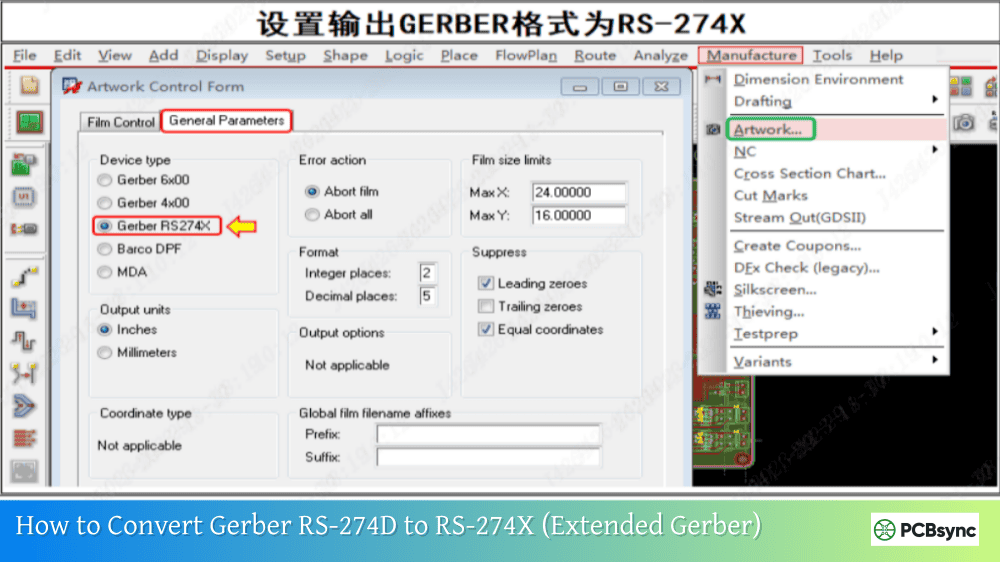
Notes: For PCB fabrication, we require PCB design file in Gerber RS-274X format (most preferred), *.PCB/DDB (Protel, inform your program version) format or *.BRD (Eagle) format. For PCB assembly, we require PCB design file in above mentioned format, drilling file and BOM. Click to download BOM template To avoid file missing, please include all files into one folder and compress it into .zip or .rar format.
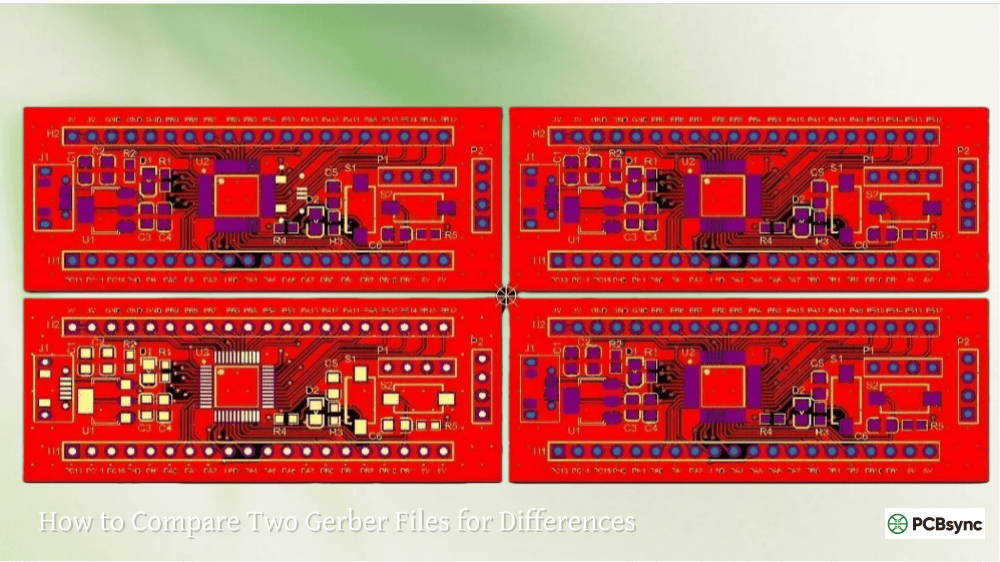
How to Create Panelized Gerber Files: Complete Guide to PCB Panel Design
The first time I needed to panelize boards for a production run, I spent hours trying to figure out the best approach. Should I do it in my CAD tool? Use dedicated software? Let the manufacturer handle it? After panelizing hundreds of designs over the years, I’ve learned that understanding the process—even if your fab house handles it—makes communication smoother and results better. This guide walks through everything you need to know about creating panelized Gerber files, from basic concepts to practical step-by-step methods.
PCB panelization is the process of arranging multiple copies of a circuit board (or multiple different designs) into a single larger panel for manufacturing. Instead of fabricating individual boards one at a time, manufacturers process entire panels through their production line, then separate individual boards afterward.
Why Panelize Your PCB Designs?
Benefit
Explanation
Reduced manufacturing cost
Multiple boards fabricated in single production run
Assembly compatibility
SMT pick-and-place machines require panels
Handling efficiency
Easier to transport and process larger panels
Reduced waste
Optimizes material utilization
Consistent quality
All boards in panel receive identical processing
For prototype quantities, your manufacturer typically handles panelization automatically—they’ll combine your design with other customers’ boards to fill their production panels. For production runs or when you need specific panel configurations, creating your own panelized Gerber files gives you control over the arrangement.
Understanding Panel Components
A properly designed PCB panel includes several elements beyond just the replicated board designs.
Essential Panel Elements
Element
Purpose
Typical Dimensions
PCB array
Your replicated board designs
Based on board size
Tooling rails
Frame around array for handling
5-10mm wide
Fiducial marks
Alignment targets for pick-and-place
1-2mm diameter, 3 per panel minimum
Tooling holes
Registration and fixturing
2-4mm diameter
Breakaway features
V-scores or mouse bites for separation
Varies by method
Panel outline
Overall boundary definition
Based on manufacturer limits
Standard Panel Sizes
Most manufacturers work with standard panel sizes. Designing within these limits avoids additional costs.
Panel Size
Common Use
100 x 100mm
Small prototype services (JLCPCB, PCBWay)
160 x 100mm
Standard prototype panels
250 x 200mm
Medium production
305 x 457mm (12″ x 18″)
Standard production panel
457 x 610mm (18″ x 24″)
Large production panel
Always verify your manufacturer’s supported sizes before designing your panel.
Depanelization Methods: V-Score vs. Mouse Bites
Before creating your panel, you need to decide how individual boards will be separated after assembly. The two primary methods are V-scoring and mouse bites (tab routing).
V-Score (V-Groove) Method
V-scoring creates V-shaped grooves on both sides of the panel along separation lines. A blade cuts approximately one-third of the board thickness from each side, leaving a thin web of material that can be snapped apart.
V-Score Characteristic
Details
Cut angle
30° or 45°
Remaining web
0.3-0.5mm typically
Best board thickness
0.6-2.0mm
Edge quality
Clean, smooth edges
Limitation
Straight lines only
Depaneling
Specialized machine or manual snap
When to use V-score:
Rectangular boards with straight edges
High-volume production
When clean board edges matter
Boards without edge-mounted components
V-score design rules:
Keep copper minimum 0.5mm from score line
Keep components minimum 3mm from score line
Score lines must run full panel width/height
Boards placed edge-to-edge with no gap
Mouse Bites (Tab Routing) Method
Mouse bites use small routed holes along breakaway tabs to create perforated connections between boards and the panel frame. After routing around board outlines, small tabs with drilled holes remain to hold boards in place.
Mouse Bite Characteristic
Details
Hole diameter
0.5-0.6mm typical
Hole spacing
0.7-0.8mm center-to-center
Tab width
3-5mm
Number of tabs per board
3-5 minimum
Edge quality
Rough, may need filing
Flexibility
Any board shape
When to use mouse bites:
Irregular or curved board shapes
Boards with edge-mounted connectors
Low-volume production or prototypes
When V-score isn’t possible
Mouse bite design rules:
Place tabs away from sensitive components
Distribute tabs evenly around board perimeter
Use minimum 3 tabs for stability
Keep routing 0.5mm from copper features
Hole tangent to board edge for minimal intrusion
Comparing Depanelization Methods
Factor
V-Score
Mouse Bites
Board shape
Rectangular only
Any shape
Edge quality
Excellent
Rough (needs filing)
Panel strength
High
Moderate
Production cost
Lower for volume
Lower for prototypes
Separation ease
Machine or snap
Hand breakable
Component clearance
3mm from score
Near tabs only
Many designs use a combination—V-score for straight edges and mouse bites for areas with edge components.
Methods to Create Panelized Gerber Files
You have several options for creating panelized Gerber files, depending on your tools and requirements.
Method 1: Panelize in Your PCB Design Software
Most professional PCB tools include built-in panelization features. This method maintains full design intelligence and allows proper output of all manufacturing files.
Following these guidelines ensures your panels manufacture and depanel successfully.
Spacing and Clearance Rules
Feature
Minimum Clearance
Board-to-board (V-score)
0mm (edge-to-edge)
Board-to-board (mouse bites)
2-3mm routing gap
Copper to V-score line
0.5mm
Components to V-score line
3mm
Copper to routed edge
0.3mm
Tooling rail width
5mm minimum
Fiducial Mark Specifications
Parameter
Specification
Shape
Circle
Diameter
1-2mm (1mm typical)
Solder mask clearance
2-3mm diameter opening
Placement
Three corners minimum
Pattern
Asymmetric (not perfectly centered)
Panel Documentation
Include with your Gerber package:
Panel drawing (PDF) showing dimensions
Depanelization method specification
Layer stackup if multilayer
V-score depth requirements
Special handling instructions
Useful Resources for PCB Panelization
Panelization Software Tools
Tool
Platform
Type
URL
GerberPanelizer
Windows
Free GUI
github.com/ThisIsNotRocketScience/GerberTools
KiKit
Cross-platform
Free CLI/Plugin
github.com/yaqwsx/KiKit
hm-panelizer
Cross-platform
Free GUI
github.com/halfmarble/hm-panelizer
CAM350
Windows
Commercial
downstreamtech.com
Altium Designer
Windows
Commercial (built-in)
altium.com
Gerber Viewers for Verification
Tool
Platform
URL
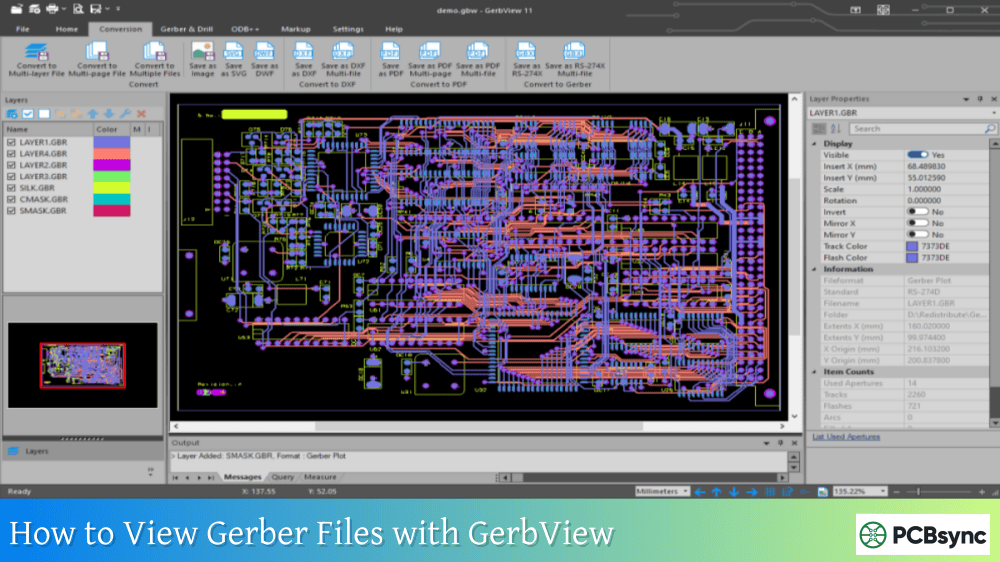
KiCad GerbView
Cross-platform
kicad.org
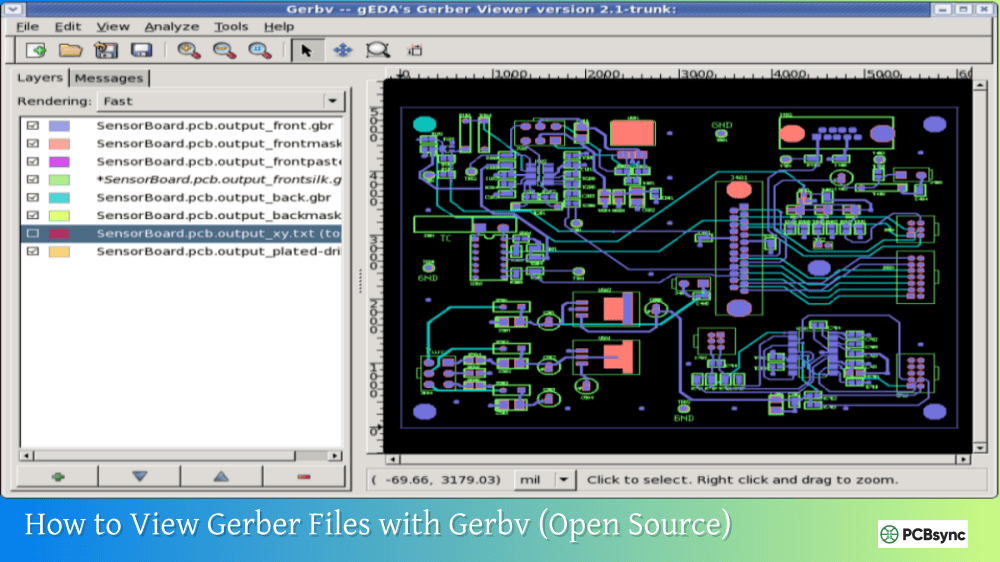
Gerbv
Cross-platform
gerbv.github.io
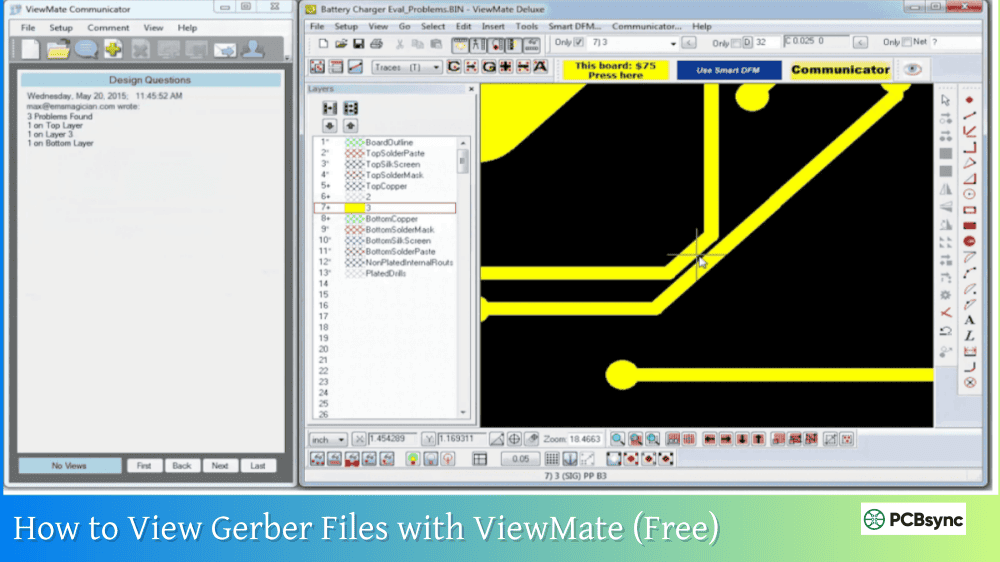
ViewMate
Windows
pentalogix.com
Ucamco Reference Viewer
Online
gerber-viewer.ucamco.com
Manufacturer Panel Guidelines
Manufacturer
Panel Info URL
JLCPCB
jlcpcb.com/help (search “panel”)
PCBWay
pcbway.com/helpcenter
OSH Park
docs.oshpark.com
Seeed Studio
seeedstudio.com/fusion
Eurocircuits
eurocircuits.com
Frequently Asked Questions
Should I panelize my boards myself or let the manufacturer do it?
For prototype quantities (under 50 boards), letting your manufacturer panelize is typically easier and often free. They’ll combine your boards with others to fill their production panels efficiently. However, create your own panels when you need specific configurations (like mixed designs), have edge-mounted components requiring careful tab placement, or are ordering production quantities where you want control over the exact panel layout. Always communicate your preferences—even if you don’t provide panel Gerbers, specifying “V-score preferred” or “no tabs near USB connector” helps the manufacturer meet your needs.
What spacing should I use between boards in my panel?
Spacing depends entirely on your depanelization method. For V-score panels, boards can be placed edge-to-edge with zero gap since the score line itself provides the separation. For mouse bite (tab routing) panels, you need 2-3mm minimum between boards to accommodate the routing path and breakaway tabs. If using a combination approach, plan spacing based on the widest requirement. When uncertain, 3mm between all boards works for either method and gives manufacturers flexibility.
Can I mix different PCB designs on one panel?
Yes, but with important constraints. All boards on a panel must share identical specifications: same layer count, same board thickness, same copper weight, same surface finish, and same solder mask color. If any specification differs, the boards cannot share a panel. When mixing designs, you’ll typically create the panel yourself since manufacturers won’t combine different customer designs. This approach works well for related projects—like a main board and its breakout boards—that naturally share specifications.
How do I indicate V-score lines in my Gerber files?
V-score lines should be indicated on a dedicated mechanical layer or the board outline layer, clearly marked as V-score. Draw continuous lines extending from panel edge to panel edge—V-scores cannot stop mid-panel. Include a note in your fabrication drawing or readme file specifying “V-score” with the desired remaining web thickness (typically 0.3-0.4mm or 30% of board thickness). Some manufacturers request a separate V-score layer file; others accept the information on the mechanical/outline layer with documentation. When in doubt, ask your manufacturer their preferred format.
What’s the minimum number of mouse bite tabs needed per board?
Use a minimum of three tabs per board to maintain stability during handling and assembly. For larger boards (over 50mm on any side), add additional tabs—roughly one tab per 50mm of perimeter is a good guideline. Distribute tabs evenly around the board to prevent flexing during assembly processes like wave soldering. Each tab should be 3-5mm wide with 5-8 holes (0.5mm diameter, 0.8mm spacing). Place tabs away from sensitive components and connectors, and ensure tab locations don’t interfere with your enclosure or mounting requirements.
Conclusion
Creating panelized Gerber files transforms your individual PCB designs into manufacturing-ready panel layouts optimized for production. Whether you use your CAD tool’s built-in features, dedicated panelization software, or work directly with your manufacturer, understanding panel design principles—proper spacing, appropriate depanelization methods, tooling features, and verification steps—ensures your boards manufacture successfully.
For prototypes, start simple: let your manufacturer handle panelization and learn from how they configure your panels. As you move toward production, creating your own panels gives you control over board arrangement, tab placement, and tooling features that optimize your specific assembly and handling requirements.
The extra time invested in proper panelization pays dividends in smoother manufacturing, easier assembly, and boards that depanel cleanly without damage. Take the time to verify your panel Gerbers in a viewer before submission, and always communicate your depanelization preferences clearly—your manufacturer and your production yield will thank you.
Inquire: Call 0086-755-23203480, or reach out via the form below/your sales contact to discuss our design, manufacturing, and assembly capabilities.
Quote: Email your PCB files to Sales@pcbsync.com (Preferred for large files) or submit online. We will contact you promptly. Please ensure your email is correct.
Notes: For PCB fabrication, we require PCB design file in Gerber RS-274X format (most preferred), *.PCB/DDB (Protel, inform your program version) format or *.BRD (Eagle) format. For PCB assembly, we require PCB design file in above mentioned format, drilling file and BOM. Click to download BOM template To avoid file missing, please include all files into one folder and compress it into .zip or .rar format.