Inquire: Call 0086-755-23203480, or reach out via the form below/your sales contact to discuss our design, manufacturing, and assembly capabilities.
Quote: Email your PCB files to Sales@pcbsync.com (Preferred for large files) or submit online. We will contact you promptly. Please ensure your email is correct.
Notes: For PCB fabrication, we require PCB design file in Gerber RS-274X format (most preferred), *.PCB/DDB (Protel, inform your program version) format or *.BRD (Eagle) format. For PCB assembly, we require PCB design file in above mentioned format, drilling file and BOM. Click to download BOM template To avoid file missing, please include all files into one folder and compress it into .zip or .rar format.
How to Convert Gerber to DXF: Complete Guide for PCB and Mechanical Integration
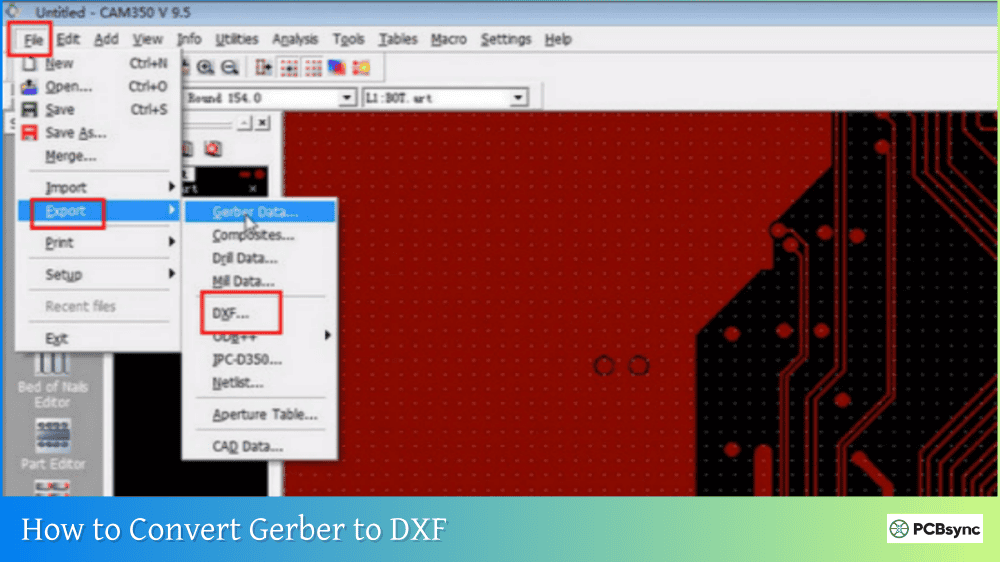
Modern product design rarely stays in one discipline. Your PCB layout needs to fit inside an enclosure, align with mounting holes, interface with connectors, and work alongside mechanical components. The problem? PCB designers speak Gerber while mechanical engineers speak DXF. If you’ve ever needed to share your board outline with a mechanical designer or prepare files for CNC routing, you know the challenge. This guide covers everything you need to know about how to convert Gerber to DXF, including the best tools, step-by-step methods, and tips for getting clean, usable results.
Before jumping into the conversion process, let’s understand why this conversion matters. Gerber files are the standard for PCB manufacturing, containing precise vector data about copper layers, solder masks, silkscreen, and board outlines. But they exist in a specialized format that most mechanical CAD tools can’t read directly.
DXF (Drawing Exchange Format), developed by Autodesk, is the universal language of mechanical CAD. Nearly every CAD program, from AutoCAD to SolidWorks to Fusion 360, can import DXF files. Converting Gerber to DXF opens up a world of possibilities for cross-disciplinary collaboration.
Use Case
Why DXF Is Needed
Enclosure design
Import board outline to verify fit and clearances
Mechanical integration
Check connector positions and mounting holes
CNC routing/milling
Many CNC machines read DXF directly
Laser cutting
Create fixtures, stencils, or enclosure cutouts
Assembly documentation
Generate accurate mechanical drawings
3D modeling
Import PCB shape into SolidWorks or Fusion 360
Panel design
Create manufacturing panels with routing paths
Benefits of Converting Gerber to DXF
Benefit
Description
Universal compatibility
DXF works with virtually all CAD software
Editable geometry
Modify outlines, add features, adjust dimensions
Mechanical collaboration
Share data with MCAD engineers directly
Manufacturing flexibility
CNC, laser, and water jet machines accept DXF
Archival value
Long-term storage in widely-supported format
Documentation
Create accurate technical drawings and specs
Understanding Gerber and DXF Formats
To convert Gerber to DXF effectively, it helps to understand what makes these formats similar and where they differ.
Gerber Format Overview
Gerber files use vector commands to describe PCB features. The format is essentially a series of instructions: move to this coordinate, draw a line with this aperture, flash a pad here. Modern RS-274X (Extended Gerber) files embed aperture definitions, making them self-contained.
Gerber Characteristic
Description
Data type
Vector-based ASCII commands
Primary use
PCB manufacturing
Geometry
Traces, pads, polygons, arcs
Coordinate system
Cartesian X-Y with configurable units
Layer structure
One file per layer typically
Apertures
Shape definitions for draws and flashes
DXF Format Overview
DXF also uses vector graphics, which is why Gerber-to-DXF conversion works well conceptually. However, DXF supports a much broader range of entity types designed for general mechanical drafting.
DXF Characteristic
Description
Data type
ASCII or binary vector format
Primary use
Mechanical CAD interchange
Entity types
Lines, polylines, circles, arcs, text, blocks
Layer support
Multiple layers in single file
Line widths
Supported via LWPOLYLINE entities
3D capability
Can contain 3D data (though 2D more common for PCB)
Key Conversion Considerations
When converting from Gerber to DXF, several translation decisions must be made:
Gerber Element
DXF Translation Options
Traces with width
Polylines with width, or outlined boundaries
Round pads
Circles or filled polygons
Complex apertures
Converted to polyline outlines
Arcs
Arc entities or approximated polylines
Filled regions
Hatched areas or boundary polylines
Text
Often lost or converted to geometry
Methods to Convert Gerber to DXF
Several approaches exist for converting Gerber files to DXF format, from professional CAM software to free open-source tools.
Method 1: Using GerbView (Commercial with Trial)
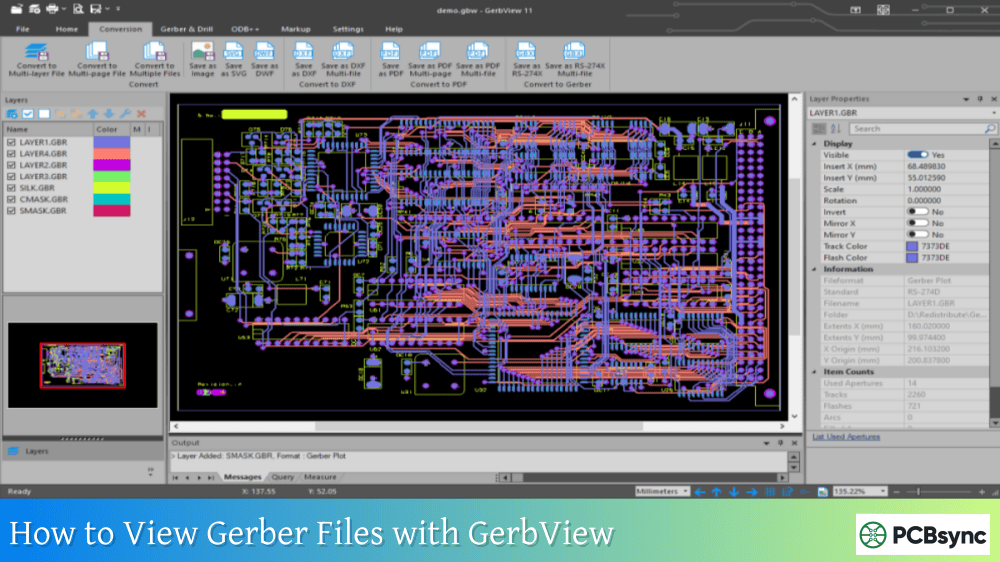
GerbView by Software Companions is one of the most capable tools for Gerber-to-DXF conversion. It handles RS-274D, RS-274X, and Gerber X2 formats and offers extensive output options.
Step-by-Step Process:
Download and install GerbView (30-day free trial available)
Launch GerbView and go to File → Add Layer
Select the Gerber files you want to convert
Load any Excellon drill files separately if needed
Verify alignment and scale using the Measure tool
Go to File → Export → DXF
Configure output settings:
File Units (Inch or Metric)
Line Width handling
Arc conversion options
Pad representation (circles vs. polylines)
Click Export to generate the DXF file
GerbView DXF Export Settings:
Setting
Options
Recommendation
File Units
Inch / Metric
Match your CAD software preference
Use Line Widths
Yes / No
Yes for accurate trace representation
Replace Arcs with LWPOLYLINE
Yes / No
Yes if target CAD has arc issues
Output round Pads as Circles
Yes / No
Yes for cleaner mechanical drawings
Layer mapping
Per file / Combined
Per file for complex designs
Method 2: Using ViewMate Pro (Commercial)
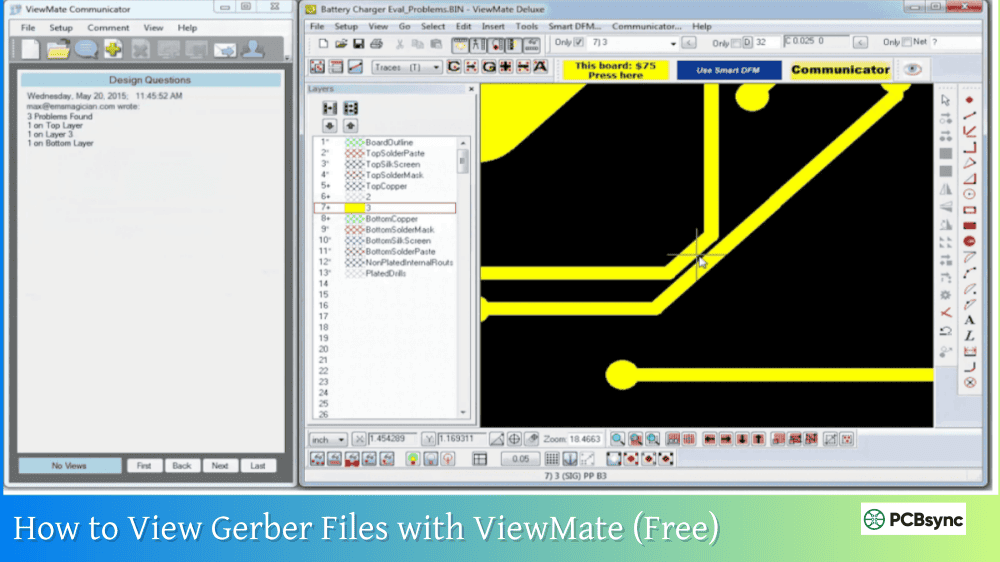
ViewMate Pro by PentaLogix includes robust DXF export capabilities alongside its Gerber viewing and editing features.
Step-by-Step Process:
Download ViewMate Pro from pentalogix.com
Import your Gerber files via File → Import → Gerber
Cause: Complex copper pours converted to detailed geometry
Solution:
Convert only necessary layers (outline, drill)
Use outline mode instead of filled regions
Simplify complex polygons before export
Resources and Download Links
Commercial Software
Tool
Website
Trial Available
GerbView
gerbview.com
Yes (30 days)
ViewMate Pro
pentalogix.com
Demo available
GBR2DXF
artwork.com
Evaluation
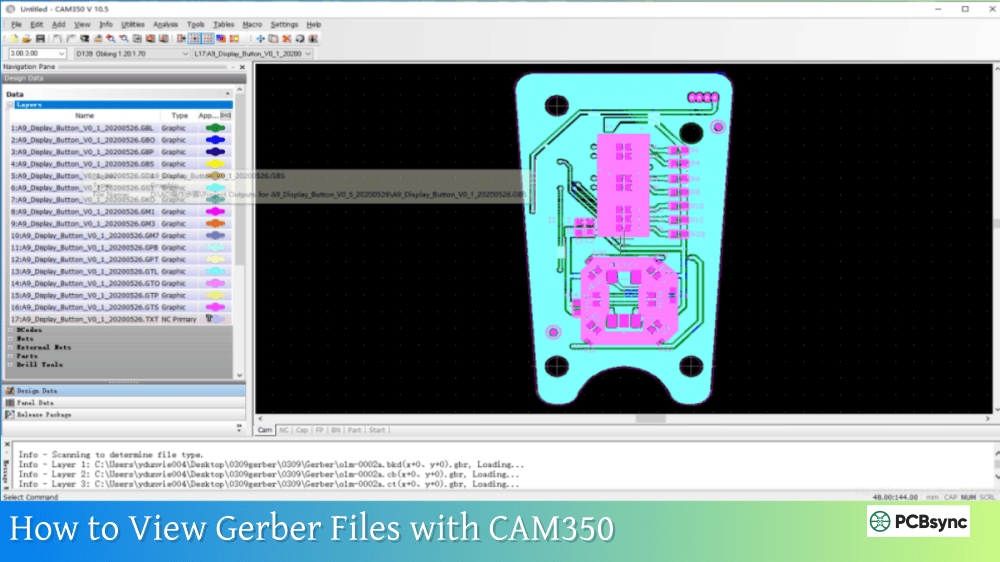
CAM350
downstreamtech.com
Contact vendor
FAB 3000
numericalinnovations.com
Demo available
reaConverter
reaconverter.com
Limited free
Free/Open Source Software
Tool
Website
Platform
FlatCAM
flatcam.org
Windows, Linux, macOS
KiCad GerbView
kicad.org
Windows, Linux, macOS
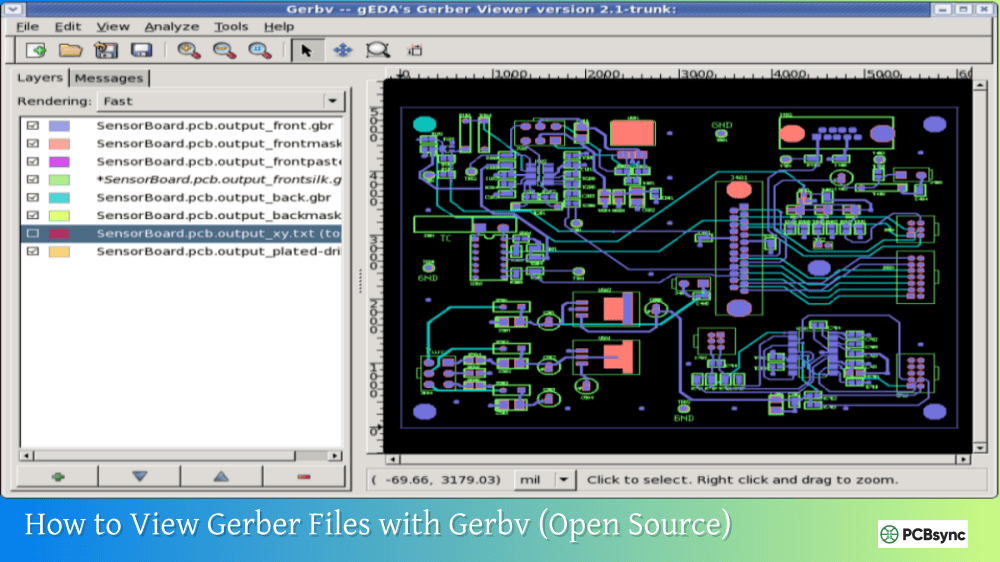
Gerbv
gerbv.github.io
Windows, Linux, macOS
Online Resources
Resource
URL
Description
Ucamco Gerber Spec
ucamco.com
Official Gerber specification
DXF Reference
autodesk.com
Official DXF documentation
Artwork FAQ
artwork.com/acad/faq
Conversion troubleshooting
Bay Area Circuits Guide
bayareacircuits.com
DXF/Gerber conversion guide
Frequently Asked Questions
Can I convert DXF back to Gerber?
Yes, but it requires careful attention to DXF entity types. Tools like EasyGerb, FAB 3000, and ACE 3000 can convert DXF to Gerber. For best results, use only simple entity types (polylines, circles, text) in your DXF and follow proper design guidelines for filled regions.
Which Gerber layer should I convert for enclosure design?
For enclosure design, convert the board outline layer (typically named Edge.Cuts, Board Outline, or similar) and the drill file. These give you the board shape and mounting hole locations, which are the primary concerns for mechanical fit.
Is the converted DXF suitable for CNC routing?
It depends on the conversion options used. For CNC routing, you typically want outline data (not filled regions) and may need to add tool compensation. Some tools like GBR2DXF and GBRUnion are specifically designed to produce CNC-ready output with proper tool offset considerations.
Will I lose any data converting Gerber to DXF?
Some Gerber-specific information may not transfer directly to DXF, including aperture definitions, net names (in X2/X3 files), and layer function metadata. However, all geometric data should convert accurately. The visual representation in DXF should match the original Gerber when viewed with appropriate settings.
What’s the best free tool for Gerber to DXF conversion?
FlatCAM offers the most complete free solution for basic Gerber to DXF conversion, especially if you’re also interested in CNC milling. For viewing and simple export, the combination of Gerbv for viewing and manual tracing in a CAD program works but is more labor-intensive. For professional results with complex files, commercial tools like GerbView typically produce better output.
Conclusion
Converting Gerber to DXF bridges the gap between PCB design and mechanical engineering. Whether you’re designing an enclosure, preparing files for CNC routing, or creating assembly documentation, the ability to move PCB data into mechanical CAD tools is invaluable.
The key to successful conversion is choosing the right tool for your specific needs and understanding the translation options. For professional work, tools like GerbView and ViewMate Pro offer the most control and best results. For hobbyist projects or occasional conversions, FlatCAM provides capable free functionality.
Remember to verify units, simplify geometry when appropriate, and always check the converted output against known dimensions before committing to manufacturing. With the right approach, Gerber-to-DXF conversion becomes a reliable step in your cross-disciplinary workflow, enabling seamless collaboration between PCB and mechanical design teams.
Inquire: Call 0086-755-23203480, or reach out via the form below/your sales contact to discuss our design, manufacturing, and assembly capabilities.
Quote: Email your PCB files to Sales@pcbsync.com (Preferred for large files) or submit online. We will contact you promptly. Please ensure your email is correct.
Notes: For PCB fabrication, we require PCB design file in Gerber RS-274X format (most preferred), *.PCB/DDB (Protel, inform your program version) format or *.BRD (Eagle) format. For PCB assembly, we require PCB design file in above mentioned format, drilling file and BOM. Click to download BOM template To avoid file missing, please include all files into one folder and compress it into .zip or .rar format.