Inquire: Call 0086-755-23203480, or reach out via the form below/your sales contact to discuss our design, manufacturing, and assembly capabilities.
Quote: Email your PCB files to Sales@pcbsync.com (Preferred for large files) or submit online. We will contact you promptly. Please ensure your email is correct.
Notes: For PCB fabrication, we require PCB design file in Gerber RS-274X format (most preferred), *.PCB/DDB (Protel, inform your program version) format or *.BRD (Eagle) format. For PCB assembly, we require PCB design file in above mentioned format, drilling file and BOM. Click to download BOM template To avoid file missing, please include all files into one folder and compress it into .zip or .rar format.
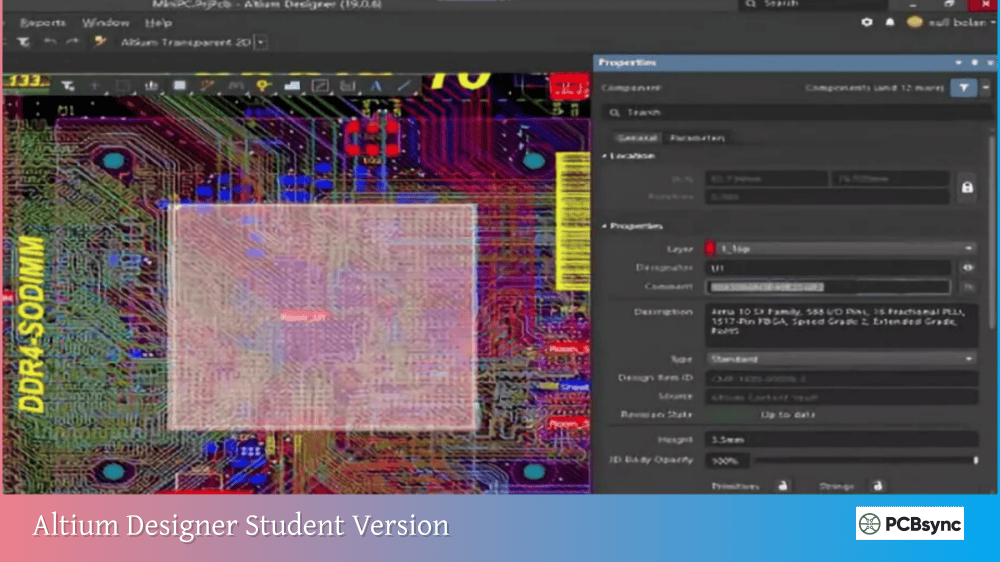
Altium Designer Student Version: Free Download & How to Get It
When I was finishing my electrical engineering degree, I made the mistake of learning PCB design on free tools that nobody in industry actually uses. It took me months after graduation to get up to speed on Altium Designer, the software that nearly every professional job required. If you’re a student reading this now, you have an opportunity I didn’t have: Altium offers a completely free student version of their professional software that’s identical to what engineers use at companies like SpaceX, NASA, and Google.
This guide walks you through everything you need to know about getting the Altium Designer student version, from eligibility requirements to the step-by-step registration process. I’ll also cover the free curriculum and certification that comes with the license, which can genuinely help you stand out when applying for internships and entry-level positions.
The Altium Designer student version is a fully functional license of Altium’s professional PCB design software, provided free of charge to college and university students worldwide. This isn’t a limited trial or a stripped-down educational edition. You get the complete, current version of Altium Designer with all the features that professional engineers use daily.
What’s Included with the Student License
Feature
Included
Full Altium Designer Pro License
Yes
Altium 365 Cloud Workspace Access
Yes
200,000+ Component Library
Yes
Design Templates
Yes
Schematic Capture
Yes
PCB Layout
Yes
3D Visualization
Yes
Manufacturing Output Generation
Yes
Free Online Curriculum
Yes
Digital Badge & Certificate
Yes
The student license is renewable annually as long as you remain enrolled at an accredited educational institution. Unlike some academic software programs that restrict features or add watermarks, the Altium Designer student version produces the same professional output files you’d create with a commercial license.
Eligibility Requirements for Altium Designer Student Version
Before diving into the registration process, let’s make sure you qualify for the free student license.
Who Can Apply
The Altium Designer student version is available to students who meet these criteria:
Required Qualifications:
Currently enrolled at an accredited college or university
Have an active email address associated with your institution’s domain (such as .edu in the US, or equivalent academic domains like .ac.uk, .edu.au, .ch, etc.)
Pursuing studies in engineering, computer science, or a related technical field
Acceptable Student Types:
Undergraduate students
Graduate students (Master’s and PhD)
Community college students
Technical school students
What If Your School Email Isn’t Recognized?
Sometimes the Altium system doesn’t automatically recognize certain institutional email domains, particularly from smaller schools, international universities, or institutions with non-standard domain names. If this happens to you, don’t give up. Altium provides an alternative verification process.
You’ll need to provide:
A copy of your valid student ID card
Your current semester enrollment letter or class schedule
Contact Altium’s student support team at studentsupport@altium.com with these documents, and they’ll manually verify your student status.
System Requirements for Altium Designer Student Version
Altium Designer is professional-grade software that requires reasonably capable hardware. Before downloading, verify that your computer meets these specifications.
Hardware Requirements
Component
Recommended
Minimum
Operating System
Windows 11 (64-bit)
Windows 10 (64-bit)
Processor
Intel Core i7 or equivalent
Intel Core i5 or equivalent
RAM
16 GB
8 GB
Storage
10 GB SSD
10 GB HDD
Graphics Card
GeForce GTX 1060 / Radeon RX 470 (DirectX 11)
DirectX 10 compatible
Display
Dual monitors, 2560×1440
Single monitor, 1680×1050
Internet
Required for license activation
Required for activation
Important Notes for Mac Users
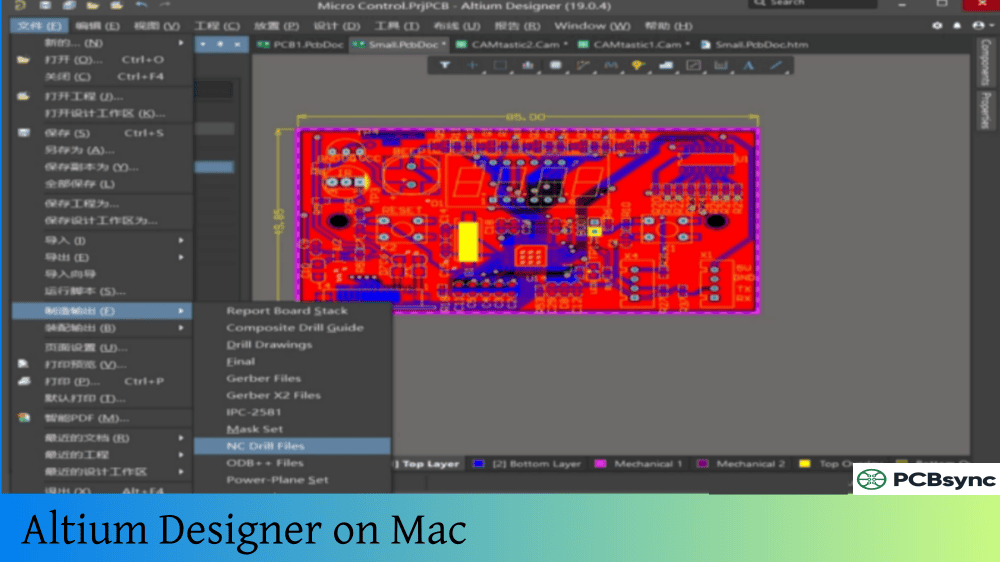
Altium Designer runs exclusively on Windows. If you use a Mac, you have two options:
Boot Camp: Create a Windows partition on your Mac using Apple’s Boot Camp utility. This provides native Windows performance and is the recommended approach.
Virtualization: Run Windows in a virtual machine using software like Parallels Desktop or VMware Fusion. Note that 3D rendering performance may be reduced with this method.
Boot Camp is the better choice for serious PCB design work because it provides full access to your Mac’s graphics hardware without the overhead of virtualization.
How to Get Altium Designer Student Version: Step-by-Step Registration
The registration process for the Altium Designer student version takes about 10-15 minutes, though you’ll need to wait for email confirmations at certain steps.
Step 1: Visit the Altium Student Lab
Navigate to altium.com/education/students and click the “Enroll for Free” button. This is the official portal for student license registration.
Step 2: Enter Your Academic Email
In the enrollment form, enter your university email address. This must be your institutional email (like yourname@university.edu), not a personal Gmail or other email account.
Step 3: Verify Your Institution
After entering your email, select your institution from the dropdown menu. Start typing your university name and select it from the suggestions. If your school doesn’t appear, you may need to contact student support for manual verification.
Step 4: Submit Proof of Eligibility
You’ll be asked to provide:
Your name as it appears on your student ID
Your institutional email address
Your student affiliation status
An image of your student ID (both front and back recommended)
Step 5: Verify Your Email Address
Check your inbox for a verification email from Altium. Click the verification link to confirm your email address. This email usually arrives within a few minutes, but check your spam folder if you don’t see it.
Step 6: Receive Your License Activation Email
After email verification, you’ll receive a second email containing your Altium Designer license information and activation instructions. This typically arrives within 5 minutes.
Click the “Activate AltiumLive” link in this email to create your AltiumLive account and set up your password.
Step 7: Access the Curriculum (Optional but Recommended)
A third email with your curriculum activation link arrives within 1-2 hours after license activation. This grants access to Altium’s free online PCB design course, which is genuinely worth completing.
Step 8: Download and Install Altium Designer
Once your AltiumLive account is active, you can download Altium Designer:
Sign in with your AltiumLive credentials when prompted
Your student license will be automatically applied
Understanding the Altium Education Curriculum
The free curriculum that comes with the Altium Designer student version is surprisingly comprehensive. I’ve seen professional training courses that cost hundreds of dollars cover less material.
Course Certificate: A verifiable credential proving your PCB design fundamentals
Digital Badge: Shareable on LinkedIn and other professional platforms
These credentials might seem like minor additions, but they genuinely help when applying for internships. Recruiters at electronics companies recognize Altium certification, and it demonstrates initiative beyond your required coursework.
Altium 365 Access for Students
The Altium Designer student version includes access to Altium 365, the cloud-based collaboration platform that professional design teams use for project management and sharing.
What Altium 365 Provides
Cloud Workspace Features:
Store and access your designs from any computer
Version control for all your project files
Share designs with classmates for team projects
Web-based design viewing without installing software
Collaboration Tools:
Real-time design comments and markup
Project sharing with configurable permissions
Browser-based schematic and PCB viewing
For student team projects and capstone designs, Altium 365 is incredibly useful. Your entire team can access the same project files, leave comments, and track changes without the chaos of emailing files back and forth.
Renewing Your Altium Designer Student License
The student license is valid for one year and can be renewed annually as long as you remain enrolled at your institution.
Once you graduate, you’re no longer eligible for the student license. However, your design files remain compatible with commercial Altium Designer licenses. Many students transition to their employer’s commercial licenses after graduation.
If you want to continue using Altium Designer independently after graduation, you’ll need to purchase a commercial license or subscription.
Troubleshooting Common Student License Issues
Based on my experience helping other students get set up, here are solutions to the most common problems.
License Activation Email Not Received
Solutions:
Check your spam/junk folder
Wait up to 24 hours (some institutional emails have delays)
Verify you used your academic email, not a personal account
Making the Most of Your Altium Designer Student Version
Having access to professional PCB design software is only valuable if you actually use it. Here are suggestions for building real skills during your student years.
Practical Project Ideas
Beginner Projects:
LED flasher circuit
USB-powered phone charger
Arduino shield board
Simple audio amplifier
Intermediate Projects:
Microcontroller development board
Sensor interface board
Power supply with multiple outputs
Motor driver board
Advanced Projects:
Multi-layer mixed-signal design
High-speed digital interface board
RF receiver or transmitter
Custom embedded system
Building a Portfolio
Every project you complete in Altium Designer can become part of your professional portfolio. Document your designs with:
Clear schematic captures
3D board renderings
Manufacturing file packages
Design rationale and trade-off explanations
When you interview for engineering positions, showing actual PCB designs you’ve created demonstrates practical skills far better than listing software names on a resume.
Useful Resources for Altium Designer Student Version
Frequently Asked Questions About Altium Designer Student Version
Is the Altium Designer student version actually free?
Yes, the Altium Designer student version is completely free for eligible students. There are no hidden costs, trial periods, or feature restrictions. You receive a fully functional license to the current version of Altium Designer Pro, including access to Altium 365 cloud workspace, over 200,000 components in the library, and the complete online curriculum with certification. The license is renewable annually at no cost as long as you remain enrolled at your educational institution.
Can I use my student license for commercial projects or paid work?
No, the Altium Designer student version is strictly for educational purposes. You cannot use it for commercial projects, paid freelance work, or any revenue-generating activities. If you’re conducting research for academic credit that is unpaid, using the student license is permitted. However, if you’re doing paid research or contract work, you need a commercial license. Violating these terms could result in license revocation and potential legal issues.
Does Altium Designer work on Mac or Linux?
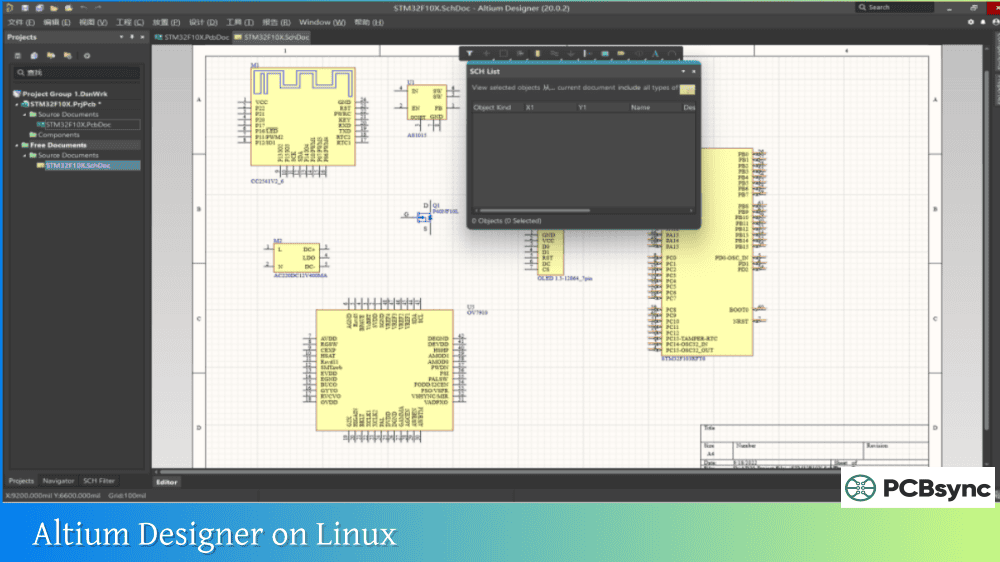
Altium Designer runs exclusively on Windows operating systems (Windows 10 or Windows 11, 64-bit only). Mac users can run Altium Designer by creating a Windows partition using Boot Camp or by running Windows in a virtual machine with software like Parallels or VMware Fusion. Boot Camp provides better performance, especially for 3D visualization. Linux is not supported, so Linux users would also need to use a Windows installation or virtual machine.
How long does the student license last and how do I renew it?
The Altium Designer student license is valid for one year from activation. You can renew it annually as long as you remain enrolled at an accredited educational institution. To renew, simply return to the Altium Student Lab portal (altium.com/education/students), re-submit your enrollment information, and verify your continued student status. You’ll receive a new license activation, and your existing projects will continue working seamlessly with the renewed license.
What happens to my designs after I graduate?
Your design files remain yours after graduation, and they’re fully compatible with commercial versions of Altium Designer. While you’ll lose access to the student license once you’re no longer enrolled, any employer’s commercial license will open your existing projects without issue. Many students transition directly to using their employer’s Altium Designer licenses after graduation. If you want to continue using Altium Designer independently, you’ll need to purchase a commercial subscription, though your academic work and skills transfer completely.
Start Your PCB Design Journey Today
The Altium Designer student version represents a genuine opportunity to learn industry-standard PCB design tools at no cost. While you’re still in school, take advantage of this access to build skills that will directly translate to your engineering career.
The registration process takes about 15 minutes, the curriculum takes perhaps 20-30 hours to complete thoroughly, and the skills you develop will benefit you for years. Whether you’re working on class projects, capstone designs, personal electronics projects, or engineering competition teams, having Altium Designer proficiency sets you apart from peers who only know theoretical concepts.
Start at altium.com/education/students, complete the enrollment, and begin designing. Your future self will thank you for investing this time now.
This guide reflects the Altium Education program as of early 2026. Program details, features, and requirements may change, so verify current information directly with Altium.
Inquire: Call 0086-755-23203480, or reach out via the form below/your sales contact to discuss our design, manufacturing, and assembly capabilities.
Quote: Email your PCB files to Sales@pcbsync.com (Preferred for large files) or submit online. We will contact you promptly. Please ensure your email is correct.
Notes: For PCB fabrication, we require PCB design file in Gerber RS-274X format (most preferred), *.PCB/DDB (Protel, inform your program version) format or *.BRD (Eagle) format. For PCB assembly, we require PCB design file in above mentioned format, drilling file and BOM. Click to download BOM template To avoid file missing, please include all files into one folder and compress it into .zip or .rar format.