Inquire: Call 0086-755-23203480, or reach out via the form below/your sales contact to discuss our design, manufacturing, and assembly capabilities.
Quote: Email your PCB files to Sales@pcbsync.com (Preferred for large files) or submit online. We will contact you promptly. Please ensure your email is correct.
Notes: For PCB fabrication, we require PCB design file in Gerber RS-274X format (most preferred), *.PCB/DDB (Protel, inform your program version) format or *.BRD (Eagle) format. For PCB assembly, we require PCB design file in above mentioned format, drilling file and BOM. Click to download BOM template To avoid file missing, please include all files into one folder and compress it into .zip or .rar format.
EasyEDA vs Proteus: Pricing, Features & How to Convert Projects Between Platforms
As a PCB engineer who has spent years working with various EDA tools, I’ve had extensive hands-on experience with both EasyEDA and Proteus. If you’re trying to decide between these two platforms or need to convert projects from EasyEDA to Proteus, this guide covers everything you need to know about EasyEDA cost, features, simulation capabilities, and practical workarounds for file conversion.
EasyEDA made its debut in 2013 with a clear mission—provide a free, platform-independent EDA tool that anyone could use without wrestling with complex installations. Having used it on projects ranging from simple Arduino shields to multi-layer sensor boards, I can confirm it delivers on that promise.
What Makes EasyEDA Stand Out
The platform operates entirely through your browser (though a desktop client is also available), which means you can pick up your design from any computer without worrying about license dongles or software installations. The real-time collaboration feature has saved me countless hours when working with team members across different time zones.
Key features include:
EasyEDA provides schematic capture with an intuitive drag-and-drop interface, making it accessible even for those new to PCB design. The integrated simulation engine runs SPICE-based analysis directly in your browser, allowing you to verify basic circuit behavior before moving to layout. The PCB editor supports multi-layer designs up to 32 copper layers with auto-routing capabilities.
The component library is where EasyEDA truly shines. With over 1 million continuously updated components linked directly to LCSC (one of China’s largest electronic component distributors), you can check real-time stock levels and pricing while designing. This integration between design and procurement is something I genuinely appreciate when working on prototypes with tight deadlines.
EasyEDA Examples and Community Projects
One aspect I recommend exploring is the EasyEDA examples available through OSHWLab (Open Source Hardware Lab). The community has shared thousands of open-source projects covering everything from basic LED blinkers to complex IoT sensor nodes. These projects aren’t just schematics—they include full PCB layouts, BOMs, and often detailed documentation.
Some popular EasyEDA examples include:
The platform hosts Arduino shield designs that you can directly order, ESP32-based IoT projects with WiFi connectivity, CNC controller boards for hobbyist machine builders, and audio amplifier circuits with complete layouts. These community projects serve as excellent learning resources and can save significant development time when you need a starting point for your own designs.
EasyEDA and CNC Integration
While EasyEDA itself doesn’t export G-code directly for CNC machining, its parent company ecosystem provides comprehensive manufacturing services. EasyEDA CNC integration happens through JLCCNC, which offers precision CNC machining services for enclosures, heatsinks, and mechanical components that complement your PCB designs.
The workflow is straightforward: design your PCB in EasyEDA, export 3D STEP files of your board, then design or source matching enclosures through JLCCNC. I’ve used this combination for several prototype runs, and the ability to order everything from one ecosystem simplifies logistics considerably.
For those looking to mill PCBs at home using a CNC router, you’ll need third-party tools like FlatCAM to convert EasyEDA’s Gerber outputs into CNC-compatible G-code files.
EasyEDA Cost and Pricing Structure
Let me break down EasyEDA cost in detail because the pricing model is often misunderstood.
Free Tier Capabilities
EasyEDA’s forever-free plan includes full access to the schematic editor, PCB layout tools, and basic simulation—with no artificial limitations on features. You can design commercial products without paying anything for the software itself. The only “catch” is that your projects are stored on EasyEDA’s cloud by default (though you can export everything locally).
EasyEDA Price for Professional Features
The paid tiers add convenience features rather than unlocking core functionality:
Plan
EasyEDA Price
Key Benefits
Free
$0
All core features, cloud storage, public projects
Professional
$7.99/month ($55.99/year)
No ads, priority support, unlimited private projects
Enterprise
$9.9/month
Team management, advanced collaboration, dedicated support
On-Premises
Custom quote
Self-hosted deployment, complete data isolation
The EasyEDA price remains competitive because their business model monetizes through manufacturing services (JLCPCB) rather than software licensing. For hobbyists and students, the free tier genuinely offers everything needed for personal projects.
Where to Learn More: EasyEDA YouTube Resources
If you’re visual learner, the EasyEDA YouTube ecosystem offers extensive tutorial content. Official channels and community creators cover everything from basic schematic entry to advanced multi-board designs. Some channels worth checking include Electronoobs (comprehensive tutorials), Great Sprout (beginner-friendly walkthroughs), and PCB Design Experts (professional tips).
Understanding Proteus: The Simulation Powerhouse
Proteus, developed by Labcenter Electronics in the UK, takes a fundamentally different approach than EasyEDA. Where EasyEDA focuses on accessibility and manufacturing integration, Proteus prioritizes simulation depth—particularly for embedded systems development.
Virtual System Modelling: Proteus’s Killer Feature
The standout capability that separates Proteus from virtually every competitor is its Virtual System Modelling (VSM). This allows you to simulate complete embedded systems—microcontroller firmware running alongside analog and digital circuitry—before building any hardware.
I’ve used this extensively for Arduino and PIC microcontroller projects. You upload your compiled HEX file, and Proteus executes it on a virtual microcontroller within your simulated circuit. Watch LEDs blink, observe PWM signals on the virtual oscilloscope, and debug your code without burning out real components.
Supported microcontroller families include:
Proteus supports PIC10/12/16/18/24 and dsPIC33 from Microchip, AVR (including Arduino), ARM Cortex-M series, 8051 variants, and more. The simulation accuracy is remarkable—timing-sensitive applications generally work identically in simulation and on physical hardware.
Proteus for Education and Professional Development
The software has become a standard tool in electrical engineering education worldwide. Students can complete lab assignments virtually, practice debugging techniques, and understand circuit behavior without expensive lab equipment. For professionals, it serves as a rapid prototyping environment where you can validate concepts before committing to hardware fabrication.
Proteus Pricing Overview
Unlike EasyEDA’s freemium model, Proteus follows traditional commercial software licensing:
Product
Starting Price
Key Features
PCB Design Starter Kit
€239
500 pin limit, basic autorouter, SPICE simulation
PCB Design Level 2
~€400+
Unlimited capacity, advanced routing
PCB Design Level 3
~€600+
All features, professional autorouter
VSM (Microcontroller Simulation)
Add-on pricing
Per microcontroller family
Platinum Bundle
~€8,003
Everything included
Educational institutions receive 20% discounts, and volume licensing significantly reduces per-seat costs. The one-time perpetual license model means no recurring subscriptions, though annual maintenance contracts provide updates and support.
EasyEDA Available In: Global Accessibility
EasyEDA available in virtually every country with internet access, thanks to its web-based architecture. The platform operates globally with servers optimized for different regions (including a China-specific version at lceda.cn for faster local access).
Manufacturing through JLCPCB ships worldwide, with typical delivery times of 3-5 days for express orders reaching most locations. I’ve had boards delivered to Europe, North America, and Asia without issues.
Proteus, being desktop software, theoretically works anywhere you can install it, but purchasing requires going through Labcenter directly or authorized distributors. Some regions may have limited access to official support channels.
Converting Projects: EasyEDA to Proteus and Beyond
Here’s the frustrating truth that took me some time to accept: direct conversion from EasyEDA to Proteus is not supported. Neither platform provides native import/export compatibility with the other. However, several workarounds exist depending on your needs.
Understanding File Format Limitations
EasyEDA exports to these formats:
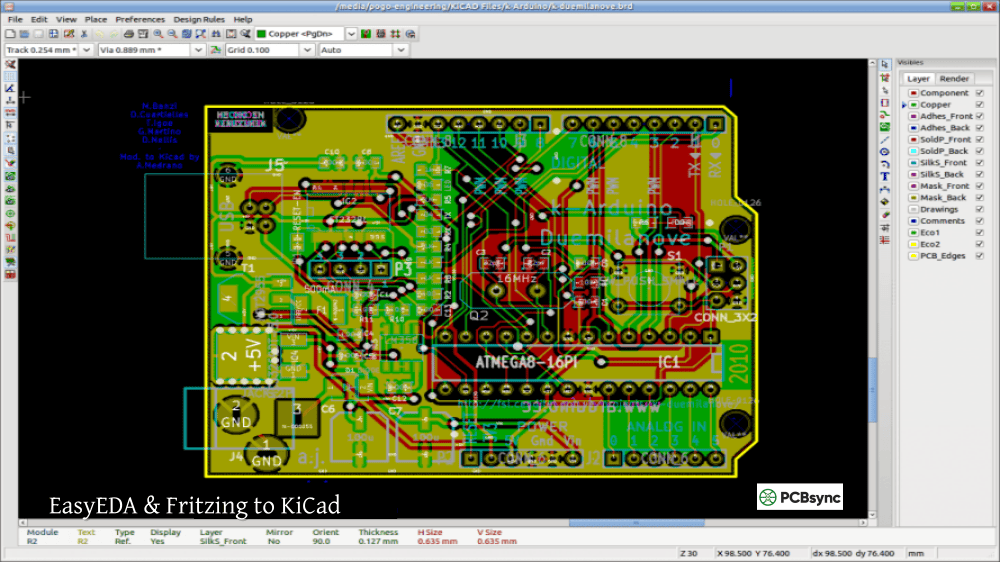
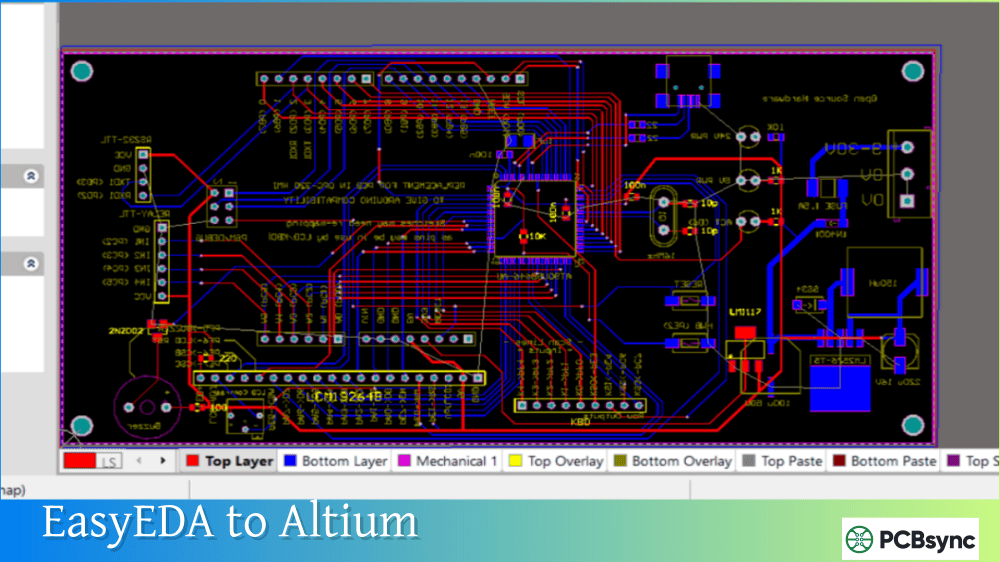
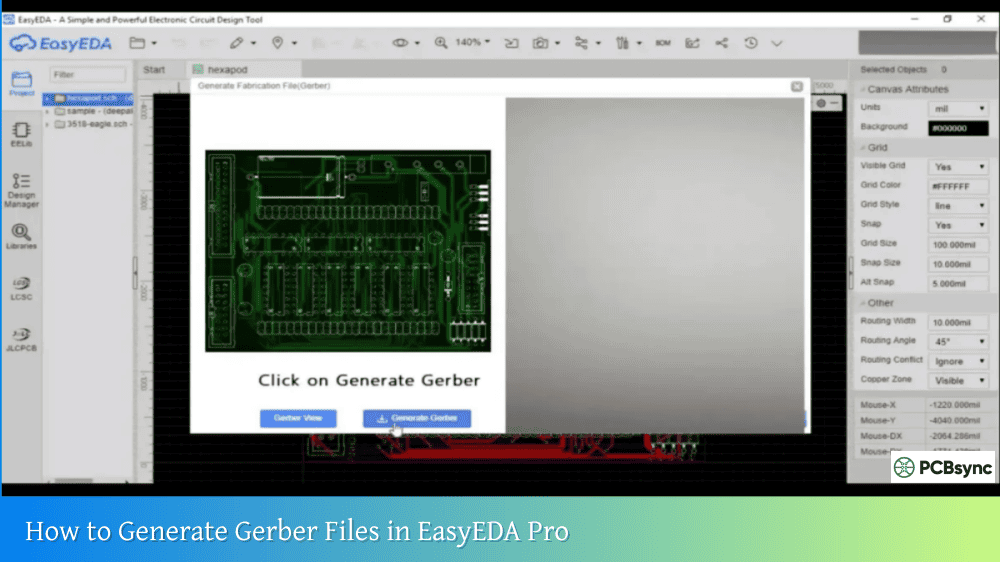
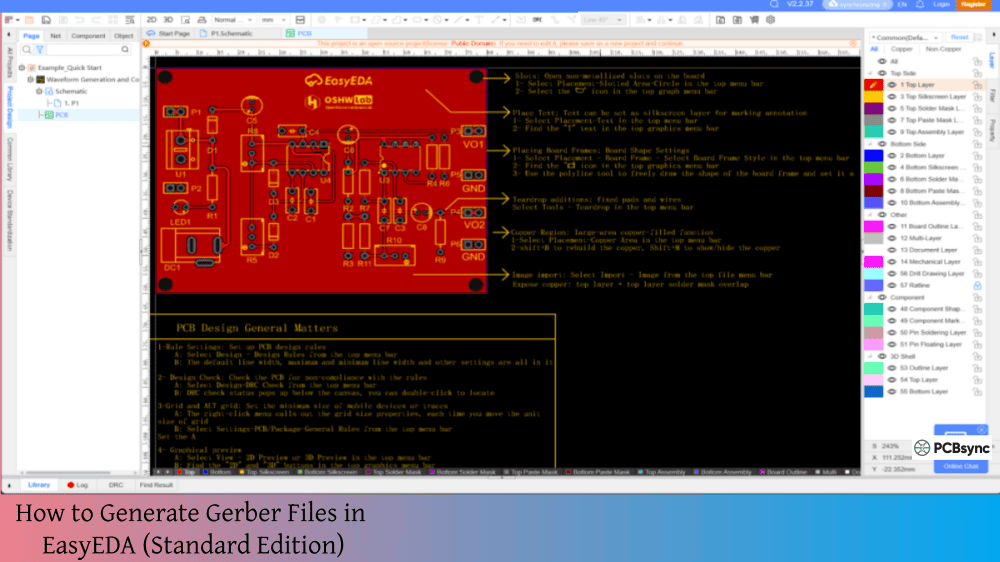
The platform supports Gerber (RS-274X) for manufacturing, SVG/PNG/PDF for documentation, JSON (native EasyEDA format) for backups, Altium Designer format for professional tool migration, and various netlist formats (SPICE, Protel/Altium, PADS, FreePCB).
Proteus imports from these formats:
Proteus accepts Gerber files for visualization only (not editable), ODB++ for some conversion scenarios, and native Proteus formats from older versions.
Practical Conversion Approaches
Option 1: Intermediate Tool Conversion
The most reliable path involves using an intermediate format. Export your EasyEDA design to Altium Designer format, then use third-party conversion tools to create Proteus-compatible files. This works best for schematics; PCB layouts often require significant manual cleanup.
Option 2: Manual Recreation
For complex designs with heavy simulation requirements, sometimes redrawing the schematic in Proteus is faster than fighting conversion issues. Export your EasyEDA netlist as reference, then manually recreate the circuit using Proteus’s component library. This approach ensures full simulation compatibility.
Option 3: Use Both Tools for Their Strengths
In practice, many engineers use EasyEDA for PCB design and manufacturing while keeping Proteus for simulation and firmware development. Design your circuit and PCB in EasyEDA, export the netlist, then build a separate simulation model in Proteus for embedded testing. The designs don’t need to be identical—focus on the critical portions that require simulation.
EasyEDA Import Capabilities
While EasyEDA can’t import from Proteus, it does support importing from other popular tools:
Source Format
Import Support
Eagle (v6+)
Full support (schematic, PCB, libraries)
KiCad (v4.06+)
Supported (requires ZIP packaging)
Altium Designer (ASCII format)
Schematic and PCB
PADS
Via netlist
Proteus
Not supported
This means if you’re migrating TO EasyEDA from other platforms, you have options. Going the other direction requires the workarounds described above.
Both tools provide competent schematic capture environments, but with different philosophies.
EasyEDA emphasizes simplicity with its browser-based editor. Component placement, wiring, and annotation happen through intuitive click-and-drag operations. The learning curve is minimal—I’ve seen complete beginners create functional schematics within their first hour.
Proteus offers more sophisticated schematic features including hierarchical designs, advanced annotation tools, and tighter integration with simulation. The interface feels more traditional (Windows-application style) which some engineers prefer.
Simulation Capabilities
This is where Proteus dominates. EasyEDA’s SPICE simulation handles basic analog analysis—DC operating points, transient response, frequency analysis. Useful for validating amplifier designs or filter responses.
Proteus VSM takes simulation to another level entirely. Co-simulate firmware executing on virtual microcontrollers alongside your circuit. Watch real-time signal interactions, set breakpoints in your embedded code, and test communication protocols between multiple simulated devices. For embedded systems development, nothing else comes close.
PCB Layout and Manufacturing
EasyEDA wins hands-down on the manufacturing workflow. Design your board, click a button, and order fabricated PCBs with assembly services—all within the same interface. Pricing updates in real-time as you modify design parameters.
Proteus creates professional-quality PCB designs with capable auto-routing and design rule checking. However, manufacturing requires exporting Gerber files and working with external fabricators. For one-off prototypes, this adds friction to the development cycle.
Component Libraries
Both platforms maintain extensive libraries, though they serve different purposes.
EasyEDA’s 1+ million components link directly to purchasable parts with real-time inventory data. Every component includes verified footprints because the same company manufactures the boards.
Proteus’s 15+ million library parts emphasize simulation accuracy. Many include detailed SPICE models and microcontroller simulation models that don’t exist anywhere else.
Who Should Use Which Tool?
Based on years of experience with both platforms, here are my recommendations:
Choose EasyEDA if you:
Want to get designs manufactured quickly without export/import hassles. Need a free tool for learning or hobby projects. Value real-time component availability information. Prefer cloud-based collaboration and access from any device. Work primarily on analog circuits or digital designs without embedded firmware.
Choose Proteus if you:
Develop embedded systems requiring firmware simulation. Need to test microcontroller code before hardware exists. Work in an educational environment teaching electronics or embedded systems. Require advanced mixed-mode simulation (analog + digital + MCU). Can invest in commercial software licensing.
Consider using both if you:
Develop embedded products requiring both thorough simulation and rapid prototyping. Need Proteus’s simulation capabilities but prefer EasyEDA’s manufacturing integration. Work on projects where different phases benefit from different tools.
Useful Resources and Downloads
Official Documentation and Downloads
The following resources provide authoritative information for both platforms:
For those needing to convert between formats, these tools may help:
EasyEDA Format Converter: Download from the EasyEDA Pro documentation site for converting between multiple EDA formats including Altium, KiCad, and PADS.
Wokwi EasyEDA to KiCad Converter: Web-based tool for converting EasyEDA JSON files to KiCad format (useful as an intermediate step).
FlatCAM: Open-source tool for converting Gerber files to G-code for CNC milling applications.
Frequently Asked Questions
Can I import EasyEDA projects directly into Proteus?
No, direct import between EasyEDA and Proteus is not supported by either platform. The file formats are fundamentally different, and neither vendor has implemented conversion tools. Your best options include using intermediate formats (export to Altium from EasyEDA, then convert), recreating the schematic manually in Proteus using the netlist as reference, or using both tools for their respective strengths rather than trying to maintain a single design across both platforms.
Is EasyEDA completely free for commercial projects?
Yes, EasyEDA’s free tier allows commercial usage without feature restrictions. You can design, simulate, and export production-ready files without payment. The paid tiers ($7.99/month for Professional) add convenience features like ad-free experience and priority support, but the core design capabilities remain free. EasyEDA monetizes through manufacturing services rather than software licensing.
Which tool has better simulation for Arduino projects?
Proteus provides significantly more capable Arduino simulation through its Virtual System Modelling feature. You can load your actual compiled HEX file and watch the Arduino execute your code while interacting with simulated sensors, displays, and actuators. EasyEDA offers basic SPICE simulation which handles analog circuit analysis but cannot simulate microcontroller firmware execution.
What file formats can I use to transfer designs between PCB tools?
For maximum compatibility, Gerber files work universally for PCB manufacturing but aren’t editable in design tools. For editable transfers, export to Altium Designer ASCII format from EasyEDA, as this format has the widest third-party tool support. KiCad format also works as an intermediate since both EasyEDA (import only) and various converters support it. Always verify converted designs carefully—some details may not transfer perfectly.
Is Proteus worth the cost compared to free alternatives like EasyEDA?
Proteus justifies its cost if embedded simulation is central to your work. The ability to simulate firmware on virtual microcontrollers, debug code without hardware, and test complete embedded systems before prototyping provides significant value for professional embedded development and education. For pure PCB design without simulation requirements, free tools like EasyEDA or KiCad offer comparable layout capabilities at no cost.
Final Thoughts
After working extensively with both EasyEDA and Proteus, I’ve come to appreciate that they serve complementary rather than competing purposes. EasyEDA excels at lowering barriers to PCB design and streamlining the path from concept to manufactured board. Proteus remains unmatched for embedded system simulation and educational applications.
The lack of direct conversion between platforms is frustrating, but understanding each tool’s strengths allows you to leverage both effectively. Use EasyEDA when you need fast prototyping with integrated manufacturing. Turn to Proteus when firmware simulation and debugging matter more than rapid hardware iteration.
Whether you’re a student learning electronics, a hobbyist building your first Arduino project, or a professional developing embedded products, both tools have earned their place in the PCB design ecosystem. The right choice depends on your specific needs—and sometimes the best answer is using both.
Inquire: Call 0086-755-23203480, or reach out via the form below/your sales contact to discuss our design, manufacturing, and assembly capabilities.
Quote: Email your PCB files to Sales@pcbsync.com (Preferred for large files) or submit online. We will contact you promptly. Please ensure your email is correct.
Notes: For PCB fabrication, we require PCB design file in Gerber RS-274X format (most preferred), *.PCB/DDB (Protel, inform your program version) format or *.BRD (Eagle) format. For PCB assembly, we require PCB design file in above mentioned format, drilling file and BOM. Click to download BOM template To avoid file missing, please include all files into one folder and compress it into .zip or .rar format.