Inquire: Call 0086-755-23203480, or reach out via the form below/your sales contact to discuss our design, manufacturing, and assembly capabilities.
Quote: Email your PCB files to Sales@pcbsync.com (Preferred for large files) or submit online. We will contact you promptly. Please ensure your email is correct.
Notes: For PCB fabrication, we require PCB design file in Gerber RS-274X format (most preferred), *.PCB/DDB (Protel, inform your program version) format or *.BRD (Eagle) format. For PCB assembly, we require PCB design file in above mentioned format, drilling file and BOM. Click to download BOM template To avoid file missing, please include all files into one folder and compress it into .zip or .rar format.
The first time I submitted Gerber files to a manufacturer and got an email asking “which file is your top copper layer?”, I realized that understanding Gerber file extensions isn’t optional—it’s essential. Every PCB design tool uses different naming conventions, and what seems obvious to you might be completely cryptic to your fab house. This guide breaks down the logic behind Gerber file extensions and layer naming so you can communicate clearly with any manufacturer, anywhere in the world.
Gerber file extensions are the suffix characters after the filename that identify which PCB layer each file represents. Unlike most file formats where the extension indicates the file type (like .pdf or .docx), Gerber extensions serve a dual purpose: they confirm the file is a Gerber format AND specify the layer function.
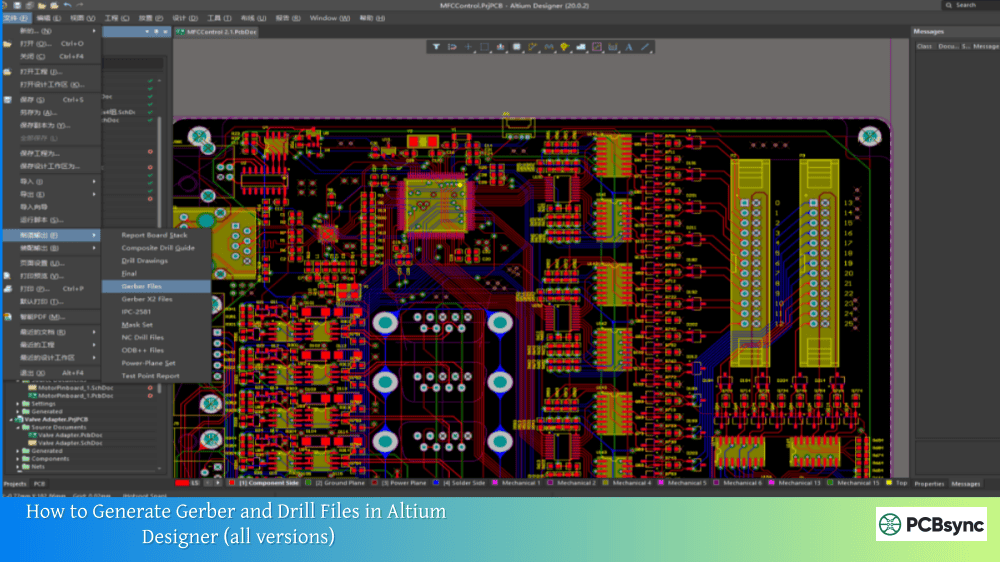
The official standard extension for Gerber files is simply .GBR or .gbr. However, the PCB industry has developed informal conventions where the extension itself communicates layer information. These conventions evolved from Protel (now Altium Designer) and have become widely recognized across the industry.
Why Layer Naming Matters for Manufacturing
Impact
Consequence of Poor Naming
Layer identification
Manufacturer guesses layer function
Stackup order
Inner layers assembled incorrectly
Production delays
Back-and-forth clarification emails
Board failures
Wrong layer used in wrong position
Cost increases
Engineering time to interpret files
When manufacturers receive your Gerber package, their CAM software attempts to automatically identify each layer based on the file extension. Clear naming means automatic recognition. Unclear naming means manual interpretation—which introduces delay and error potential.
The Protel/Altium Naming Convention
The Protel naming convention has become the de facto industry standard for Gerber file extensions. Most manufacturers worldwide recognize these extensions instantly, and most automated import systems are designed around them.
Protel Extension Logic
The naming follows a simple pattern: G + Position + Layer Type
G = Gerber
T = Top, B = Bottom
Layer Type = L (Layer/copper), S (Solder mask), O (Overlay/silkscreen), P (Paste)
Complete Protel Extension Reference
Extension
Layer Name
Description
.GTL
Top Copper
Top signal layer with traces, pads, copper pours
.GBL
Bottom Copper
Bottom signal layer
.GTS
Top Solder Mask
Defines solder mask openings on top
.GBS
Bottom Solder Mask
Defines solder mask openings on bottom
.GTO
Top Silkscreen
Component labels, logos on top (overlay)
.GBO
Bottom Silkscreen
Component labels on bottom
.GTP
Top Paste
Stencil openings for top-side SMT
.GBP
Bottom Paste
Stencil openings for bottom-side SMT
.GKO
Keep-Out/Outline
Board boundary definition
.GM1
Mechanical 1
Often used for board outline
.G1, .G2
Inner Layer 1, 2
Inner signal layers
.GP1, .GP2
Inner Plane 1, 2
Power/ground plane layers
This convention works because it’s both human-readable and machine-parseable. A CAM engineer in any country can look at “.GTS” and immediately know it’s the top solder mask, regardless of what language they speak.
Gerber File Extensions by CAD Software
Every PCB design tool has its own default naming convention. Understanding these differences helps you work with files from colleagues using different software and explains why manufacturers sometimes request file renaming.
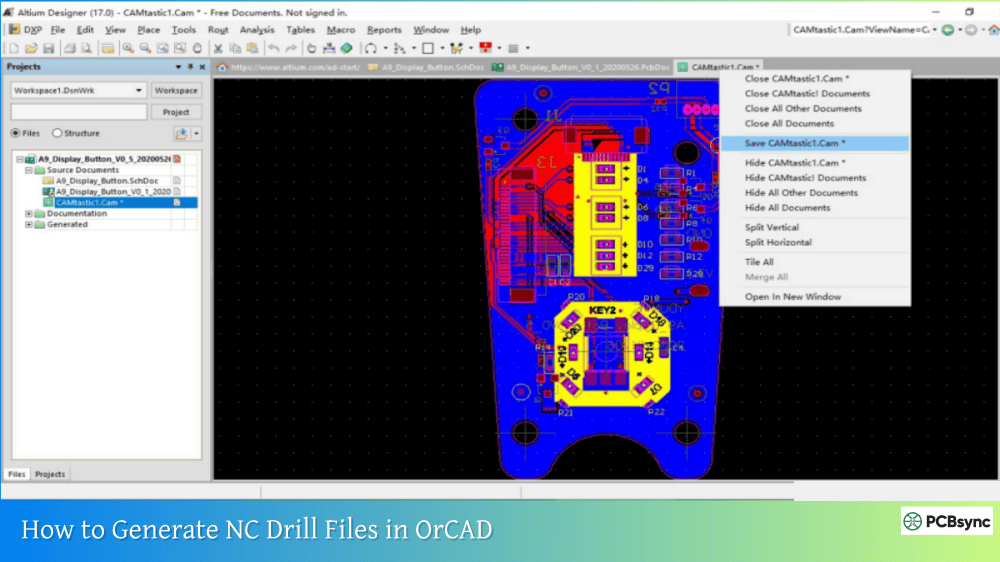
Altium Designer Extensions
Altium follows the Protel convention directly, which makes sense given Altium acquired Protel.
Layer
Altium Extension
Top Copper
.GTL
Bottom Copper
.GBL
Top Solder Mask
.GTS
Bottom Solder Mask
.GBS
Top Silkscreen
.GTO
Bottom Silkscreen
.GBO
Top Paste
.GTP
Bottom Paste
.GBP
Board Outline
.GKO or .GM1
Inner Signal
.G1, .G2, .G3…
Inner Plane
.GP1, .GP2…
Drill File
.DRL or .TXT
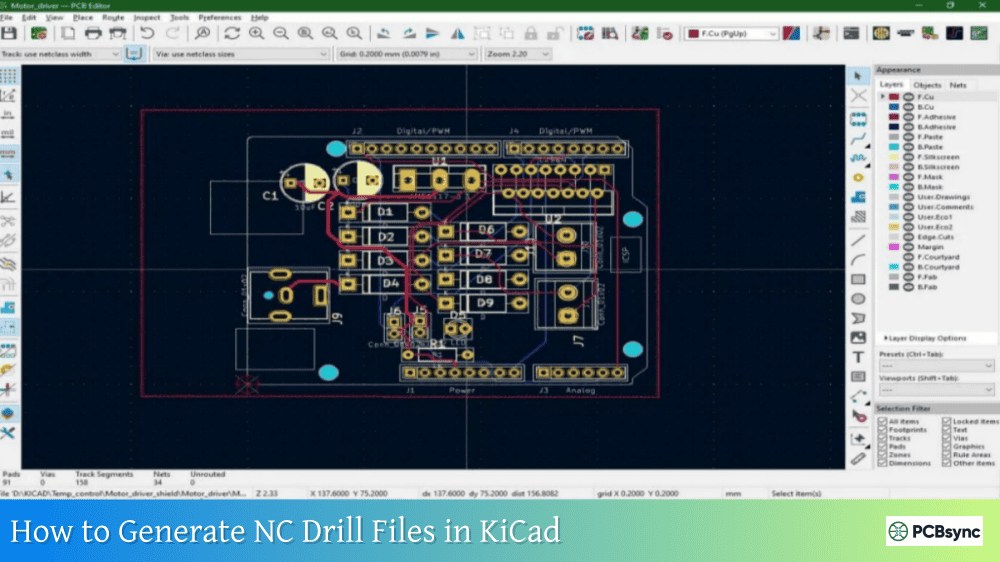
KiCad Default Extensions
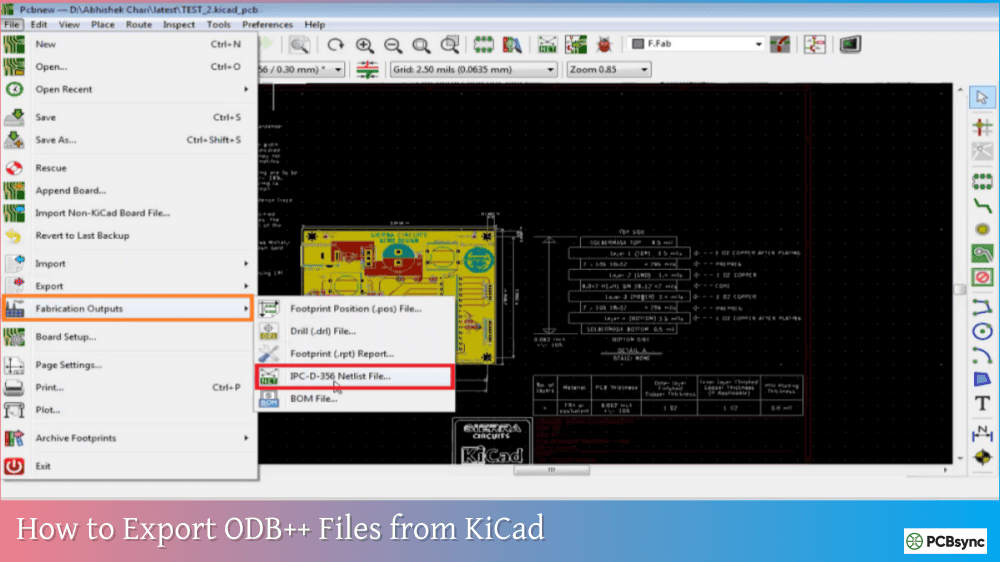
KiCad uses descriptive layer names rather than coded extensions by default. This approach is more readable but may not be automatically recognized by all manufacturer systems.
Layer
KiCad Default
With Protel Option
Top Copper
F_Cu.gbr
.GTL
Bottom Copper
B_Cu.gbr
.GBL
Top Solder Mask
F_Mask.gbr
.GTS
Bottom Solder Mask
B_Mask.gbr
.GBS
Top Silkscreen
F_Silkscreen.gbr
.GTO
Bottom Silkscreen
B_Silkscreen.gbr
.GBO
Top Paste
F_Paste.gbr
.GTP
Bottom Paste
B_Paste.gbr
.GBP
Board Outline
Edge_Cuts.gbr
.GKO
Drill (PTH)
PTH.drl
.DRL
Drill (NPTH)
NPTH.drl
.DRL
Recommendation: Enable “Use Protel filename extensions” in KiCad’s plot settings for maximum manufacturer compatibility. This single checkbox eliminates most naming-related issues.
Eagle (Autodesk) Extensions
Eagle uses a different convention that predates the Protel standard. Some extensions are intuitive, others require translation.
Layer
Eagle Extension
Equivalent Protel
Top Copper
.cmp or .top
.GTL
Bottom Copper
.sol or .bot
.GBL
Top Solder Mask
.stc or .tsm
.GTS
Bottom Solder Mask
.sts or .bsm
.GBS
Top Silkscreen
.plc or .tsk
.GTO
Bottom Silkscreen
.pls or .bsk
.GBO
Top Paste
.crc or .tsp
.GTP
Bottom Paste
.crs or .bsp
.GBP
Board Outline
.dim or .gml
.GKO
Drill File
.drl or .xln
.DRL
Many manufacturers provide Eagle-specific CAM job files that output Protel-compatible extensions. Using these pre-configured jobs simplifies the export process considerably.
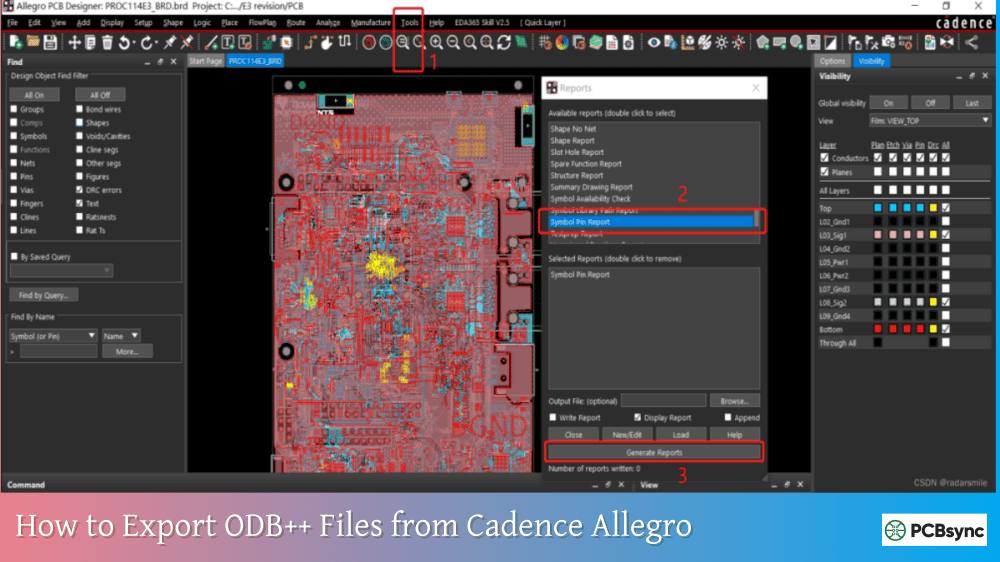
OrCAD/Allegro Extensions
OrCAD typically outputs files with .art or .PHO extensions, which don’t indicate layer function at all.
Layer
OrCAD Default
Notes
Top Copper
TOP.art or .PHO
Requires renaming
Bottom Copper
BOT.art
Requires renaming
Top Solder Mask
SMT.art
Requires renaming
Bottom Solder Mask
SMB.art
Requires renaming
Top Silkscreen
SST.art
Requires renaming
Bottom Silkscreen
SSB.art
Requires renaming
Drill File
.tap or .drl
Check format settings
Important: Many manufacturers request that OrCAD users rename files to Protel conventions before submission because .art and .PHO extensions aren’t automatically recognized by standard CAM systems.
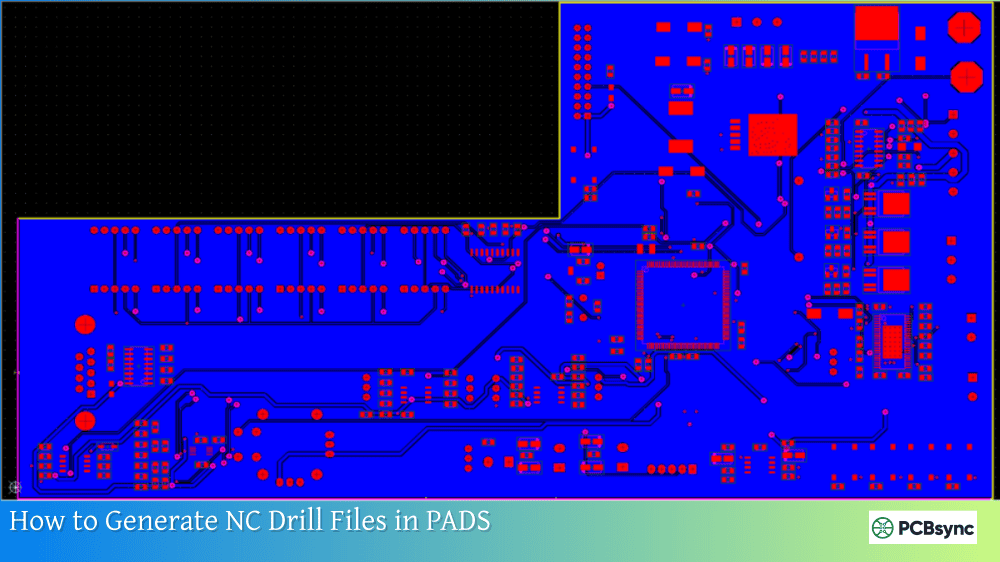
PADS Extensions
PADS uses .PHO (photoplot) extensions with layer information encoded in the filename rather than the extension.
Layer
PADS Format
Top Copper
filename_top.PHO
Bottom Copper
filename_bot.PHO
Solder Mask
filename_sm*.PHO
Silkscreen
filename_ss*.PHO
The .PHO extension refers to the original photoplotter output format. While functional, this convention may cause confusion with automated systems expecting Protel extensions.
Understanding PCB Layer Types
Beyond extensions, understanding what each layer represents helps you verify your Gerber output is complete and correct.
Copper Layers
Copper layers contain all conductive features: signal traces, component pads, via pads, and copper pours. For a standard two-layer board, you need top copper (.GTL) and bottom copper (.GBL). Multilayer boards add inner layers (.G1, .G2, etc.) and potentially plane layers (.GP1, .GP2).
Viewing orientation: All Gerber layers are viewed as if looking through the board from the top. This means bottom layers appear mirrored—traces that run left-to-right on the physical bottom surface appear right-to-left in the Gerber viewer. This is correct and expected.
Solder Mask Layers
Solder mask files define where the protective coating (typically green) will NOT be applied. These layers use negative polarity—drawn features represent openings in the mask that expose copper for soldering.
Solder Mask Consideration
Details
Polarity
Negative (drawn = opening)
Expansion
Typically 2-4 mil larger than pads
Via treatment
Covered (tented) or exposed
File count
Two files: top (.GTS) and bottom (.GBS)
Silkscreen Layers
Silkscreen (also called overlay or legend) layers contain printed markings: component designators (R1, C5, U3), polarity indicators, logos, and assembly notes. These layers are optional but highly recommended for assembly reference.
Common silkscreen issues:
Text overlapping pads (prevents soldering)
Text extending beyond board outline
Text too small to print legibly (minimum 0.8mm height)
Paste Mask Layers
Paste layers define stencil openings for solder paste application during SMT assembly. These files are only needed if your board includes surface mount components and you’re ordering assembly services or a separate stencil.
Board Outline Layer
The outline (also called mechanical or keep-out) layer defines the physical boundary of your PCB. Without this layer, manufacturers cannot determine where to cut individual boards from the production panel.
Outline Extension
Source
.GKO
Protel/Altium
.GM1
Altium Mechanical 1
Edge_Cuts.gbr
KiCad
.dim
Eagle
.FAB
OrCAD
Critical: The outline must be a closed shape with no gaps. Open outlines cause manufacturing holds while engineers request clarification.
Drill Files
Drill files aren’t technically Gerber format—they use Excellon or NC drill format—but they’re always submitted alongside Gerber files and follow similar naming patterns.
Drill Extension
Format
.DRL
Common Excellon
.XLN
Excellon
.TXT
ASCII drill (Altium)
.NC
Numerical control
.TAP
Older format
Drill files should be clearly separated into plated (PTH) and non-plated (NPTH) holes when your design includes both types.
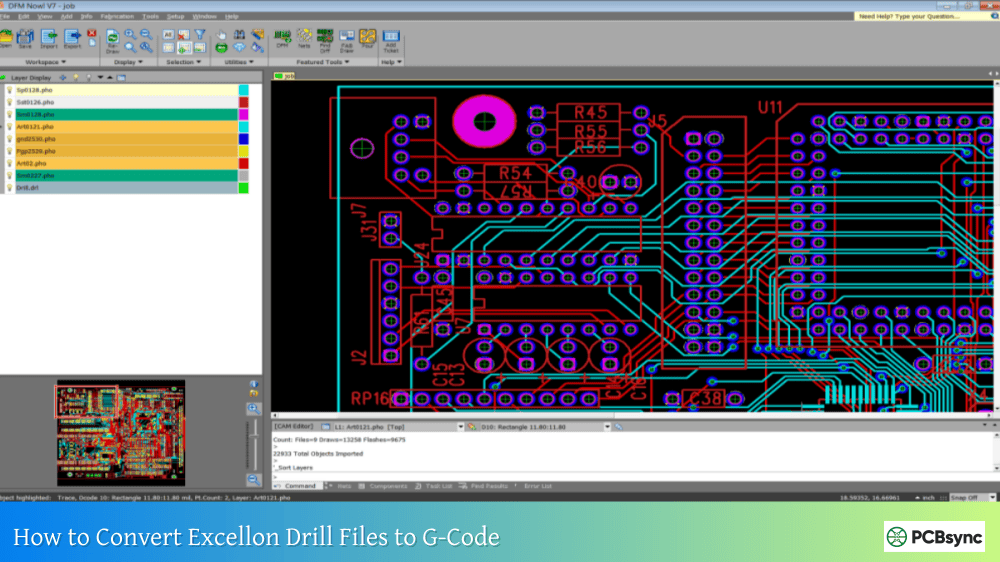
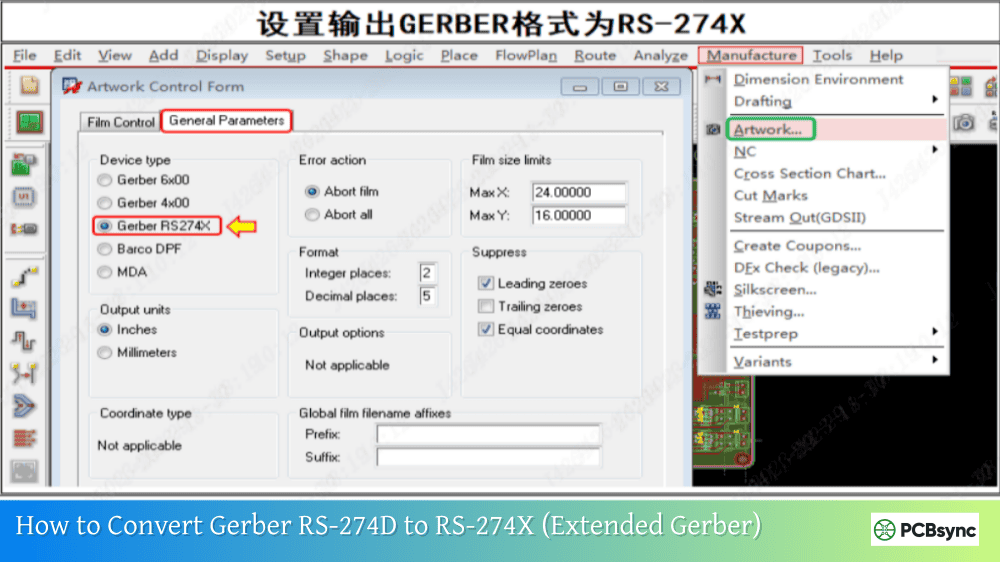
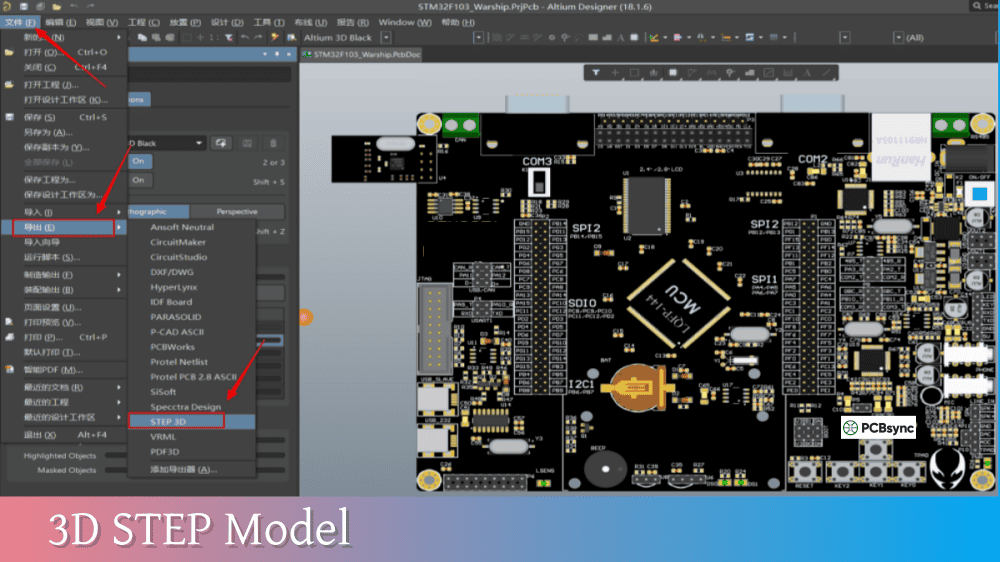
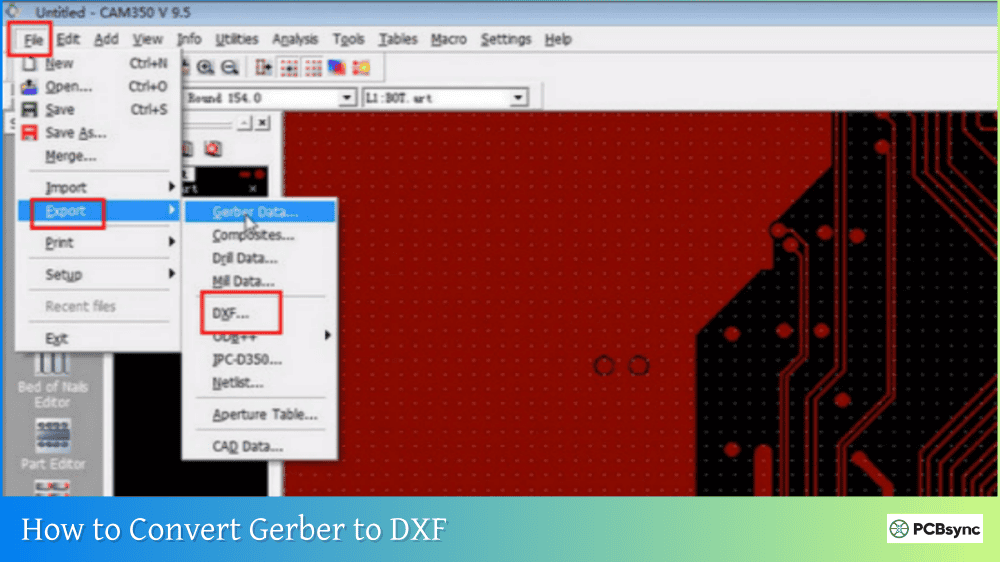
Read more How to convert PCB Files in different Design software:
Following consistent naming practices prevents confusion and manufacturing delays regardless of which CAD tool you use.
Use Recognized Conventions
The safest approach is using Protel extensions because they’re universally recognized. If your CAD tool doesn’t output these by default, either configure it to do so or rename files before submission.
Include a Layer Mapping Document
When file names might be ambiguous, include a simple text or PDF file that maps each filename to its layer function:
This takes two minutes to create and can save days of back-and-forth communication.
Maintain Consistency
Don’t mix naming conventions within the same project. If you use Protel extensions for copper layers, use them for all layers. Mixed conventions confuse both automated systems and human reviewers.
Include Version Information
Consider including revision numbers or dates in your Gerber folder name (not individual file names):
This eliminates ambiguity because the layer function is machine-readable and standardized, regardless of what filename or extension you use.
FileFunction Layer Declarations
FileFunction Value
Layer Purpose
Copper,L1,Top
Top copper layer
Copper,L2,Bot
Bottom copper layer
Copper,L2,Inr
Inner copper layer
Soldermask,Top
Top solder mask
Soldermask,Bot
Bottom solder mask
Legend,Top
Top silkscreen
Legend,Bot
Bottom silkscreen
Paste,Top
Top paste/stencil
Paste,Bot
Bottom paste/stencil
Profile,NP
Board outline (non-plated)
X2 Adoption Status
While X2 is the official current standard, not all manufacturers and CAM systems fully support it yet. The safest approach is using both X2 attributes (if your CAD tool supports them) AND clear file extensions. This provides redundancy—modern systems read the attributes while older systems fall back to extension-based identification.
What is the official standard Gerber file extension?
The official standard extension is .GBR or .gbr according to Ucamco, who maintains the Gerber format specification. However, industry practice commonly uses layer-specific extensions like .GTL, .GBL, .GTS based on the Protel/Altium convention. While using .GBR for everything is technically correct, it requires the filename itself to clearly indicate layer function, and many automated CAM systems won’t automatically recognize layer assignments. For maximum compatibility with manufacturers worldwide, the Protel convention remains the practical choice.
Why does my manufacturer request Protel extensions when I use KiCad?
Manufacturer CAM systems are typically configured to automatically detect and assign layers based on Protel extensions. KiCad’s default descriptive names (F_Cu.gbr, B_Mask.gbr) are human-readable but may not trigger automatic layer recognition in older or differently-configured CAM software. Enabling “Use Protel filename extensions” in KiCad’s plot dialog generates extensions that these systems recognize automatically, reducing the chance of layer misidentification and eliminating the need for manual file renaming or mapping.
How do I handle inner layer naming for multilayer boards?
Inner signal layers use sequential numbering: .G1, .G2, .G3, etc., counting from top to bottom after the top copper layer. Inner plane (power/ground) layers use .GP1, .GP2, etc. For complex stackups, always include a stackup document that clearly shows the layer order, material types, and copper weights. This is especially important because inner layer sequence cannot be visually verified from Gerber files alone—the manufacturer needs explicit documentation to build your board correctly.
Should I use Gerber X2 attributes or stick with traditional extensions?
Use both when possible. Gerber X2 FileFunction attributes provide machine-readable layer identification that eliminates ambiguity, but not all manufacturers fully support X2 yet. By using X2-enabled export AND clear Protel-style extensions, you get the benefits of modern metadata for X2-capable systems while maintaining backward compatibility with traditional CAM workflows. If you must choose one, Protel extensions currently offer broader manufacturer compatibility.
What happens if I submit Gerber files with unclear or wrong extensions?
At best, your manufacturer’s CAM engineer will contact you for clarification, adding 1-2 days to your timeline. At worst, layers may be misidentified and your board produced incorrectly—top silkscreen swapped with bottom, inner layers in wrong sequence, or solder mask applied where copper should be exposed. These errors often aren’t caught until boards arrive and don’t work. The few minutes spent on proper naming prevents expensive mistakes and respins.
Conclusion
Gerber file extensions and layer naming might seem like minor details compared to circuit design and layout work, but they’re the critical link between your design intent and what actually gets manufactured. The Protel naming convention (.GTL, .GBL, .GTS, etc.) has become the industry standard for good reason—it’s logical, widely recognized, and works with virtually every manufacturer’s CAM system.
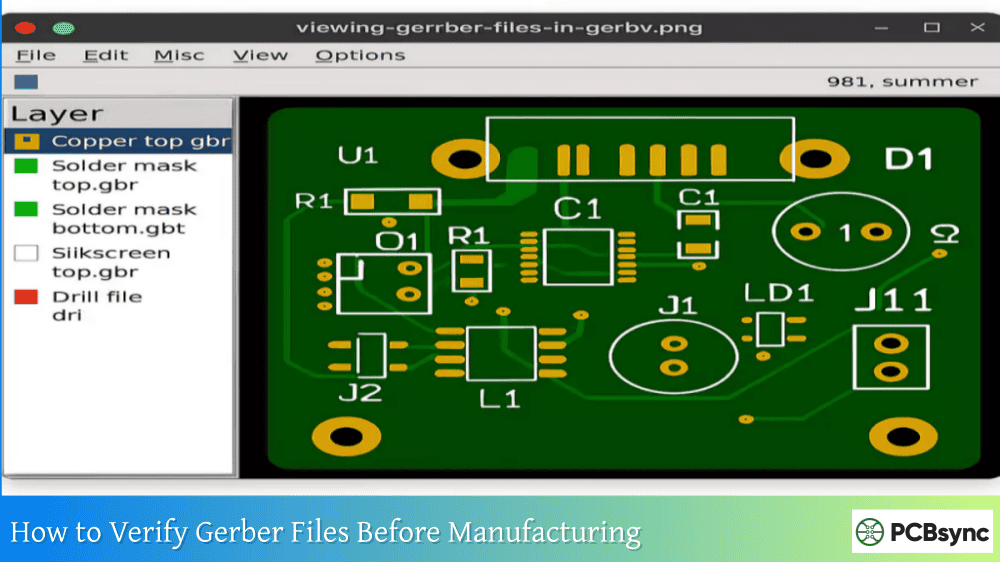
Whether you use Altium, KiCad, Eagle, or OrCAD, take the time to configure your Gerber output for clear, standard naming. Enable Protel extensions where available, include a layer mapping document for complex boards, and verify your files in a Gerber viewer before submission. These simple practices eliminate an entire category of manufacturing problems and ensure your carefully designed boards are built exactly as intended.
The few minutes spent on proper file organization pays back many times over in faster quotes, smoother production, and boards that work the first time.
Inquire: Call 0086-755-23203480, or reach out via the form below/your sales contact to discuss our design, manufacturing, and assembly capabilities.
Quote: Email your PCB files to Sales@pcbsync.com (Preferred for large files) or submit online. We will contact you promptly. Please ensure your email is correct.
Notes: For PCB fabrication, we require PCB design file in Gerber RS-274X format (most preferred), *.PCB/DDB (Protel, inform your program version) format or *.BRD (Eagle) format. For PCB assembly, we require PCB design file in above mentioned format, drilling file and BOM. Click to download BOM template To avoid file missing, please include all files into one folder and compress it into .zip or .rar format.