Inquire: Call 0086-755-23203480, or reach out via the form below/your sales contact to discuss our design, manufacturing, and assembly capabilities.
Quote: Email your PCB files to Sales@pcbsync.com (Preferred for large files) or submit online. We will contact you promptly. Please ensure your email is correct.
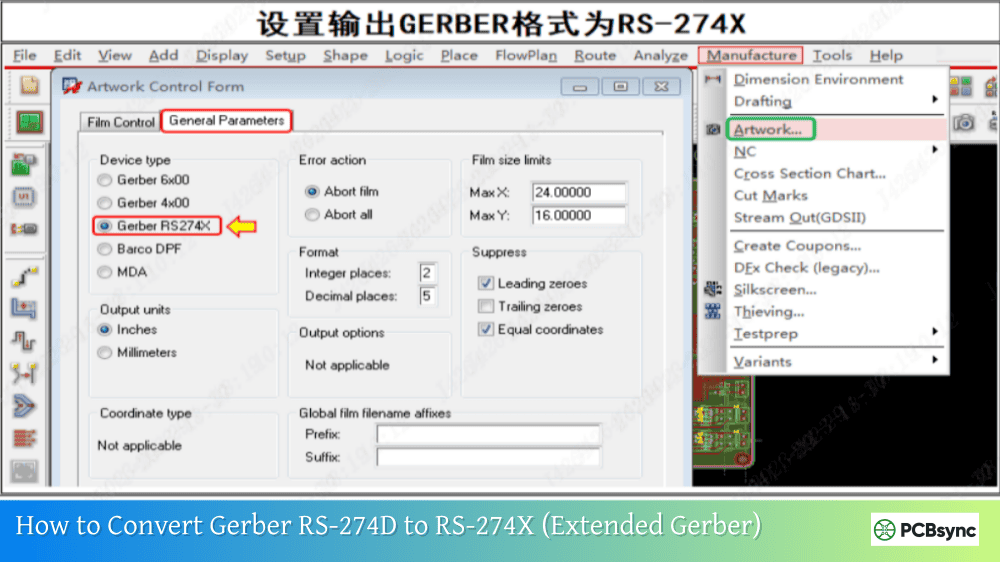
Notes: For PCB fabrication, we require PCB design file in Gerber RS-274X format (most preferred), *.PCB/DDB (Protel, inform your program version) format or *.BRD (Eagle) format. For PCB assembly, we require PCB design file in above mentioned format, drilling file and BOM. Click to download BOM template To avoid file missing, please include all files into one folder and compress it into .zip or .rar format.
What Are Antipads in PCBs? A Practical Guide for PCB Engineers
Look at any modernmultilayer PCB under a microscope, and you’ll notice something peculiar: clearance zones surrounding vias as they pass through copper planes. These aren’t manufacturing defects—they’re antipads, and they’re absolutely critical to your board’s performance. After working through countless high-speed designs, I’ve learned that understanding antipads in PCB design can make the difference between a board that works flawlessly and one that fails signal integrity testing.
An antipad in PCB is essentially a copper-free clearance zone created around a via barrel where it passes through internal plane layers. Think of it as a protective buffer that prevents the via from electrically connecting to planes it shouldn’t touch. When you drill a plated through-hole (PTH) through a ground or power plane, you need this void to isolate the signal via from shorting to the plane.
Most PCB design software automatically generates antipads based on your clearance rules. The moment you route a via through a plane layer, the design tool creates this clearance zone. However, the real challenge isn’t whether to use antipads—it’s mandatory to prevent shorts—but rather determining the optimal size for your specific application.
Why Antipads Matter in Modern PCB Design
In today’s high-speed digital designs, antipads serve multiple critical functions. First and foremost, they prevent electrical shorts between signal vias and reference planes. Without proper antipad clearance, the via barrel could contact the plane during drilling or plating, causing catastrophic failures that might not appear until electrical testing.
Beyond basic electrical isolation, antipads directly impact signal integrity. The copper surrounding your via creates parasitic capacitance that affects how signals propagate through the via. By adjusting antipad size, you’re essentially tuning this capacitance to control via impedance and bandwidth. This becomes especially critical in designs operating above 5 GHz, where every picofarad of capacitance matters.
The Electrical Impact of Antipads in PCB
Via Parasitics and the Pi Model
Every via in your PCB has inherent parasitic elements that affect signal behavior. Understanding these parasitics is essential for proper antipad design. A via exhibits both parasitic inductance (from the via barrel itself) and parasitic capacitance (from the interaction between the via pads and surrounding copper planes).
The standard electrical model for a via with antipads is called a CLC pi model. The via barrel acts as an inductor, while the pads at each end create capacitance with the nearby ground plane. This forms a low-pass filter with a specific 3dB cutoff frequency. When you need to extend the bandwidth of your via transition, you have limited options: reduce the aspect ratio (use a shorter via or wider barrel), or decrease the pad-to-plane capacitance by increasing the antipad size.
Here’s the critical relationship: C = (1.41 × ε × T) / ln(D1/D2)
In high-speed designs, via transitions can introduce significant impedance discontinuities. The antipad size directly affects this impedance. A smaller antipad increases parasitic capacitance between the via and the plane, which can help match the inductive impedance of the via barrel. However, make it too small, and you risk manufacturing issues or excessive capacitive loading that limits bandwidth.
From practical experience, I’ve found that antipads become particularly important when dealing with:
DDR memory interfaces operating above 2133 MHz where timing margins are tight PCIe Gen 3 and higher where return loss specifications are stringent RF designs above 5 GHz where via transitions dominate insertion loss Differential pairs where matched impedance through the via transition is critical
Antipad Sizing: The Engineering Balancing Act
Determining the right antipad size requires balancing three competing objectives: manufacturing reliability, routing density, and signal integrity. Get this balance wrong, and you’ll face either manufacturing defects or signal integrity problems.
Manufacturing Reliability Factors
Parameter
Typical Value
Critical Consideration
Minimum Clearance
4-6 mils
Accounts for drill wander and annular ring breakout
Drill wander is your enemy here. During PCB fabrication, the drill bit can shift from its intended location, potentially exposing the plane’s copper through the hole wall. This creates shorts during plating that may pass visual inspection but fail electrical testing. I always consult with my fabricator about their drill-to-copper capabilities before finalizing antipad sizes.
The conservative rule I follow: antipad radius = pad radius + 4 mils minimum. For thicker boards or when using heavier copper weights, increase this to 6 mils or more. The extra clearance costs you some routing space but prevents expensive manufacturing failures.
Routing Density Impact
Larger antipads create bigger voids in your reference planes, which affects your ability to route traces nearby. This becomes critical in high-density designs like BGA breakouts where you’re routing through copper pour regions. Each antipad is a keep-out zone that restricts where other traces can go.
The tradeoff: A larger antipad gives you better manufacturability and potentially better signal integrity control, but reduces routing channels available in dense areas. In HDI designs with 0.4mm pitch BGAs, every mil counts. I’ve learned to plan via placement carefully, staggering layer transitions to avoid clustering antipads in critical routing zones.
Signal Integrity Requirements
For high-speed signals, antipad size affects via impedance and bandwidth. The relationship isn’t intuitive: larger antipads reduce parasitic capacitance, which can improve bandwidth but may create impedance mismatches if not properly controlled.
Antipad Design Guidelines by Application
Standard Digital Designs (< 1 GHz)
For typical digital circuits operating below 1 GHz, antipads are primarily a manufacturing concern. Follow these guidelines:
Use your EDA tool’s default clearance rules (typically 8-10 mils)
Ensure minimum clearance meets your fabricator’s capabilities
Don’t overthink it—manufacturing reliability is your main concern
High-Speed Digital (1-10 GHz)
This is where antipad design becomes more nuanced. You need to balance manufacturing with signal integrity:
For single-ended signals:
Start with 10 mil minimum clearance
Use field solvers to verify via impedance matches trace impedance
Consider stitching vias around signal vias to improve return path
Keep antipads circular for predictable electromagnetic behavior
For differential pairs:
Maintain consistent spacing between via pairs
Use identical padstack definitions to ensure matched impedance
Run 3D field solver simulations to verify odd-mode impedance
Be prepared to iterate antipad size based on simulation results
RF and mmWave (> 10 GHz)
At these frequencies, via design dominates your signal integrity budget. Antipads must be carefully optimized:
Use 3D electromagnetic simulation tools (not approximate formulas)
Implement coaxial via structures with ground via fencing
Optimize antipad size to minimize insertion loss
Consider backdrilling requirements from the start
Expect antipad sizes in the range of 20-40 mils depending on frequency
Antipads on Landing Pads: A Controversial Topic
The PCB community remains divided on whether to use antipads on component landing pads. Here’s my take based on years of working with high-speed designs:
Arguments for antipads on landing pads:
Can reduce parasitic capacitance to the plane below
Allows fine-tuning of pad impedance to match trace impedance
May reduce return loss at the pad transition
Arguments against:
Creates impedance discontinuity at the pad
Introduces additional insertion loss
Complicates return path planning
Requires careful validation through simulation
My recommendation: Avoid antipads on landing pads unless absolutely necessary. In channels operating beyond 50 GHz where every 0.1 dB of insertion loss matters, you might need this level of optimization. But for most designs, the impedance discontinuity caused by the antipad creates more problems than it solves.
If you do use antipads on landing pads, ensure you have ground vias and copper pour nearby to maintain a clear return path. Without this, you’ll create a significant impedance discontinuity that degrades signal quality.
Antipad Shapes and Configuration
Shape
Best For
Advantages
Disadvantages
Circular
General purpose, high-speed
Predictable EM behavior, uniform clearance
Less space-efficient
Oval
Dense routing areas
Better routing density
Less predictable impedance, harder to simulate
Rectangular
Special cases only
Maximum routing flexibility
Poor EM performance, not recommended
In my experience, circular antipads are the safest choice. They provide uniform clearance in all directions and predictable electromagnetic behavior. Oval antipads can work in dense designs, but you must verify their impact on impedance using field solvers. Avoid rectangular antipads unless you have a very specific reason—the corners create electromagnetic discontinuities.
Common Antipad Design Mistakes
After reviewing hundreds of PCB layouts, I’ve seen these mistakes repeatedly:
Using default values blindly: Your EDA tool’s defaults may not suit your specific design. Always verify they meet both your fabricator’s capabilities and your signal integrity requirements.
Inconsistent padstacks: Using different antipad sizes for similar vias creates impedance mismatches. Define standard padstack libraries and use them consistently.
Ignoring backdrill requirements: When backdrilling vias, you need larger antipads on the backdrilled layers to accommodate the larger drill bit diameter and tolerances.
Clustering vias without planning: Dense via fields create Swiss cheese in your reference planes, disrupting return current paths. Stagger layer transitions to avoid this.
Not consulting your fabricator: Fabrication capabilities vary significantly. What works at one fab house might fail at another. Always verify drill-to-copper specifications before finalizing your design.
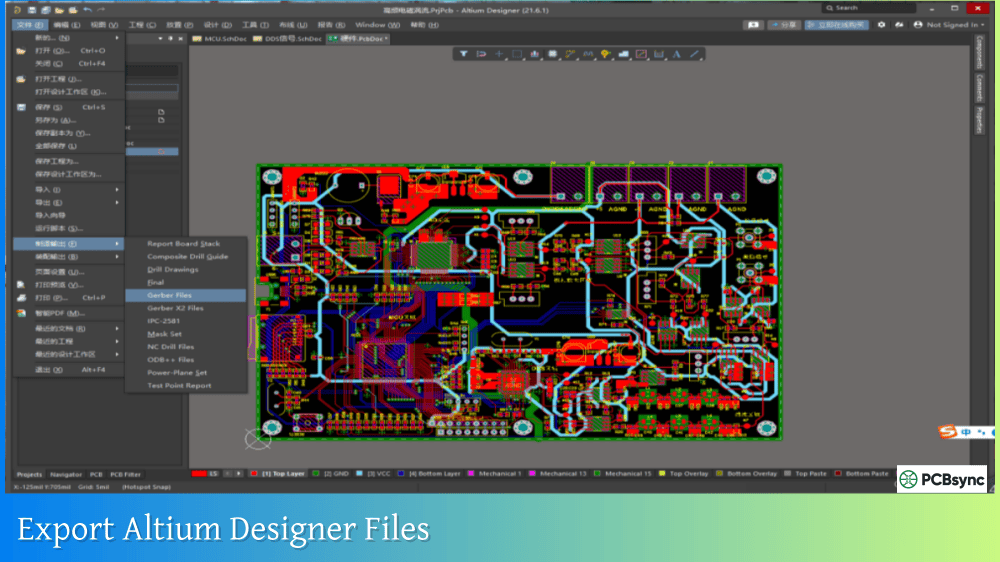
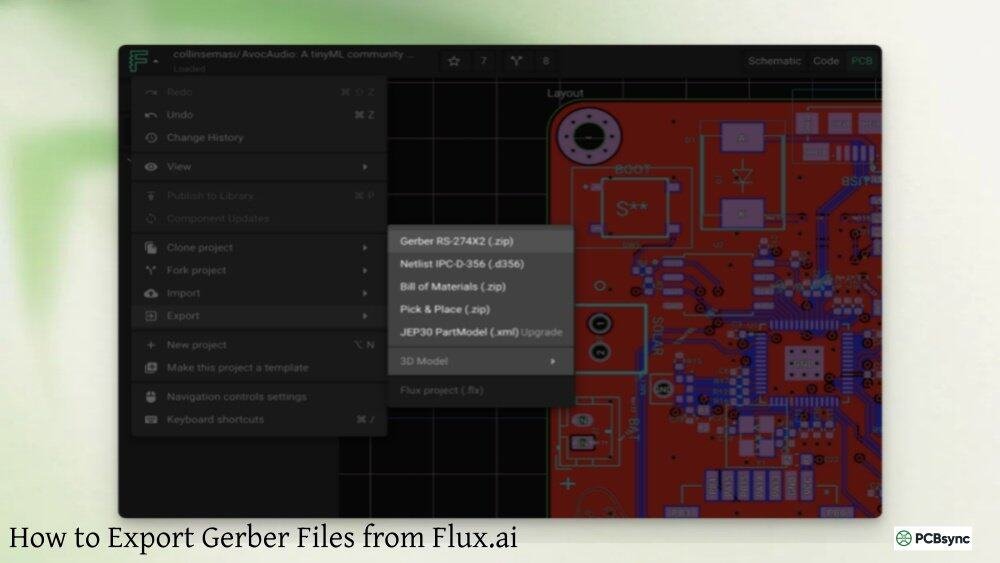
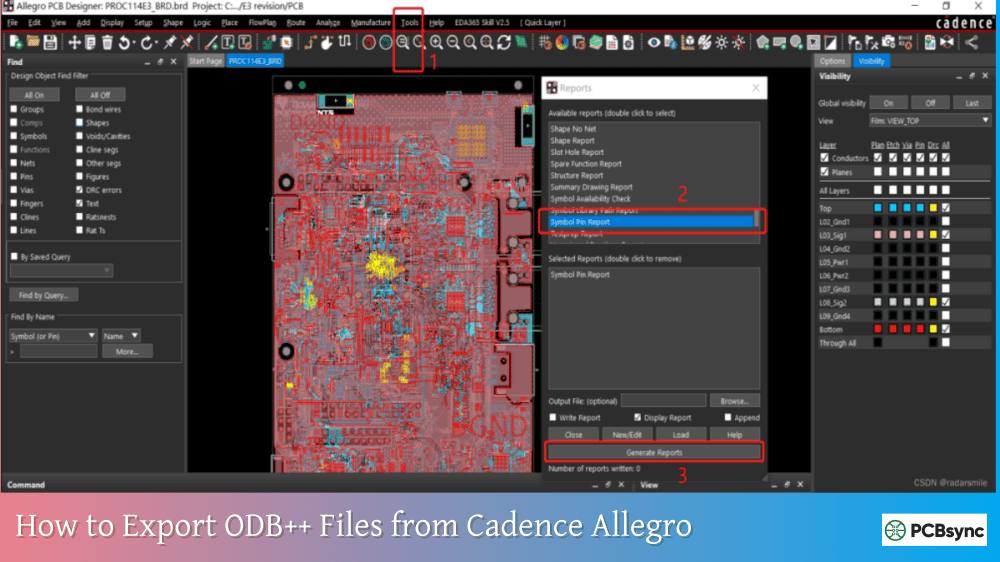
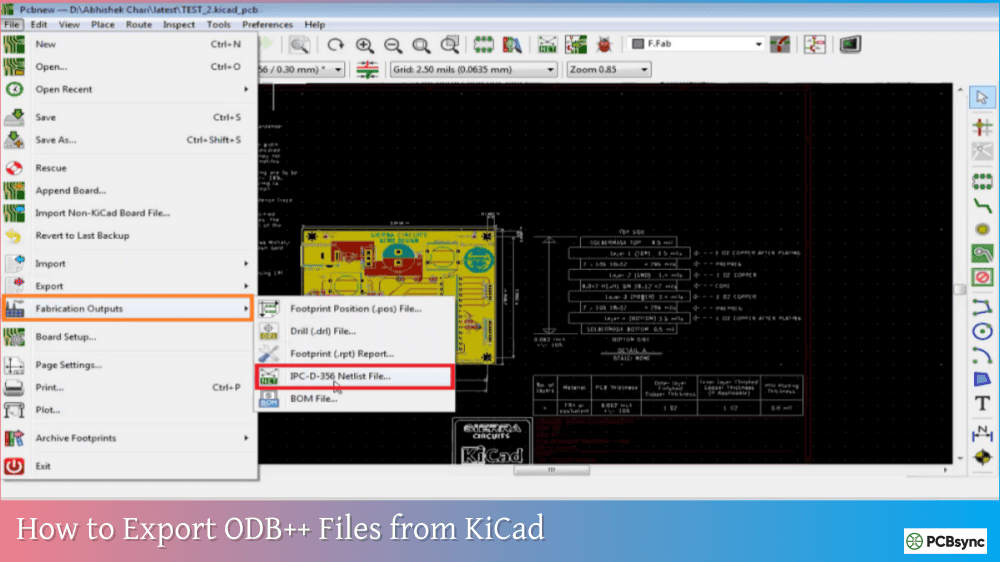
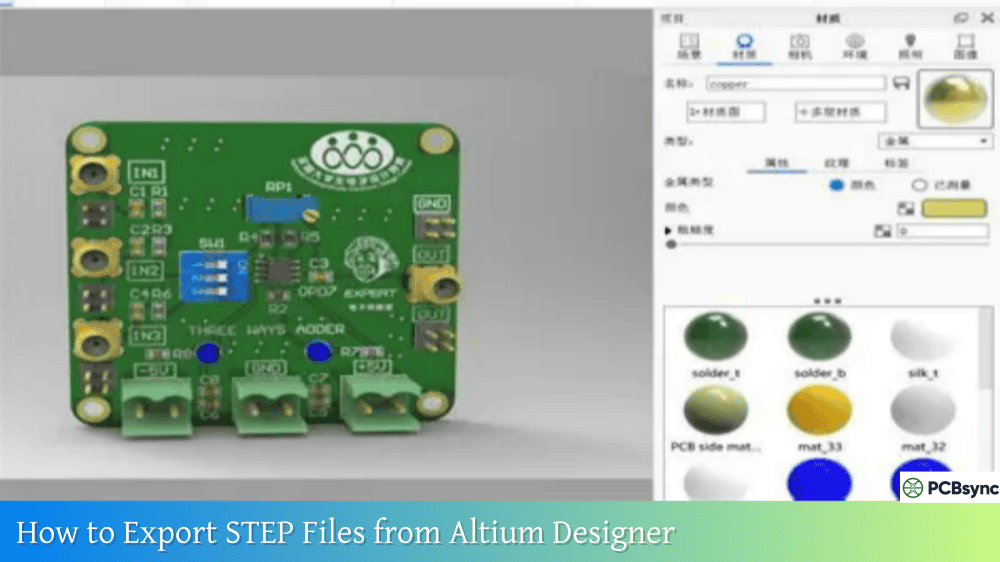
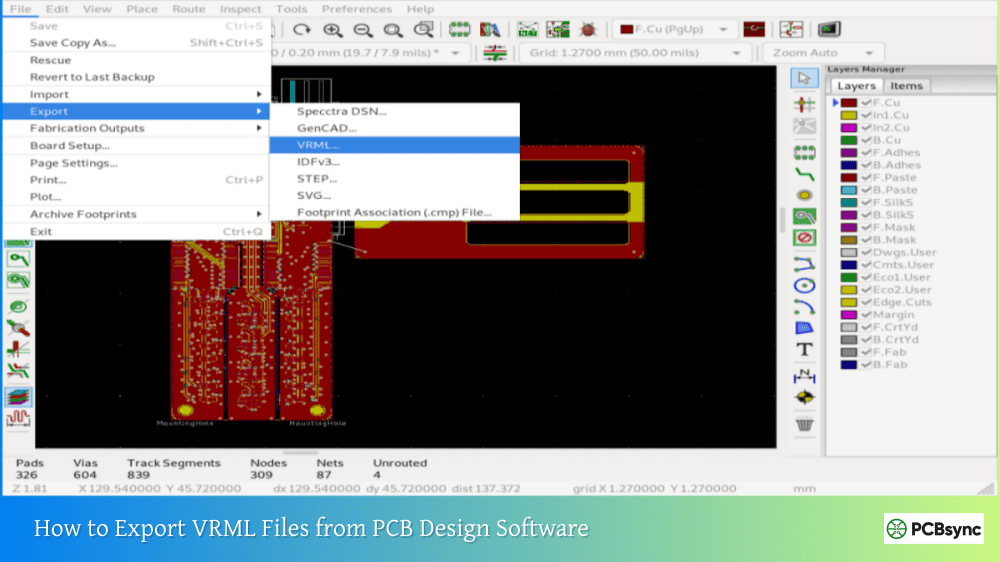
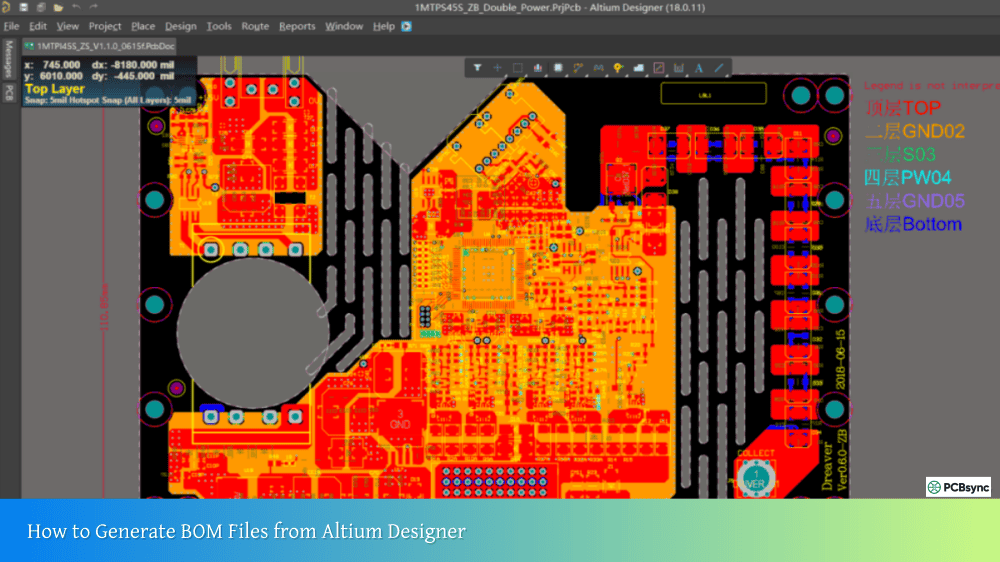
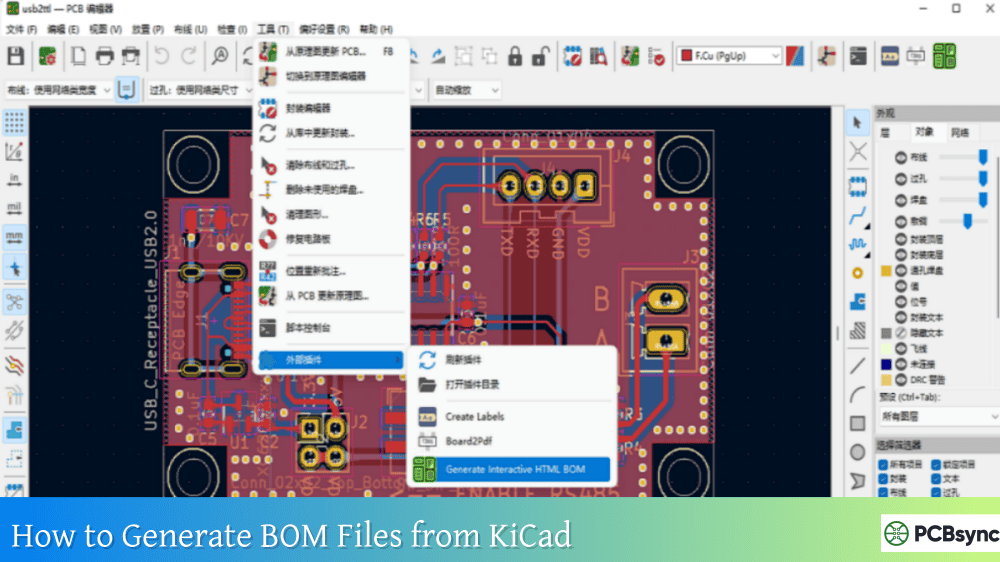
Read more How to convert PCB Files in different Design software:
PCB Design Tools and Resources for Antipad Optimization
Commercial EDA Tools
Modern PCB design suites include antipad management features:
Altium Designer – Rules-driven padstack manager with automatic antipad generation based on clearance rules. Includes SI simulations for via modeling.
Cadence OrCAD/Allegro – Comprehensive padstack libraries with antipad control. Integrates with PSpice for via parasitic analysis.
Mentor Graphics Xpedition – Advanced clearance management with automatic antipad sizing based on manufacturing constraints.
Zuken CR-8000 – Padstack designer with antipad optimization for high-speed designs.
Simulation and Calculation Tools
For proper antipad sizing in critical applications:
Saturn PCB Toolkit – Free via calculator that includes antipad considerations in impedance calculations. Essential for quick estimates. Download: https://saturnpcb.com/saturn-pcb-toolkit/
Polar Si9000e – Professional field solver for via impedance calculations including antipad effects.
HFSS/CST – 3D electromagnetic simulators for detailed via structure optimization at RF frequencies.
IPC Standards and Design Guidelines
IPC-2221B – Generic PCB design standard including clearance requirements IPC-6012 – Performance specification including annular ring requirements IPC-7351B – Land pattern standard (relevant for landing pad antipads)
These documents specify drill-to-copper capabilities, which directly determine minimum antipad sizes.
Advanced Antipad Techniques
Stitching Vias for Impedance Control
When working above 5 GHz, I often use stitching vias around signal vias to control impedance. The stitching vias create additional capacitance that compensates for via inductance. This technique requires careful antipad sizing to achieve the target impedance, typically 50 or 100 ohms differential.
The optimal stitching via placement depends on frequency and via geometry. As a starting point, place ground vias at a distance of 2-3 times your antipad diameter from the signal via.
Backdrill Considerations
Backdrilling removes via stubs to improve signal integrity, but it complicates antipad design. The backdrill tool is larger than your original drill, so antipads on backdrilled layers must accommodate:
Backdrill tool diameter plus tolerance
Depth control tolerance (typically ±5 mils)
Additional clearance for safety margin
Specify backdrill requirements clearly in your fabrication notes, including which layers require enlarged antipads.
Layer-Specific Antipad Optimization
Not all layers need the same antipad size. In my designs, I often use:
Smaller antipads on signal layers where routing density is critical
Larger antipads on internal power/ground planes where space permits
Backdrill-optimized antipads on specific layers where stub removal occurs
Most advanced EDA tools support layer-specific padstack definitions, allowing this optimization.
Antipad Design Checklist for PCB Engineers
Before sending your design to fabrication, verify:
No, you only need antipads where vias pass through solid copper planes or pours. Signal layers without planes don’t require antipads. Your design software automatically determines which layers need clearance based on the copper pattern.
Q2: What happens if my antipad is too small?
Too-small antipads risk shorts during manufacturing. Drill wander or annular ring breakout can expose plane copper through the hole wall, causing shorts during plating. These defects might pass visual inspection but fail electrical testing, leading to costly rework or scrapped boards.
Q3: Can I eliminate antipads to save routing space?
Absolutely not. You must have some clearance between the via barrel and any planes to prevent electrical shorts. The question isn’t whether to use antipads, but rather how large they should be. Even the minimum clearance for manufacturing is non-negotiable.
Q4: How do antipads affect differential pair routing?
Differential pairs are particularly sensitive to antipad size because it affects odd-mode impedance. Use matched padstacks with identical antipad sizes for both vias in the pair. Maintain spacing between differential vias consistent with your trace spacing, and use field solvers to verify impedance remains within tolerance through the via transition.
Q5: Should antipad size change with board thickness?
Yes, thicker boards typically require larger antipads. Drill wander increases with drill depth, so deeper holes need more clearance. Additionally, aspect ratio (board thickness to drill diameter ratio) affects via impedance, which may require antipad adjustment to maintain target impedance. Consult your fabricator’s specifications for thickness-specific recommendations.
Conclusion: Getting Antipads in PCB Right
Antipads represent one of those PCB design elements that seem simple on the surface but reveal complexity when you dig deeper. For basic designs, following conservative manufacturing guidelines and your fabricator’s specifications will serve you well. Use a minimum of 4 mils clearance beyond your pad radius, verify it meets drill-to-copper requirements, and you’re good to go.
For high-speed designs, antipads become a critical tuning parameter for signal integrity. You’ll need field solver simulations to optimize antipad size for your specific frequency range and impedance targets. The extra engineering effort pays off in first-pass design success and reliable performance.
The key is understanding which type of design you’re working on and applying the appropriate level of rigor. Don’t over-engineer antipads for a simple digital board, but don’t under-engineer them for a 25 Gbps SerDes interface either. With the guidelines and resources provided here, you should be well-equipped to make informed antipad decisions for your next PCB design.
Remember: when in doubt, consult your fabricator early in the design process. They can provide specific guidance based on their process capabilities, potentially saving you from costly respins. Good antipad design is ultimately about collaboration between design engineering and manufacturing—getting both sides right is what leads to successful PCBs.
Inquire: Call 0086-755-23203480, or reach out via the form below/your sales contact to discuss our design, manufacturing, and assembly capabilities.
Quote: Email your PCB files to Sales@pcbsync.com (Preferred for large files) or submit online. We will contact you promptly. Please ensure your email is correct.
Notes: For PCB fabrication, we require PCB design file in Gerber RS-274X format (most preferred), *.PCB/DDB (Protel, inform your program version) format or *.BRD (Eagle) format. For PCB assembly, we require PCB design file in above mentioned format, drilling file and BOM. Click to download BOM template To avoid file missing, please include all files into one folder and compress it into .zip or .rar format.