Inquire: Call 0086-755-23203480, or reach out via the form below/your sales contact to discuss our design, manufacturing, and assembly capabilities.
Quote: Email your PCB files to Sales@pcbsync.com (Preferred for large files) or submit online. We will contact you promptly. Please ensure your email is correct.
Notes: For PCB fabrication, we require PCB design file in Gerber RS-274X format (most preferred), *.PCB/DDB (Protel, inform your program version) format or *.BRD (Eagle) format. For PCB assembly, we require PCB design file in above mentioned format, drilling file and BOM. Click to download BOM template To avoid file missing, please include all files into one folder and compress it into .zip or .rar format.
How to Generate Gerber Files from PCB Artist (Advanced Circuits): Complete Engineer’s Guide
As a PCB engineer who has spent countless hours troubleshooting manufacturing issues, I can tell you that getting your Gerber files right is the difference between a successful prototype and weeks of delays. PCB Artist, the free design software from Advanced Circuits (4PCB), simplifies the Gerber generation process considerably compared to other CAD tools, but there are still critical steps you need to follow to avoid common pitfalls.
This comprehensive guide walks you through everything from understanding what Gerber files actually contain to submitting your design for fabrication through Advanced Circuits’ streamlined workflow.
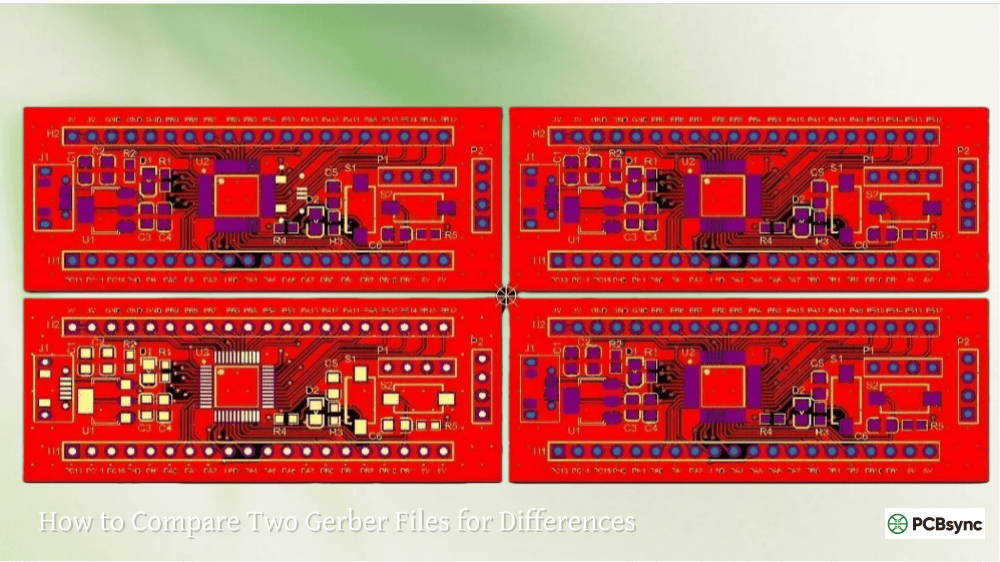
Gerber files serve as the universal language between your PCB design and the fabrication house. Named after the company Gerber Scientific Instruments that developed the format in the 1960s, these files have become the de facto standard for PCB manufacturing data transfer.
Think of Gerber files as detailed blueprints that tell the manufacturer exactly where to etch copper, apply solder mask, print silkscreen, and drill holes. Each physical layer of your PCB gets its own Gerber file, and together they form a complete manufacturing package.
The Modern Gerber Format: RS-274X
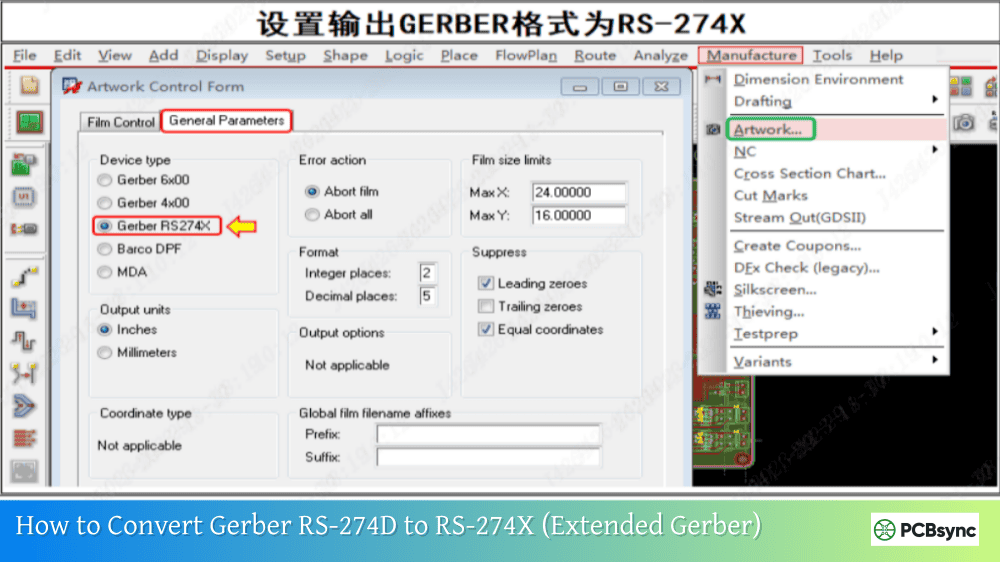
Most manufacturers today, including Advanced Circuits, prefer the RS-274X format (also called Extended Gerber or X-Gerber). This format embeds aperture information directly within the file, eliminating the need for separate aperture wheel files that older formats required.
RS-274X offers several advantages for PCB engineers:
Self-contained files with embedded aperture definitions
Support for complex polygon fills and copper pours
Better accuracy for fine-pitch components
Reduced chance of misalignment between layers
PCB Artist Overview: Advanced Circuits’ Free Design Tool
PCB Artist is a fully-featured schematic capture and PCB layout software developed specifically for Advanced Circuits’ manufacturing ecosystem. The software integrates seamlessly with their ordering system, which means generating manufacturing files is remarkably straightforward compared to exporting from third-party tools.
Step-by-Step Process: Generating Gerber Files from PCB Artist
Step 1: Complete Your PCB Design
Before generating any manufacturing files, ensure your design is complete and error-free. This sounds obvious, but I’ve seen engineers rush to generate Gerbers only to find a missing trace or incorrectly placed component.
Pre-Export Checklist:
All components placed and properly oriented
All traces routed with no airwires remaining
Power and ground planes defined correctly
Board outline clearly defined on the proper layer
Silkscreen text is legible and properly positioned
Mounting holes placed with correct drill sizes
Step 2: Run Design Rule Check (DRC)
PCB Artist includes a comprehensive DRC tool that checks your design against manufacturing constraints. Access this through Tools > Design Rule Check from the menu bar.
The DRC will flag issues including:
Trace widths below minimum specifications
Clearances between copper features
Drill hole sizes outside acceptable range
Missing thermal reliefs on power planes
Silkscreen overlapping pads
Pro Tip: Advanced Circuits’ standard capabilities include 6 mil minimum trace width and 6 mil minimum spacing for standard boards. Their Barebones service has slightly more relaxed rules, but always check their current specifications before finalizing your design.
Step 3: Access the Output Menu
In PCB Artist, manufacturing file generation is handled through the Output menu. Navigate to Output > Manufacturing Files to access the Gerber generation options.
PCB Artist simplifies this process significantly compared to other CAD tools. Rather than configuring each Gerber file individually, the software includes preset configurations optimized for Advanced Circuits’ manufacturing process.
Step 4: Configure Gerber Output Settings
When the Manufacturing Files dialog opens, you’ll see options for selecting which layers to include. For a standard two-layer board, ensure these files are generated:
Required Gerber Files for Two-Layer Board:
Layer Type
File Extension
Description
Top Copper
.GTL or .cmp
Top conductor layer
Bottom Copper
.GBL or .sol
Bottom conductor layer
Top Solder Mask
.GTS or .stc
Top solder mask openings
Bottom Solder Mask
.GBS or .sts
Bottom solder mask openings
Top Silkscreen
.GTO or .plc
Component reference designators
Bottom Silkscreen
.GBO or .pls
Bottom side markings (if used)
Board Outline
.GKO or .fab
Board dimensions and cutouts
NC Drill
.DRL or .drd
Drill hole locations and sizes
For four-layer or more complex boards, you’ll also need inner layer Gerbers designated as internal plane or signal layers.
Step 5: Generate NC Drill Files
The NC drill file (often in Excellon format) is equally critical as your Gerber files. This file tells the CNC drilling machine exactly where to place each hole and what size drill bit to use.
PCB Artist generates drill files automatically as part of the manufacturing output process. The drill file includes:
XY coordinates for each hole
Tool numbers corresponding to drill sizes
Plated vs. non-plated hole designations
Common Drill File Issues to Avoid:
Forgetting to differentiate plated through-holes from non-plated mounting holes
Using drill sizes that don’t match the manufacturer’s available tool set
Missing the drill file entirely from your submission package
Step 6: Submit Your Order
Here’s where PCB Artist really shines. Instead of manually packaging and uploading files, you can submit directly through the software.
Navigate to Output > Submit Order and PCB Artist will:
Perform a final DRC check
Generate all required manufacturing files
Package them appropriately
Connect to Advanced Circuits’ ordering system
You can enter promotion codes like the popular “33each” student/hobbyist deal directly in the submission dialog.
Understanding Advanced Circuits’ FreeDFM Tool
Even if you’re not ordering immediately, Advanced Circuits offers a free design file verification service called FreeDFM. This web-based tool analyzes your Gerber files and provides a detailed report identifying potential manufacturing issues.
What FreeDFM Checks
The FreeDFM analysis covers critical manufacturing parameters:
The board outline defines where the manufacturer routes (cuts) your PCB from the panel. A missing or incomplete outline will cause a manufacturing hold.
Solution: In PCB Artist, ensure your board boundary is drawn on the Board Outline layer as a continuous, closed shape. Include any internal cutouts on this layer as well.
Error 2: Drill File Coordinate Mismatch
Sometimes drill coordinates use different units or precision than Gerber files, causing misaligned holes.
Solution: PCB Artist handles this automatically, but if using external tools, ensure both Gerber and drill files use the same coordinate system (typically 2:5 format, inches).
Error 3: Solder Mask Swell Issues
Solder mask openings that are too small can result in solder mask on pads, preventing good solder joints.
Solution: Most manufacturers add automatic solder mask swell (typically 3-5 mils larger than pads). Verify this setting matches your manufacturer’s recommendations.
Error 4: Silkscreen Over Pads
Silkscreen ink over exposed copper pads creates soldering problems.
Solution: Adjust silkscreen placement in PCB Artist to maintain clearance from all pad openings. Most manufacturers recommend at least 5 mil clearance.
Useful Resources for PCB Artist and Gerber Files
Official Documentation and Downloads
Resource
URL
Description
PCB Artist Download
4pcb.com/free-pcb-software
Free software download
PCB Artist Manual
Available after installation
Comprehensive user guide
FreeDFM Tool
4pcb.com/free-dfm
Free file verification
Advanced Circuits Support
4pcb.com/contact
Technical assistance
Learning Resources
Resource
Type
Best For
PCB Artist Tutorial PDF
Documentation
Step-by-step beginners
Advanced Circuits YouTube
Video Series
Visual learners
Gerber Format Specification
Technical Doc
Understanding the standard
PCBWay Gerber Tutorials
Blog Articles
Alternative perspectives
Gerber Viewer Downloads
Software
Platform
Link
Gerbv
Windows/Linux
gerbv.geda-project.org
ViewMate
Windows
pentalogix.com
KiCad
Cross-platform
kicad.org
PCB Artist vs. Exporting Gerbers from Other Tools
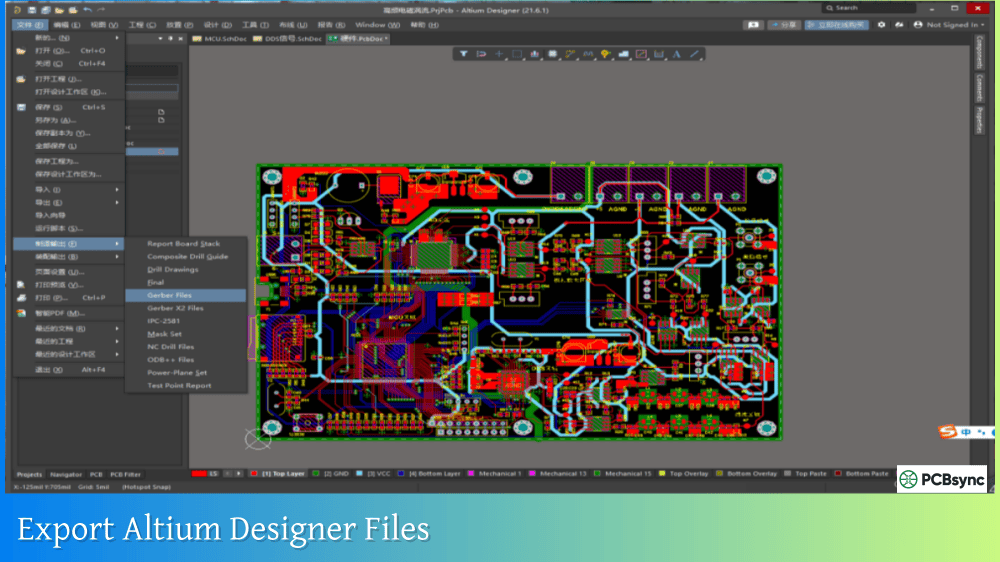
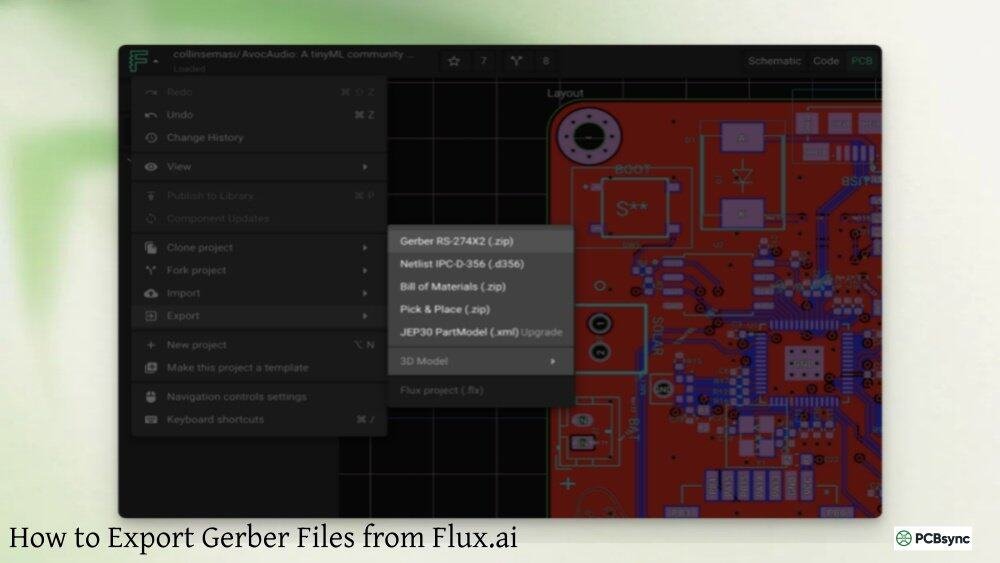
If you’re coming from Eagle, KiCad, or Altium, you’ll notice PCB Artist’s approach to Gerber generation is much more streamlined. Here’s a comparison:
The trade-off is that PCB Artist’s direct submission workflow is optimized specifically for Advanced Circuits. If you need to send files to other manufacturers, you’ll export Gerber files separately and lose some of the integration benefits.
Frequently Asked Questions
Can I use Gerber files from PCB Artist with other manufacturers?
Yes, you can export standard RS-274X Gerber files from PCB Artist for use with any manufacturer. Use the Export function rather than Submit Order, and you’ll receive industry-standard Gerber files that any fab house can process.
What happens if FreeDFM finds errors in my files?
FreeDFM provides a detailed report highlighting each issue. Common problems like insufficient clearances or missing layers are clearly identified. You can fix these issues in PCB Artist and re-run the check until you get a clean report. Advanced Circuits’ engineering team can also help resolve complex issues.
How do I generate Gerber files for a four-layer board in PCB Artist?
The process is identical to two-layer boards. PCB Artist automatically detects your layer stackup and generates the appropriate number of Gerber files. Ensure your internal layers are properly defined in the layer stack manager before generating output files.
Is PCB Artist really free with no limitations?
PCB Artist is genuinely free with full functionality. There are no board size limits, no layer restrictions, and no time limits. The only catch is that the most convenient submission workflow is designed for Advanced Circuits. However, you can still export standard files for use elsewhere.
Why won’t my drill file load in my Gerber viewer?
Drill files use a different format (Excellon) than Gerber files. Most modern Gerber viewers support both formats, but they may need to be loaded separately. Ensure your viewer is set to import Excellon format when loading drill files.
Best Practices for Multilayer Board Gerber Generation
When working with four-layer or higher layer count boards in PCB Artist, additional considerations come into play.
Inner Layer Considerations
Internal copper layers require special attention during Gerber export. PCB Artist handles most configurations automatically, but you should verify:
Negative vs. Positive Planes — Power and ground planes are typically negative (copper everywhere except where removed), while signal layers are positive (copper only where defined)
Thermal Reliefs — Through-hole pins connecting to planes need thermal reliefs for proper soldering
Anti-Pad Sizing — Clearances around through-hole pins on non-connected planes must be adequate
Layer Stackup Documentation
For multilayer boards, include a stackup document or fabrication drawing showing:
Layer order from top to bottom
Copper weights for each layer (typically 1 oz standard)
Ensure board outline is present and properly closed
Confirm drill file is in correct format (Excellon)
Advanced Circuits’ Manufacturing Capabilities
Understanding your manufacturer’s capabilities helps you design within achievable parameters. Advanced Circuits offers several service tiers:
Standard Specifications
Parameter
Capability
Minimum Trace Width
6 mil (0.006″)
Minimum Spacing
6 mil (0.006″)
Minimum Drill Size
10 mil (0.010″)
Maximum Board Thickness
125 mil (0.125″)
Copper Weight
1 oz to 2 oz standard
Solder Mask Colors
Green, Red, Blue, Black, White
Silkscreen Colors
White, Yellow, Black
Premium Capabilities
For more demanding designs, Advanced Circuits offers enhanced specifications including tighter tolerances, controlled impedance, blind/buried vias, and heavy copper options. Contact their engineering team for specific requirements.
Final Thoughts on Generating Gerber Files from PCB Artist
Getting Gerber files right the first time saves significant time and money. PCB Artist’s integrated approach removes much of the complexity typically associated with CAM processing, but understanding what’s happening behind the scenes helps you troubleshoot when things go wrong.
The key takeaways for reliable Gerber generation from PCB Artist:
Complete thorough DRC before exporting — catches most issues early
Use FreeDFM even if you think files are perfect — free insurance against manufacturing holds
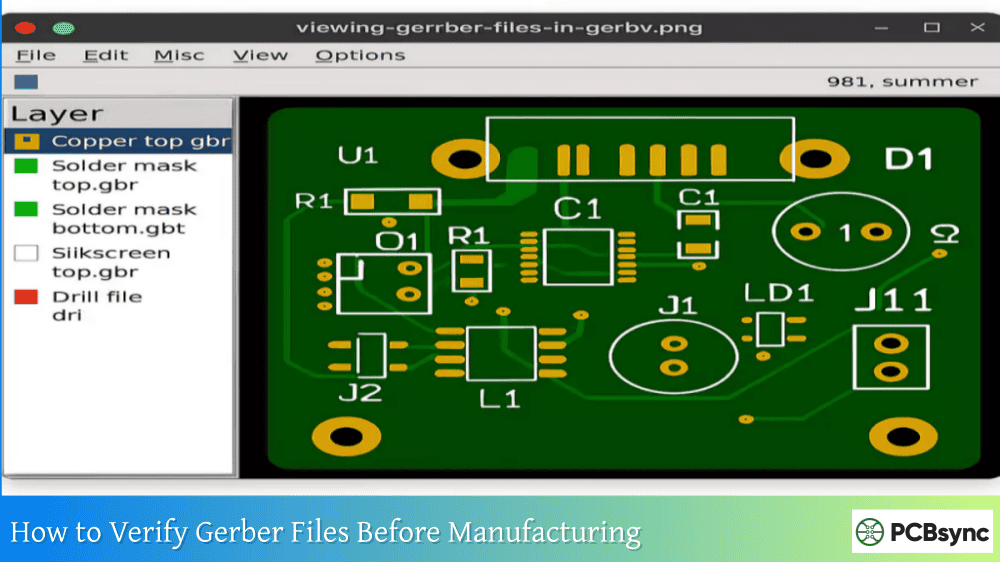
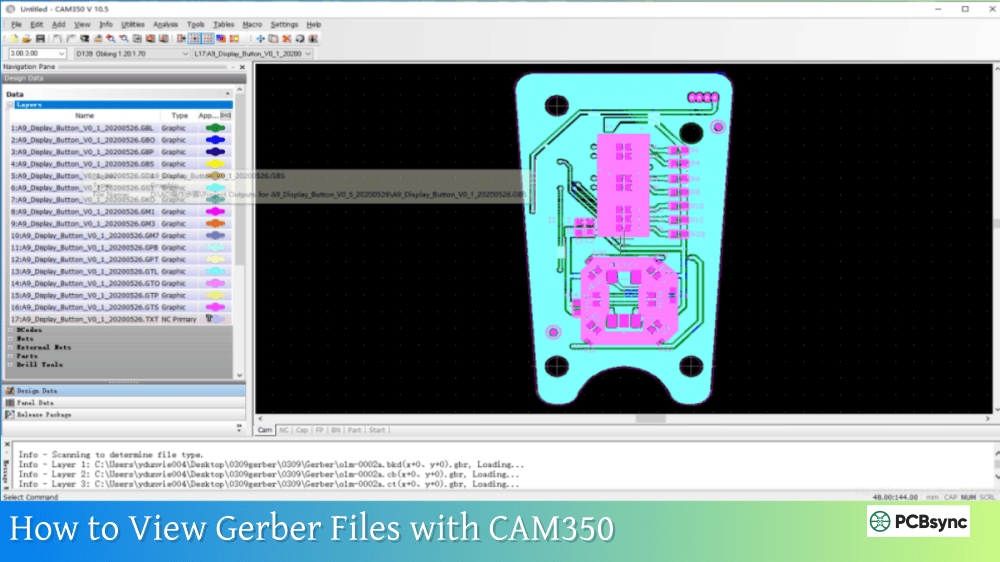
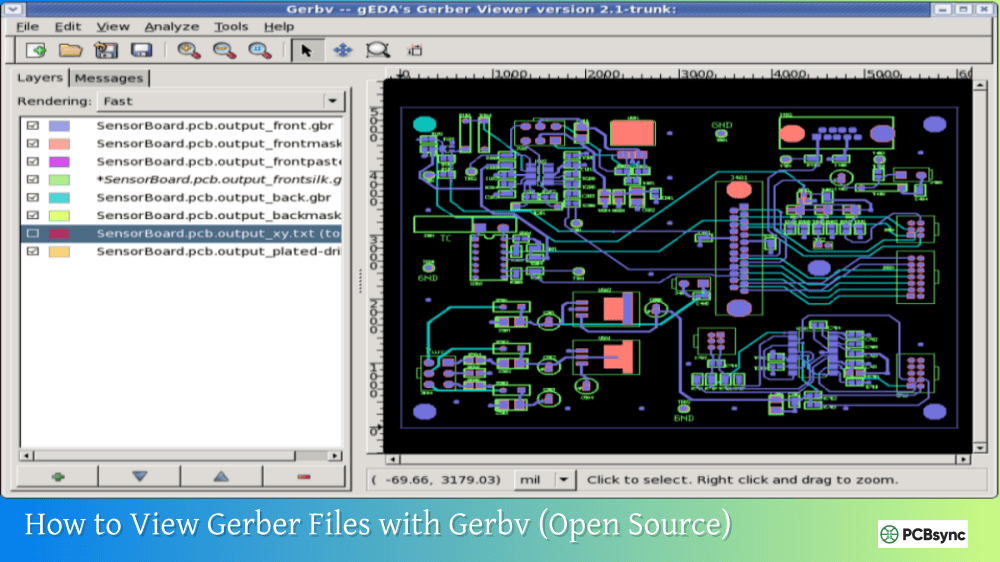
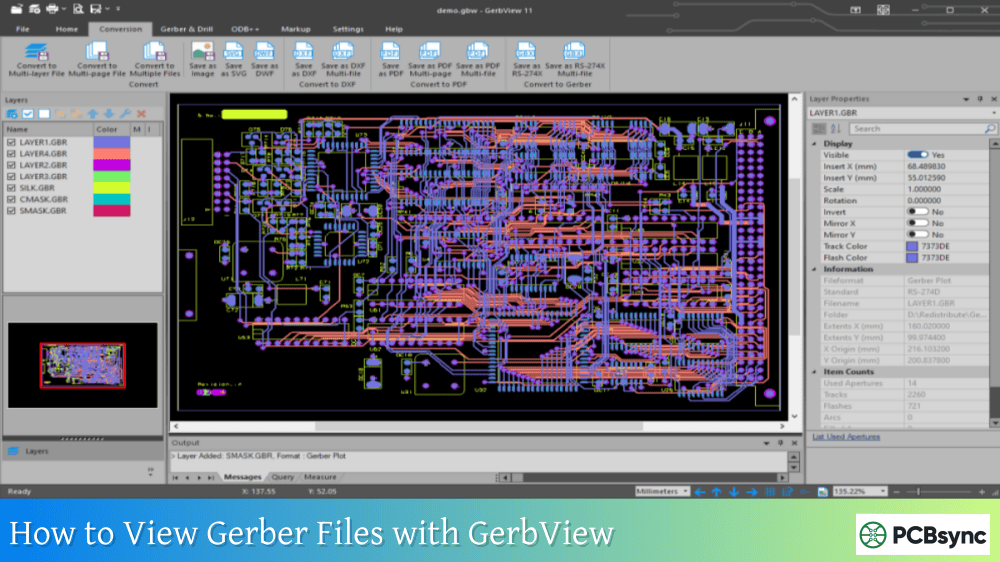
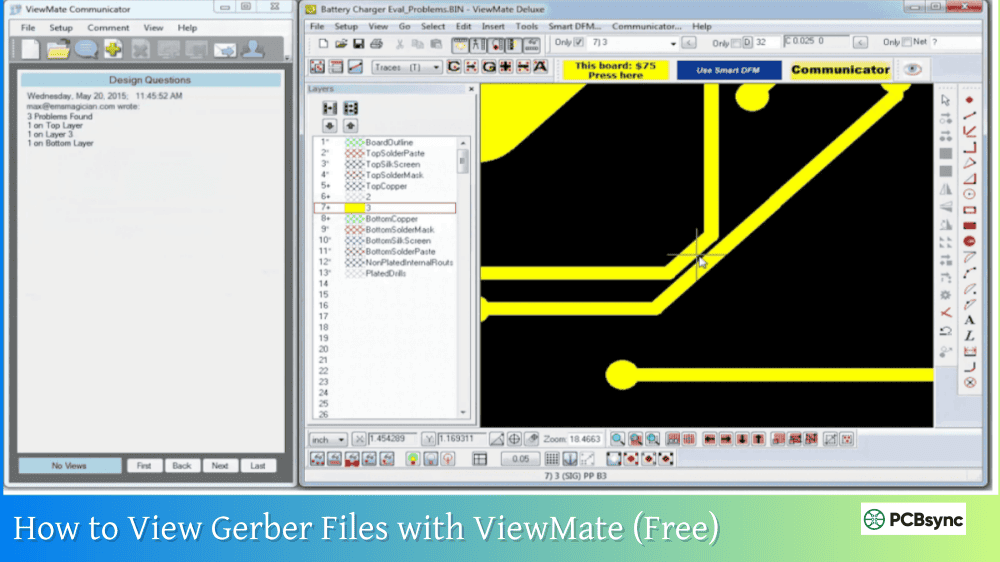
Always verify files in a Gerber viewer — visual confirmation prevents expensive mistakes
Include all required layers — missing files cause delays
Understand your manufacturer’s capabilities — design within their specifications
The integration between PCB Artist and Advanced Circuits’ manufacturing systems represents one of the most streamlined paths from design to fabrication available to hobbyists and professionals alike. While other CAD tools offer more advanced features, the simplicity of PCB Artist’s Gerber generation workflow makes it an excellent choice for straightforward two and four-layer designs.
Whether you’re creating your first prototype or your hundredth production board, following these practices will help ensure your PCB arrives on time and works as designed. The few extra minutes spent verifying your Gerber files before submission will save you days of frustration and potentially hundreds of dollars in re-fabrication costs.
Inquire: Call 0086-755-23203480, or reach out via the form below/your sales contact to discuss our design, manufacturing, and assembly capabilities.
Quote: Email your PCB files to Sales@pcbsync.com (Preferred for large files) or submit online. We will contact you promptly. Please ensure your email is correct.
Notes: For PCB fabrication, we require PCB design file in Gerber RS-274X format (most preferred), *.PCB/DDB (Protel, inform your program version) format or *.BRD (Eagle) format. For PCB assembly, we require PCB design file in above mentioned format, drilling file and BOM. Click to download BOM template To avoid file missing, please include all files into one folder and compress it into .zip or .rar format.