Inquire: Call 0086-755-23203480, or reach out via the form below/your sales contact to discuss our design, manufacturing, and assembly capabilities.
Quote: Email your PCB files to Sales@pcbsync.com (Preferred for large files) or submit online. We will contact you promptly. Please ensure your email is correct.
Notes: For PCB fabrication, we require PCB design file in Gerber RS-274X format (most preferred), *.PCB/DDB (Protel, inform your program version) format or *.BRD (Eagle) format. For PCB assembly, we require PCB design file in above mentioned format, drilling file and BOM. Click to download BOM template To avoid file missing, please include all files into one folder and compress it into .zip or .rar format.
How to Generate Gerber Files from ExpressPCB: Complete Guide for PCB Designers
Getting Gerber files out of ExpressPCB has frustrated more than a few engineers over the years. I’ve been there myself—you finish a board design, feel ready to send it off for fabrication, and then realize the software doesn’t have a straightforward export button like other CAD tools. This guide covers every method to generate Gerber files from ExpressPCB, whether you’re using the Classic version or the newer Plus software.
Understanding ExpressPCB and Its Proprietary Format
ExpressPCB has operated on a unique business model for over 25 years. They provide free PCB design software with the intention that users will order boards directly through their manufacturing service. This approach means the software saves designs in a proprietary .pcb format that doesn’t directly convert to industry-standard Gerber files.
Both versions create excellent boards when manufactured through ExpressPCB’s own service. The challenge arises when you want to use a different fabricator or simply need the Gerber files for documentation purposes.
What Are Gerber Files and Why You Need Them
Before diving into extraction methods, let’s clarify what you’re actually trying to get. Gerber files (specifically RS-274X or Extended Gerber format) serve as the universal language between PCB designers and manufacturers worldwide. Each file describes one layer of your board using vector graphics commands.
A complete Gerber package from ExpressPCB typically includes:
Without these files, most PCB fabrication houses cannot manufacture your design. ExpressPCB’s in-house manufacturing doesn’t require you to handle these files directly—their system processes your .pcb file automatically. But when you need to go elsewhere, Gerber files become essential.
Method 1: Requesting Gerber Files with Your ExpressPCB Order
The most straightforward approach involves placing an order through ExpressPCB and requesting the Gerber files along with your manufactured boards. This method changed significantly in recent years.
Current ExpressPCB Gerber Policy
ExpressPCB now includes Gerber files at no additional charge when you order PCBs through their service. Previously, they charged separately for file conversion. The company emails the complete Gerber package to you along with your tracking number when boards ship.
Here’s what you receive with your order:
Top silkscreen layer
Top solder paste layer
Top solder mask layer
Top copper layer
Bottom copper layer
Bottom solder paste layer
Bottom solder mask layer
Excellon drill file
Inner layers (for 4-layer designs)
Pick and place files
Step-by-Step Process for Requesting Gerber Files from ExpressPCB
The process integrates directly into the ordering workflow:
Step 1: Complete your PCB design in ExpressPCB Classic or Plus and run the Design Rule Check to catch any errors before proceeding.
Step 2: Navigate to the Layout menu and select the option to compute the board cost or start the order process.
Step 3: During the order configuration, look for the checkbox or option to request Gerber files with your order. This option appears in the newer versions of the software.
Step 4: Complete your order and payment. ExpressPCB’s manufacturing facility is located in California, offering quick turnaround times for US-based customers.
Step 5: When your order ships, you’ll receive an email containing both your tracking information and the Gerber file package as an attachment.
Limitations of This Method
The obvious drawback is that you must place an order to receive Gerber files. ExpressPCB states clearly that they do not provide Gerber files without a manufacturing order. If you only need the files for documentation, archival purposes, or to quote from another fabricator, you’ll need to explore alternative methods.
Method 2: Third-Party ExpressPCB to Gerber Conversion Services
Several companies and freelancers offer conversion services specifically for ExpressPCB files. These services have reverse-engineered the proprietary format and can produce standard RS-274X Gerber output.
What Conversion Services Provide
A typical conversion package includes:
RS-274X Gerber plots for all copper layers
Solder mask files for top and bottom
Silkscreen layer files
Excellon drill guide in industry-standard format
Board outline file
Visual verification images (JPG or PNG) showing layer alignment
Some services also include pick-and-place centroid files for automated assembly.
Cost Comparison of Conversion Services
Service Type
Approximate Cost
Turnaround
Best For
Basic single/double layer
$10-15
24-48 hours
Simple hobby boards
Complex double layer
$15-25
24-48 hours
Dense SMD designs
4-layer boards
$20-30
48-72 hours
Multilayer projects
Rush service
+50-100%
Same day
Urgent deadlines
Finding Reputable Conversion Services
Look for services that specifically mention ExpressPCB compatibility and have been operating for several years. Some well-established options include specialized PCB service providers who have worked with the ExpressPCB format extensively. Check reviews and ask for sample outputs before committing to a service, especially for complex designs.
When using any conversion service, verify they can handle your specific ExpressPCB version. Some older conversion tools only work with ExpressPCB Classic version 7.x or earlier, and cannot process ExpressPCB Plus files.
Method 3: PDF to Gerber Conversion Workaround
This method takes more effort but gives you direct control over the output. The basic concept involves printing your ExpressPCB design to PDF, then using specialized software to convert that PDF into Gerber format.
Required Tools for PDF to Gerber Conversion
Tool
Purpose
Cost
PDF Creator (v5.x or similar)
Generate accurate PDF output from ExpressPCB
Free
pdf2gerb (Perl script)
Convert PDF vector data to Gerber format
Free/Open source
Perl interpreter
Run the conversion script
Free
Gerber viewer
Verify output accuracy
Free (Gerbv, ViewMate)
PDF to Gerber Conversion Process
Step 1: Install a high-quality PDF printer driver. Standard Windows PDF drivers often produce unreliable output for this purpose. PDF Creator tends to work better for PCB conversion needs.
Step 2: Configure ExpressPCB to print each layer separately. You’ll need to generate individual PDF files for top copper, bottom copper, silkscreen, solder mask, and other layers.
Step 3: Print each layer to PDF, ensuring the scale is set to 1:1 and no page scaling options are enabled. Accuracy here is critical—any scaling errors will make the Gerber files useless.
Step 4: Download and configure the pdf2gerb Perl script. Follow the documentation carefully, as incorrect settings produce garbled output.
Step 5: Run the conversion for each layer, specifying appropriate Gerber parameters and file naming conventions.
Step 6: Verify each output file in a Gerber viewer before sending to manufacturing.
Limitations and Challenges
This method works but comes with significant caveats:
Drill files require separate handling since PDF doesn’t capture hole data properly
Some complex features like copper pours may not convert accurately
The process is time-consuming and error-prone for beginners
Results vary based on the specific software versions involved
I recommend this approach only when other methods aren’t viable, and only for relatively simple board designs.
Method 4: Redesigning in Alternative PCB Software
Sometimes the cleanest solution involves recreating your design in software that natively exports Gerber files. While this requires additional work, it gives you complete control and eliminates conversion uncertainties.
Free PCB Design Software with Gerber Export
Software
Learning Curve
Gerber Export
Best Features
KiCad
Moderate
Native RS-274X and X2
Full-featured, active community
EasyEDA
Easy
Native RS-274X
Browser-based, JLCPCB integration
Fritzing
Easy
Basic Gerber
Great for beginners
FreePCB
Moderate
Native Gerber
Lightweight, documented
PCB Artist
Easy
Native Gerber
Similar to ExpressPCB workflow
When Redesigning Makes Sense
Consider recreating your design if:
You plan to iterate on the design multiple times
You need features ExpressPCB doesn’t support
You want freedom to choose any manufacturer
The original design is relatively simple
You’re moving toward more complex future projects
The time invested in learning new software pays dividends across future projects. Many engineers who started with ExpressPCB eventually transition to KiCad or similar tools for this reason.
Verifying Your Gerber Files Before Manufacturing
Regardless of which method you use to generate Gerber files from ExpressPCB, verification before sending to a fabricator is essential. Conversion errors can result in unusable boards and wasted money.
Essential Gerber Verification Steps
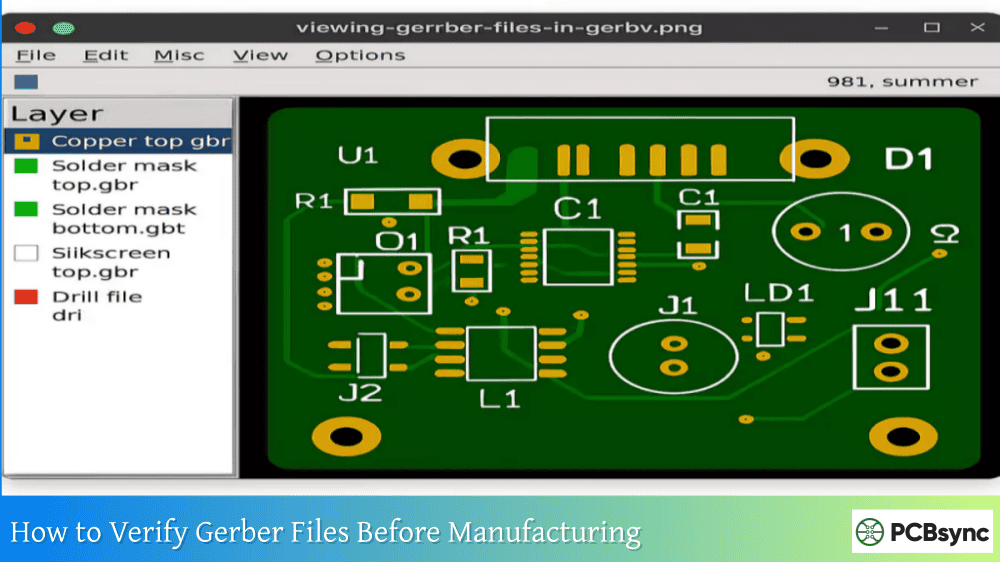
Check Layer Alignment: Load all layers in a Gerber viewer and stack them together. Pads on different layers should align perfectly. Any offset indicates a conversion problem.
Verify Drill Registration: Drill holes must center precisely on pads. Misalignment here causes component mounting failures.
Inspect Copper Integrity: Look for missing traces, broken connections, or unwanted copper artifacts that might have appeared during conversion.
Confirm Board Outline: The outline layer must form a closed path matching your intended board dimensions.
Review Solder Mask Openings: Ensure mask openings expose all pads correctly without overlapping onto traces that should remain covered.
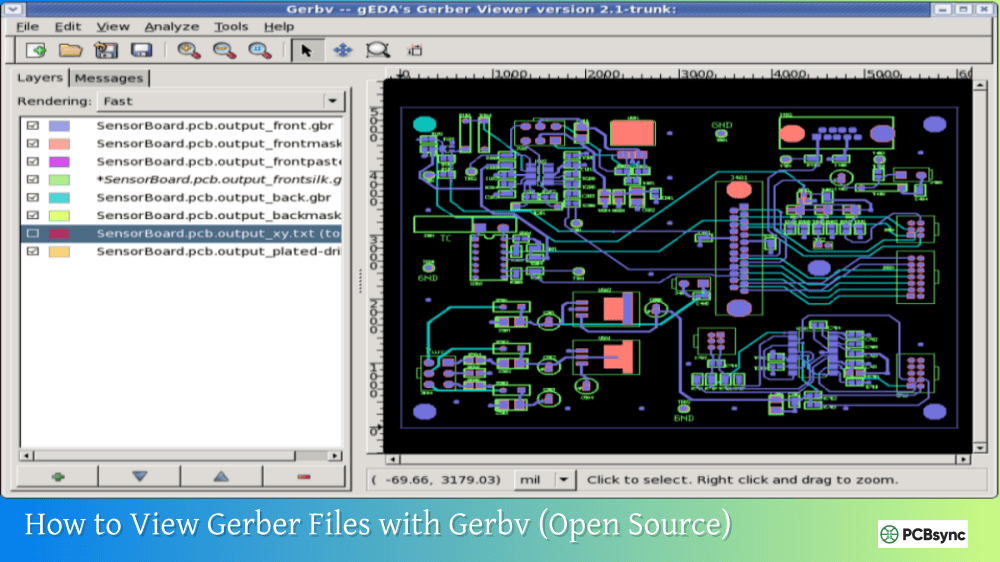
Recommended Gerber Viewer Software
Viewer
Platform
Cost
Key Features
Gerbv
Windows, Linux, Mac
Free
Open source, layer stacking
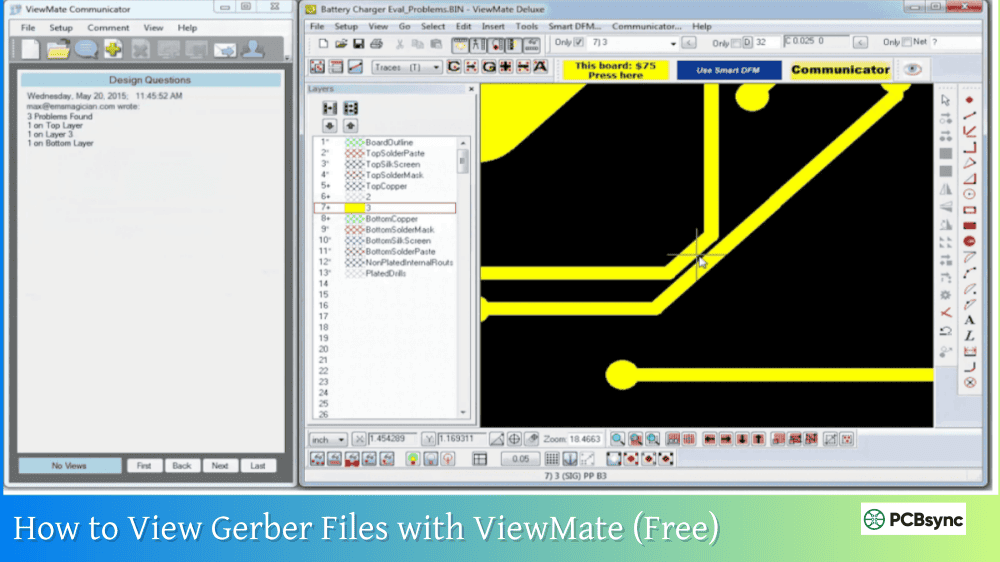
ViewMate
Windows
Free
Advanced measurement tools
GerberLogix
Windows
Free
Professional-grade viewing
ZofzPCB
Windows
Free
3D visualization
Online viewers (JLCPCB, PCBWay)
Web
Free
Quick verification before ordering
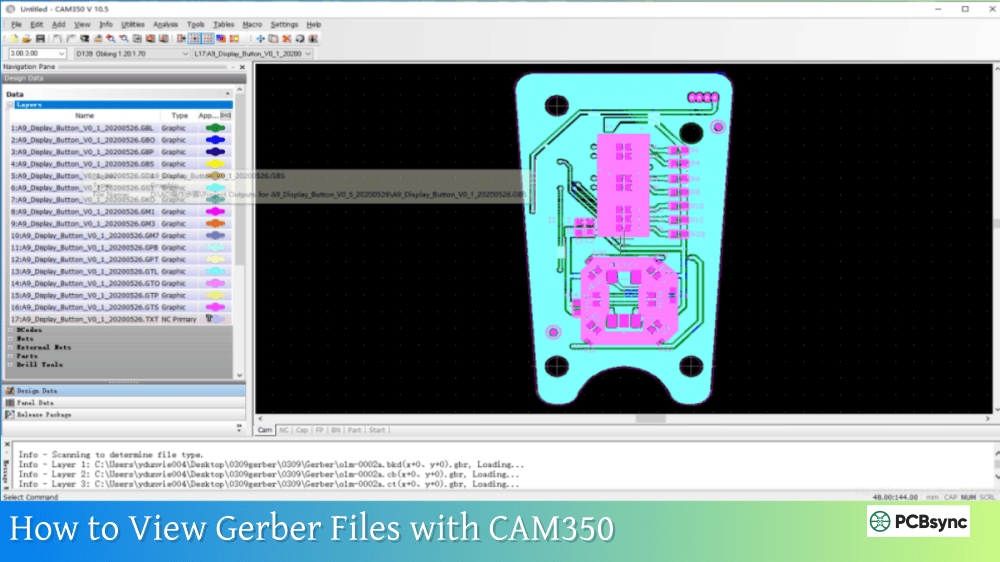
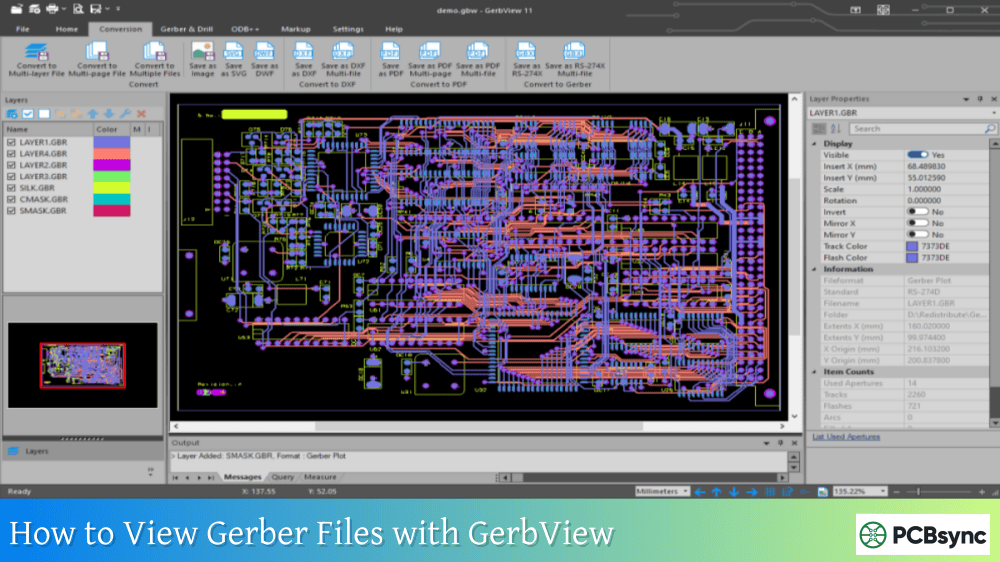
Read more How to convert PCB Files in different Design software:
Common Problems When Generating Gerber Files from ExpressPCB
Understanding typical issues helps you avoid them or recognize them during verification.
Drill File Coordinate Mismatch
The most common problem involves drill files using different coordinate systems or units than the Gerber layers. This results in holes appearing offset from their intended pad locations. Always verify drill alignment in your Gerber viewer.
Missing or Incorrect Apertures
Apertures define the shapes used for pads and traces. Improperly converted files may have undefined apertures that cause viewing errors or manufacturing problems. RS-274X format should embed all aperture definitions, but verify your files open correctly in multiple viewers.
Copper Pour Rendering Issues
Filled copper areas (ground planes, power planes) sometimes convert incorrectly, appearing as outlines rather than solid fills, or with strange artifacts. Check that all poured areas render as expected.
Scale and Unit Errors
If your Gerber files appear at the wrong scale, something went wrong during conversion. Boards should measure exactly as designed—any deviation indicates a problem requiring resolution before manufacturing.
Best Practices for ExpressPCB Users Who Need Gerber Files
Based on years of experience working with ExpressPCB and various conversion methods, here are recommendations that save time and frustration:
Planning Ahead
If you know you’ll need Gerber files, consider your workflow before starting the design. Using ExpressPCB Plus with an order provides the smoothest path to getting files. Alternatively, starting with software that exports Gerber natively eliminates the conversion step entirely.
Documenting Your Design
Keep detailed notes about your ExpressPCB design including board dimensions, layer stack, drill sizes, and any special requirements. This information helps if you need to use conversion services or recreate the design in other software.
Maintaining Version Control
Save incremental versions of your ExpressPCB files as you work. If conversion problems arise with one version, you can try earlier saves that might convert more successfully.
Testing with Small Orders
When using a new conversion method or service for the first time, test with a simple design before committing a complex board. This validates your workflow without risking an important project.
Useful Resources for ExpressPCB Users
Here are essential links for anyone working with ExpressPCB and needing Gerber files:
Can I generate Gerber files directly from ExpressPCB software?
ExpressPCB Classic and Plus do not include a direct Gerber export function within the software interface. The company designed the software to work seamlessly with their manufacturing service, which handles file processing internally. To obtain Gerber files, you must either order boards through ExpressPCB and request the files, use a third-party conversion service, or employ workaround methods like PDF-to-Gerber conversion.
How much does it cost to get Gerber files from ExpressPCB?
ExpressPCB now provides Gerber files at no additional cost when you place a manufacturing order. They email the complete file package to you when your boards ship. If you need files without ordering boards, third-party conversion services typically charge between $10 and $30 depending on board complexity. ExpressPCB does not offer a standalone Gerber conversion service without manufacturing.
Will any PCB manufacturer accept ExpressPCB’s native file format?
No, standard PCB manufacturers require industry-standard formats like RS-274X Gerber files and Excellon drill files. ExpressPCB’s proprietary .pcb format only works with their own manufacturing service. To use other fabricators, you must first convert your design to Gerber format using one of the methods described in this guide.
What is the difference between ExpressPCB Classic and ExpressPCB Plus for Gerber files?
Both versions save designs in proprietary formats and require the same methods to obtain Gerber files. ExpressPCB Plus offers more advanced features including custom hole sizes, inner layer routing, and integration with SnapEDA component libraries. However, neither version includes direct Gerber export capabilities. The Gerber files you receive from ExpressPCB’s manufacturing service are identical in format regardless of which software version you use.
Can I convert ExpressPCB Plus files to Gerber using the same methods as Classic?
Some third-party conversion services and tools only work with ExpressPCB Classic files (version 7.x or earlier) and cannot process ExpressPCB Plus format. Before using any conversion method, verify it supports your specific software version. When in doubt, request Gerber files directly from ExpressPCB by placing an order, as their system handles both formats internally.
Comparing ExpressPCB Gerber Output to Other PCB Software
Understanding how ExpressPCB’s Gerber situation compares to other popular design tools helps put the workflow challenges in perspective:
Software
Direct Gerber Export
File Format
Manufacturer Lock-in
ExpressPCB
No (requires order)
Proprietary .pcb
Yes (built-in service)
KiCad
Yes
Native with open format
No
EasyEDA
Yes
Native format
Optional (JLCPCB)
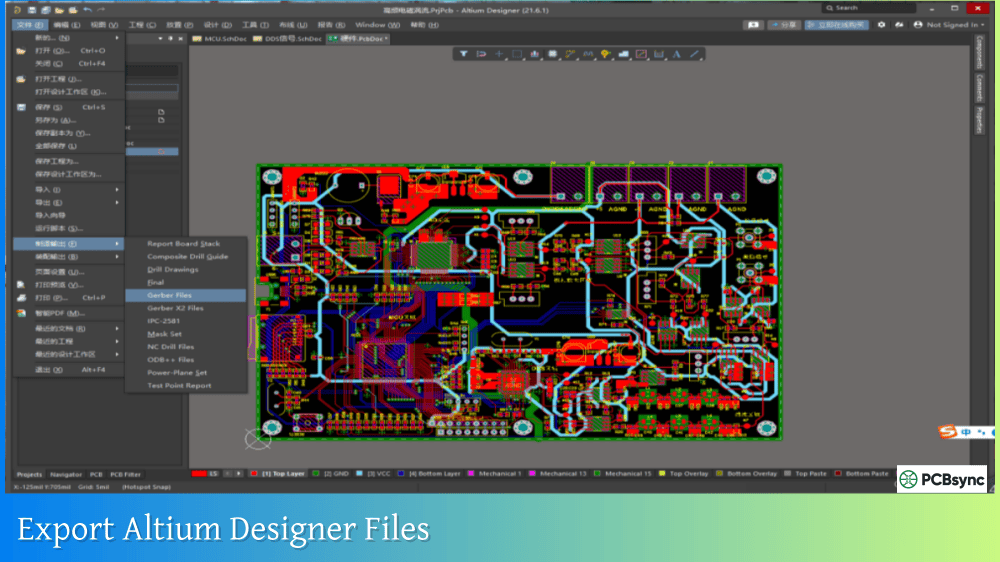
Altium Designer
Yes
Native with Gerber export
No
EAGLE
Yes
Native with Gerber export
No
DipTrace
Yes
Native with multiple export options
No
This comparison illustrates why many professional engineers eventually transition away from ExpressPCB despite its ease of use. The flexibility to generate your own manufacturing files and choose any fabricator provides significant advantages for production work.
Final Thoughts on ExpressPCB Gerber Generation
ExpressPCB remains an excellent choice for quick prototype development, especially when using their integrated manufacturing service. The software’s simplicity and the company’s fast turnaround times have earned it a loyal user base over more than two decades.
The Gerber file situation reflects ExpressPCB’s business model rather than any technical limitation. By requesting files with your order, you get exactly what you need without additional cost. For users who need more flexibility, the conversion methods outlined here provide viable paths to standard Gerber output.
Whichever method you choose, always verify your Gerber files thoroughly before submitting to any manufacturer. A few minutes of verification can save days of waiting for replacement boards and the frustration of discovering problems after fabrication.
For future projects, consider whether ExpressPCB’s workflow matches your needs or whether transitioning to software with native Gerber export might serve you better. The PCB design landscape offers many capable options, and choosing the right tool for your situation makes the entire process smoother from design through manufacturing.
Inquire: Call 0086-755-23203480, or reach out via the form below/your sales contact to discuss our design, manufacturing, and assembly capabilities.
Quote: Email your PCB files to Sales@pcbsync.com (Preferred for large files) or submit online. We will contact you promptly. Please ensure your email is correct.
Notes: For PCB fabrication, we require PCB design file in Gerber RS-274X format (most preferred), *.PCB/DDB (Protel, inform your program version) format or *.BRD (Eagle) format. For PCB assembly, we require PCB design file in above mentioned format, drilling file and BOM. Click to download BOM template To avoid file missing, please include all files into one folder and compress it into .zip or .rar format.