Inquire: Call 0086-755-23203480, or reach out via the form below/your sales contact to discuss our design, manufacturing, and assembly capabilities.
Quote: Email your PCB files to Sales@pcbsync.com (Preferred for large files) or submit online. We will contact you promptly. Please ensure your email is correct.
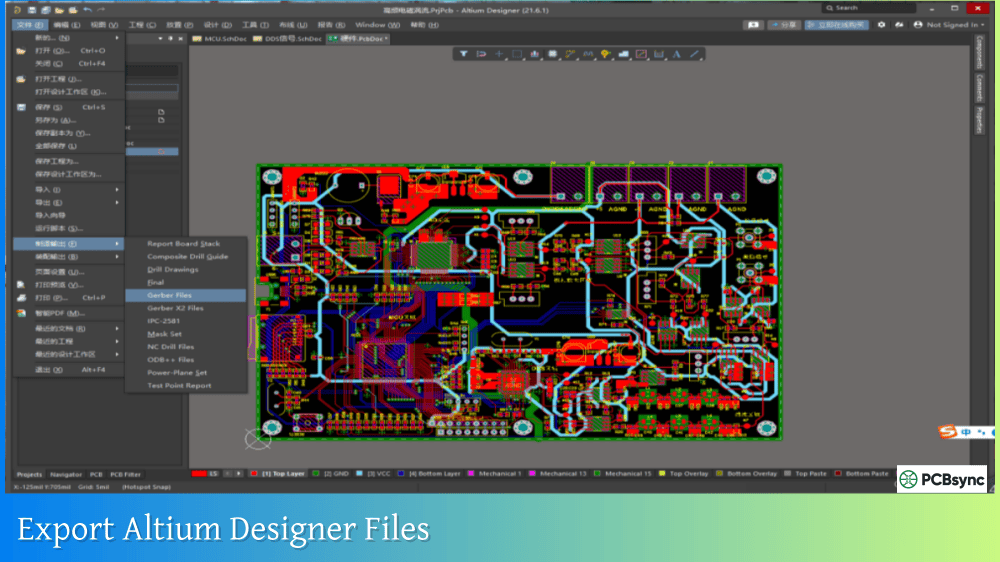
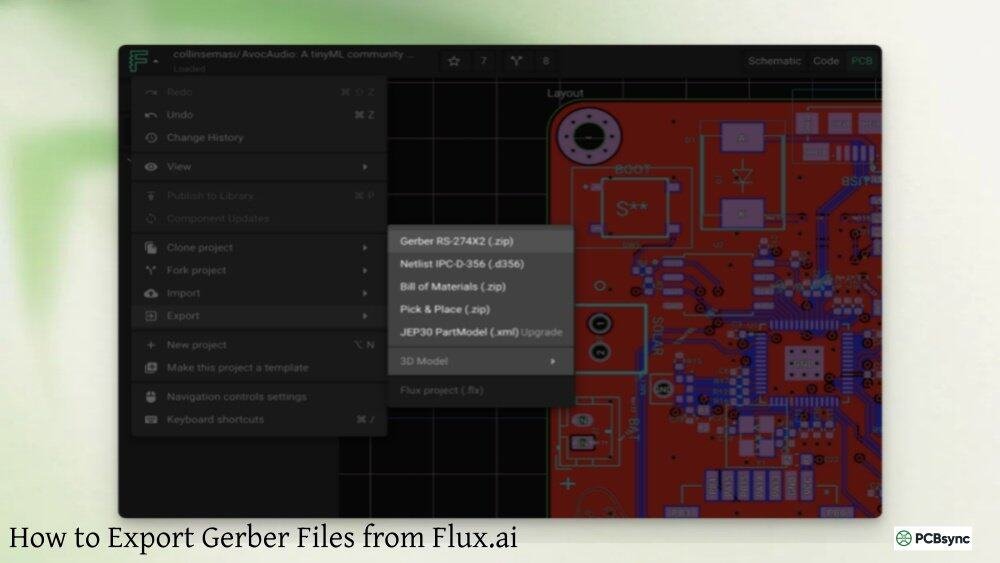
Notes: For PCB fabrication, we require PCB design file in Gerber RS-274X format (most preferred), *.PCB/DDB (Protel, inform your program version) format or *.BRD (Eagle) format. For PCB assembly, we require PCB design file in above mentioned format, drilling file and BOM. Click to download BOM template To avoid file missing, please include all files into one folder and compress it into .zip or .rar format.
How to Convert IPC-2581 to Gerber Files for PCB Manufacturing
IPC-2581 was designed to replace Gerber files, not the other way around. So why would anyone need to convert IPC-2581 back to Gerber? In my experience, this situation comes up more often than you’d expect, and it usually catches people off guard.
Maybe you’ve inherited a project delivered only in IPC-2581 format, but your manufacturer only accepts Gerber. Perhaps you need to work with a legacy CAM system that doesn’t support the newer standard. Or you might need to extract individual layer files for a specific manufacturing process. Whatever the reason, converting IPC-2581 to Gerber is entirely possible with the right tools and understanding of both formats.
This guide covers everything you need to know about extracting Gerber files from IPC-2581 data, including the conversion process, software options, and how to verify your results.
Understanding IPC-2581 and Gerber Format Differences
Before diving into conversion, understanding what makes these formats fundamentally different helps you anticipate potential issues and verify your output.
What is IPC-2581 Format?
IPC-2581 (officially titled “Generic Requirements for Printed Board Assembly Products Manufacturing Description Data and Transfer Methodology”) is an open, XML-based standard developed by the IPC consortium. Released in 2004 and significantly updated through versions A (2012), B (2013), and C (2020), it consolidates all PCB manufacturing data into a single file.
The format uses XML structure, making it both human-readable and machine-parseable. Files typically use the .cvg extension and can range from a few megabytes to hundreds of megabytes for complex designs.
What is Gerber Format?
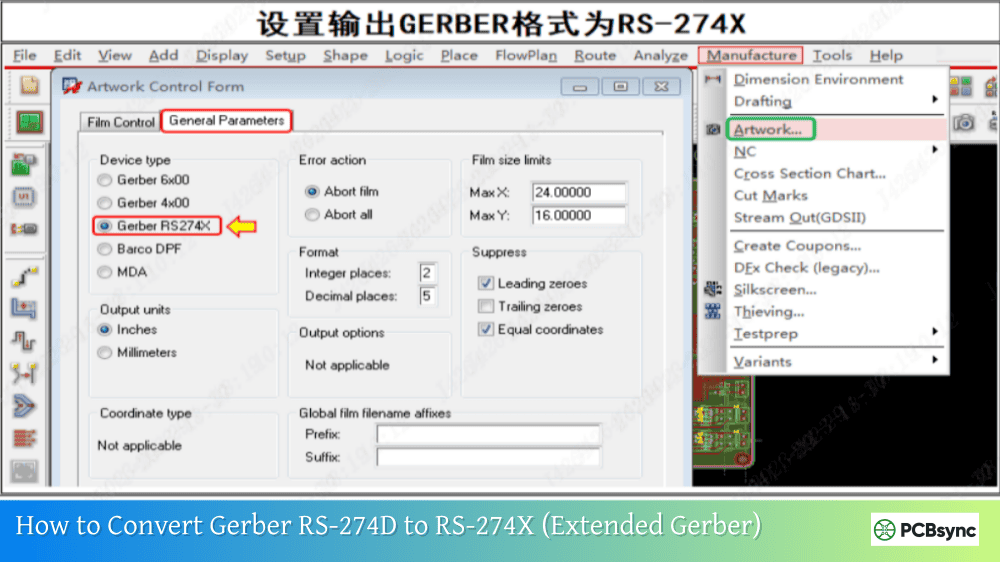
Gerber RS-274X (Extended Gerber) has been the PCB industry standard since the 1980s. Each Gerber file represents a single layer as vector graphics, describing copper traces, pads, and other features using aperture definitions and coordinate commands.
Several practical situations require IPC-2581 to Gerber conversion:
Legacy Manufacturing Equipment
Despite IPC-2581’s advantages, many PCB fabrication facilities still rely on Gerber-based workflows. Approximately 90% of PCB manufacturing worldwide still uses Gerber files. Older photoplotters, CAM systems, and inspection equipment may not support IPC-2581 import.
Manufacturer Requirements
Many PCB shops, especially quick-turn prototype services, request Gerber submissions because their processes are optimized for that format. Asking them to upgrade their systems for one project isn’t realistic.
Selective Data Sharing
IPC-2581 contains everything: your complete design, BOM, netlist, and manufacturing instructions. Sometimes you need to share only specific layers without exposing the entire design database. Converting to Gerber lets you extract and distribute only what’s necessary.
Software Compatibility
Your DFM analysis tool, panelization software, or verification system might not support IPC-2581 import. Converting to Gerber enables use of established tools and workflows.
Archival and Documentation
Some organizations maintain Gerber archives for regulatory compliance or long-term storage, ensuring accessibility regardless of future IPC-2581 tooling changes.
IPC-2581 File Structure Overview
Understanding IPC-2581’s XML structure helps you navigate conversion options and troubleshoot issues.
XML Hierarchy
An IPC-2581 file contains nested XML elements that define every aspect of the PCB:
Based on years of working with both formats, these practices minimize problems:
Always verify layer count. Compare the number of Gerber files generated against layers in the original IPC-2581. Missing layers indicate conversion issues.
Check coordinate precision. IPC-2581 can store very high precision data. Ensure your Gerber export maintains sufficient precision for your design’s tolerances.
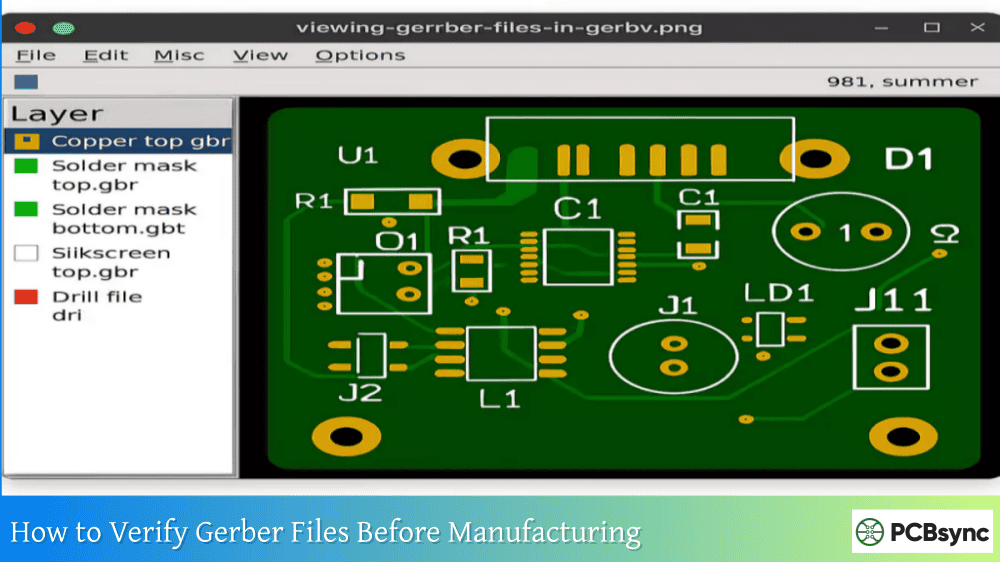
Verify drill registration. Overlay drill files on copper layers to confirm hole positions align with pads. This catches coordinate or unit conversion errors.
Document the conversion. Record which software, version, and settings you used. If manufacturing questions arise, you can reproduce or adjust the conversion.
Keep the original IPC-2581. Gerber files contain less information. Maintain the original for reference, re-conversion if needed, and manufacturers who support IPC-2581.
Generate all necessary supplementary files. Don’t assume Gerber alone is sufficient. Most manufacturers need drill files, and many need additional documentation.
Useful Resources for IPC-2581 to Gerber Conversion
Frequently Asked Questions About IPC-2581 to Gerber Conversion
Why Would I Need to Convert IPC-2581 to Gerber When IPC-2581 is Newer?
Despite IPC-2581 being technically superior, industry adoption remains limited. Approximately 90% of PCB manufacturing still uses Gerber files. Many fabricators, especially smaller shops and quick-turn services, haven’t invested in IPC-2581 capable systems. If your manufacturer requires Gerber, you need to convert regardless of which format is theoretically better. The practical reality of your supply chain determines which format you use.
What Information is Lost When Converting IPC-2581 to Gerber?
Gerber files contain only layer graphics, so you lose all the “intelligent” data that makes IPC-2581 valuable: component BOM, netlist, layer stackup definitions, manufacturing notes, and assembly instructions. After conversion, you have individual layer images without the context and relationships that IPC-2581 preserves. Plan to generate supplementary files (drill files, centroid, fabrication notes) to replace what Gerber cannot contain.
Is There a Free Tool to Convert IPC-2581 to Gerber?
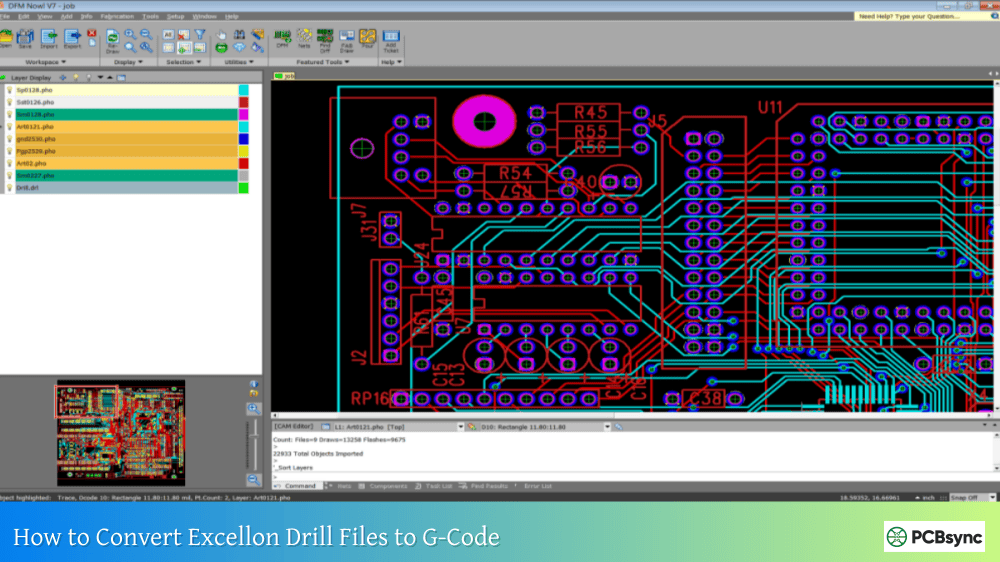
Currently, no fully-featured free converter exists. Free viewers like DFM Now!, WISE IPC-2581 Viewer, and Vu2581 can open and inspect IPC-2581 files but don’t include Gerber export. FAB 3000 offers a trial version with full functionality for evaluation. For occasional conversions, the trial period may suffice. For ongoing needs, commercial CAM software investment is necessary.
Can I Convert Gerber Files Back to IPC-2581?
Yes, tools like FAB 3000 can import Gerber files and export IPC-2581. However, the resulting IPC-2581 will lack the intelligent data (nets, components, design intent) that was never in the Gerber source. It’s essentially repackaging the same graphical data into a different container. To create truly complete IPC-2581 with full metadata, you need the original CAD design files.
How Do I Verify My IPC-2581 to Gerber Conversion is Accurate?
Use a multi-step verification process. First, compare layer counts between source and output. Second, visually compare each layer in a Gerber viewer against the same layer displayed in an IPC-2581 viewer. Third, overlay drill files on copper layers to verify hole alignment. Fourth, check board outline accuracy. Fifth, if possible, run DFM checks on the converted Gerber files. Any discrepancies indicate conversion problems that need investigation before manufacturing.
Conclusion
Converting IPC-2581 to Gerber files goes against the intended direction of industry progress, but practical manufacturing realities often require exactly this capability. While IPC-2581 offers significant advantages in data completeness and intelligent manufacturing support, the slower-than-expected industry adoption means Gerber conversion remains a necessary skill.
The conversion process itself is straightforward with professional CAM software like FAB 3000 or WISE VisualCAM. The key challenges involve understanding what data is lost during conversion and generating appropriate supplementary files to fill those gaps.
Remember that Gerber conversion extracts only the graphical layer data from IPC-2581. The intelligent features—BOM, netlist, stackup definitions, manufacturing instructions—don’t transfer. Plan your output package to include drill files, fabrication notes, and any other documentation your manufacturer needs.
As IPC-2581 adoption continues growing, the need for backward conversion to Gerber should eventually diminish. Until then, maintaining fluency with both formats and the tools to convert between them remains essential for PCB engineers working across different manufacturing partners and legacy systems.
Whether you’re dealing with a one-time conversion or building a workflow for regular format translation, the methods and tools covered here provide reliable paths from IPC-2581’s comprehensive data package to the individual Gerber files that most manufacturers still require.
Inquire: Call 0086-755-23203480, or reach out via the form below/your sales contact to discuss our design, manufacturing, and assembly capabilities.
Quote: Email your PCB files to Sales@pcbsync.com (Preferred for large files) or submit online. We will contact you promptly. Please ensure your email is correct.
Notes: For PCB fabrication, we require PCB design file in Gerber RS-274X format (most preferred), *.PCB/DDB (Protel, inform your program version) format or *.BRD (Eagle) format. For PCB assembly, we require PCB design file in above mentioned format, drilling file and BOM. Click to download BOM template To avoid file missing, please include all files into one folder and compress it into .zip or .rar format.