Inquire: Call 0086-755-23203480, or reach out via the form below/your sales contact to discuss our design, manufacturing, and assembly capabilities.
Quote: Email your PCB files to Sales@pcbsync.com (Preferred for large files) or submit online. We will contact you promptly. Please ensure your email is correct.
Notes: For PCB fabrication, we require PCB design file in Gerber RS-274X format (most preferred), *.PCB/DDB (Protel, inform your program version) format or *.BRD (Eagle) format. For PCB assembly, we require PCB design file in above mentioned format, drilling file and BOM. Click to download BOM template To avoid file missing, please include all files into one folder and compress it into .zip or .rar format.
After spending over a decade designing circuit boards for everything from simple hobby projects to complex aerospace systems, I’ve worked extensively with both Altium Designer and KiCad. The Altium vs KiCad debate comes up constantly in engineering forums, and honestly, there’s no universal “winner.” Your choice depends entirely on your project requirements, budget, and career goals. Let me break down the real differences based on hands-on experience.
Choosing PCB design software isn’t just about features—it’s about matching tools to your workflow, team size, and long-term needs. Both Altium and KiCad have earned their place in the industry, but they serve fundamentally different markets.
Altium Designer emerged from the early Protel software in 1985 and has evolved into a professional-grade, commercial platform trusted by Fortune 500 companies and aerospace manufacturers worldwide. Meanwhile, KiCad started as an open-source project in 1992 by Jean-Pierre Charras and has grown into a legitimate professional tool used even by organizations like CERN.
The Altium vs KiCad comparison isn’t just about cost—it’s about understanding which tool fits your specific situation.
Quick Comparison: Altium vs KiCad at a Glance
Feature
Altium Designer
KiCad
Price
$355-$5,495+ per year (subscription)
Free and open-source
License Type
Commercial (subscription-based since July 2024)
GPL Open Source
Platform Support
Windows (macOS via VM)
Windows, macOS, Linux
Target Users
Professional engineers, enterprises
Hobbyists, startups, professionals
Learning Curve
Moderate to steep
Moderate
Cloud Integration
Altium 365 (built-in)
Limited (third-party solutions)
MCAD Integration
SOLIDWORKS, PTC Creo, Inventor, Fusion 360, NX
STEP export/import
Signal Integrity Tools
Advanced built-in
Basic (external tools required)
Auto-Routing
Built-in advanced autorouter
External tools like FreeRouting
Component Libraries
Extensive with supplier integration
Community-driven, growing rapidly
Detailed Feature Comparison Between Altium and KiCad
Schematic Capture and Design Environment
When comparing Altium vs KiCad for schematic design, both tools get the job done—but the experience differs significantly.
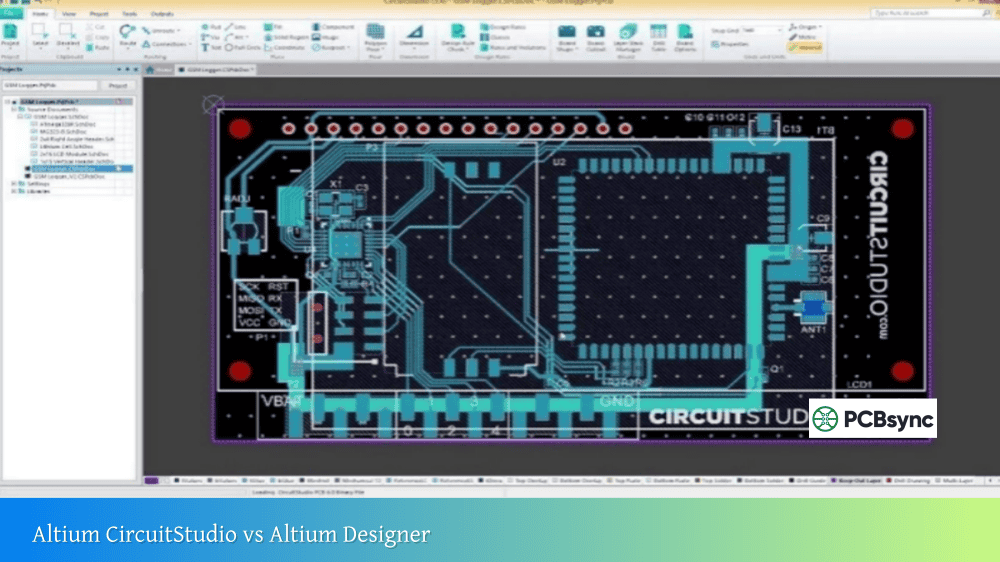
Altium Designer provides a unified design environment where everything from schematic capture to PCB layout to manufacturing outputs lives under one roof. The interface feels polished, with real-time error checking that catches problems before they propagate into your layout. The learning curve is gentler for engineers already familiar with commercial EDA tools.
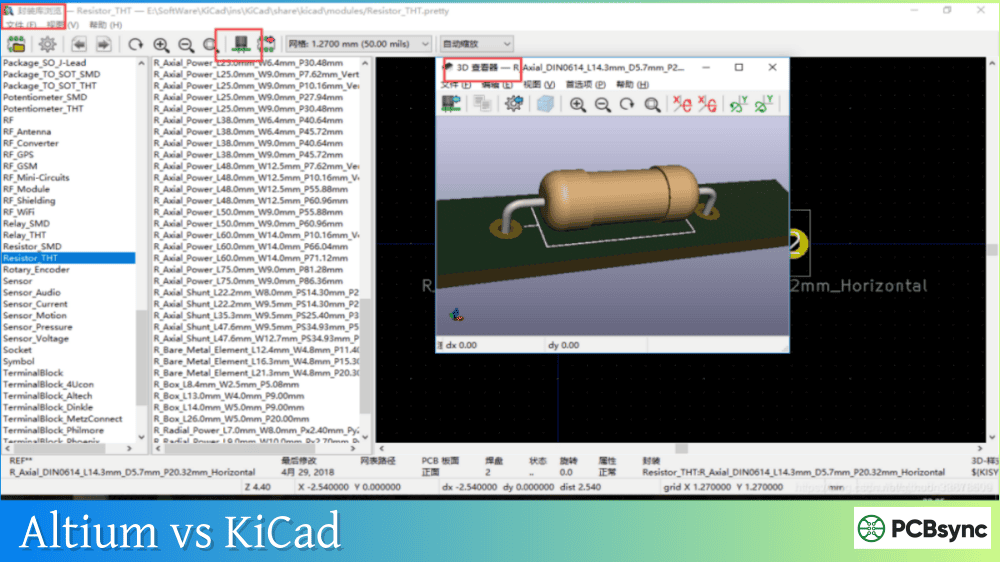
KiCad, on the other hand, organizes its tools into separate applications (schematic editor, PCB editor, footprint editor, symbol editor, 3D viewer). This modular approach works well once you understand the workflow, and KiCad 8 brought significant UI improvements. The cursor crosshair alignment feature actually makes component placement more intuitive than in some commercial tools. Everything you need sits on the right side of the screen, making wire routing surprisingly efficient.
PCB Layout and Routing Capabilities
This is where the Altium vs KiCad gap becomes more noticeable for complex designs.
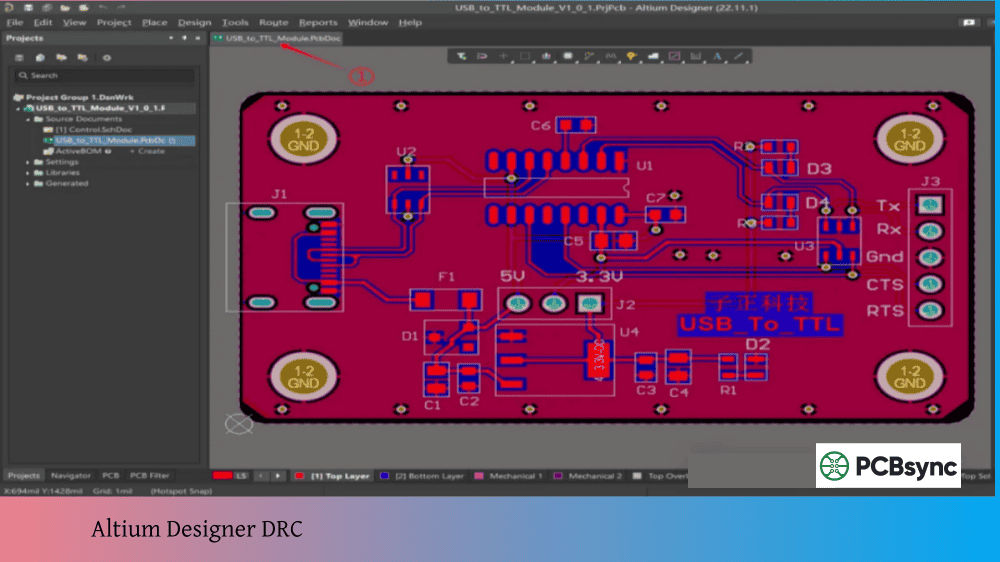
Altium shines in high-speed design scenarios. The integrated layer stack editor with field solver, advanced differential pair routing, and signal integrity analysis tools handle DDR4 memory, high-speed SerDes, and complex impedance-controlled designs without external software. The autorouter actually works well for production designs (something that can’t be said for many EDA tools).
KiCad 8 improved routing capabilities substantially, including push-and-shove routing that works reliably for most designs. For differential pairs and basic high-speed work, it performs admirably. However, for truly demanding applications—think 10+ Gbps signals or complex rigid-flex designs—you’ll either need external tools or significant manual effort.
3D Visualization and MCAD Integration
Both tools offer 3D board visualization, but implementation varies considerably.
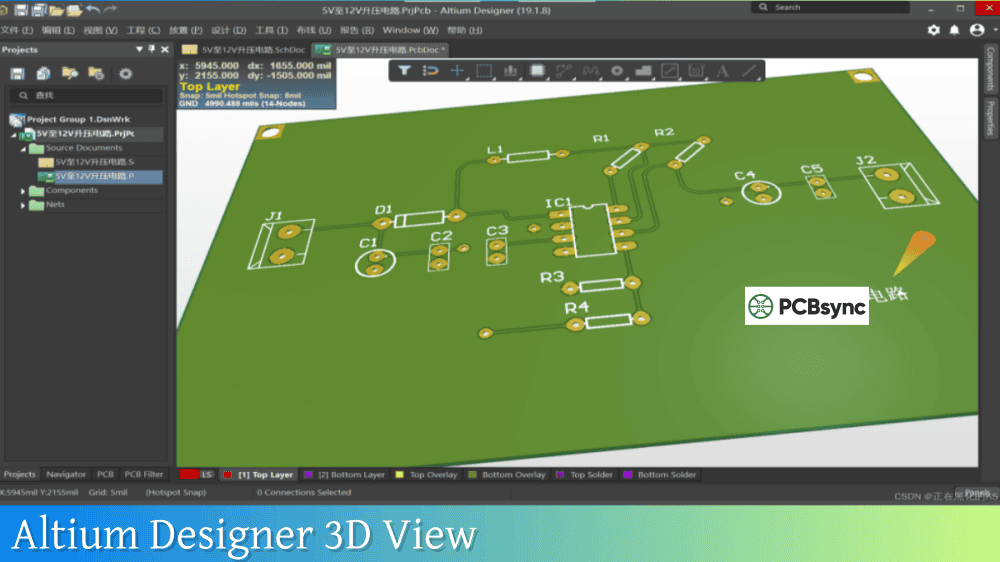
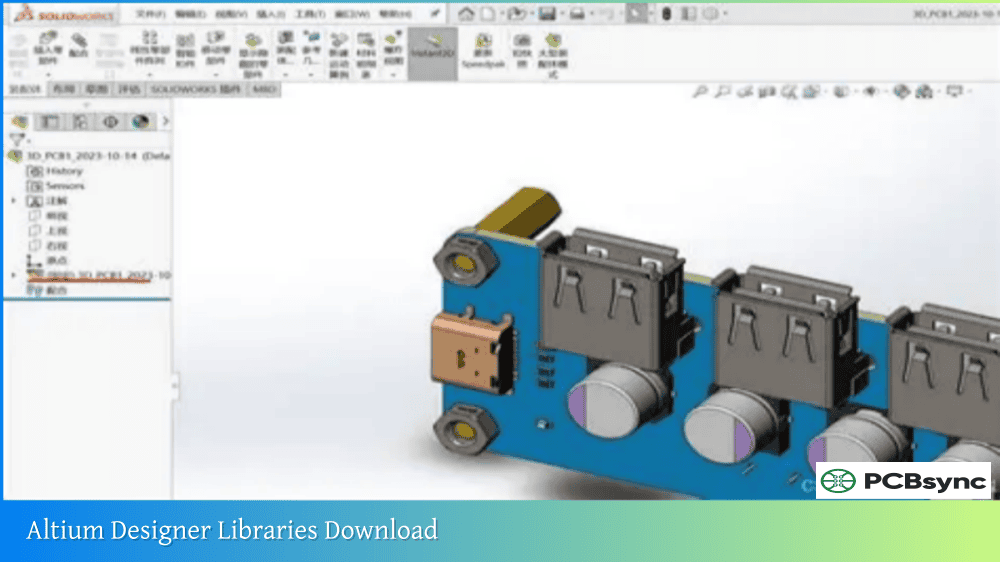
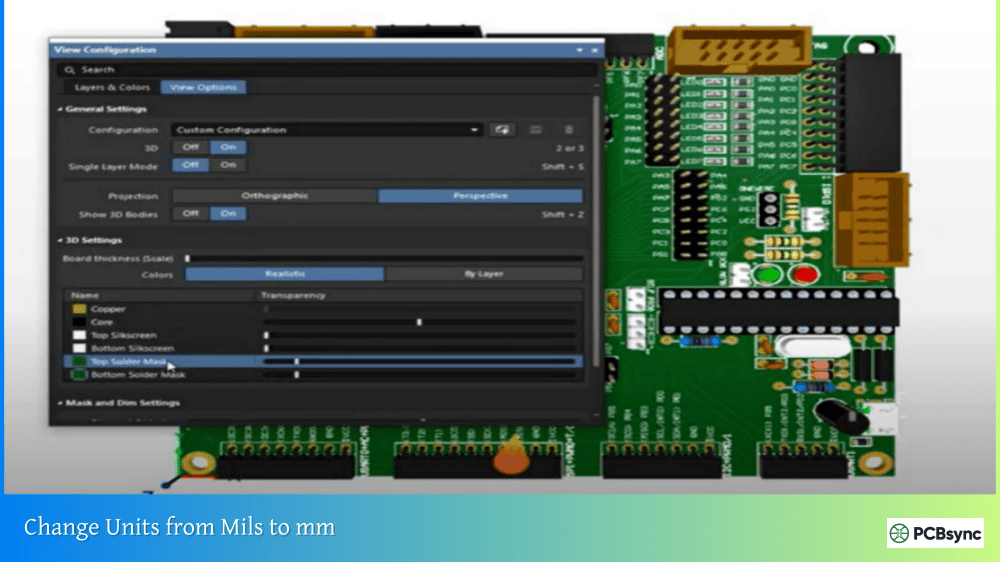
Altium’s 3D engine integrates directly with major MCAD platforms including SOLIDWORKS, PTC Creo Parametric, Autodesk Inventor, Fusion 360, and Siemens NX. You can sync mechanical data bi-directionally, place components based on enclosure constraints, and verify fit before manufacturing. For rigid-flex designs, this integration proves invaluable.
KiCad provides solid 3D visualization with STEP export/import capabilities. You can verify mechanical fit and generate realistic renders for documentation. While it lacks the deep MCAD integration of Altium, the STEP export handles most collaboration needs with mechanical engineers who use different CAD packages.
Component Libraries and Supply Chain Tools
The Altium vs KiCad library experience differs dramatically.
Altium Designer includes Octopart integration directly in the design environment, letting you check component availability, pricing, and lifecycle status without leaving your schematic. The cloud-based component database through Altium 365 keeps libraries synchronized across teams. For companies managing production runs, this supply chain visibility prevents costly redesigns due to obsolete parts.
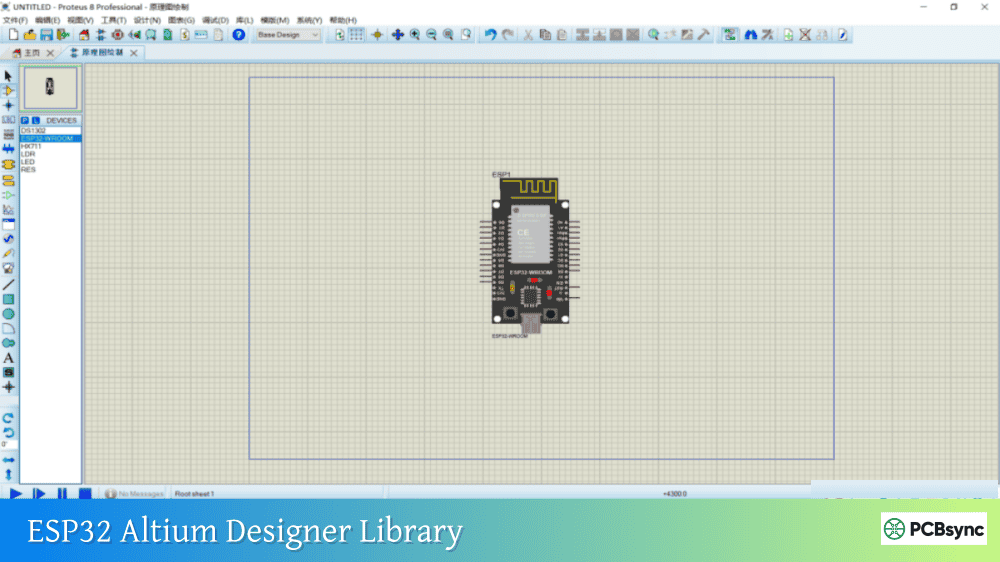
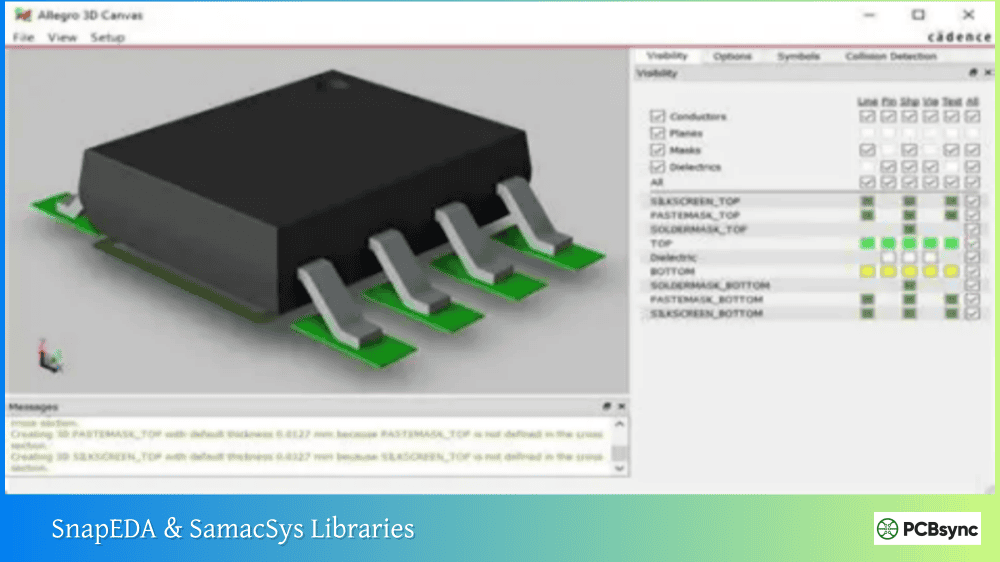
KiCad relies on community-contributed libraries supplemented by manufacturer-provided symbols and footprints. The library has grown substantially—most common components exist—but you’ll likely create custom parts or import from third-party sources like SnapEDA or Ultra Librarian. Recent versions improved library management significantly, but it still requires more manual effort than Altium’s integrated approach.
Cost Analysis: What You’re Really Paying For
Altium Designer Pricing Structure
Since July 2024, Altium no longer offers perpetual licenses for new customers. The subscription model starts around $355/month for basic access, with professional subscriptions ranging from $4,000-$5,500+ annually depending on features. Enterprise pricing varies based on seat count and support levels.
KiCad costs exactly zero dollars to download and use. There are no licensing fees, no subscription renewals, no seat restrictions. You can install it on every computer in your organization without worrying about compliance.
Hidden costs do exist:
Time investment learning the software
Creating or sourcing component libraries
Potential need for external tools (simulation, advanced DRC)
Community support versus paid technical support
Return on Investment Considerations
For hobbyists and students, the Altium vs KiCad choice is obvious—KiCad wins on cost alone. For startups, the calculation becomes more nuanced. If you’re designing a simple IoT device with a single engineer, KiCad handles the work perfectly. If you’re building medical devices requiring compliance documentation and design reviews, Altium’s workflow features may justify the expense.
For established companies, consider engineer productivity. If Altium saves each designer 10 hours per project through better autorouting, integrated supply chain data, and streamlined collaboration, the license pays for itself quickly at typical engineering salaries.
Who Should Use Altium Designer?
Altium makes the most sense for:
Enterprise teams designing complex, multi-layer boards requiring collaboration across departments
High-speed design projects involving DDR4/5, PCIe, USB3.2, or other demanding interfaces
Companies in regulated industries (aerospace, medical, automotive) needing comprehensive documentation and design rule enforcement
Organizations already using Altium 365 for lifecycle management
Engineers whose employers provide licenses (take advantage of it!)
Freelance designers who can’t justify commercial software costs
Engineers working across Windows, macOS, and Linux who need platform flexibility
Mid-complexity designs that don’t require advanced signal integrity analysis
Making the Transition: KiCad to Altium or Vice Versa
If you’re considering switching between tools, here’s what you need to know.
Moving from KiCad to Altium
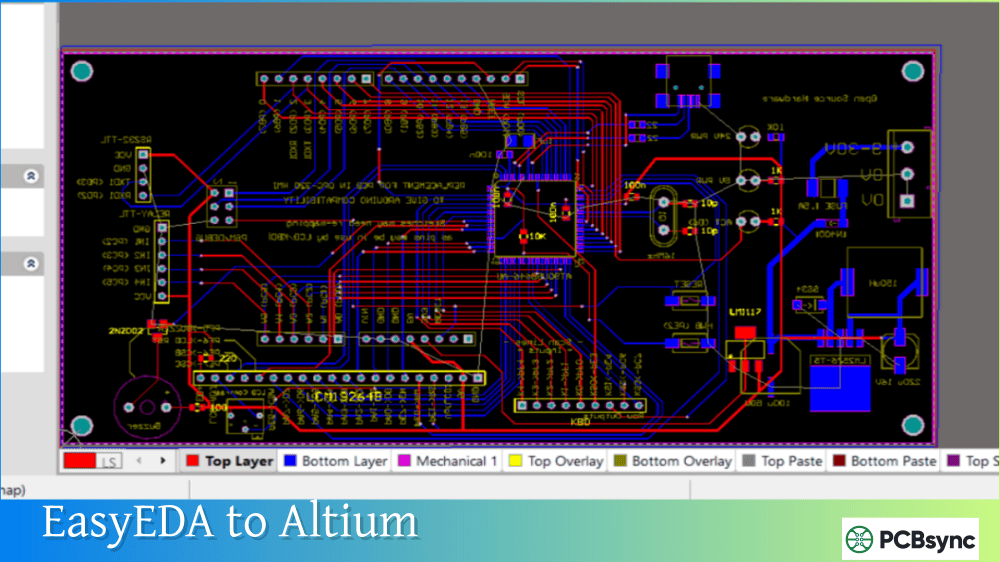
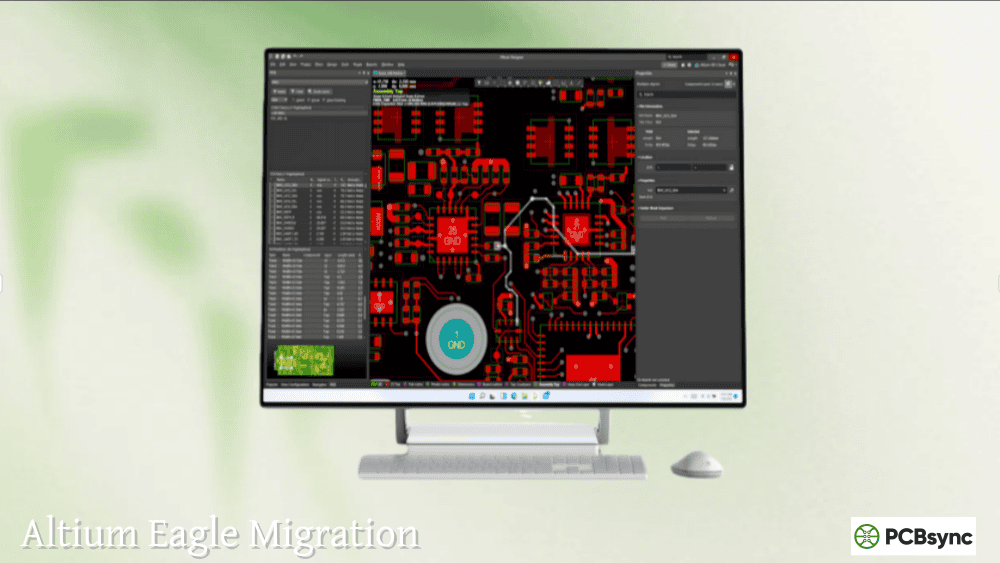
Altium includes import tools that convert KiCad project files (.sch, .lib, .pcb extensions) directly. The conversion handles most designs well, though you’ll want to verify component associations and design rules after import. Altium’s documentation covers the migration process thoroughly.
Moving from Altium to KiCad
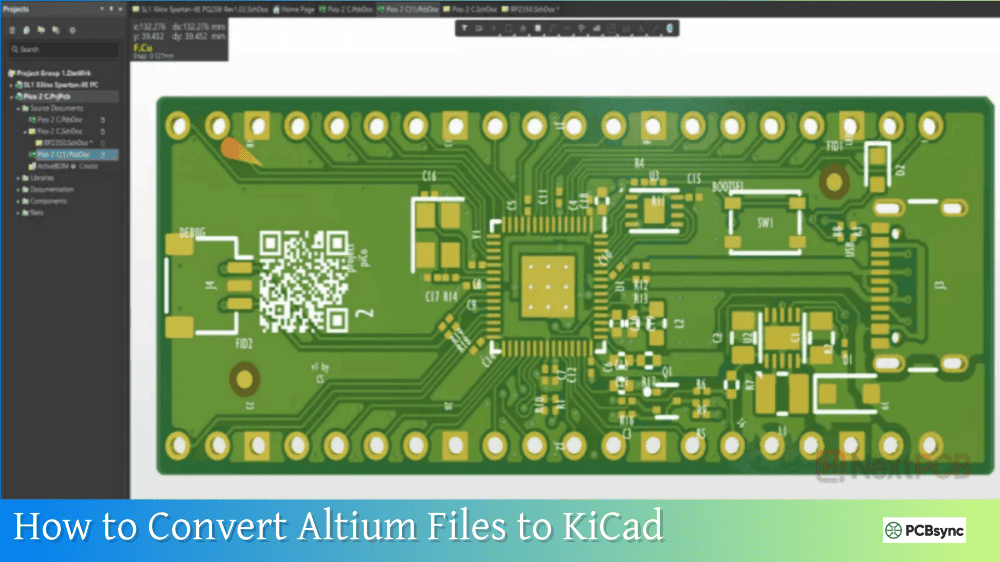
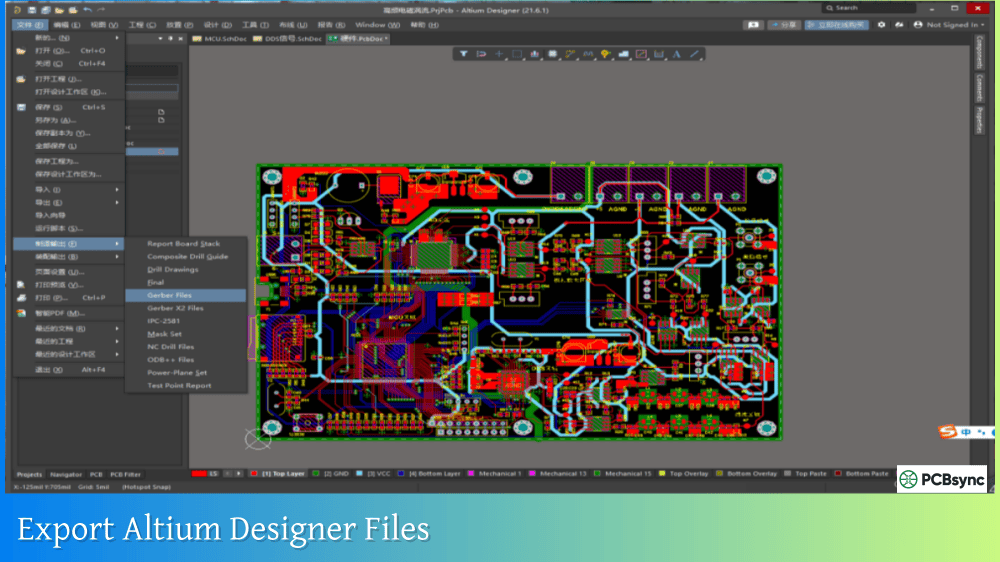
This direction proves trickier. KiCad can import some Altium file formats, but complex designs may require manual cleanup. For simple transitions, export Gerbers and documentation from Altium, then recreate the design in KiCad if ongoing development is planned.
Practical Tips for Choosing Between Altium and KiCad
After years of using both platforms, here’s my honest advice:
Start with KiCad if you’re learning. The skills transfer well, and you’ll understand PCB design fundamentals without financial pressure.
Use what your employer provides. If your company has Altium licenses, learn Altium. If they use KiCad, become proficient in KiCad. Refusing to use available tools because of personal preference is career-limiting.
Consider your project pipeline. One-off projects and prototypes work fine in KiCad. Production designs with revision control, team collaboration, and compliance requirements may benefit from Altium’s integrated workflow.
Try before committing. Altium offers a 14-day free trial. Download it, import a KiCad design, and evaluate whether the features justify the cost for your situation.
Being proficient in both is a smart long-term strategy. The industry uses both tools, and flexibility makes you more valuable.
Absolutely. Organizations like CERN use KiCad for professional work. KiCad handles multi-layer boards, high-pin-count components, and complex routing requirements capably. The limitation isn’t professional capability—it’s specific advanced features like integrated signal integrity analysis or enterprise collaboration tools. Many professional engineers use KiCad successfully for production designs shipped in thousands of units.
Can I use KiCad designs with manufacturers?
Yes. KiCad generates industry-standard Gerber files, drill files, and BOM outputs that any PCB fabricator accepts. Manufacturers don’t care what software created the Gerbers—they care about file accuracy. Many fabricators like JLCPCB, PCBWay, and OSH Park explicitly support KiCad project files for direct upload and automated quoting.
How long does it take to learn Altium vs KiCad?
Both tools require significant time investment for proficiency. Expect 2-4 weeks of regular use to become comfortable with basic workflows in either tool. Mastering advanced features (high-speed design, complex routing, library management) takes months regardless of the platform. KiCad’s modular structure can initially confuse newcomers, while Altium’s feature density can overwhelm beginners despite its unified interface.
Can I import KiCad projects into Altium Designer?
Yes. Altium includes import wizards that convert KiCad schematic and PCB files. The conversion handles most designs well, though you should verify footprint associations and design rules after import. Some manual cleanup may be required for complex designs with custom symbols or unusual layer configurations.
Should I learn Altium if my company uses KiCad?
Learning Altium remains valuable for career development even if your current position uses KiCad. Many job listings require Altium experience, especially in aerospace, medical, and automotive industries. Altium offers free annual licenses to students, and the 14-day trial provides enough time to build basic proficiency. Being conversant with both major platforms increases your marketability.
Final Verdict: Altium vs KiCad
The Altium vs KiCad decision ultimately comes down to your specific circumstances. Neither tool is objectively “better”—they serve different needs.
Choose Altium Designer when budget isn’t the primary constraint, when you need advanced signal integrity tools, when enterprise collaboration matters, or when working in regulated industries requiring comprehensive documentation.
Choose KiCad when cost matters, when you need cross-platform flexibility, when working on open-source projects, or when your designs don’t require Altium’s advanced simulation and collaboration features.
The best PCB design software is the one that helps you create reliable, manufacturable boards efficiently. Both Altium and KiCad can do that—just through different paths.
My personal recommendation? Learn KiCad thoroughly, and when (or if) you need Altium’s specific capabilities, you’ll have the foundational knowledge to transition smoothly. The skills transfer more than you might expect.
Inquire: Call 0086-755-23203480, or reach out via the form below/your sales contact to discuss our design, manufacturing, and assembly capabilities.
Quote: Email your PCB files to Sales@pcbsync.com (Preferred for large files) or submit online. We will contact you promptly. Please ensure your email is correct.
Notes: For PCB fabrication, we require PCB design file in Gerber RS-274X format (most preferred), *.PCB/DDB (Protel, inform your program version) format or *.BRD (Eagle) format. For PCB assembly, we require PCB design file in above mentioned format, drilling file and BOM. Click to download BOM template To avoid file missing, please include all files into one folder and compress it into .zip or .rar format.