Inquire: Call 0086-755-23203480, or reach out via the form below/your sales contact to discuss our design, manufacturing, and assembly capabilities.
Quote: Email your PCB files to Sales@pcbsync.com (Preferred for large files) or submit online. We will contact you promptly. Please ensure your email is correct.
Notes: For PCB fabrication, we require PCB design file in Gerber RS-274X format (most preferred), *.PCB/DDB (Protel, inform your program version) format or *.BRD (Eagle) format. For PCB assembly, we require PCB design file in above mentioned format, drilling file and BOM. Click to download BOM template To avoid file missing, please include all files into one folder and compress it into .zip or .rar format.
Learn how to download Altium Designer latest version 26.1.1. Covers online/offline installers, free trial, student licenses, and fixing common install errors.
Every few months, someone on our engineering team asks me how to get a fresh Altium Designer download on a new workstation. Despite having done this dozens of times over the past decade, the process has changed enough that I’ve started keeping notes. This guide covers everything you need to know about downloading, installing, and activating Altium Designer in 2026, including the latest version 26.1.1 released in December 2025.
The Altium Designer download process isn’t complicated, but it does require an AltiumLive account and some preparation. Whether you’re setting up a free trial, installing with a paid license, or getting the student version, this guide walks through each step and helps you avoid the common pitfalls that waste hours of troubleshooting time.
As of early 2026, the current Altium Designer releases include three variants:
Product
Version
Build
Release Date
Altium Designer
26.1.1
Build 7
December 3, 2025
Altium Designer Develop
26.1.1
Build 6
December 3, 2025
Altium Designer Agile
26.1.1
Build 13
December 3, 2025
The version 26.1 update introduced several important changes, including updates to IPC-7351B standard compliance where solder mask expansion rule defaults changed from 4 mil to 0 mil. If you’re upgrading from an earlier version, this affects how new footprints are created and may impact existing libraries when opened in the new version.
Altium has restructured their product lineup under the Renesas acquisition, with Altium Designer now serving as the core PCB design engine powering different solutions: Altium Develop for small teams, Altium Agile for enterprise teams, and standalone Altium Designer subscriptions.
System Requirements for Altium Designer Download
Before starting your Altium Designer download, verify your system meets these requirements. Nothing is more frustrating than downloading 2GB+ of installer files only to discover your graphics card isn’t supported.
Recommended System Specifications
Component
Recommended
Minimum
Operating System
Windows 11 (64-bit)
Windows 10 (64-bit)
Processor
Intel Core i7 or equivalent
Intel Core i5 or equivalent
RAM
32 GB
16 GB
Storage
SSD with 10+ GB free
HDD with 10 GB free
Graphics Card
GeForce GTX 1060 / Radeon RX 470 (DirectX 11)
DirectX 10 compatible
Display
Dual monitors, 2560×1440 resolution
1680×1050 (widescreen) or 1600×1200
Additional
3D mouse (SpaceMouse) optional
Adobe Reader XI+ for 3D PDF
Critical Graphics Card Requirements
Altium Designer has been optimized for DirectX 11, not OpenGL. This means gaming graphics cards often perform better than equivalent workstation cards while costing less. Make sure your graphics drivers are updated directly from the manufacturer’s website (NVIDIA or AMD), not through Windows Update, as outdated drivers cause most stability issues I’ve encountered.
Windows 10 is still technically supported but not recommended. If you’re on Windows 7 or 8.1, you’ll need to manually enable TLS 1.2 to connect to Altium 365 workspaces.
How to Download Altium Designer
There are two main approaches to get your Altium Designer download: the online installer (recommended for most users) and the offline installer (for restricted networks or air-gapped systems).
Creating an AltiumLive Account
Before downloading anything, you need an AltiumLive account. This account manages your licenses, downloads, and access to Altium 365 workspaces.
Step 1: Navigate to altium.com and click “Sign Up” in the top right corner.
Step 2: Enter your email address and create a password. Use your work email if this is for a professional license, as the account becomes tied to your organization’s license management.
Step 3: Verify your email by clicking the confirmation link Altium sends.
Step 4: Complete your profile with your name and organization details.
Once registered, you can access the downloads page, manage licenses, and connect to Altium 365 workspaces.
Altium Designer Download Using Online Installer
The online installer is the fastest method for most users with reliable internet connections.
Step 1: Sign in to your AltiumLive account at live.altium.com.
Step 3: The latest Altium Designer installer appears at the top of the page. Click “Online Installer” to download the executable.
Step 4: Save the installer file to your computer. The online installer itself is small (around 50MB), but it will download approximately 2GB of additional files during installation.
Step 5: Right-click the downloaded .exe file and select “Run as Administrator.” This prevents permission issues that commonly cause installation failures.
Step 6: Follow the installation wizard:
Accept the End-User License Agreement
Choose installation components (default selection works for most users)
Step 7: Wait for the installation to complete. This typically takes 15-30 minutes depending on your internet speed and system performance.
Altium Designer Offline Installer Download
For corporate environments with firewall restrictions or systems without internet access, the offline installer provides a complete package that doesn’t require network connectivity during installation.
Step 1: Sign in to AltiumLive and navigate to the Downloads page.
Step 2: Look for “Other Installers” or “Offline Installer” options. The offline package is significantly larger (2-3GB) as it contains all installation files.
Step 3: Download the complete offline installer package to a portable drive if you need to transfer it to an air-gapped system.
Step 4: Run the installer with Administrator privileges on the target machine.
Step 5: After installation, you’ll need to add a standalone license file (.alf) to activate the software since it can’t connect to Altium’s license servers.
The offline installer resolves most network-related installation failures, including “Cannot patch” errors and “EULA download has failed” messages that occur when firewalls block certain Altium URLs.
Altium Designer License Activation After Download
Once your Altium Designer download and installation completes, you need to activate a license before using the software. Altium offers three licensing types.
On-Demand Licensing
This is the most common method for cloud-connected installations.
Step 2: Click “Sign in” and enter your AltiumLive credentials.
Step 3: Your available licenses appear in the list. Right-click on the appropriate Altium Designer license and select “Use.”
Step 4: The license is now active, and you can start designing.
On-Demand licenses require periodic internet connectivity to verify the license status. If you go offline for extended periods, the software will eventually require reconnection.
Standalone Licensing
Standalone licenses allow offline operation after initial activation.
Step 1: Sign in to AltiumLive within Altium Designer.
Step 2: Locate your Standalone license in the Available Licenses list.
Step 3: Click “Activate” to generate and download a license file (.alf).
Step 4: Save this license file securely. You can use it on up to three computers (work, home, laptop) though only one can be active at a time.
For truly offline systems, obtain the .alf file from the AltiumLive Dashboard through a browser, then add it using the “Add standalone license file” link in Altium Designer’s License Management page.
Private Server Licensing
Organizations managing multiple licenses often use a Private License Server to distribute licenses across their network.
Step 1: Your IT administrator provides the server address and port.
Step 2: In License Management, select “Add Private License Server.”
Step 3: Enter the server URL and connect.
Step 4: Available licenses from your organization’s pool appear for selection.
Altium Designer Free Trial Download
Altium offers a free trial that provides full functionality for evaluation purposes. This is the best way to test the software before committing to a purchase.
Step 2: Fill out the registration form with your contact information.
Step 3: Altium will email you download instructions and trial license activation details.
Step 4: Download and install using the standard online installer process.
Step 5: Activate the trial license when prompted.
The trial period provides access to the complete Altium Designer feature set, including Altium 365 cloud capabilities. Use this time to evaluate whether the software meets your design needs.
Student and Education Altium Designer Download
Students and educators can access Altium Designer free through the Altium Education program.
Step 3: Enter your educational email address (must be associated with a .edu domain or recognized institution).
Step 4: Complete the institution verification process. Altium may verify your enrollment status.
Step 5: Watch for two emails:
License activation link (usually arrives within 5 minutes)
Curriculum activation link (arrives 1-2 hours after license activation)
Step 6: Download and install Altium Designer using the standard process.
Step 7: Sign in with your AltiumLive account to activate the student license.
Student licenses are fully functional and renewable every year as long as you maintain student status. The program also includes access to Altium’s educational curriculum and course certification.
Educator and Institution Programs
Educators can request institutional licenses for classroom use through the Altium Education portal. These licenses support computer lab installations and curriculum integration.
Troubleshooting Altium Designer Download and Installation Issues
Over the years, I’ve encountered most of the installation problems that can occur. Here are solutions to the most common issues.
Installation Fails with “Failed to Create Key” or “System Error”
This typically indicates insufficient administrator privileges or antivirus interference.
Solutions:
Right-click the installer and explicitly select “Run as Administrator”
Temporarily disable antivirus software or add an exclusion for the Altium installer
Check that your Windows account has write access to the registry keys under HKEY_CURRENT_USER\Software\Altium
Manufacturer Part Search: Built into Altium Designer
Altium Content Vault: Accessible through Altium 365 workspace
Third-party Libraries: Available through component suppliers
Frequently Asked Questions About Altium Designer Download
How large is the Altium Designer download?
The online installer executable is approximately 50MB, but the complete installation downloads around 2-2.5GB during the installation process. The offline installer package contains all files and ranges from 2-3GB total. Plan for at least 10GB of free disk space for the installation directory plus additional space for component libraries, examples, and project files.
Can I download Altium Designer for free?
Yes, through several legitimate options. Altium offers a free trial with full functionality for evaluation. Students at accredited institutions can get a free educational license renewable annually. Altium also provides CircuitMaker, a free community-focused PCB design tool based on Altium technology. However, there is no free perpetual version of Altium Designer for commercial use.
Does Altium Designer work on Mac or Linux?
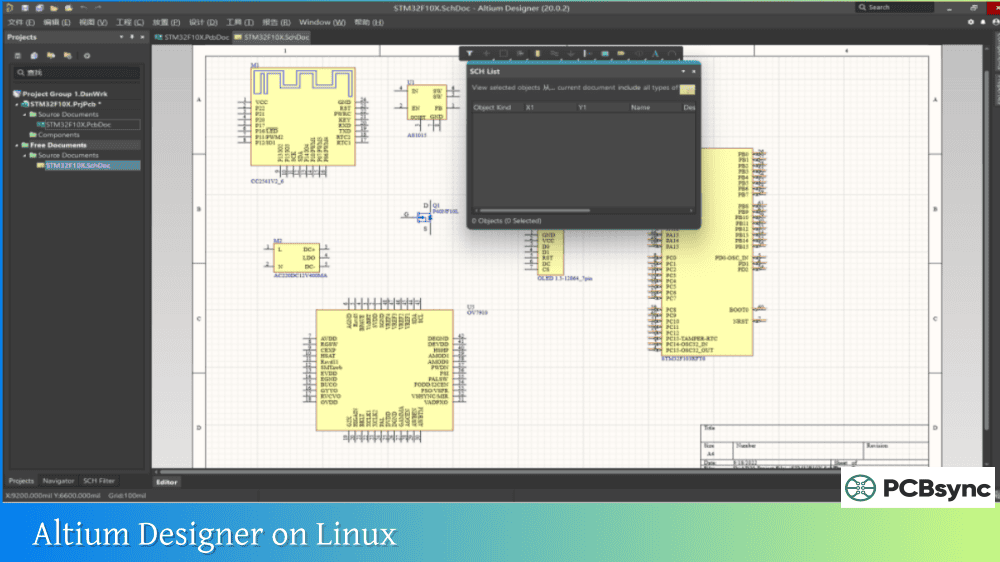
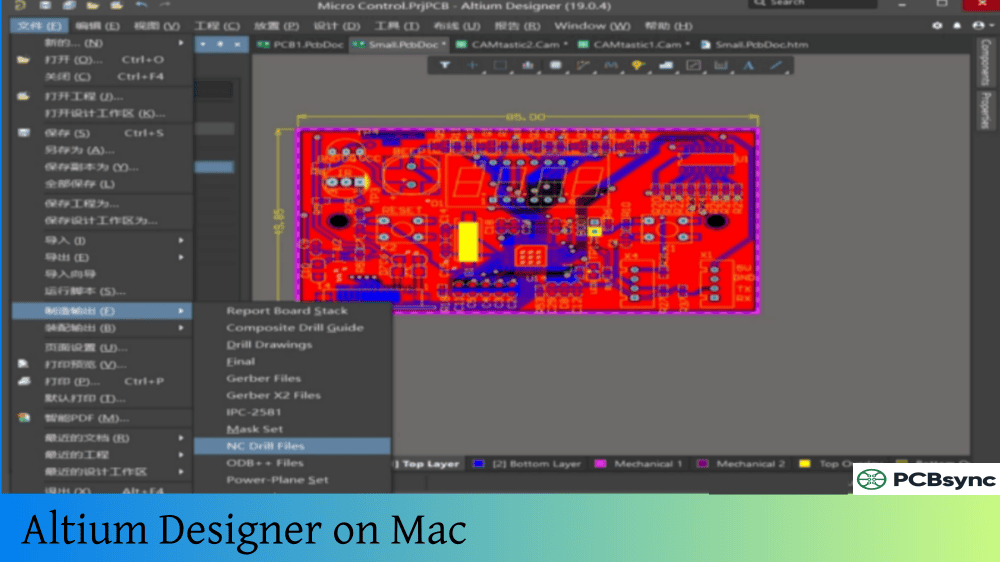
No, Altium Designer is Windows-only software. It requires Windows 10 or Windows 11 (64-bit). Mac users can run Altium Designer through Boot Camp, Parallels, or VMware Fusion with a Windows installation. Linux users would need a Windows virtual machine. Performance in virtualized environments varies, particularly for 3D visualization features.
What happens if I download and install without a license?
You can download and install Altium Designer without an active license, but the software will launch in a limited viewer mode. You’ll be able to open and view existing designs but cannot edit, create new projects, or access most design features. The License Management page will prompt you to sign in and activate a license to unlock full functionality.
How do I update Altium Designer to the latest version?
If you already have Altium Designer installed with an active subscription, you can update from within the software. Go to the Home page or check the Extensions and Updates panel to see available updates. Click to download and install the update. Alternatively, download the latest installer from the Altium downloads page and run it to upgrade your existing installation. Your preferences and projects are preserved during updates.
Final Thoughts on Getting Your Altium Designer Download
The Altium Designer download and installation process has improved significantly over the years, but it still requires attention to system requirements, license types, and network configuration. The most common problems come from antivirus interference, firewall restrictions, and not running the installer with administrator privileges.
For corporate deployments, I recommend using the offline installer to eliminate network-related issues, then configuring firewall rules for ongoing license validation and updates. For individual users, the online installer with On-Demand licensing provides the smoothest experience.
If you’re new to Altium Designer, start with the free trial to evaluate whether it fits your workflow before committing to a subscription. The student license program offers an excellent opportunity to learn professional PCB design tools without cost during your education.
Keep your AltiumLive credentials secure and maintain a backup of any standalone license files. These simple practices prevent the frustrating situation of needing to design urgently but being unable to activate your software.
This guide reflects the Altium Designer download process as of early 2026. Altium regularly updates their installer, licensing system, and account management interfaces, so some specific steps may vary. Always refer to official Altium documentation for the most current instructions.
Inquire: Call 0086-755-23203480, or reach out via the form below/your sales contact to discuss our design, manufacturing, and assembly capabilities.
Quote: Email your PCB files to Sales@pcbsync.com (Preferred for large files) or submit online. We will contact you promptly. Please ensure your email is correct.
Notes: For PCB fabrication, we require PCB design file in Gerber RS-274X format (most preferred), *.PCB/DDB (Protel, inform your program version) format or *.BRD (Eagle) format. For PCB assembly, we require PCB design file in above mentioned format, drilling file and BOM. Click to download BOM template To avoid file missing, please include all files into one folder and compress it into .zip or .rar format.