Inquire: Call 0086-755-23203480, or reach out via the form below/your sales contact to discuss our design, manufacturing, and assembly capabilities.
Quote: Email your PCB files to Sales@pcbsync.com (Preferred for large files) or submit online. We will contact you promptly. Please ensure your email is correct.
Notes: For PCB fabrication, we require PCB design file in Gerber RS-274X format (most preferred), *.PCB/DDB (Protel, inform your program version) format or *.BRD (Eagle) format. For PCB assembly, we require PCB design file in above mentioned format, drilling file and BOM. Click to download BOM template To avoid file missing, please include all files into one folder and compress it into .zip or .rar format.
Finding capable PCB design software that doesn’t drain your budget is challenging—especially when you need professional-grade tools for real projects. After spending years bouncing between various EDA tools, I was skeptical when Altium CircuitMaker landed on my radar. A free tool built on the same engine as Altium Designer? It sounded too good to be true.
After putting Altium CircuitMaker through its paces on multiple hobby projects and prototype designs, I can tell you exactly what this software does well, where it falls short, and whether it deserves a spot in your design workflow.
Altium CircuitMaker is a free electronic design automation (EDA) software developed by Altium Limited, specifically targeting the maker community, hobbyists, students, and open-source hardware developers. Unlike stripped-down “lite” versions that plague the free EDA market, CircuitMaker runs on the same core engine that powers Altium Designer—Altium’s flagship professional PCB design suite.
The software first emerged publicly as version 2.0 on January 17, 2016, though the CircuitMaker name has a longer history. The original CircuitMaker was developed by MicroCode Engineering back in 1988 and later acquired by Protel (which became Altium). Today’s CircuitMaker bears little resemblance to that legacy software—it’s been completely rebuilt with a modern ribbon interface and cloud-based collaboration features.
The Community-Driven Approach
What sets Altium CircuitMaker apart from other free PCB tools is its community-driven model. Projects created in CircuitMaker can be shared publicly, allowing other designers to fork, modify, and improve upon existing designs. Think of it as GitHub for PCB layouts. This approach fosters collaboration and gives beginners access to thousands of reference designs they can learn from.
Key Features of Altium CircuitMaker
Schematic Capture
Altium CircuitMaker uses the same schematic editor found in Altium Designer. You get multi-sheet design support, hierarchical design blocks for organizing complex circuits, and SmartPDF output generation. The editor feels polished and professional—nothing like the clunky interfaces you’ll find in some competing free tools.
Component placement works through an integrated search system backed by the Octopart database. Type in a manufacturer part number, and you’ll often find a ready-to-use symbol with real-time pricing and availability data. This integration alone saves hours compared to manually creating every component from scratch.
PCB Layout Editor
The layout editor delivers genuinely impressive capabilities for free software:
Layer Support: Up to 16 signal layers plus 16 plane layers—enough for most hobbyist and many commercial designs
No Board Size Restrictions: Design boards of any dimension without artificial limitations
Interactive Routing: Multiple routing modes including obstacle avoidance, hug, hug-and-push, and push routing
Differential Pair Routing: Route differential pairs with proper spacing and length matching
Auto-complete Routing: Semi-automatic routing that completes connections as you work
Situs Topological Autorouter
The Situs autorouter bundled with Altium CircuitMaker handles automatic routing with BGA and SMT fanout, parallel memory routing, and via optimization. While I wouldn’t rely on autorouting for critical high-speed designs, it works well for getting initial routes laid down quickly—especially for through-hole heavy hobbyist projects.
Native 3D PCB Visualization
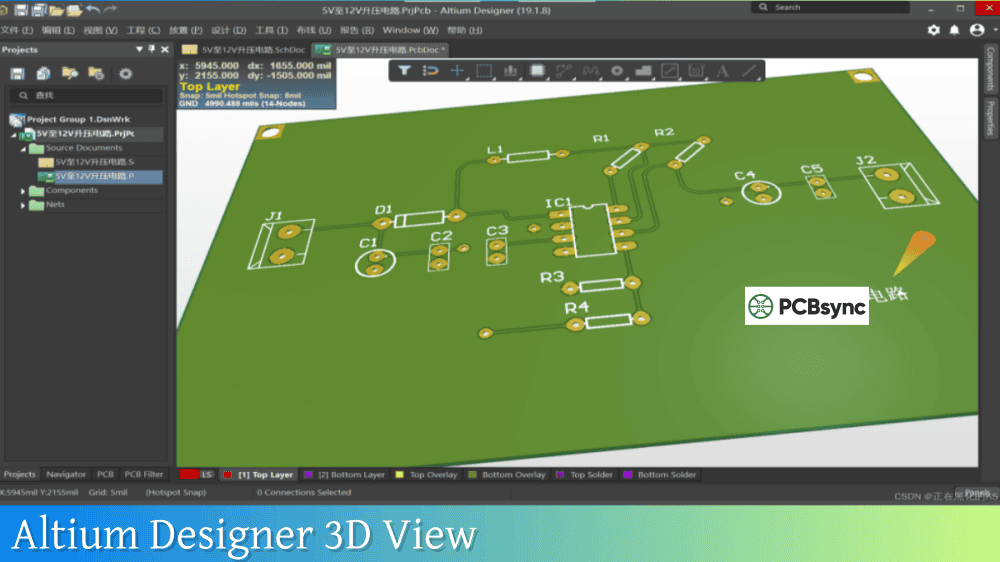
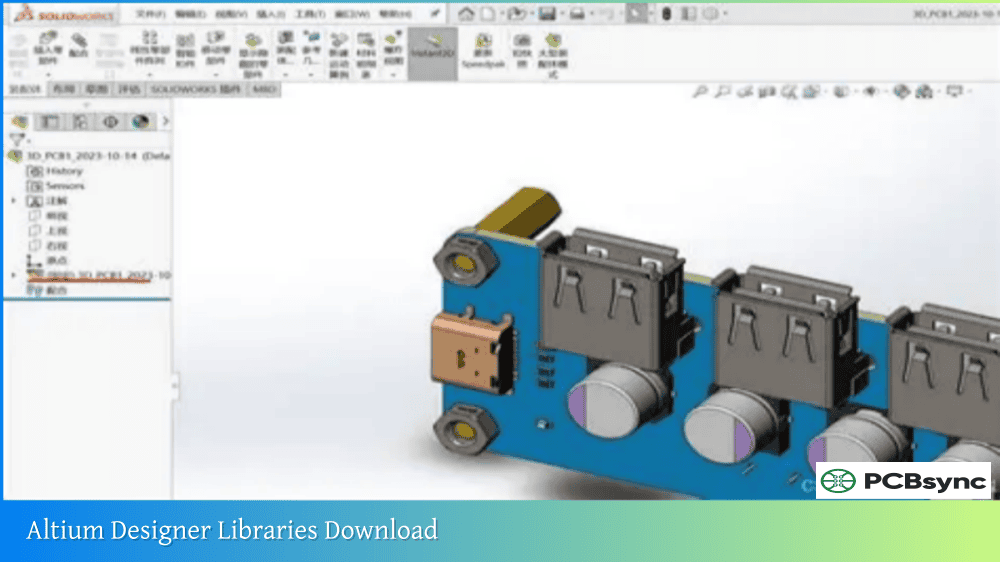
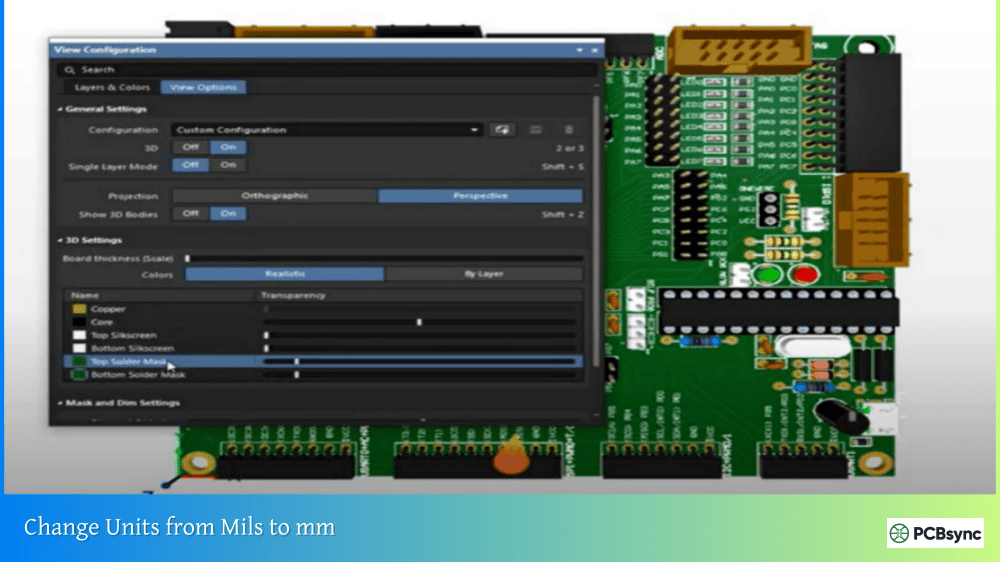
Press the “3” key in the PCB editor, and your design springs into full 3D view. This isn’t a simplified preview—it’s interactive 3D visualization showing component heights, clearance violations, and overlap distances. You can export the entire assembly as a STEP file for integration with mechanical CAD software like SolidWorks or Fusion 360.
Cloud Collaboration via Altium 365
Altium CircuitMaker integrates with the Altium 365 platform for project storage and collaboration. Multiple team members can work on shared projects, leave comments, and track version history through built-in version control. All project files are stored in the cloud, accessible from any computer with your CircuitMaker account.
Manufacturing Output Generation
When your design is ready for fabrication, CircuitMaker generates industry-standard output files:
The software also includes one-click manufacturing partnerships, letting you send boards directly to select fabricators for quoting.
Altium CircuitMaker System Requirements
Before downloading, verify your system meets these requirements:
Component
Minimum
Recommended
Operating System
Windows 7/8/10 (32 or 64-bit)
Windows 10 (64-bit)
Processor
Intel Core i3 or equivalent
Intel Core i7 or equivalent
RAM
4 GB
8 GB or more
Graphics
Intel HD 4000 (DirectX 9.0c)
NVIDIA GeForce GT 640 / AMD Radeon HD 7770
Storage
10 GB free space
SSD with 20+ GB free
Display
1280×1024 resolution
1680×1050 or higher
Internet
Required for login/projects
Stable broadband connection
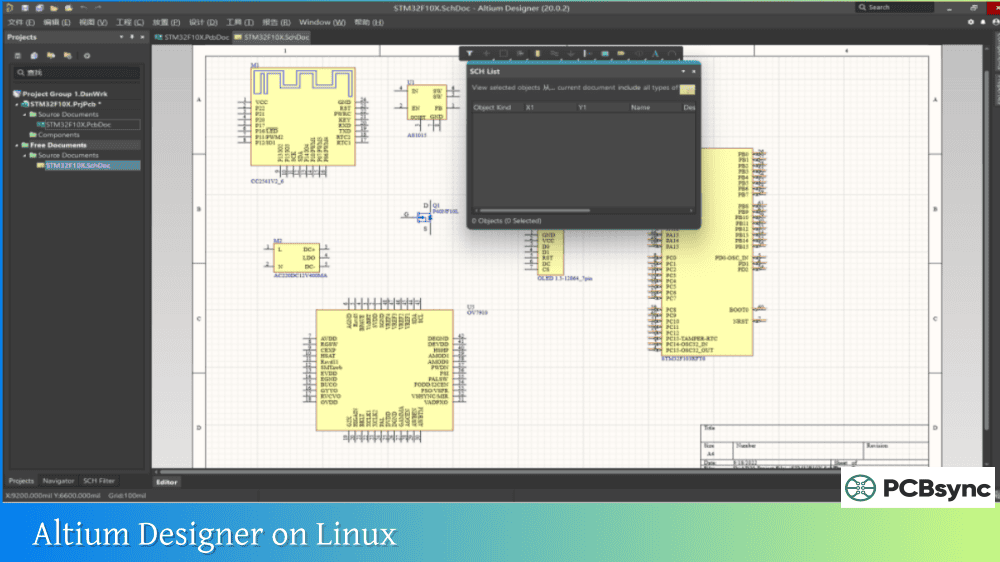
Important: Altium CircuitMaker requires a Windows operating system. Mac users need to run Windows through VirtualBox, Parallels, VMware Fusion, or Boot Camp. Linux support is unofficial and limited—some users report success running CircuitMaker through Wine, but your mileage may vary.
How to Download Altium CircuitMaker
Getting started with Altium CircuitMaker is straightforward:
Visit the official download page at circuitmaker.com or altium.com/circuitmaker/download
Create a free Altium account (required for software access)
Download the installer executable
Run the installer and follow the setup wizard
Sign in with your Altium account when CircuitMaker launches
The initial download is around 1.5 GB, with additional content downloaded during first launch. An active internet connection is required both for installation and ongoing use—CircuitMaker won’t function offline.
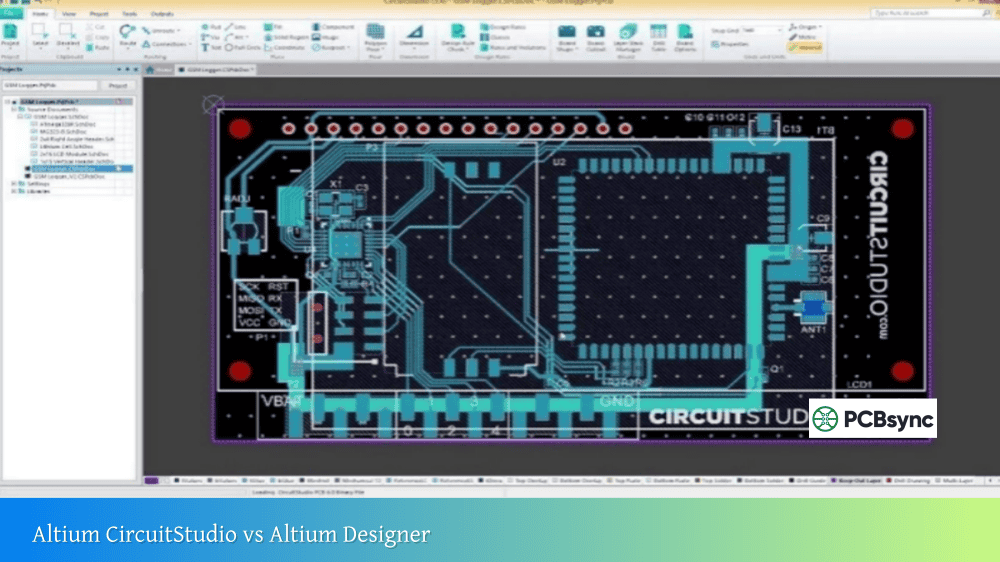
Altium CircuitMaker vs. Altium Designer
Understanding how CircuitMaker compares to its professional sibling helps set expectations:
Feature
CircuitMaker
Altium Designer
Price
Free
~$7,000+ (subscription)
Target Audience
Hobbyists, students, makers
Professional engineers
Signal Layers
16
Unlimited
Plane Layers
16
Unlimited
Board Size
Unlimited
Unlimited
SPICE Simulation
Not included
Full simulation suite
Signal Integrity
Not included
Advanced SI/PI analysis
High-Speed Design Rules
Limited
Comprehensive
Project Privacy
5 private projects
Fully private
Technical Support
Community forums
Professional support
Import Formats
EAGLE, OrCAD, PADS, P-CAD
All major formats
Export to Altium Designer
Supported
N/A
CircuitMaker lacks simulation capabilities, advanced signal integrity analysis, and some of the sophisticated design rule checking found in Altium Designer. For high-speed digital designs requiring impedance control and trace length matching for DDR memory, you’ll likely need more advanced tools.
However, CircuitMaker projects can be imported into Altium Designer if you later upgrade. This makes CircuitMaker an excellent learning platform—skills transfer directly to the professional software.
Comparing Altium CircuitMaker to Other Free PCB Software
CircuitMaker vs. KiCad
KiCad is CircuitMaker’s primary competition in the free PCB software space:
Aspect
CircuitMaker
KiCad
Cost
Free
Free (Open Source)
Platform
Windows only
Windows, Mac, Linux
Offline Use
No (requires internet)
Yes (fully offline)
Project Privacy
Limited (5 private)
Fully private
Learning Curve
Moderate
Moderate to Steep
Routing Tools
Excellent (Altium engine)
Good (improving)
3D Viewer
Excellent
Good
Community
Growing
Large and established
Component Libraries
Octopart integrated
Extensive but separate
File Ownership
Cloud-based
Local files
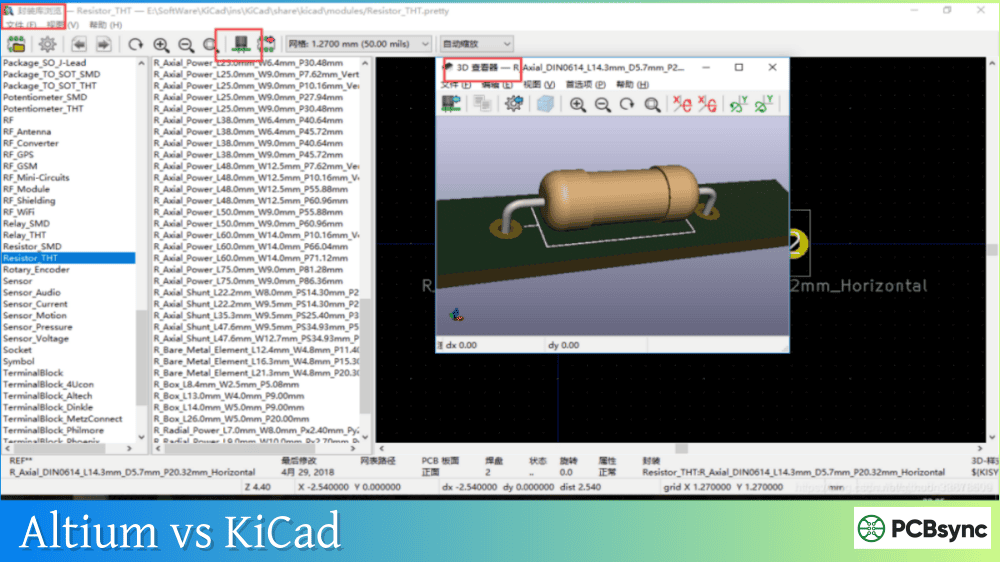
KiCad wins on platform support and privacy—you own your files completely and can work offline. CircuitMaker wins on routing capabilities and the polish of its user interface. Choose KiCad if you need Linux support or full project privacy; choose CircuitMaker if you prefer a more refined interface and don’t mind the cloud requirement.
CircuitMaker vs. EasyEDA
EasyEDA offers another free, cloud-based option:
Aspect
CircuitMaker
EasyEDA
Cost
Free
Free (Pro available)
Platform
Windows (installable)
Browser-based
Layer Support
16 signal + 16 plane
Up to 32 layers
Professional Features
More advanced
More limited
Manufacturing Integration
Multiple partners
JLCPCB integration
Component Library
Octopart
LCSC parts
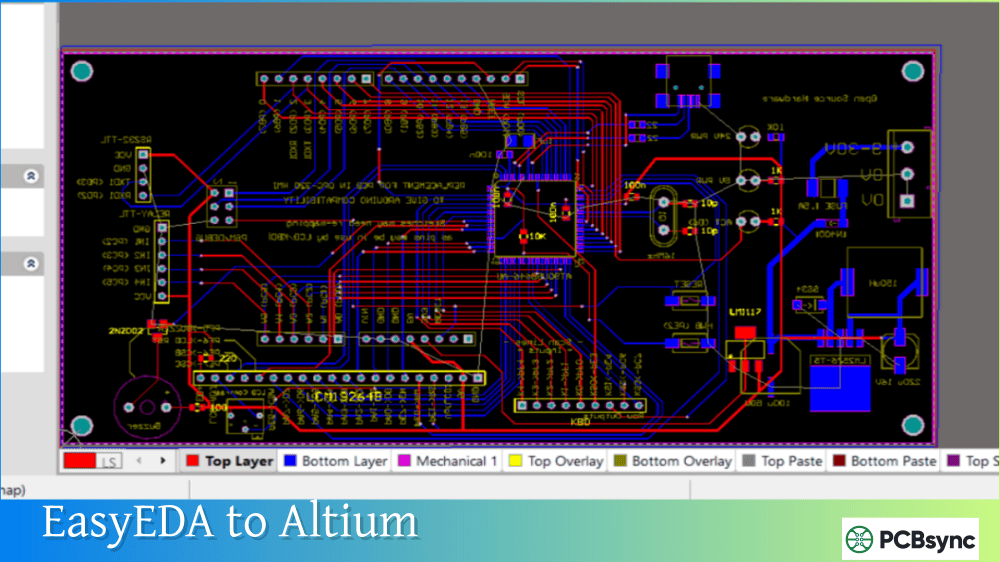
EasyEDA’s browser-based approach means zero installation, but CircuitMaker’s desktop application feels more responsive and professional. EasyEDA integrates tightly with JLCPCB for dirt-cheap manufacturing, making it popular for quick prototype orders.
Pros and Cons of Altium CircuitMaker
What Users Love
Based on community feedback and my own experience, here’s what works well:
Professional-Grade Tools: The Altium Designer engine delivers routing capabilities that outclass most free alternatives. Push-and-shove routing, differential pairs, and length tuning work smoothly.
3D Visualization: The real-time 3D viewer helps catch mechanical interference issues before ordering boards. STEP export enables integration with mechanical design workflows.
Octopart Integration: Real-time component search with pricing and availability data streamlines the design process. No more searching datasheets for footprint dimensions.
Clean Interface: The ribbon-style UI feels modern and intuitive. If you’ve used any recent Microsoft Office application, you’ll feel at home.
No Commercial Restrictions: Unlike some free tools, you can sell products designed in CircuitMaker without licensing issues.
Community Learning: Access to thousands of shared projects provides excellent learning resources for beginners.
What Users Dislike
Windows Only: Mac and Linux users need to run virtual machines, adding complexity and potential performance issues.
Internet Required: You cannot work offline. If your connection drops, you’re stuck.
Limited Private Projects: Only 5 private projects in the free tier. Everything else must be public.
Component Library Quality: The community-sourced library contains inconsistent quality footprints. Many experienced users create their own components to ensure accuracy.
Performance Issues: Some users report slow startup times and occasional lag, particularly on less powerful hardware.
No Simulation: The lack of SPICE simulation means you need separate tools for circuit verification.
Cloud Storage Concerns: Some designers dislike having their projects stored on Altium’s servers.
Who Should Use Altium CircuitMaker?
Altium CircuitMaker fits certain users better than others:
Ideal For:
Hobbyists building personal electronics projects
Students learning PCB design fundamentals
Makers creating open-source hardware
Small teams collaborating on shared designs
Anyone considering eventual upgrade to Altium Designer
After downloading Altium CircuitMaker, these tips will accelerate your learning:
Master the Keyboard Shortcuts
CircuitMaker shares many shortcuts with Altium Designer:
3: Switch to 3D view
2: Return to 2D view
P, T: Start placing tracks
P, V: Place a via
Spacebar: Rotate component during placement
Tab: Open properties panel
Use Existing Community Projects
Before starting from scratch, search the community for similar projects. Forking an existing design teaches best practices and saves time on component selection.
Create Your Own Footprints
The built-in component wizard makes footprint creation straightforward. Building your own library ensures reliability and teaches valuable skills that transfer to any PCB tool.
Run Design Rule Checks Early
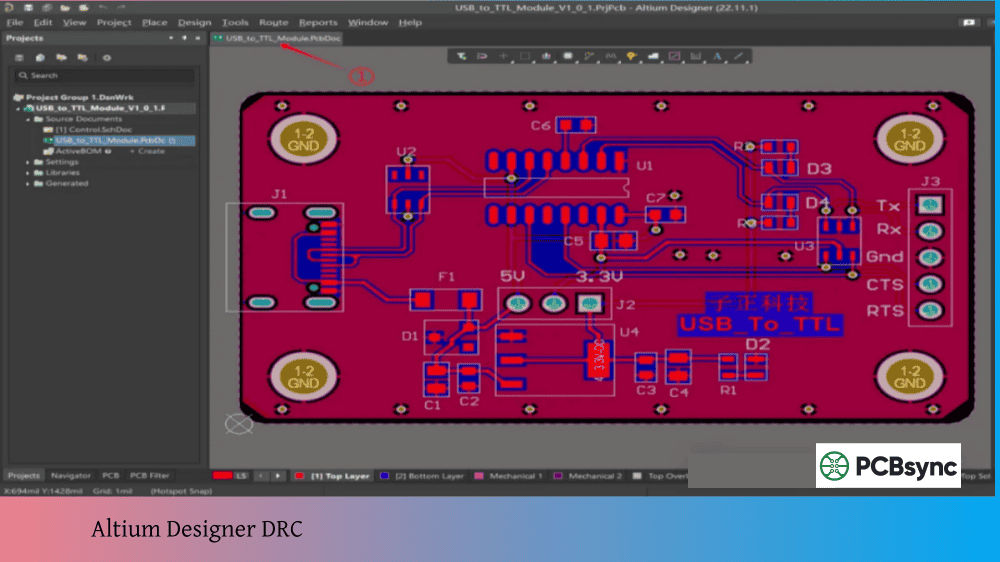
Don’t wait until layout completion to run DRC. Check rules frequently during routing to catch violations before they cascade into larger problems.
Export Gerbers and Verify
Before ordering boards, export your Gerber files and view them in a standalone Gerber viewer. This catches output issues that might not be visible in the design environment.
Useful Resources for Altium CircuitMaker Users
Official Resources
Resource
Description
URL
CircuitMaker Homepage
Official product page
circuitmaker.com
Download Page
Get the installer
altium.com/circuitmaker/download
Technical Documentation
User guides and tutorials
altium.com/documentation/altium-circuitmaker
Altium 365 Viewer
View shared projects online
altium365.com/viewer
Community Resources
Resource
Description
CircuitMaker Forums
Official community support
Reddit r/PrintedCircuitBoard
General PCB design discussion
Octopart
Component search and datasheets
EEVblog Forums
Active EDA software discussions
Learning Materials
The CircuitMaker documentation includes getting started guides, video tutorials, and example projects. Altium also publishes regular content on their resources blog covering PCB design best practices applicable to CircuitMaker.
Frequently Asked Questions
Is Altium CircuitMaker really free to use?
Yes, Altium CircuitMaker is genuinely free with no subscription fees or hidden costs. The trade-off is that most projects must be public (visible to other community members), though version 2.0 allows up to 5 private projects. There’s no “non-commercial” clause—you can design products for sale without paying licensing fees.
Can I use Altium CircuitMaker for commercial products?
Absolutely. Unlike some free PCB tools that restrict commercial use, CircuitMaker places no limitations on how you use your designs. You can sell products designed in CircuitMaker without purchasing additional licenses or paying royalties.
Does Altium CircuitMaker work on Mac or Linux?
CircuitMaker is officially Windows-only software. Mac users can run it through virtualization (Parallels, VMware Fusion, VirtualBox) or Boot Camp with a Windows installation. Linux users report mixed success running CircuitMaker through Wine—it may work but isn’t officially supported.
Can I import my existing designs into CircuitMaker?
CircuitMaker supports importing projects from several popular EDA packages including EAGLE, OrCAD, PADS, and P-CAD. You cannot directly import Altium Designer libraries, though community workarounds exist. Projects created in CircuitMaker can be imported into Altium Designer if you later upgrade.
What happens to my designs if Altium discontinues CircuitMaker?
This concern comes up frequently. Your design files exist on Altium’s servers, which creates some dependency on Altium’s continued operation. For critical projects, regularly export Gerber files and store them locally. If you’re concerned about long-term archival, consider tools like KiCad that keep all files on your local machine.
Final Verdict: Should You Download Altium CircuitMaker?
Altium CircuitMaker delivers genuinely impressive PCB design capabilities at zero cost. The Altium Designer engine underneath provides routing tools and UI polish that surpass most free alternatives. For hobbyists, students, and open-source hardware developers who don’t mind cloud-based storage and public projects, it’s hard to find a better free option.
The software shines brightest when you embrace its community nature. Access to thousands of shared projects accelerates learning, and the collaborative features make team projects straightforward. If you’re considering an eventual move to professional Altium Designer, starting with CircuitMaker builds directly transferable skills.
However, the Windows-only limitation, mandatory internet connection, and public project requirement won’t work for everyone. Engineers needing project confidentiality or offline capability should look elsewhere—KiCad offers a compelling open-source alternative with full privacy and cross-platform support.
For makers and hobbyists willing to work within its constraints, Altium CircuitMaker represents one of the most capable free PCB design tools available today. Download it, join the community, and start turning your circuit ideas into reality.
Inquire: Call 0086-755-23203480, or reach out via the form below/your sales contact to discuss our design, manufacturing, and assembly capabilities.
Quote: Email your PCB files to Sales@pcbsync.com (Preferred for large files) or submit online. We will contact you promptly. Please ensure your email is correct.
Notes: For PCB fabrication, we require PCB design file in Gerber RS-274X format (most preferred), *.PCB/DDB (Protel, inform your program version) format or *.BRD (Eagle) format. For PCB assembly, we require PCB design file in above mentioned format, drilling file and BOM. Click to download BOM template To avoid file missing, please include all files into one folder and compress it into .zip or .rar format.