Inquire: Call 0086-755-23203480, or reach out via the form below/your sales contact to discuss our design, manufacturing, and assembly capabilities.
Quote: Email your PCB files to Sales@pcbsync.com (Preferred for large files) or submit online. We will contact you promptly. Please ensure your email is correct.
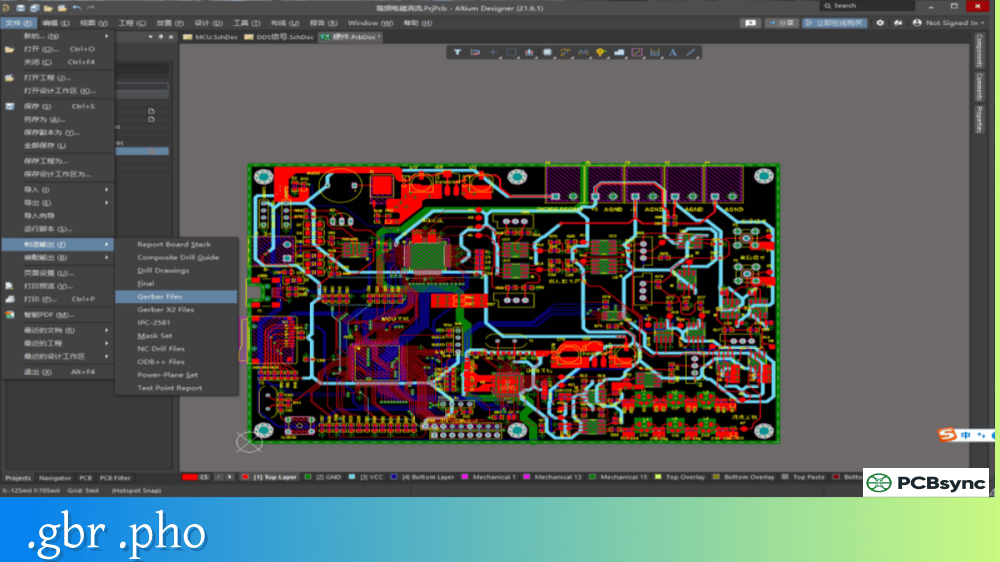
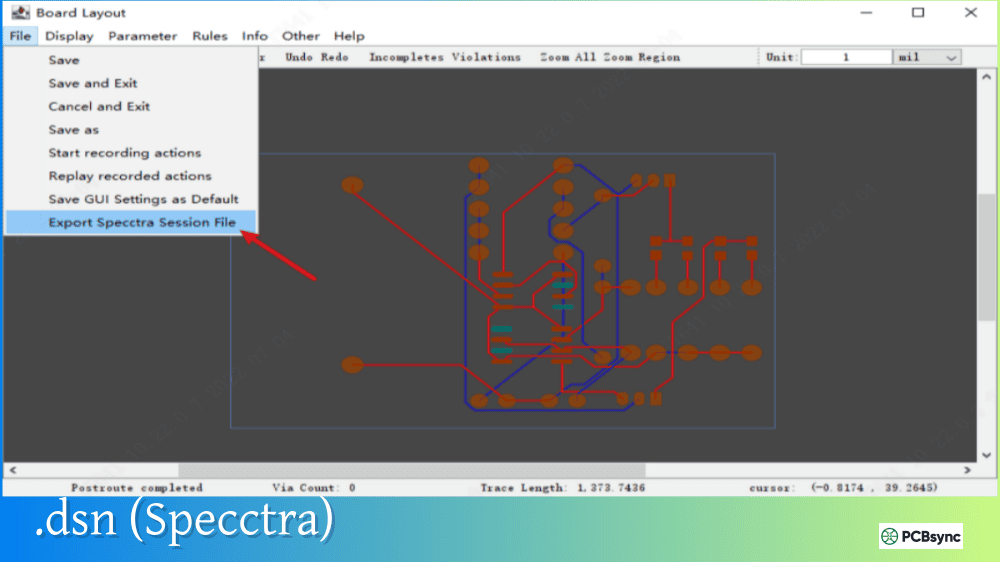
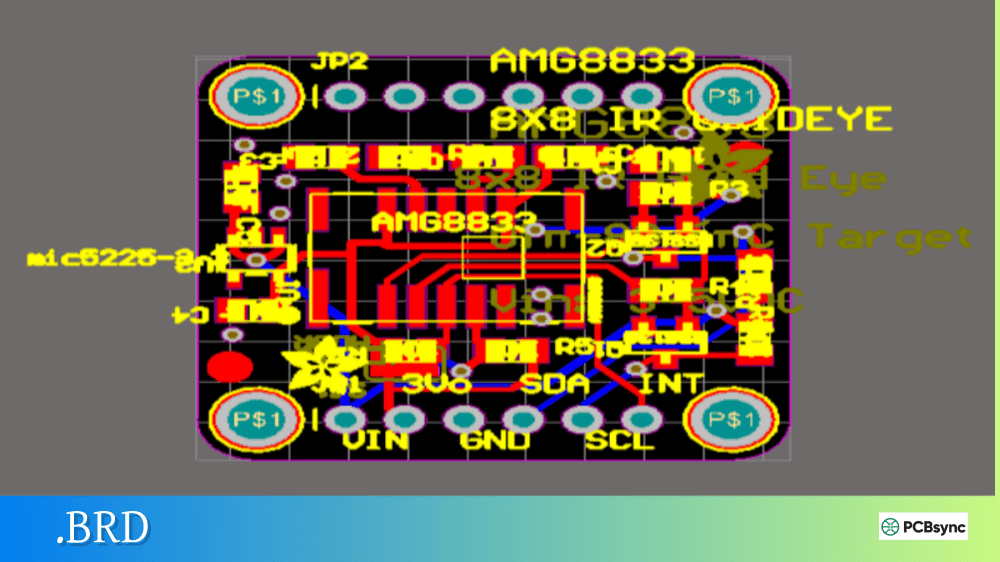
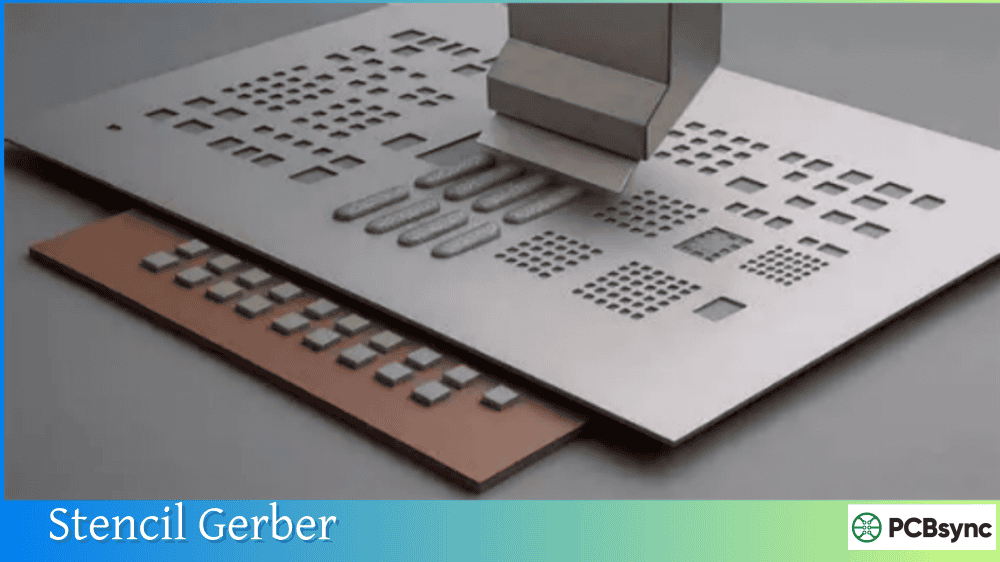
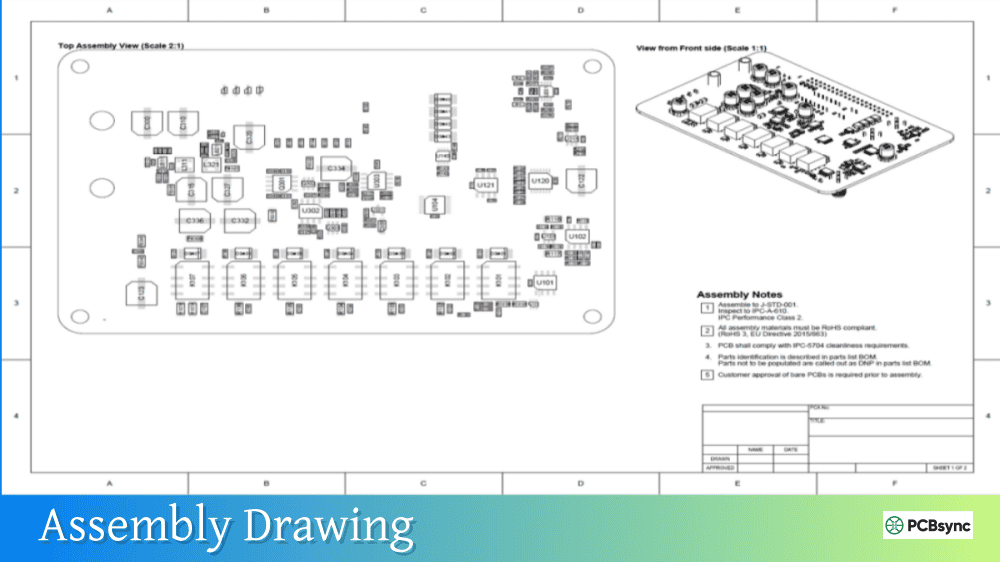
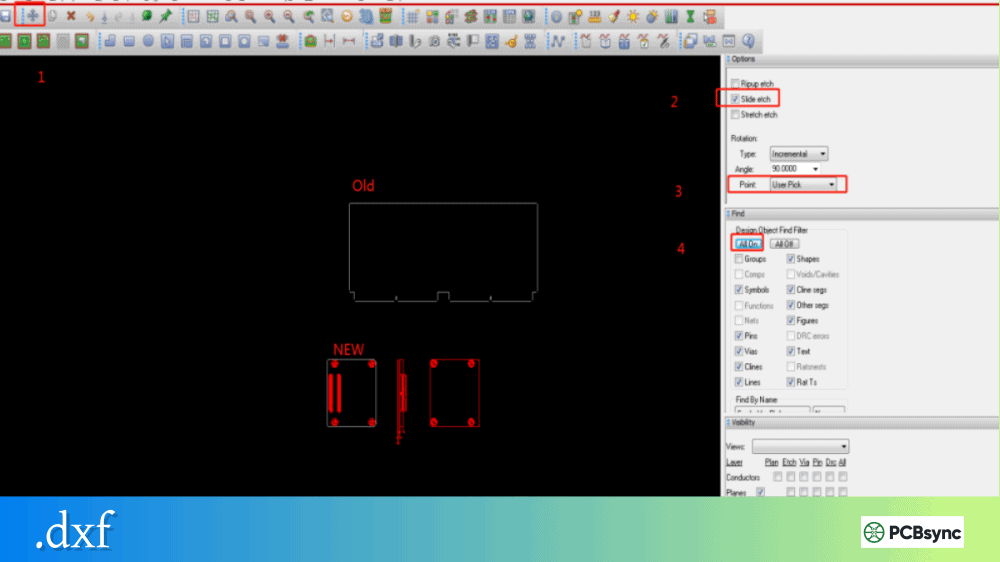
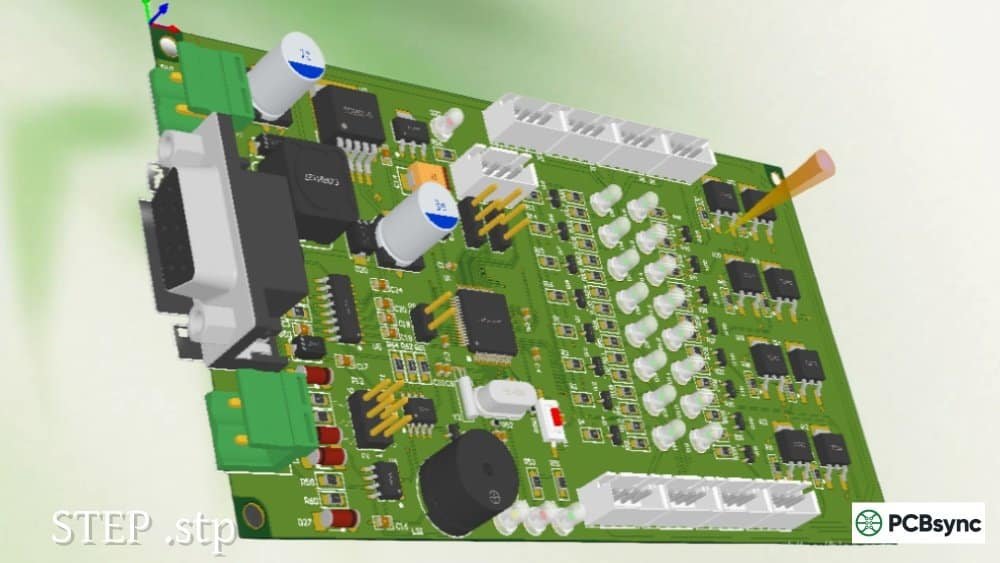
Notes: For PCB fabrication, we require PCB design file in Gerber RS-274X format (most preferred), *.PCB/DDB (Protel, inform your program version) format or *.BRD (Eagle) format. For PCB assembly, we require PCB design file in above mentioned format, drilling file and BOM. Click to download BOM template To avoid file missing, please include all files into one folder and compress it into .zip or .rar format.
What is a Gerber Job File? Project Metadata Explained
The first time I saw a Gerber Job File (.gbrjob) in my output folder, I honestly ignored it. My fabricator wanted Gerbers and drill files—why would I need another file? Then I worked on a project where the manufacturer mixed up my layer order on a six-layer board because my file naming was ambiguous. After that costly mistake, I started paying attention to the .gbrjob file and realized it could have prevented the entire problem.
This guide explains what a Gerber Job File is, what information it contains, and how it improves communication between your PCB design tool and your manufacturer.
A Gerber Job File (.gbrjob) is a companion file that contains metadata about your complete PCB fabrication data package. While individual Gerber files describe layer images (copper, solder mask, silkscreen), the Gerber Job File describes the entire project: board dimensions, layer count, material stackup, surface finish, and which Gerber file corresponds to which physical layer.
Developed by Ucamco (the company that maintains the Gerber format specification), the Gerber Job File was finalized in April 2018 after extensive public review. The format uses JSON syntax, making it both machine-readable and human-readable. You can open a .gbrjob file in any text editor to inspect or modify its contents.
The key insight behind the Gerber Job File is simple: PCB fabrication data isn’t just about images. Manufacturers need to know the finish type, overall board thickness, material specifications, and solder mask color. This information has traditionally been transferred through informal drawings, text files, and emails—wasting time and risking errors. The Gerber Job File standardizes this transfer in a machine-readable format.
Why the Gerber Job File (.gbrjob) Matters
Traditional Gerber packages leave critical information undefined or ambiguous. Consider what happens when a fabricator receives a zip file containing twelve .gbr files with cryptic names. They need to figure out:
Which file is which layer?
What’s the correct layer order?
How thick should the board be?
What surface finish is required?
What material should be used?
Without clear answers, manufacturers either guess (risking errors) or contact you for clarification (wasting time). The Gerber Job File (.gbrjob) eliminates this ambiguity by providing structured, standardized metadata alongside your fabrication images.
Problems the Gerber Job File Solves
Problem
Traditional Approach
Gerber Job File Solution
Layer identification
File naming conventions (unreliable)
.FileFunction attribute per file
Layer order
Readme files or fab notes
MaterialStackup array with ordered layers
Board dimensions
Derived from outline layer
Explicit Size.X and Size.Y values
Board thickness
Separate fab drawing
Thickness parameter in JSON
Material specs
Email or fab notes
Material, DielectricConstant, LossTangent values
Surface finish
Fab notes
BoardFinish parameter
Gerber Job File (.gbrjob) Structure
The Gerber Job File uses JSON format, organized into logical sections. Understanding this structure helps you verify your CAD output and troubleshoot issues.
Main Sections of a .gbrjob File
Section
Purpose
Key Parameters
Header
File identification
GenerationSoftware, CreationDate
GeneralSpecs
Board-level properties
Size, LayerNumber, BoardThickness, Finish
MaterialStackup
Layer structure
Materials, thicknesses, dielectric properties
FilesAttributes
File-to-layer mapping
Path, FileFunction, FilePolarity
Sample Gerber Job File Structure
Here’s a simplified example showing the key elements:
This structured stackup helps manufacturers understand your exact requirements—especially critical for controlled impedance designs where dielectric properties directly affect trace impedance.
File Attributes
The FilesAttributes array maps each Gerber file to its function:
Attribute
Purpose
Example Values
Path
Filename
“board-F_Cu.gbr”
FileFunction
Layer role
“Copper,L1,Top”, “SolderMask,Top”
FilePolarity
Image polarity
“Positive”, “Negative”
The FileFunction attribute uses standardized values that eliminate naming ambiguity. A file named anything from “top.gbr” to “layer1.gbr” to “copper_top.gbr” can be definitively identified as the top copper layer through its FileFunction.
Generating Gerber Job Files (.gbrjob)
Most modern PCB design tools can generate Gerber Job Files, though the feature may not be enabled by default.
CAD Software Support
Design Tool
Native .gbrjob Support
How to Enable
KiCad 5+
Yes
Automatic with Gerber output
KiCad 8/9
Yes
File > Fabrication Outputs > Gerbers
Altium Designer
Yes
Output Job configuration
Eagle
Partial (older format)
CAM Processor settings
OrCAD/Allegro
Via scripts
Custom output scripts
Fusion 360
Yes
Manufacturing output options
KiCad Gerber Job File Generation
In KiCad (version 5 and later), the .gbrjob file is generated automatically when you export Gerber files:
Open your PCB in Pcbnew
Go to File → Fabrication Outputs → Gerbers
Configure your layer selections and options
Click “Plot” to generate Gerber files
The .gbrjob file appears in your output folder alongside the Gerbers
KiCad pulls information from your board stackup settings (Board Setup → Physical Stackup) to populate the MaterialStackup section. If you’ve defined custom materials, thicknesses, and dielectric properties, they’ll appear in the .gbrjob file.
Verifying Your .gbrjob File
Since the file is JSON text, you can open it in any text editor to verify:
All expected Gerber files are listed in FilesAttributes
The Gerber Job File (.gbrjob) is designed to be backward compatible. Manufacturers who don’t support .gbrjob files can simply ignore it and process your Gerber files as usual. However, manufacturers who do support it gain immediate access to structured metadata that speeds up their CAM process.
Manufacturer Adoption
Adoption is growing but not universal. When submitting fabrication data:
Always include the .gbrjob file if your CAD tool generates one
Don’t rely solely on it for critical specifications
Include a fab drawing with key requirements as backup
Ask your manufacturer if they process .gbrjob files
Some online PCB services (particularly those with automated quoting systems) can parse .gbrjob files to extract board parameters automatically, speeding up the quoting process.
Gerber Job File vs. Other Metadata Solutions
The .gbrjob file isn’t the only way to transfer PCB metadata. Here’s how it compares to alternatives:
Approach
Pros
Cons
Gerber Job File (.gbrjob)
Standardized, machine-readable, JSON format
Not universally supported yet
Gerber X2 attributes
Embedded in Gerber files
Only layer-level metadata
ODB++
Complete fabrication database
Proprietary, complex
IPC-2581
Open standard, comprehensive
Limited CAD tool support
Fab drawings (PDF)
Universal compatibility
Manual interpretation required
Readme/text files
Simple, flexible
Non-standard, error-prone
The Gerber Job File occupies a practical middle ground: more structured than text files, but simpler than full database formats like ODB++ or IPC-2581.
Useful Resources for Gerber Job Files
Official Documentation
Resource
Description
Ucamco Gerber Job Specification
Official format specification (PDF)
Ucamco Gerber Website
gerber-spec.ucamco.com
Gerber Job File Editor
Free editor from Ucamco
Example .gbrjob Files
Sample files in specification document
Software Tools
Tool
Purpose
Link
KiCad GerbView
View Gerber files and load .gbrjob
kicad.org
Ucamco Reference Gerber Viewer
Official viewer with .gbrjob support
ucamco.com
JSON validators
Verify .gbrjob syntax
jsonlint.com
Text editors
Inspect and edit .gbrjob files
VS Code, Notepad++
KiCad Documentation
KiCad Gerber Generation Guide
Board Stackup Configuration
Fabrication Output Documentation
Frequently Asked Questions About Gerber Job Files
Do I need to include the .gbrjob file when submitting to a PCB manufacturer?
Including it is always a good idea, but whether it’s required depends on your manufacturer. Most fabricators can work without it, using traditional methods to interpret your Gerber files. However, if your CAD tool generates a .gbrjob file, include it in your fabrication package—it can only help, never hurt. Manufacturers who support it will benefit from the structured metadata, and those who don’t will simply ignore it.
Can I edit the .gbrjob file manually?
Yes, since it’s a JSON text file, you can edit it with any text editor. This is useful for correcting errors, adding missing parameters, or adjusting specifications that your CAD tool didn’t populate correctly. Just be careful to maintain valid JSON syntax—a missing comma or bracket will make the file unparsable. Use a JSON validator to check your edits before including the file in your fabrication package.
What’s the difference between .gbrjob and Gerber X2 attributes?
Gerber X2 attributes are embedded within individual Gerber files and describe that specific layer (copper, solder mask, etc.). The Gerber Job File (.gbrjob) is a separate file that describes the entire project—board dimensions, complete stackup, all files and their relationships. They’re complementary: X2 adds intelligence to each layer, while .gbrjob provides project-level context. Using both gives manufacturers the most complete picture of your design.
Why doesn’t my .gbrjob file include material specifications?
The .gbrjob file only includes information that your CAD tool knows about. If you haven’t configured your board stackup with specific materials, dielectric constants, and thicknesses, those parameters won’t appear in the output file. In KiCad, configure these in Board Setup → Physical Stackup. In Altium, use the Layer Stack Manager. The more complete your CAD configuration, the more useful your .gbrjob file becomes.
Will older CAM software have problems with .gbrjob files?
The Gerber Job File was specifically designed for backward compatibility. It’s a separate file that doesn’t affect your Gerber images in any way. CAM software that doesn’t recognize .gbrjob files will simply ignore it and process your Gerbers normally. There’s no risk of compatibility problems from including the file—it’s purely additive metadata that enhances communication when supported.
Conclusion
The Gerber Job File (.gbrjob) represents a significant step forward in PCB fabrication data transfer. By providing structured, machine-readable metadata about your entire project, it reduces ambiguity, speeds up manufacturer processing, and decreases the risk of fabrication errors.
While adoption isn’t universal yet, the format is gaining support across CAD tools and manufacturers. If your design software generates .gbrjob files (and most modern tools do), include them in your fabrication packages. The effort is zero—the file is generated automatically—and the potential benefits are substantial.
The next time you export Gerber files and see that .gbrjob file in your output folder, don’t ignore it like I did. It might save you from an expensive layer mix-up or speed up your next quote.
Inquire: Call 0086-755-23203480, or reach out via the form below/your sales contact to discuss our design, manufacturing, and assembly capabilities.
Quote: Email your PCB files to Sales@pcbsync.com (Preferred for large files) or submit online. We will contact you promptly. Please ensure your email is correct.
Notes: For PCB fabrication, we require PCB design file in Gerber RS-274X format (most preferred), *.PCB/DDB (Protel, inform your program version) format or *.BRD (Eagle) format. For PCB assembly, we require PCB design file in above mentioned format, drilling file and BOM. Click to download BOM template To avoid file missing, please include all files into one folder and compress it into .zip or .rar format.