Inquire: Call 0086-755-23203480, or reach out via the form below/your sales contact to discuss our design, manufacturing, and assembly capabilities.
Quote: Email your PCB files to Sales@pcbsync.com (Preferred for large files) or submit online. We will contact you promptly. Please ensure your email is correct.
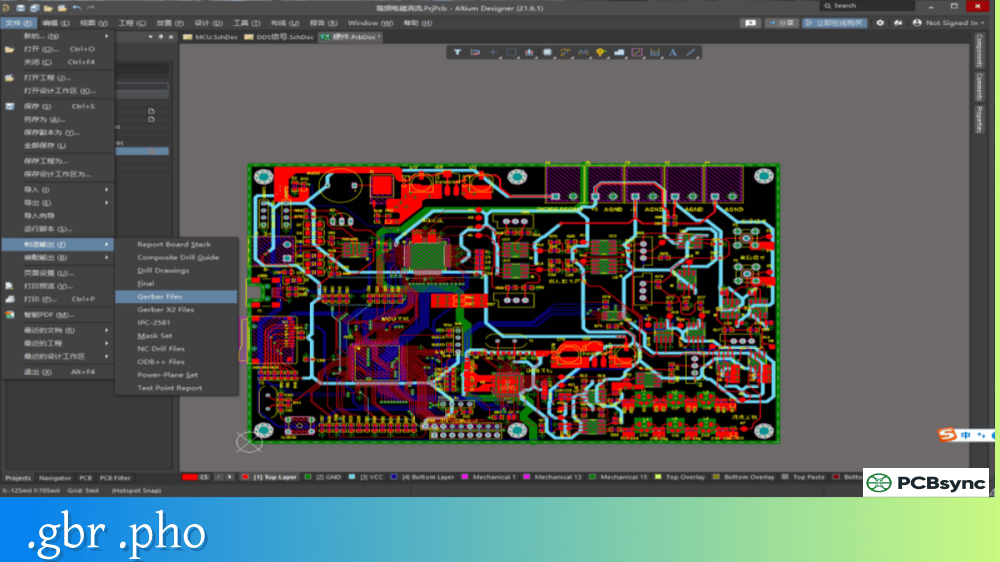
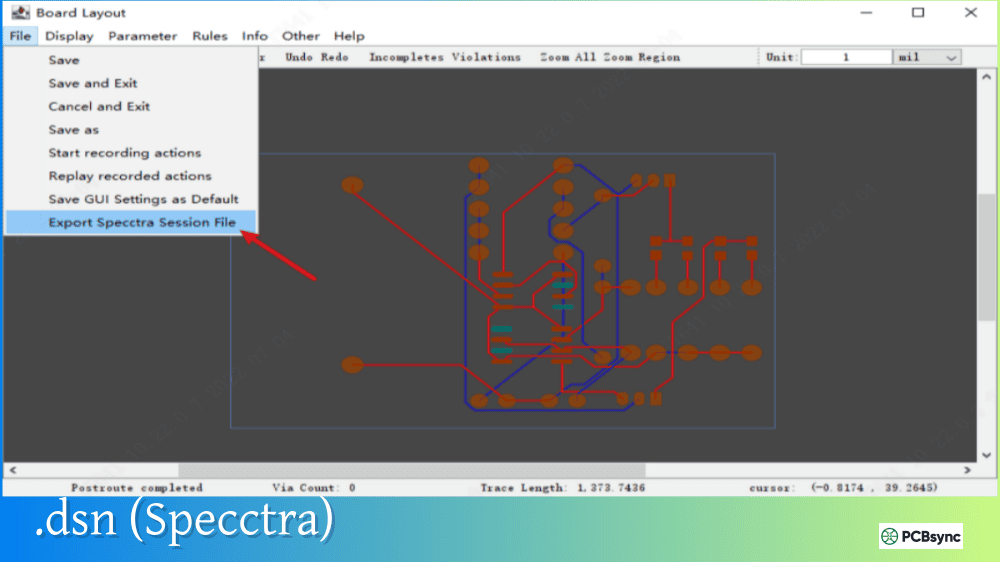
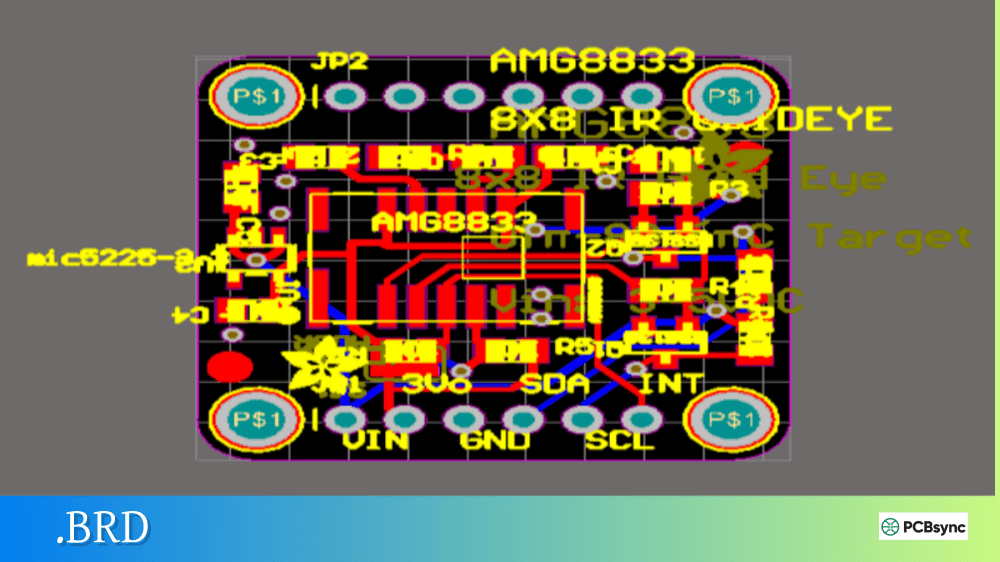
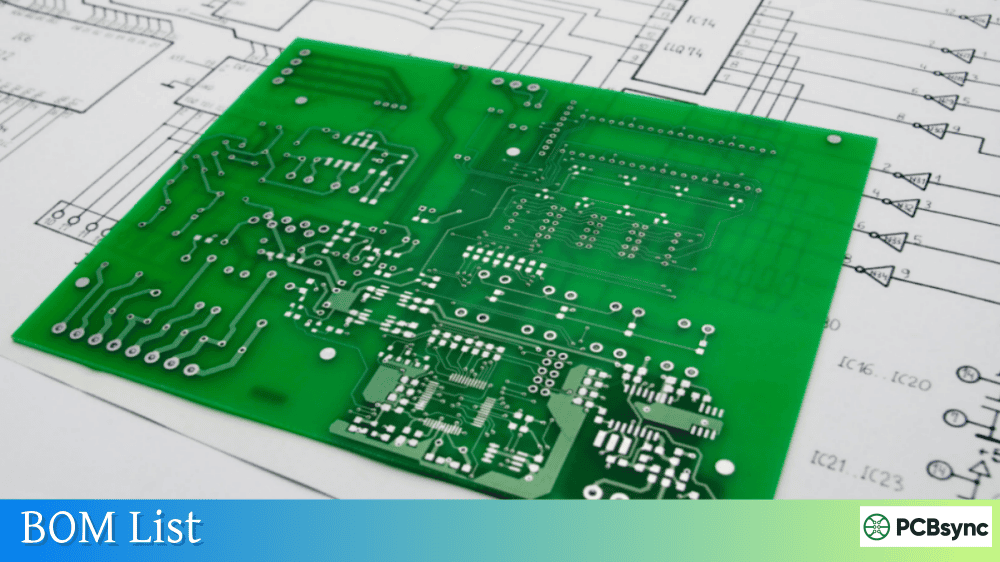
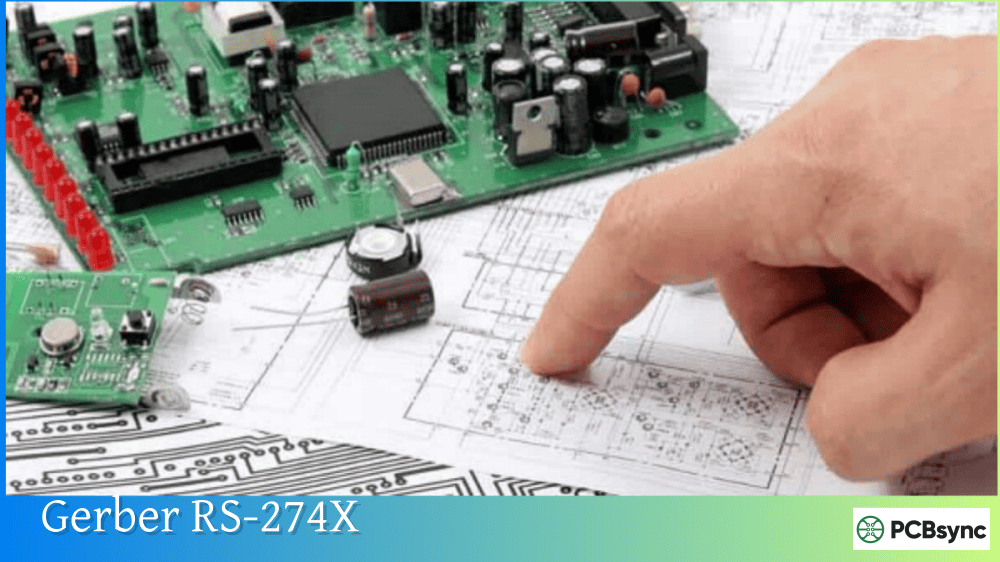
Notes: For PCB fabrication, we require PCB design file in Gerber RS-274X format (most preferred), *.PCB/DDB (Protel, inform your program version) format or *.BRD (Eagle) format. For PCB assembly, we require PCB design file in above mentioned format, drilling file and BOM. Click to download BOM template To avoid file missing, please include all files into one folder and compress it into .zip or .rar format.
What is Excellon? NC Drill File Format for PCB Manufacturing
Every hole in a printed circuit board starts as a coordinate in a drill file. Whether it’s a 0.3mm via connecting inner layers or a 3.2mm mounting hole, the CNC drilling machine needs precise instructions on where to drill and what size bit to use. That’s where Excellon format comes in—the industry standard NC drill file that’s been guiding PCB drilling operations for over four decades.
This guide explains what Excellon files are, how the format works, and how to generate proper NC drill files from your PCB design software.
Excellon format is an ASCII text-based file format designed to drive CNC drilling and routing machines used in PCB manufacturing. Named after Excellon Automation Company—the dominant manufacturer of PCB drilling equipment during the 1970s and 1980s—this proprietary format became so widely adopted that it evolved into a de facto industry standard.
An NC drill file (Numerical Control drill file) contains the machine instructions needed to drill every hole in your PCB. It specifies tool diameters, XY coordinates for each hole location, and machine commands that control the drilling sequence. The format is a subset of RS274D, the same G-code family used in general CNC machining.
Almost every PCB design tool can export Excellon format, and virtually every PCB manufacturer’s drilling equipment can read it. This universal compatibility is why the format remains essential despite being decades old.
Excellon 1 vs Excellon 2
Two versions of Excellon format exist, which can cause confusion when files mix commands from both:
Version
Description
Key Difference
Excellon 1
Original legacy format
Drilling only, simpler commands
Excellon 2
Extended format
Adds routing capability, superset of IPC-NC-349
Most modern NC drill files use Excellon 2 format, though commands from both versions sometimes appear in the same file. When submitting files to manufacturers, Excellon 2 is typically assumed unless you specify otherwise.
Structure of an Excellon NC Drill File
An Excellon file consists of two main sections: a header containing job setup information, and a body containing the actual drilling coordinates.
Header Section
The header begins with M48 and ends with either % or M95. It defines critical parameters that the drilling machine needs before starting.
Command
Function
Example
M48
Start of header
M48
INCH/METRIC
Unit specification
METRIC,LZ
FMAT,2
Format version
FMAT,2
T01C0.3
Tool definition (tool 1, 0.3mm)
T01C0.300
% or M95
End of header
%
Tool Definitions
Each drilling tool is defined with a T-code (tool number) followed by C and the diameter:
The diameter represents the finished hole size you require. For plated through-holes (PTH), the manufacturer compensates for copper plating by using a slightly larger drill bit.
Body Section
After the header, the body contains tool selections and hole coordinates:
Each T command selects a tool, and subsequent X and Y coordinates specify where to drill with that tool. The file ends with M30 (end of program).
Coordinate Format and Zero Suppression
The biggest source of confusion with Excellon files is how coordinates are formatted. Without proper settings, holes can end up in completely wrong locations.
Number Format
NC drill files use a format specified as “n,m” where n is digits before the decimal point and m is digits after:
Format
Units
Example Value
Actual Position
2,4
Inches
X12345
1.2345 inches
2,5
Inches
X123450
1.23450 inches
3,3
Metric
X12345
12.345 mm
4,4
Metric
X123450
12.3450 mm
Zero Suppression
To reduce file size, Excellon format supports omitting leading or trailing zeros:
Setting
Coordinate X001.2345
Stored As
None
Full precision
X00012345
Leading
Remove leading zeros
X12345
Trailing
Remove trailing zeros
X001234
Critical: Your NC drill file’s zero suppression setting must match your Gerber files. Mismatched settings cause drill-to-pad misalignment—holes appear offset from where they should be.
Essential Excellon Commands
Understanding common Excellon commands helps when troubleshooting files or verifying exports.
Header Commands
Command
Description
M48
Start of header
M95 or %
End of header
INCH
Use inches
METRIC
Use millimeters
LZ
Leading zero suppression
TZ
Trailing zero suppression
FMAT,1
Format 1 (drilling only)
FMAT,2
Format 2 (drilling and routing)
Body Commands
Command
Description
T01-T99
Select tool number
X…Y…
Drill at coordinates
G00
Move without drilling
G05
Drill mode
G85
Slot/routed slot
M15
Z-axis down (rout)
M16
Z-axis up (rout)
M30
End of program
Comment Syntax
Comments in Excellon files start with semicolon and are ignored by machines:
; This is a comment; Tool list for project XYZ
Generating NC Drill Files from PCB Software
Every major PCB design tool exports Excellon format, though the exact process varies.
Export by Software
Software
Menu Path
Notes
Altium Designer
File → Fabrication Outputs → NC Drill Files
Configure format in NC Drill Setup dialog
KiCad
File → Fabrication Outputs → Drill Files
Select Excellon in format options
Eagle
CAM Processor → Excellon device
Use excellon.cam job
OrCAD/Allegro
Manufacture → NC → NC Drill
Set parameters in NC Parameters first
EasyEDA
Fabrication → Generate PCB Fabrication File
Included with Gerber export
Export Settings Checklist
When generating NC drill files, verify these settings match your Gerber output:
Setting
Recommendation
Format
Excellon (not Sieb & Meyer)
Units
Match Gerber files (INCH or METRIC)
Precision
2,4 for inches or 3,3 for metric
Zero suppression
Match Gerber files exactly
Coordinates
Absolute (not incremental)
Origin
Same as Gerber origin
PTH vs NPTH Drill Files
Modern PCB designs often require separate NC drill files for plated and non-plated holes.
Manufacturers process PTH and NPTH holes differently in their fabrication sequence. Providing separate drill files prevents confusion and ensures correct processing.
High-Density Interconnect (HDI) boards with blind and buried vias require additional NC drill files:
Via Type
Description
Drill File Required
Through-hole
Drills all layers
Main drill file
Blind via
Outer to inner layer
Separate file per layer pair
Buried via
Inner layers only
Separate file per layer pair
An 8-layer HDI board might need three or more drill files: L1-L2 blind vias, L7-L8 blind vias, and L3-L6 buried vias.
Common Excellon File Problems
NC drill files cause more manufacturing issues than almost any other fabrication file type. Here are the most common problems and solutions.
Missing Tool Definitions
Problem
Symptom
Solution
No tool sizes in header
Manufacturer can’t determine hole sizes
Add T-code definitions with diameters
Tool file separate
Two files instead of one
Merge tool list into drill file header
Coordinate Misalignment
Problem
Cause
Solution
Holes offset from pads
Zero suppression mismatch
Match settings with Gerber files
Holes scaled wrong
Unit mismatch
Verify INCH/METRIC matches Gerbers
Holes mirrored
Origin or axis difference
Check coordinate system settings
Format Recognition
Problem
Cause
Solution
Extra holes appear
Excellon 1 file read as Excellon 2
Specify format version to manufacturer
Commands not recognized
Mixed format commands
Use consistent format throughout file
Validating NC Drill Files
Before submitting Excellon files to your manufacturer, validate them using a Gerber viewer.
Verification Steps
Load all Gerber layers plus NC drill file into viewer
Overlay drill file on copper layers
Verify all holes align with pads
Check hole sizes match design intent
Confirm PTH/NPTH separation is correct
Recommended Viewers
Tool
Platform
Features
GC-Prevue
Windows
Industry standard CAM viewer
Gerbv
Cross-platform
Free, open source
KiCad Gerber Viewer
Cross-platform
Included with KiCad
ViewMate
Windows
Free Gerber/Drill viewer
Online viewers
Web
JLCPCB, PCBWay offer free viewing
Related Formats and Standards
Excellon isn’t the only format for drill data, though it remains the most common.
Format Comparison
Format
Standard
Primary Use
Excellon
De facto
Most PCB manufacturers
Sieb & Meyer
Proprietary
Some European manufacturers
IPC-NC-349
IPC standard
Formal specification
XNC
Consortium
CAD/CAM data exchange
IPC-2581
IPC standard
Complete PCB data package
The XNC format, developed by Ucamco, KiCad, and others, addresses Excellon format ambiguities for better CAD-to-CAM data exchange. However, traditional Excellon remains dominant for actual manufacturing.
Useful Resources for NC Drill Files
Documentation
Resource
Description
IPC-NC-349
Official IPC drill format standard
Ucamco XNC Specification
Free download at ucamco.com
Excellon CNC-7 Manual
Original format documentation (archived)
Online Tools
Tool
URL
Function
JLCPCB Gerber Viewer
jlcpcb.com
Free online viewing
PCBWay Gerber Viewer
pcbway.com
Free online viewing
Gerbv
gerbv.github.io
Open source viewer
Frequently Asked Questions About Excellon Files
What file extension do NC drill files use?
Excellon files commonly use extensions like .drl, .xln, .exc, .ncd, or .txt. The extension doesn’t affect functionality—what matters is the file content. Some manufacturers prefer specific extensions, so check their requirements. KiCad exports .drl files, Eagle uses .xln, and Altium can produce various extensions depending on configuration.
Do I need separate drill files for different hole sizes?
No, a single NC drill file contains all hole sizes using different tool definitions (T01, T02, etc.). Each tool number corresponds to a specific drill diameter defined in the header. However, you may need separate files for PTH versus NPTH holes, or for blind/buried vias in HDI designs.
Why do my drilled holes appear in the wrong location?
Misaligned holes almost always result from coordinate format mismatches between your Excellon file and Gerber files. Check that units (inch/metric), zero suppression (leading/trailing), and number format (2,4 vs 3,3) are identical across all files. Also verify the coordinate origin matches.
Can Excellon files specify slot shapes?
Yes, the G85 command creates routed slots by drilling overlapping holes between two coordinates. The slot width equals the drill bit diameter. For more complex routing, Excellon 2 format includes additional routing commands (M15, M16, G01) that control tool plunge and linear movement.
Should I specify finished hole size or drill size?
Always specify the finished hole size you need in your NC drill file. For plated through-holes, the manufacturer automatically compensates for copper plating thickness by using a larger drill. For non-plated holes, they use the exact size specified since no plating will reduce the diameter.
Conclusion
The Excellon format has guided PCB drilling operations since the 1970s, and despite its age, remains the universal standard for NC drill files. Understanding how these files work—from header commands and tool definitions to coordinate formats and zero suppression—helps you avoid the alignment issues and manufacturing delays that plague poorly formatted drill data.
When exporting NC drill files, the critical rule is consistency: your drill file settings must match your Gerber settings exactly. Same units, same zero suppression, same origin. Validate everything in a Gerber viewer before submission, and you’ll have one less thing to worry about when your boards arrive from the fab house.
Inquire: Call 0086-755-23203480, or reach out via the form below/your sales contact to discuss our design, manufacturing, and assembly capabilities.
Quote: Email your PCB files to Sales@pcbsync.com (Preferred for large files) or submit online. We will contact you promptly. Please ensure your email is correct.
Notes: For PCB fabrication, we require PCB design file in Gerber RS-274X format (most preferred), *.PCB/DDB (Protel, inform your program version) format or *.BRD (Eagle) format. For PCB assembly, we require PCB design file in above mentioned format, drilling file and BOM. Click to download BOM template To avoid file missing, please include all files into one folder and compress it into .zip or .rar format.