Inquire: Call 0086-755-23203480, or reach out via the form below/your sales contact to discuss our design, manufacturing, and assembly capabilities.
Quote: Email your PCB files to Sales@pcbsync.com (Preferred for large files) or submit online. We will contact you promptly. Please ensure your email is correct.
Notes: For PCB fabrication, we require PCB design file in Gerber RS-274X format (most preferred), *.PCB/DDB (Protel, inform your program version) format or *.BRD (Eagle) format. For PCB assembly, we require PCB design file in above mentioned format, drilling file and BOM. Click to download BOM template To avoid file missing, please include all files into one folder and compress it into .zip or .rar format.
When I first started working with 32 layer PCB designs back in 2018, the complexity felt overwhelming. Today, after completing dozens of high-density interconnect projects, I’ve learned that success with these ultra-complex boards comes down to understanding three critical areas: proper stack-up design, material selection, and working with manufacturers who actually have the capability to produce them reliably.
This guide shares everything I’ve learned about 32 layer PCB technology—from the fundamentals to advanced design techniques that will help you avoid costly respins.
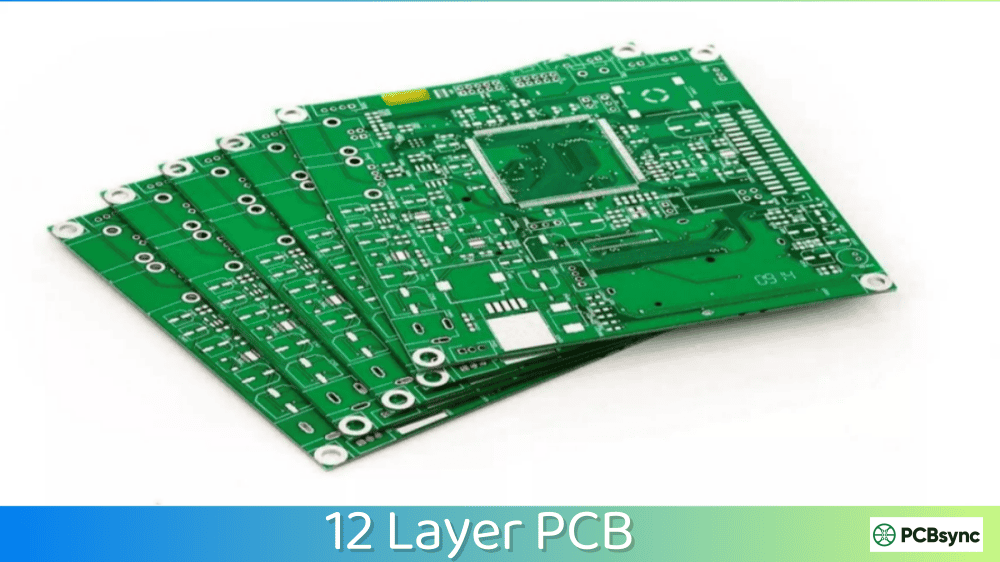
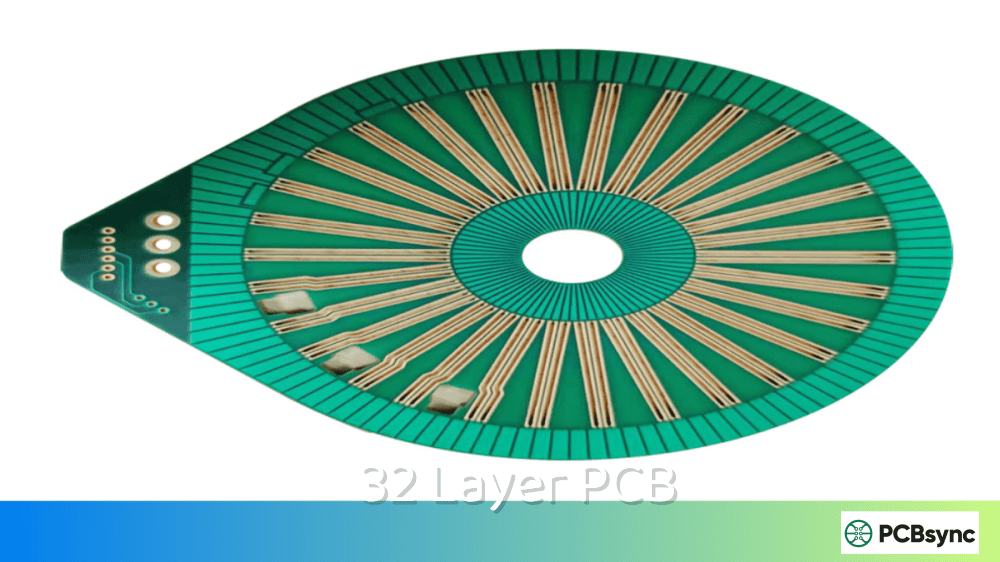
A 32 layer PCB is a printed circuit board containing 32 individual copper layers separated by dielectric materials, all laminated together into a single rigid structure. These boards represent the high end of Multilayer PCB technology, typically used in applications where standard 4-16 layer boards simply cannot meet routing density, signal integrity, or power distribution requirements.
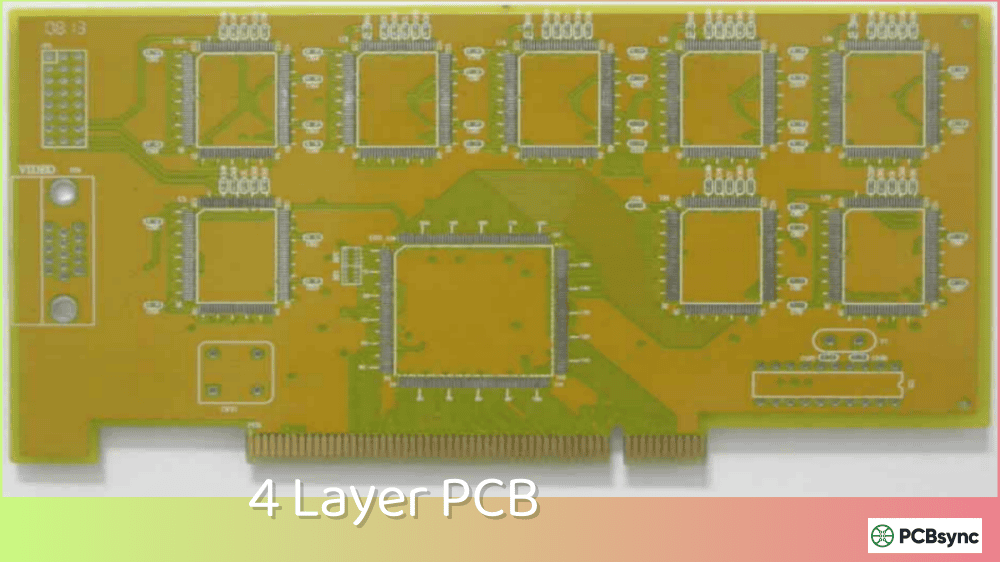
To put this in perspective: a typical smartphone uses 8-12 layers. High-performance servers might use 16-24 layers. When you move into 32 layer PCB territory, you’re dealing with aerospace systems, advanced medical imaging equipment, supercomputers, and cutting-edge telecommunications infrastructure.
Why 32 Layers? Understanding the Technical Drivers
The decision to use a 32 layer PCB is never made lightly—these boards cost significantly more than lower layer counts. Here’s when 32 layers become necessary:
Design Challenge
Why 32 Layers Helps
High pin-count BGAs (1500+ pins)
More routing channels for breakout
Multiple high-speed interfaces
Dedicated reference planes per signal group
Complex power requirements
Separate planes for each voltage rail
EMI/EMC compliance
Additional shielding layers
Extreme component density
Vertical routing frees surface area
From my experience, the tipping point usually happens when you’re trying to route 3+ high-speed differential interfaces (like PCIe Gen4/5, DDR5, or 400G Ethernet) while maintaining proper impedance control and crosstalk isolation.
32 Layer PCB Stack-Up Design
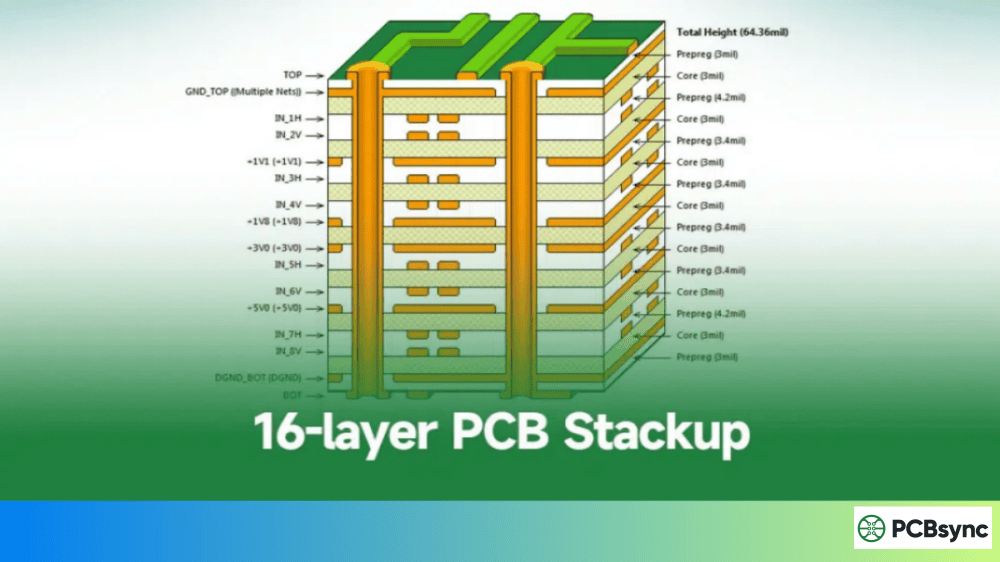
Stack-up design is where 32 layer PCB projects succeed or fail. Unlike simpler boards where you might get away with a generic stack-up, these complex designs require careful planning of every single layer.
Total Board Thickness: Typically 2.8mm – 3.2mm for 32 layer PCB designs
Critical Stack-Up Design Rules for 32 Layer PCB
After many design reviews and a few expensive failures, here are the rules I never break:
Rule 1: Every signal layer needs an adjacent reference plane. In a 32 layer PCB, this seems obvious, but I’ve seen designers try to save layers by referencing distant planes. The result is always poor signal integrity and failed EMC testing.
Rule 2: Keep high-speed differential pairs on the same layer. Splitting a differential pair across layers in a 32 layer PCB creates length matching nightmares and impedance discontinuities.
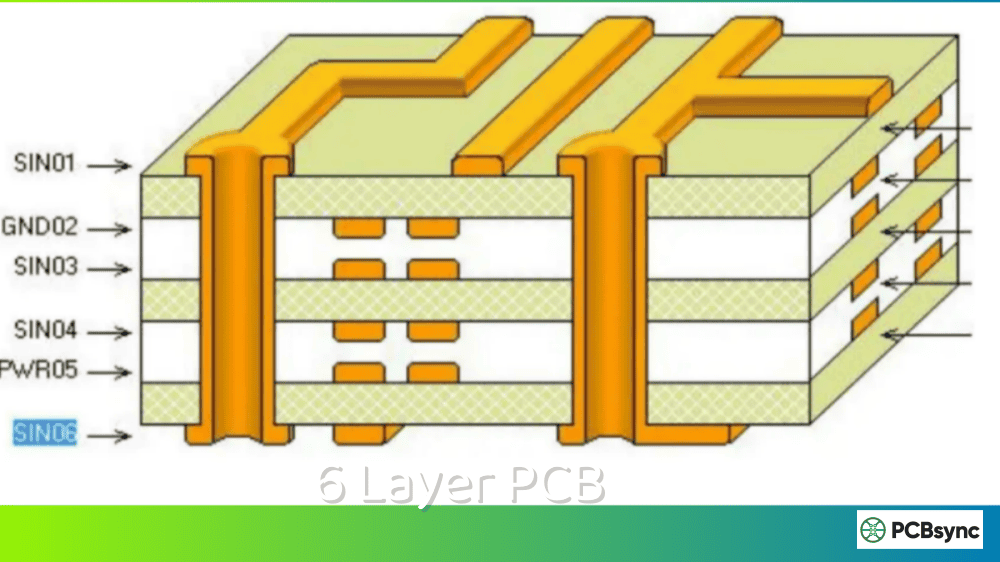
Rule 3: Plan your via transitions early. With 32 layers, you’ll likely use blind and buried vias. Map out which layers connect to which before you start routing.
Rule 4: Maintain symmetry around the core. Asymmetric stack-ups in 32 layer PCB designs lead to warping during lamination—a problem that gets exponentially worse with more layers.
Material choice dramatically impacts 32 layer PCB performance, manufacturability, and cost. Here’s what you need to know:
Common Materials for 32 Layer PCB Designs
Material Type
Dk Value
Df Value
Best For
Cost Factor
Standard FR-4
4.2-4.5
0.020
Low-speed sections
1x (baseline)
High-Tg FR-4
4.2-4.4
0.018
Lead-free assembly
1.2x
Mid-Loss (Megtron 4)
3.8-4.0
0.005
10-25 Gbps signals
2.5x
Low-Loss (Megtron 6)
3.4-3.6
0.002
25-56 Gbps signals
4x
Ultra Low-Loss (Megtron 7)
3.3-3.4
0.001
56+ Gbps signals
6x
For most 32 layer PCB applications, I recommend a hybrid approach: use standard high-Tg FR-4 for power planes and low-speed signals, and reserve the expensive low-loss materials for critical high-speed layers only. This can reduce material costs by 40-50% compared to using premium materials throughout.
Prepreg and Core Considerations
In a 32 layer PCB, you’re dealing with 31 dielectric layers. The choice between prepreg and core at each interface affects:
Impedance control: Core materials have tighter thickness tolerances
Layer-to-layer registration: More cores mean better alignment
Drilling reliability: Too many sequential laminations increase drill wander
Cost: More lamination cycles increase manufacturing time
A typical 32 layer PCB uses 4-6 lamination cycles. Work with your fabricator early to understand their preferred construction.
32 Layer PCB Design Guidelines
Signal Integrity Considerations
High-speed signal integrity in a 32 layer PCB requires attention to details that might be negligible in simpler boards:
Impedance Control
Most 32 layer PCB designs require multiple controlled impedance values:
Signal Type
Typical Impedance
Tolerance
Single-ended (general)
50Ω
±10%
Differential (PCIe, USB)
85Ω/100Ω
±10%
DDR4/DDR5
40Ω
±10%
High-speed SerDes
85Ω-100Ω
±7%
Via Design for 32 Layer PCB
Via design becomes critical when signals must traverse multiple layers:
Through-hole vias: Simple but add stub length—problematic above 10 Gbps
Blind vias: Connect outer layers to inner layers without full penetration
Buried vias: Connect inner layers only—essential for 32 layer PCB routing density
Back-drilled vias: Remove via stubs for high-speed channels (adds cost)
For 25+ Gbps channels in a 32 layer PCB, back-drilling is almost always necessary. Budget for this in your manufacturing costs.
Power Integrity in 32 Layer PCB Designs
With 32 layers available, you have the luxury of dedicated power planes. Use them wisely:
Recommended Power Plane Allocation:
Voltage Rail
Recommended Planes
Notes
Core (0.8V-1.2V)
2-3 planes
High current, low inductance critical
I/O (1.8V, 2.5V, 3.3V)
1-2 planes each
Separate analog and digital
Auxiliary (5V, 12V)
1 plane each
Lower current, can be split
Ground
6-8 planes
More is better for 32 layer PCB
Decoupling Strategy
In a 32 layer PCB, decoupling capacitor placement follows the same principles as simpler boards, but with more options for embedded capacitance between closely-spaced power/ground plane pairs.
Design for Manufacturing (DFM)
Working with PCB manufacturing partners who specialize in high-layer-count boards is essential. Not every fabricator can reliably produce 32 layer PCB designs.
Key DFM Parameters to Discuss Early:
Parameter
Typical Capability
Premium Capability
Minimum trace width
3.5 mil
2.5 mil
Minimum spacing
3.5 mil
2.5 mil
Minimum via drill
8 mil
6 mil
Aspect ratio
10:1
12:1
Layer-to-layer registration
±3 mil
±2 mil
Impedance tolerance
±10%
±7%
32 Layer PCB Manufacturing Process
Understanding the manufacturing process helps you design boards that can actually be built reliably.
Manufacturing Steps for 32 Layer PCB
The 32 layer PCB manufacturing process involves multiple lamination cycles:
Step 1: Inner Layer Imaging Each copper layer is imaged and etched individually. For a 32 layer PCB, this means 32 separate imaging operations—any defect scraps the entire board.
Step 2: Automated Optical Inspection (AOI) Every inner layer undergoes AOI before lamination. This is your last chance to catch defects on internal layers.
Step 3: Layer Alignment and Lamination The 32 layers are stacked with prepreg between them and laminated under heat and pressure. Most 32 layer PCB constructions require 4-6 sequential laminations.
Step 4: Drilling Through-holes are drilled first, followed by blind vias (if used). For 32 layer PCB designs with buried vias, drilling occurs at intermediate lamination stages.
Step 5: Plating Via holes are plated with copper to create electrical connections between layers. The aspect ratio (board thickness to hole diameter) is challenging in thick 32 layer PCB designs.
Step 6: Outer Layer Processing The outer signal layers are imaged, plated, and etched.
Step 7: Solder Mask and Silkscreen Surface finish is applied, followed by solder mask and component markings.
Step 8: Electrical Testing Every 32 layer PCB undergoes comprehensive electrical testing—typically flying probe for prototypes and fixture-based testing for production.
Manufacturing Lead Times and Costs
Quantity
Typical Lead Time
Cost Factor vs 4-Layer
Prototype (1-5 pcs)
3-4 weeks
15-25x
Small batch (10-50 pcs)
4-6 weeks
12-18x
Production (100+ pcs)
6-8 weeks
8-12x
These numbers assume a competent fabricator with 32 layer PCB experience. Cheaper options exist, but quality and yield suffer significantly.
32 Layer PCB Applications
Telecommunications and Networking
This is where I see the most 32 layer PCB designs today. 400G and 800G switch/router line cards require:
Multiple 112 Gbps PAM4 SerDes channels
High-density BGA ASICs with 3000+ pins
Complex power delivery for 200W+ processors
Aerospace and Defense
Military and aerospace applications use 32 layer PCB technology for:
Radar signal processing boards
Satellite communication systems
Avionics computers
Electronic warfare systems
The reliability requirements in these applications justify the cost premium.
High-Performance Computing
Supercomputer and AI accelerator cards often require 32 layer PCB designs to handle:
Multiple HBM memory interfaces
High-speed chip-to-chip links
Massive power delivery (500W+ per board)
Advanced Medical Equipment
CT scanners, MRI systems, and advanced diagnostic equipment use 32 layer PCB designs for their data acquisition and processing subsystems.
While 32 layer PCB designs are considered high-layer-count, fabricators can produce boards with 50, 60, or even 100+ layers for specialized applications. However, beyond 32-40 layers, the cost and complexity increase exponentially, and many applications shift to alternative technologies like silicon interposers or embedded bridges instead.
How much does a 32 layer PCB cost compared to standard boards?
A 32 layer PCB typically costs 15-25x more than an equivalent 4-layer board for prototypes, dropping to 8-12x for production volumes. The exact multiplier depends on board size, material selection, feature density, and quantity. For a typical 10″ x 12″ board, expect prototype costs of $2,000-5,000 per board.
What software is best for designing 32 layer PCB layouts?
Professional 32 layer PCB designs require advanced EDA tools like Cadence Allegro, Siemens Xpedition, or Altium Designer. These tools offer the constraint management, signal integrity analysis, and manufacturing output capabilities essential for complex high-layer-count designs. Free tools like KiCad are technically capable but lack some advanced features that make 32 layer PCB design manageable.
Can any PCB manufacturer produce 32 layer boards?
No. 32 layer PCB manufacturing requires specialized equipment, experienced process engineers, and rigorous quality control. Many fabricators max out at 16-20 layers. When selecting a manufacturer for 32 layer PCB projects, verify their actual production experience with similar layer counts, ask for references, and request test coupons if possible.
How do you ensure signal integrity in a 32 layer PCB?
Signal integrity in a 32 layer PCB requires a systematic approach: proper stack-up design with adjacent reference planes for all signal layers, controlled impedance routing, careful via design (including back-drilling for high-speed signals), appropriate material selection based on frequency requirements, and pre-layout simulation of critical channels. Post-layout extraction and simulation should verify performance before manufacturing.
Conclusion
Designing a successful 32 layer PCB comes down to respecting the complexity while applying sound engineering principles. The extra layers give you tremendous routing freedom and signal integrity options—but they also multiply the ways things can go wrong.
Start every 32 layer PCB project with a clear understanding of your requirements, work closely with your fabricator from day one, and invest time in stack-up planning before placing a single component. The upfront engineering effort pays dividends in reduced respins and faster time to market.
If you’re moving into 32 layer PCB design for the first time, consider starting with a less critical project or working alongside an experienced designer. The learning curve is real, but the capability to design these complex boards opens doors to the most challenging and rewarding projects in electronics.
Inquire: Call 0086-755-23203480, or reach out via the form below/your sales contact to discuss our design, manufacturing, and assembly capabilities.
Quote: Email your PCB files to Sales@pcbsync.com (Preferred for large files) or submit online. We will contact you promptly. Please ensure your email is correct.
Notes: For PCB fabrication, we require PCB design file in Gerber RS-274X format (most preferred), *.PCB/DDB (Protel, inform your program version) format or *.BRD (Eagle) format. For PCB assembly, we require PCB design file in above mentioned format, drilling file and BOM. Click to download BOM template To avoid file missing, please include all files into one folder and compress it into .zip or .rar format.