Inquire: Call 0086-755-23203480, or reach out via the form below/your sales contact to discuss our design, manufacturing, and assembly capabilities.
Quote: Email your PCB files to Sales@pcbsync.com (Preferred for large files) or submit online. We will contact you promptly. Please ensure your email is correct.
Notes: For PCB fabrication, we require PCB design file in Gerber RS-274X format (most preferred), *.PCB/DDB (Protel, inform your program version) format or *.BRD (Eagle) format. For PCB assembly, we require PCB design file in above mentioned format, drilling file and BOM. Click to download BOM template To avoid file missing, please include all files into one folder and compress it into .zip or .rar format.
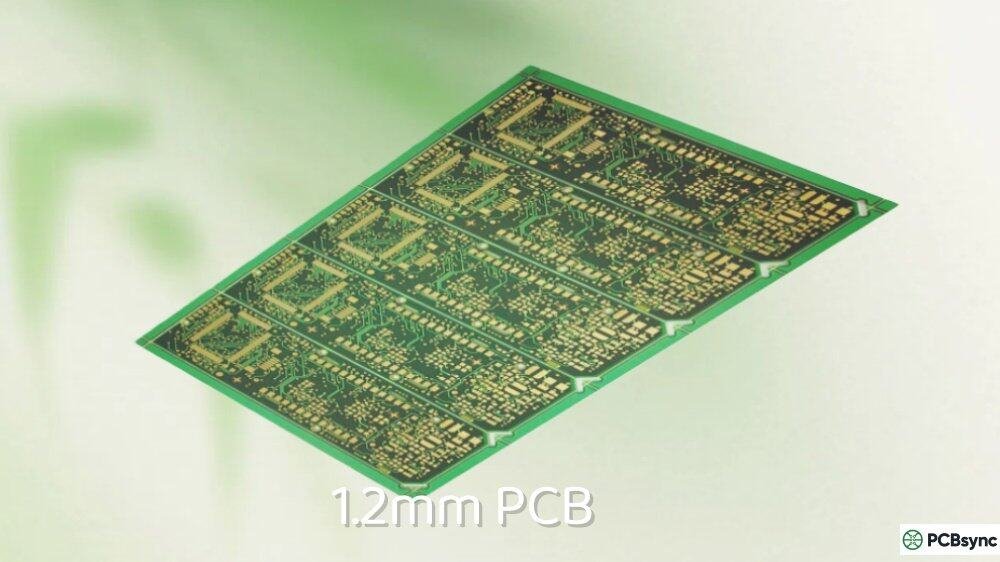
When engineers and hobbyists ask me about choosing a PCB thickness that’s thinner than the standard 1.6mm but still maintains good mechanical strength, my answer is almost always 1.2mm PCB. This thickness occupies a unique sweet spot that neither thinner nor thicker options can match.
The 1.2mm PCB has gained significant popularity in two distinct worlds: portable electronics design and custom mechanical keyboards. In electronics, it serves as the go-to choice for GPS devices, compact power supplies, and handheld gadgets where space matters but durability can’t be sacrificed. In the keyboard community, 1.2mm PCB has become synonymous with “flex builds” that deliver a softer, bouncier typing experience compared to rigid 1.6mm boards.
This guide covers everything you need to know about 1.2mm PCB design, whether you’re developing the next portable medical device or building your dream custom keyboard.
A 1.2mm PCB measures 1.2 millimeters (approximately 0.047 inches or 47 mils) in total finished thickness. This includes all layers: copper, dielectric substrate, prepreg, solder mask, and surface finish.
To understand why 1.2mm hits the sweet spot, consider where it sits in the thickness spectrum:
Thickness
Category
Flexibility
Durability
Primary Use
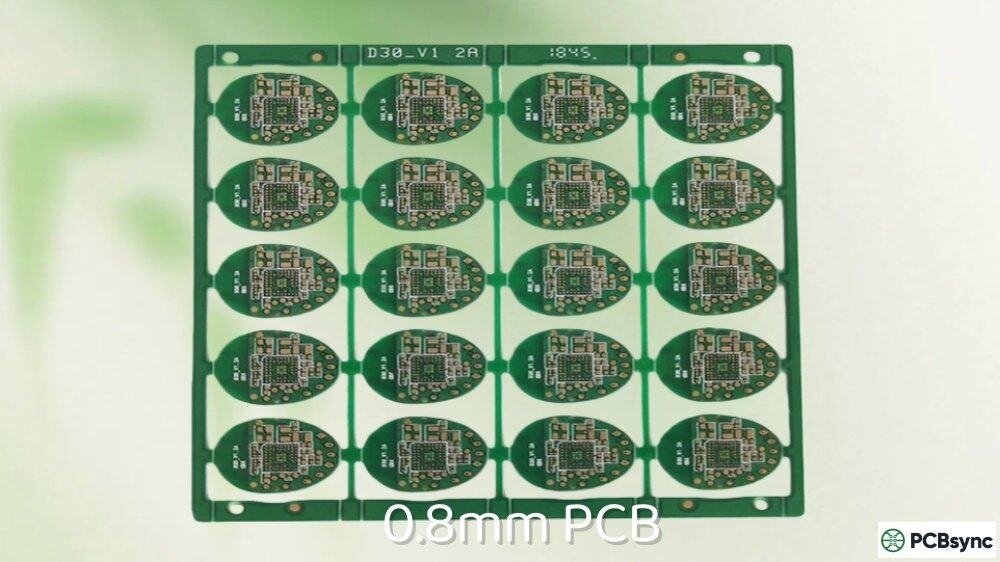
0.8mm
Thin
High
Lower
IoT, Bluetooth modules
1.0mm
Consumer
Moderate-High
Moderate
Smartphones, tablets
1.2mm
Versatile
Moderate
Good
GPS, keyboards, portable power
1.6mm
Standard
Low
Excellent
General electronics
2.0mm
Thick
Very Low
Superior
Industrial, automotive
The 1.2mm PCB offers 25% thickness reduction compared to 1.6mm while retaining approximately 85% of its rigidity. This makes it thin enough to fit in space-constrained enclosures yet sturdy enough to resist warping during assembly and use.
Why 1.2mm PCB Instead of 1.0mm or 1.6mm?
Choosing between these three common thicknesses comes down to your specific requirements:
Choose 1.2mm PCB when:
Your enclosure allows 1.2mm but 1.6mm is too thick
You need controlled flexibility without excessive flex
Weight reduction matters but not critically
You want compatibility with most standard connectors
You’re building a “flex” mechanical keyboard
Stick with 1.6mm when:
Maximum rigidity is essential
Your design includes heavy through-hole components
Standard connector compatibility is critical
Cost optimization is the priority
Consider 1.0mm when:
Every fraction of a millimeter counts
You’re designing smartphones or ultra-thin tablets
You can accept reduced mechanical strength
1.2mm PCB vs 1.6mm: Detailed Comparison
This comparison addresses the most common question engineers face when considering thinner boards:
Parameter
1.2mm PCB
1.6mm PCB
Winner
Weight
~25% lighter
Baseline
1.2mm
Rigidity
Good
Excellent
1.6mm
Flexural Strength
Moderate flex
Minimal flex
Depends on use
Thermal Dissipation
Adequate
Better
1.6mm
Max Practical Layers
6 layers
8+ layers
1.6mm
Warping Risk
Low-Moderate
Very Low
1.6mm
Manufacturing Cost
Similar
Similar
Tie
Connector Compatibility
Most standard
Universal
1.6mm
Space Savings
0.4mm saved
Baseline
1.2mm
Keyboard Flex Feel
Soft, bouncy
Firm, solid
Preference
For most portable electronics applications, 1.2mm PCB provides sufficient performance while enabling slimmer product designs. The 0.4mm thickness reduction translates directly to product differentiation in competitive consumer markets.
Best Applications for 1.2mm PCB
Based on industry trends and practical experience, 1.2mm PCB excels in these applications:
Portable Electronics Applications
GPS and Navigation Devices
Vehicle-mounted and handheld GPS units frequently specify 1.2mm PCB. The thickness provides adequate rigidity for mounting in dashboard brackets while keeping the unit compact. The RF performance at GPS frequencies (1.575GHz L1, 1.227GHz L2) remains excellent with proper stackup design.
Compact Power Supplies and Chargers
USB chargers, power banks, and adapter circuits often use 1.2mm PCB. The thickness handles moderate power levels (up to 30-40W typically) while fitting in slim enclosure designs. Thermal management requires attention, but proper copper distribution makes 1.2mm viable for these applications.
Handheld Medical Devices
Glucose monitors, pulse oximeters, and portable diagnostic equipment commonly use 1.2mm PCB. The medical device industry values the reliability of this thickness category, and it meets the form factor requirements of handheld instruments.
Portable Audio Equipment
DAC/amplifier combos, portable recorders, and audio interfaces often specify 1.2mm PCB. The thickness provides adequate shielding when combined with proper ground plane design while maintaining the compact profiles these products require.
Mechanical Keyboard Applications
The custom keyboard community has embraced 1.2mm PCB for a specific reason: typing feel.
Flex Typing Experience
A 1.2mm PCB flexes noticeably more than 1.6mm under keystroke pressure. This creates a “bouncy” or “soft” typing feel that many enthusiasts prefer. The flex absorbs some impact energy, reducing finger fatigue during extended typing sessions.
Sound Profile Differences
Thinner PCBs affect keyboard acoustics. A 1.2mm board allows more sound to escape through the board material itself, creating different tonal characteristics. Combined with flex cuts (slots machined into the PCB), builders can tune the sound profile to their preferences.
Gasket Mount Compatibility
Modern gasket-mount keyboard designs often pair better with 1.2mm PCB. The inherent flexibility complements the gasket mounting system, creating a cohesive typing experience where both the mount and PCB contribute to the overall feel.
Keyboard Build Style
Recommended PCB
Why
Gasket mount, soft feel
1.2mm
Complements gasket flex
Top mount, firm feel
1.6mm
Maximum rigidity
Plateless build
1.6mm
Needs structural support
Flex-cut design
1.2mm
Enhanced flexibility
Budget build
1.6mm
Standard compatibility
1.2mm PCB Stackup Configurations
Getting the stackup right ensures your 1.2mm PCB performs as expected. Here are proven configurations:
2-Layer 1.2mm PCB Stackup
The simplest configuration for basic circuits:
Layer
Material
Thickness
Notes
Top Copper
Cu
35μm (1oz)
Signal/Component
Solder Mask
–
15-25μm
–
Core
FR-4
~1.07mm
Main dielectric
Bottom Copper
Cu
35μm (1oz)
Signal/Ground
Solder Mask
–
15-25μm
–
Total
–
~1.2mm
±0.1mm tolerance
This stackup works well for LED drivers, simple sensor circuits, keyboard PCBs, and low-density power distribution.
4-Layer 1.2mm PCB Stackup
The most common configuration for moderate complexity designs:
Layer
Material
Thickness
Function
L1 (Top)
Copper
35μm (1oz)
Signal + Components
Prepreg
2116
0.114mm
Dielectric
L2
Copper
18μm (0.5oz)
Ground Plane
Core
FR-4
0.71mm
Main dielectric
L3
Copper
18μm (0.5oz)
Power Plane
Prepreg
2116
0.114mm
Dielectric
L4 (Bottom)
Copper
35μm (1oz)
Signal + Components
Total
–
~1.2mm
After lamination
This stackup provides dedicated ground and power planes while maintaining the target thickness. Inner layers use 0.5oz copper to control overall thickness.
6-Layer 1.2mm PCB Stackup
Achievable but requires careful planning:
Layer
Material
Thickness
Function
L1
Copper
18μm
Signal
Prepreg
1080
0.065mm
–
L2
Copper
18μm
Ground
Core
FR-4
0.2mm
–
L3
Copper
18μm
Signal
Prepreg
1080
0.065mm
–
L4
Copper
18μm
Signal
Core
FR-4
0.2mm
–
L5
Copper
18μm
Power
Prepreg
1080
0.065mm
–
L6
Copper
18μm
Signal
Total
–
~1.2mm
Tight tolerance
Six layers at 1.2mm pushes PCB manufacturing limits. Consider 1.6mm if you need six layers with comfortable design margins.
Working with 1.2mm PCB requires attention to several manufacturing factors:
Drilling Aspect Ratios
The aspect ratio (board thickness ÷ hole diameter) affects via reliability:
Via Diameter
Aspect Ratio
Manufacturability
0.3mm
4:1
Easy – Standard
0.25mm
4.8:1
Standard – Most fabs
0.2mm
6:1
Moderate – Check capability
0.15mm
8:1
Challenging – Premium fabs
For reliable plating, keep aspect ratios under 8:1. At 1.2mm thickness, this means minimum via diameter around 0.15mm for standard fabrication.
Warping Prevention
While 1.2mm PCB warps less than thinner boards, prevention remains important:
Maintain symmetric copper distribution on top and bottom layers. Asymmetric copper causes differential thermal expansion during reflow, leading to warpage.
Keep copper coverage above 40% per layer. Large uncoppered areas increase warping risk.
Specify IPC Class 2 flatness requirements. Standard tolerance allows up to 0.75% of diagonal length for warpage.
Consider panel size. Smaller panels warp less than larger ones during processing.
Surface Finish Options
All standard surface finishes work with 1.2mm PCB:
Surface Finish
Best For
Considerations
HASL (Lead-free)
General purpose
Adequate for most applications
ENIG
Fine pitch BGAs
Better shelf life, gold wire bonding
OSP
High-volume
Cost-effective, shorter shelf life
Immersion Silver
RF applications
Good solderability
Immersion Tin
Press-fit pins
Whisker risk for long-term storage
For keyboard PCBs, HASL or ENIG are most common. For portable electronics, OSP offers the best cost-performance balance in volume production.
Stabilizer Compatibility for Keyboard Builds
If you’re using 1.2mm PCB for a mechanical keyboard, stabilizer selection requires attention:
Stabilizer Type
1.2mm Compatibility
Notes
Cherry-style plate mount
Works
May need shims
Screw-in (standard)
Check specs
Many designed for 1.6mm
Screw-in (1.2mm specific)
Perfect
Durock, Staebies offer variants
Snap-in
Usually works
Test fit recommended
Costar
Works
Wire clip may sit differently
Key tip: Several manufacturers now offer stabilizers specifically designed for 1.2mm PCB, including Durock V2, WS Aurora series, and M-ONE V2. These eliminate the guesswork and provide proper fitment without modifications.
If using standard 1.6mm stabilizers on a 1.2mm board, you may need:
Stabilizer shims (0.4mm thick)
Band-aid or tape mods to fill the gap
Adjustment to wire bend angles
Design Tips for 1.2mm PCB Success
Here are practical recommendations from working with 1.2mm boards:
Tip 1: Verify Stackup Availability Early
Don’t assume your fabricator stocks 1.2mm core materials. Confirm availability before finalizing your design. Some fabs may need to order materials, affecting lead time.
Tip 2: Plan for Controlled Impedance
At 1.2mm, trace widths for controlled impedance differ from 1.6mm boards. A 50-ohm microstrip might be approximately 0.5mm wide on 1.2mm versus 0.7mm on 1.6mm (depending on dielectric properties). Use your fabricator’s impedance calculator with actual stackup parameters.
Tip 3: Consider Flex Cut Placement for Keyboards
If designing a keyboard PCB with flex cuts, place them strategically:
Horizontal slots between key rows maximize flex
Avoid cuts near stabilizer mounting points
Keep cuts away from high-current traces
Maintain structural integrity around mounting holes
Tip 4: Account for Assembly Deflection
During pick-and-place and reflow, 1.2mm boards deflect more than 1.6mm. Ensure your assembly house uses appropriate support tooling. For very large boards (over 200mm in any dimension), discuss handling procedures with your assembler.
Tip 5: Specify Tolerance Requirements
Standard tolerance for 1.2mm PCB is ±0.1mm (approximately ±8%). If your mechanical design requires tighter tolerances, specify this requirement upfront. Expect cost and lead time impacts for non-standard tolerances.
Useful Resources for 1.2mm PCB Design
Here are tools and references I regularly use:
Impedance Calculators:
Saturn PCB Toolkit (free): Comprehensive impedance and stackup calculations
JHYPCB Stackup Guide: Detailed layer configurations by thickness
MacroFab Custom Thickness Guide: Core and prepreg combinations
Frequently Asked Questions About 1.2mm PCB
Is 1.2mm PCB a standard thickness?
Yes, 1.2mm PCB is a standard thickness offered by virtually all PCB manufacturers globally. It’s one of the seven most common thicknesses (0.8mm, 1.0mm, 1.2mm, 1.6mm, 2.0mm, 2.4mm, 3.2mm) that fabricators stock as standard materials. You won’t face premium pricing or extended lead times simply for choosing 1.2mm over 1.6mm. However, some very low-cost prototype services may have limited 1.2mm options, so verify availability when comparing quotes.
What is the thickness tolerance for 1.2mm PCB?
Standard thickness tolerance for 1.2mm PCB is ±0.1mm, meaning finished boards may measure between 1.1mm and 1.3mm. This represents approximately ±8% variation, which is typical for boards in this thickness range. For most applications, this tolerance is acceptable. If your design requires tighter control (such as ±0.05mm for precision mechanical fits), specify this requirement when ordering. Tighter tolerances typically add 10-20% to fabrication cost and may extend lead times.
Can I use standard stabilizers on 1.2mm keyboard PCB?
Standard stabilizers designed for 1.6mm PCBs will physically fit on 1.2mm boards, but the 0.4mm gap can cause issues. The stabilizer housing may sit too deep, causing the wire to bottom out or creating excessive rattle. Solutions include using 1.2mm-specific stabilizers (Durock V2, WS Aurora, M-ONE V2), adding 0.4mm shims between the stabilizer and PCB, or applying tape/band-aid mods to fill the gap. For the cleanest build, I recommend purchasing stabilizers specifically designed for 1.2mm thickness.
How does 1.2mm PCB affect keyboard sound and feel?
A 1.2mm PCB creates a noticeably different typing experience compared to 1.6mm. The thinner board flexes more under keystroke pressure, producing a “bouncy” or “cushioned” feel that absorbs some impact energy. Sound-wise, 1.2mm boards tend to produce slightly different acoustics, as the thinner material resonates differently and allows more sound to escape through flex cuts. Many enthusiasts describe 1.6mm boards as “thocky” (deep, solid) and 1.2mm boards as having a softer, more “poppy” character. Neither is objectively better—it’s purely preference.
Is 1.2mm PCB suitable for high-frequency RF designs?
Yes, 1.2mm PCB works well for many RF applications, though with some considerations. The thinner dielectric can actually improve high-frequency performance by reducing dielectric losses and providing tighter coupling between traces and ground planes. For GPS (1.5GHz), Wi-Fi (2.4/5GHz), and Bluetooth applications, 1.2mm with standard FR-4 performs adequately. For higher frequencies (above 6GHz) or demanding RF applications, consider specialized materials like Rogers or Isola high-frequency laminates, which are available in 1.2mm thickness from most RF-focused fabricators.
Conclusion
The 1.2mm PCB delivers exactly what its position in the thickness spectrum suggests: a practical middle ground between the slim profiles of 1.0mm boards and the robust rigidity of 1.6mm standards. For portable electronics designers seeking space savings without sacrificing too much mechanical strength, it’s often the ideal choice. For keyboard enthusiasts chasing that perfect “flex” typing feel, it’s become the preferred thickness for gasket-mount and flex-cut builds.
When planning your next project, consider 1.2mm PCB if you need to shave 0.4mm from your stack height, want controlled flexibility rather than maximum rigidity, or are building a keyboard that prioritizes typing feel over absolute firmness. The thickness is well-supported across the industry, won’t significantly impact your budget, and opens design possibilities that 1.6mm simply can’t match.
Work with your fabricator to confirm stackup availability, use the design tips in this guide to avoid common pitfalls, and you’ll find that 1.2mm PCB delivers excellent results across a wide range of applications. It’s not the right choice for every project, but when the requirements align, it’s hard to beat.
Inquire: Call 0086-755-23203480, or reach out via the form below/your sales contact to discuss our design, manufacturing, and assembly capabilities.
Quote: Email your PCB files to Sales@pcbsync.com (Preferred for large files) or submit online. We will contact you promptly. Please ensure your email is correct.
Notes: For PCB fabrication, we require PCB design file in Gerber RS-274X format (most preferred), *.PCB/DDB (Protel, inform your program version) format or *.BRD (Eagle) format. For PCB assembly, we require PCB design file in above mentioned format, drilling file and BOM. Click to download BOM template To avoid file missing, please include all files into one folder and compress it into .zip or .rar format.